Deliver a client proof
Check whether the full presentation can fit the review portal or whether to send a shorter excerpt.

Enter the clip length, file-size budget and audio bitrate to see how many kbps are left for video.
—
Rule of thumb: 1080p wants 4–6 Mbps for motion, 720p about half. If the budget lands below 1.2 Mbps, shorten the clip or drop a resolution step.
A 30-second clip with an 8 MB budget has about 2,237 kbps to share. Reserving 128 kbps for the soundtrack leaves an estimated 2,109 kbps for video.
Use the length of the finished cut in seconds, including the end card.
Enter the size in MB that the finished file needs to fit.
Enter the audio bitrate in kbps and read the remaining video bitrate.
A size limit buys fewer bits per second as your video gets longer. Compare cuts before you commit to an export.
Check whether the full presentation can fit the review portal or whether to send a shorter excerpt.
Enter the audio bitrate from your editor so the video estimate leaves room for speech.
Keep the same size limit and compare what a 15-second cut and a 30-second cut leave for the picture.
Enter zero for audio when the finished video will have no audio track.
The longer cut has fewer bits to spend on each second. Set the real duration and reserve room for audio. If the video budget is tight, shorten the cut or reduce its dimensions before encoding.
No. The calculator works from duration, target size and audio bitrate.
No. Total bitrate covers the whole file; the video figure is what remains after subtracting your audio allowance.
No. Container overhead and encoder behavior affect the exported file. Leave some room below a hard limit.
Set the reserved audio bitrate to 0 kbps. The estimate then allocates the full bitrate budget to the picture.
The audio reservation alone exceeds the budget for that duration. Increase the target size, shorten the cut or reserve less for audio.
Enter the running time in seconds. For a minute and a half, enter 90. Include any intro and end card that will appear in the export.
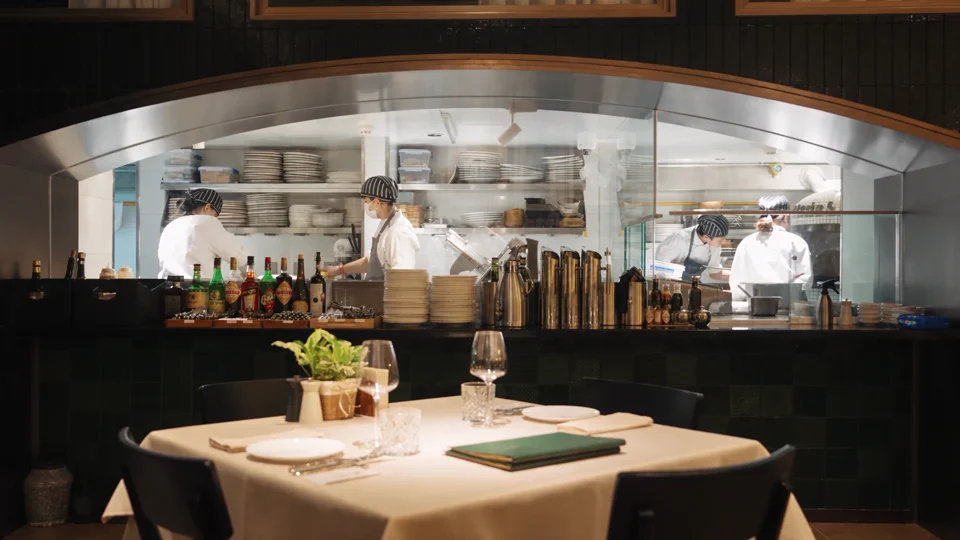
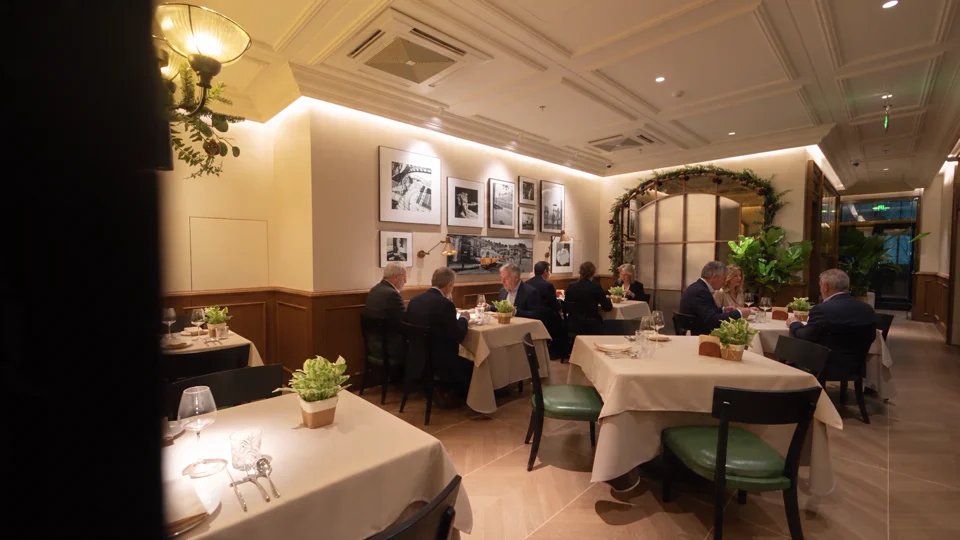
Planning a store walkthrough under a delivery limit? Grand Tour offers a reference for choosing the few views that make the space recognisable.
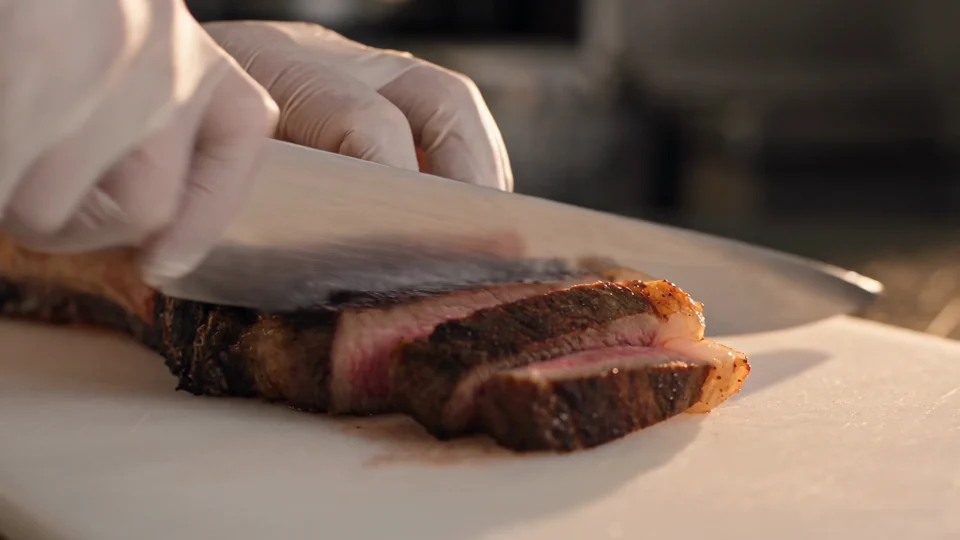
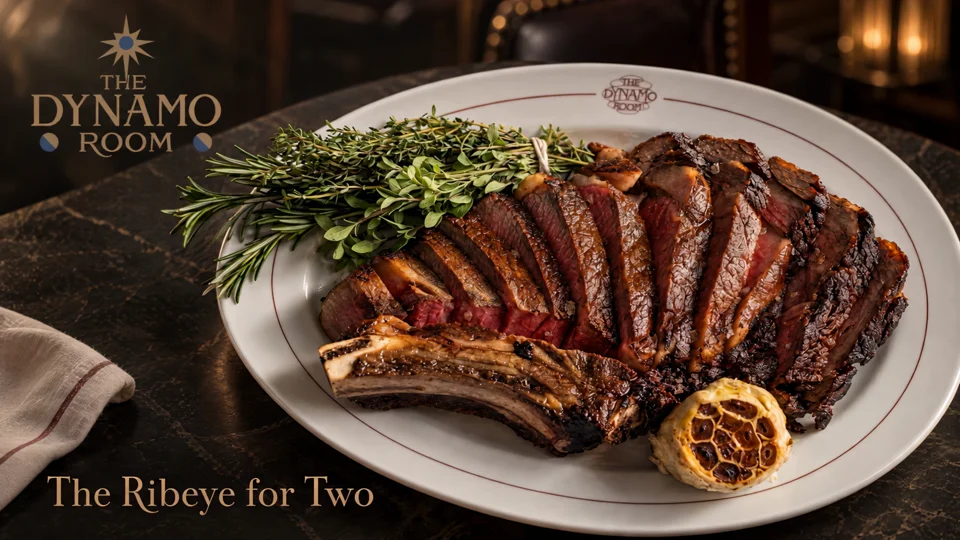
Follow the cut from the sliced steak to the plated dish. Use those two moments to plan your own edit.
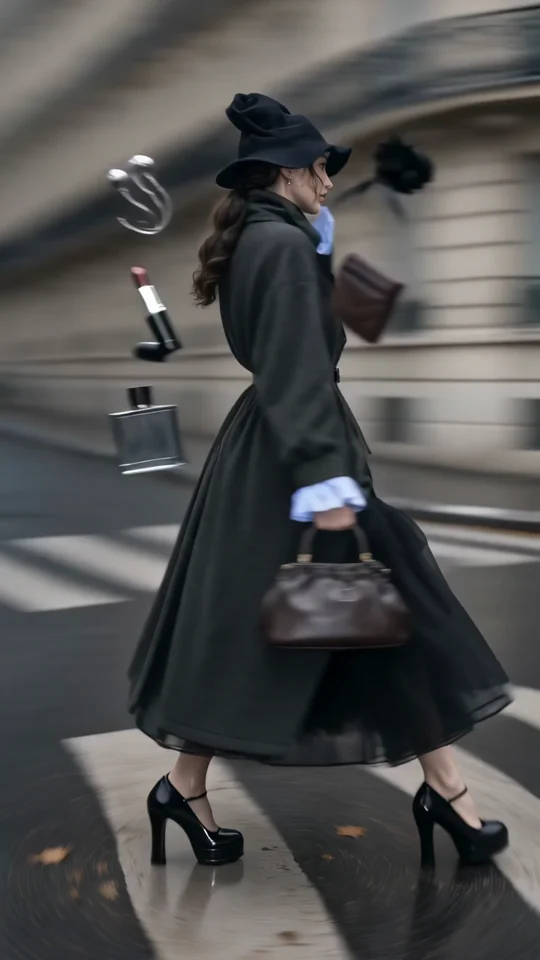
Follow the turning outfit from head to hem. Check the space that the vertical frame leaves around the garment.
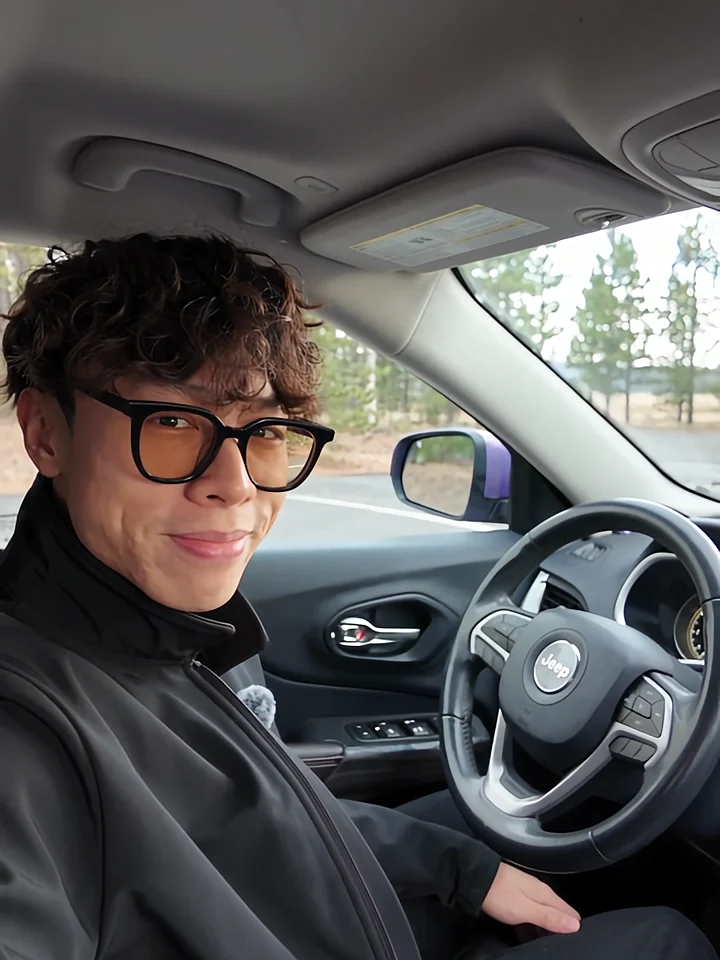
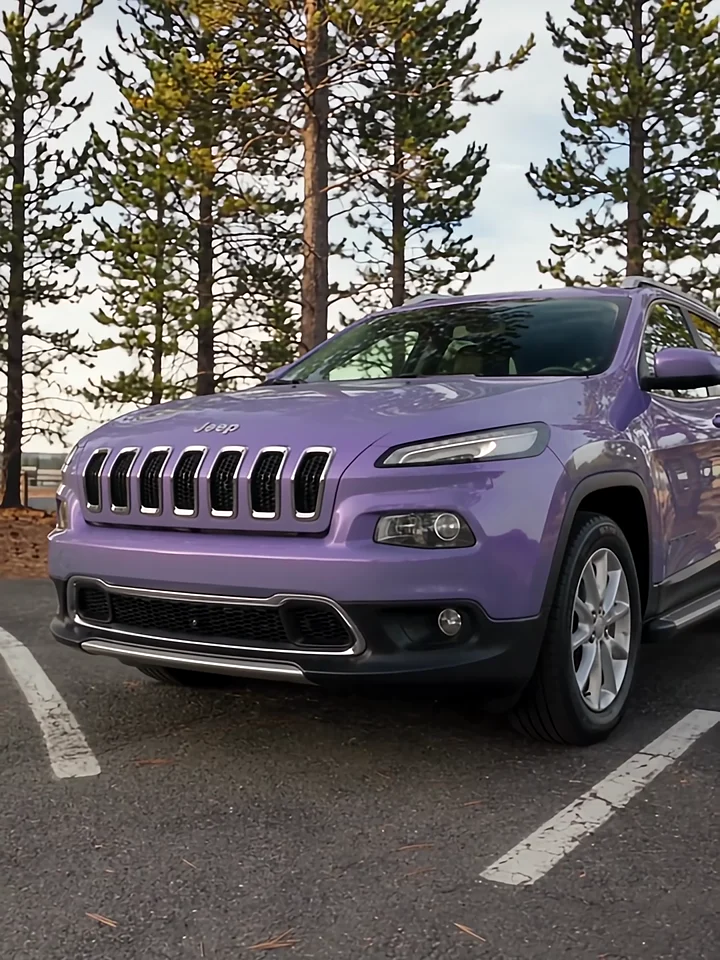
Listen to the presenter inside the car, then watch the cut to the exterior. Those two views give a voiceover its structure.