Submit a portal attachment
Aim a little below the stated limit so a small difference in the final file size does not block delivery.

Set your target in MB and choose a maximum height. Check the exported MP4 against your upload limit.
Only edit videos you own or have permission to edit. Stillmore does not offer a YouTube video downloader.
The original cut moves from the rear lamp to the bodywork. Compare the paint reflections in the 720p export against the master.
Start with the exact cut you intend to share; running time determines how much detail can fit.
Enter your MB budget and choose the original height or a lower cap.
Download the MP4, check its size and review movement and small text before delivery.
A short product shot and a long screen recording can need different settings even when the upload limit is identical.
Aim a little below the stated limit so a small difference in the final file size does not block delivery.
Try a lower height for a talking-head proof that will be reviewed on a phone.
Check the smallest labels in the downloaded MP4 before sending a compressed software walkthrough.
If confetti or a whip pan breaks into blocks, try a larger budget or shorten the edit.
The encoder budgets bitrate across the clip. Audio and container overhead also take space, so check the final file before uploading. For a strict cap, aim a little below it.
The available bitrate falls as duration increases. Try a larger target or a shorter cut.
No. The cap only reduces the height when the source is taller; the aspect ratio is preserved.
The target is for the whole MP4. The compressor budgets for the picture, any audio and file overhead together.
No. The compressor reserves 128 kbps for sound only when the input contains an audio stream.
The first pass analyzes the video. The second uses that information to encode the picture within the calculated bitrate budget.
Download compressed.mp4. It contains H.264 video, with AAC audio if the input had sound.
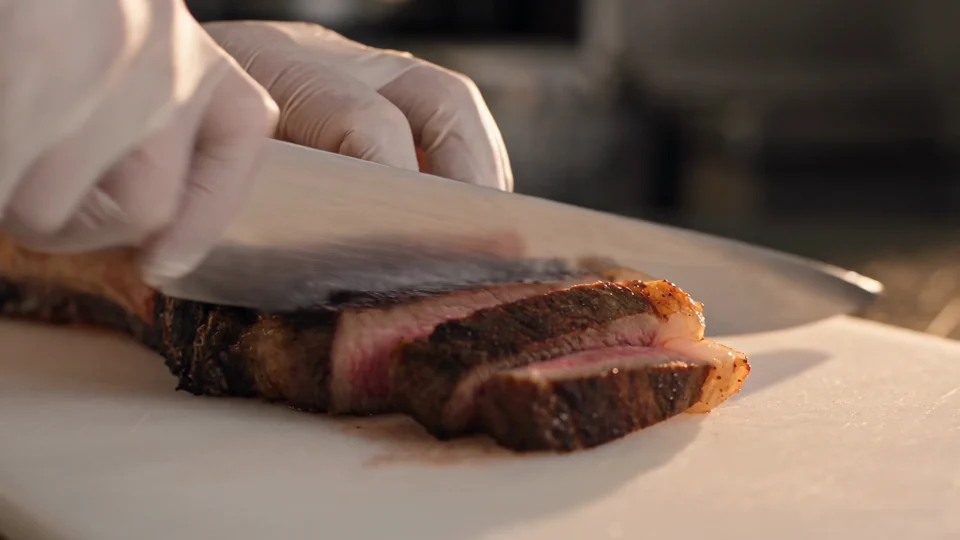
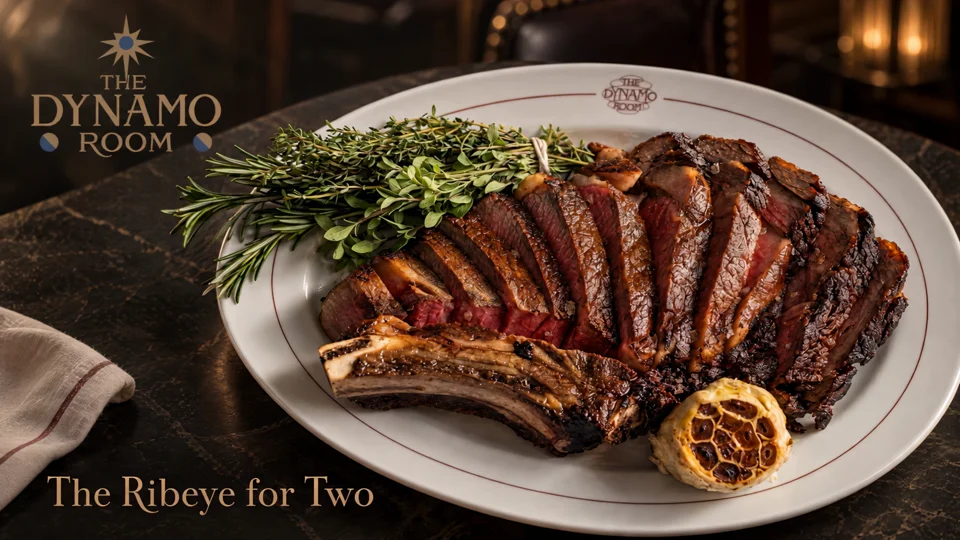
If a food promo looks muddy when squeezed into a small file, review the preparation-to-serving sequence in From Source to Serve and choose the strongest moments for a shorter cut.

Watch the model turn the sunglasses toward the camera. The frame keeps the accessory clear of the edges.


The teal bodywork carries through to the backdrop. Look at how the wide shot picks up a colour from the close-up.
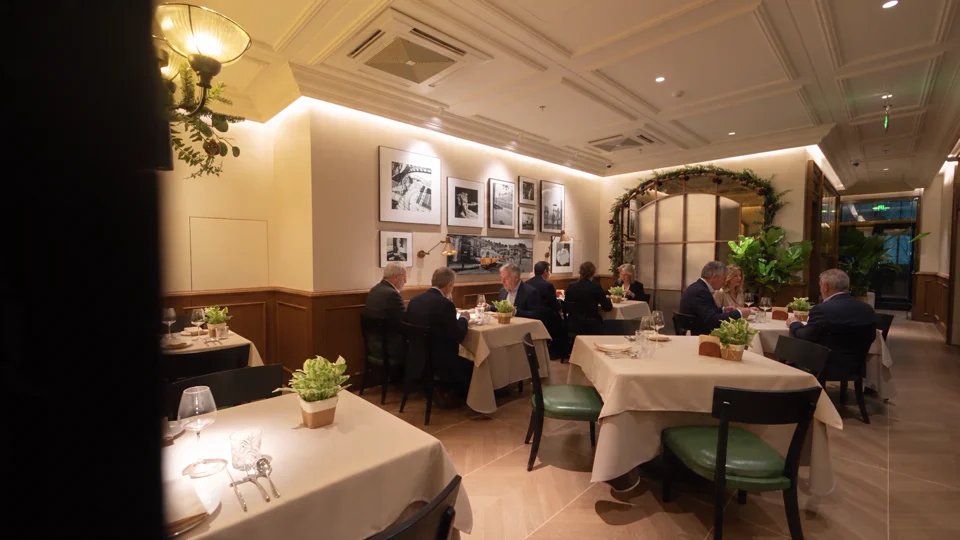
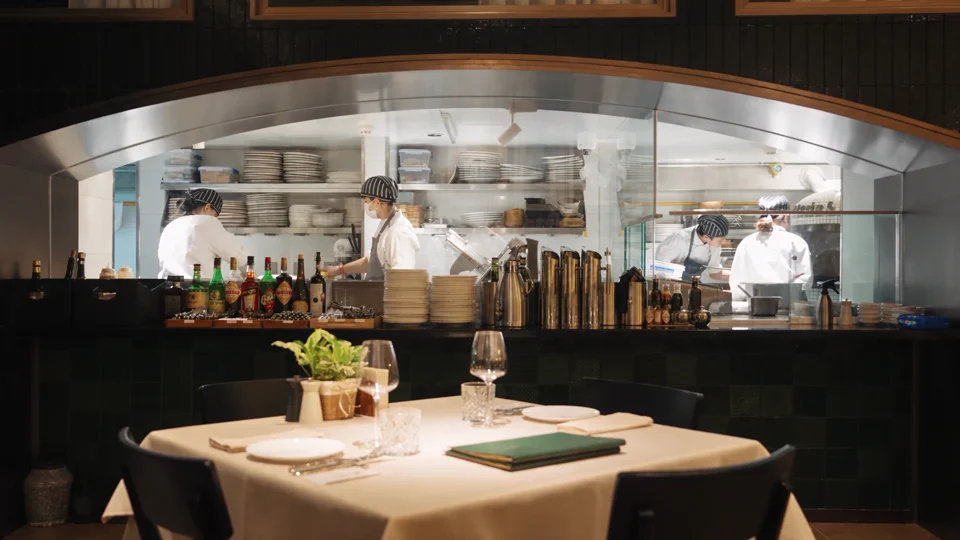
The dining room gives way to the open kitchen. Notice which room details carry across the cut.