Assemble a product reveal
Lead with the unboxing, show the product in use and finish with the result in one file.

Select at least two videos in playback order to export a single MP4.
Only edit videos you own or have permission to edit. Stillmore does not offer a YouTube video downloader.
Two clips show the same ribeye, first being sliced and then plated. The MP4 plays them in selection order with a straight cut.
Its dimensions set the canvas for the joined video.
Put the demonstration, close-up and end card in the order you want viewers to see them.
Watch for a change in framing or a jump in sound when one clip gives way to the next.
Joining clips works well when the takes are already trimmed and the story needs straight cuts.
Lead with the unboxing, show the product in use and finish with the result in one file.
Join a screen recording to a close-up of the hardware so viewers can follow the steps in order.
Append a video end card after a spoken demo; a silent clip stays silent during its part of the sequence.
Show the original first and the revision second so a reviewer can assess both in one playback.
Open with the ingredient or dish, follow the preparation and finish with the plate ready to serve. Select clips in that order and review the joins for repeated action or changes in sound.
The first clip sets the canvas. Later clips fit inside it with padding where needed, without stretching.
No. When some clips have audio, silent sections get silence so the sequence stays aligned.
This tool uses straight cuts. Prepare the transitions in an editor if the sequence needs dissolves.
The first clip determines the frame dimensions. Start with a clip in the orientation you want for the finished sequence.
The joiner converts the clips to 30 frames per second for the combined MP4.
The limit applies to all selected files together. If two clips fit individually but fail together, shorten or compress them before joining.
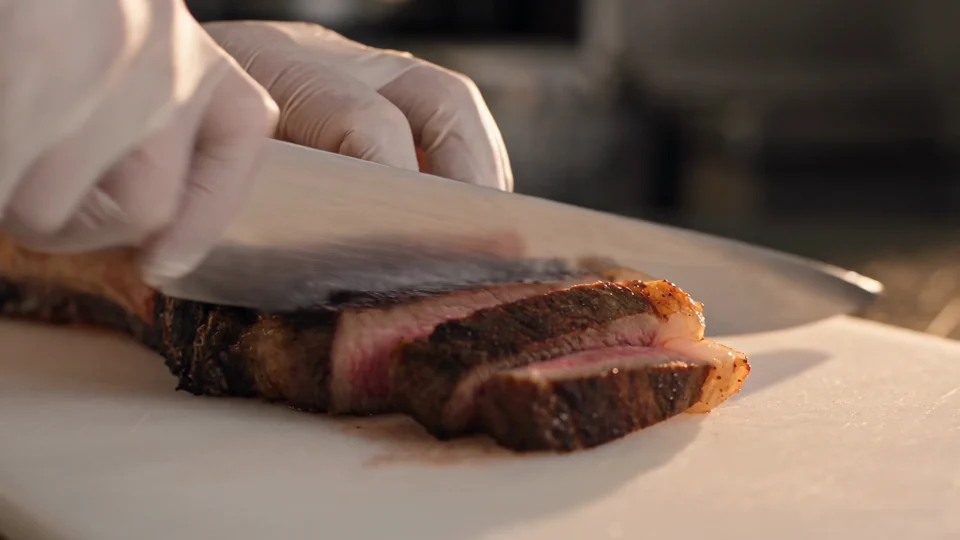
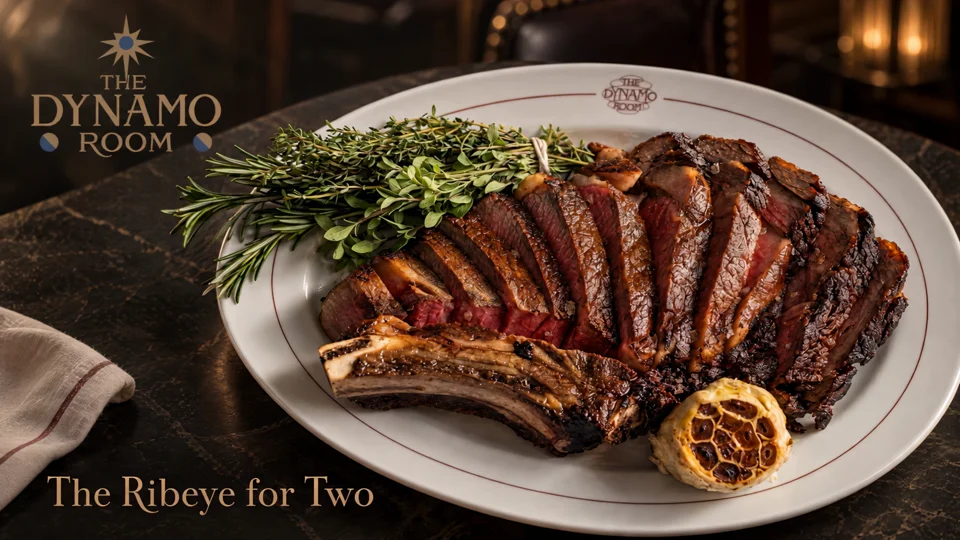
From Source to Serve follows a food or drink from preparation to the finished serving. Compare its sequence with the clips you plan to join.
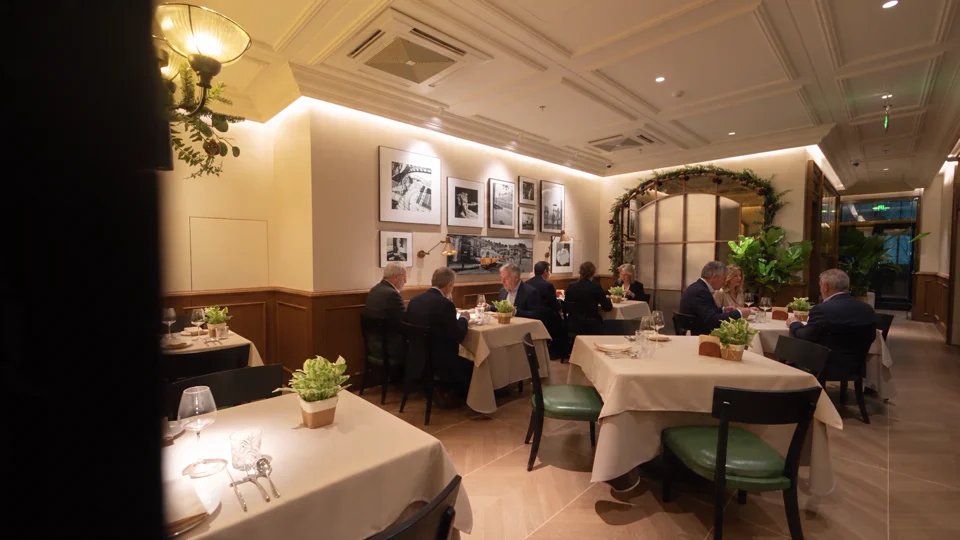
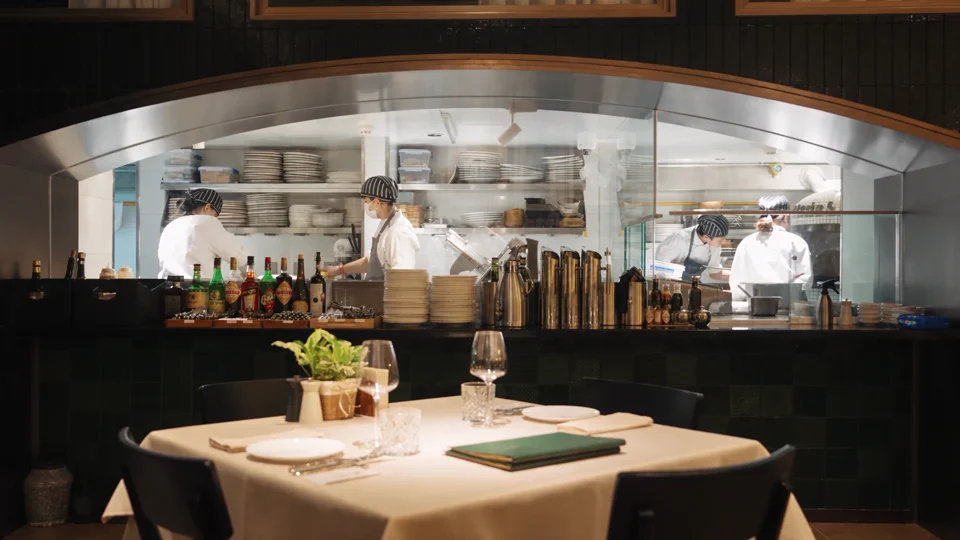
The dining room gives way to the open kitchen. Notice which room details carry across the cut.

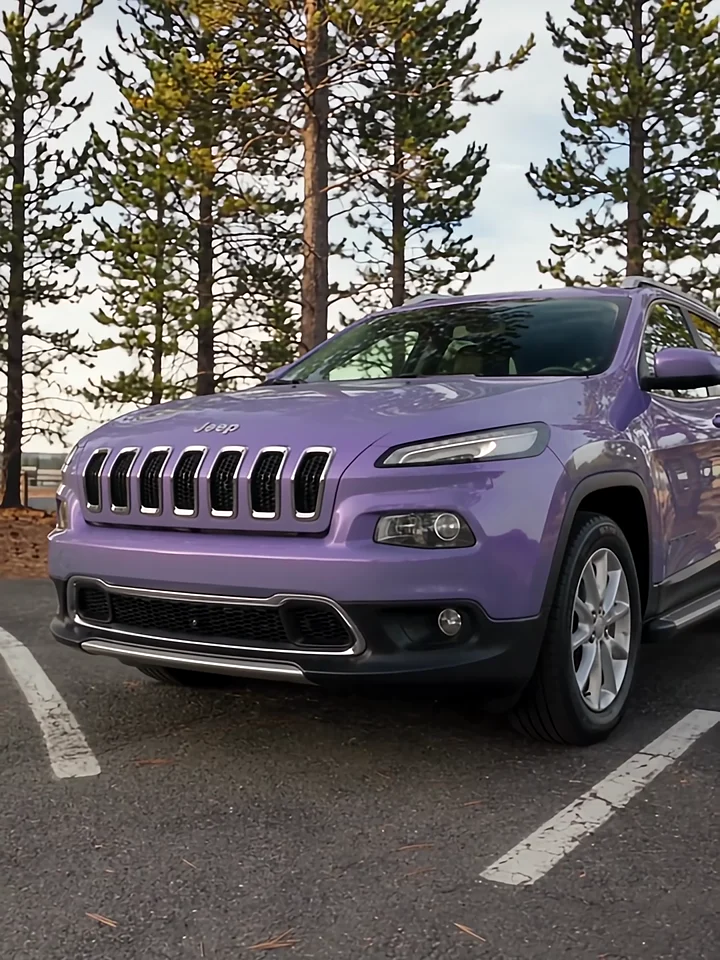
Listen to the presenter inside the car, then watch the cut to the exterior. Those two views give a voiceover its structure.
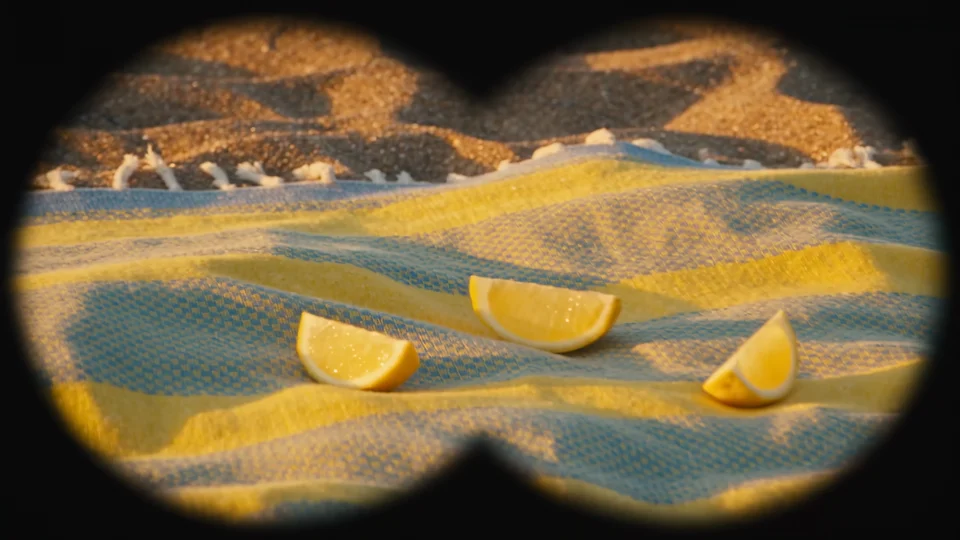
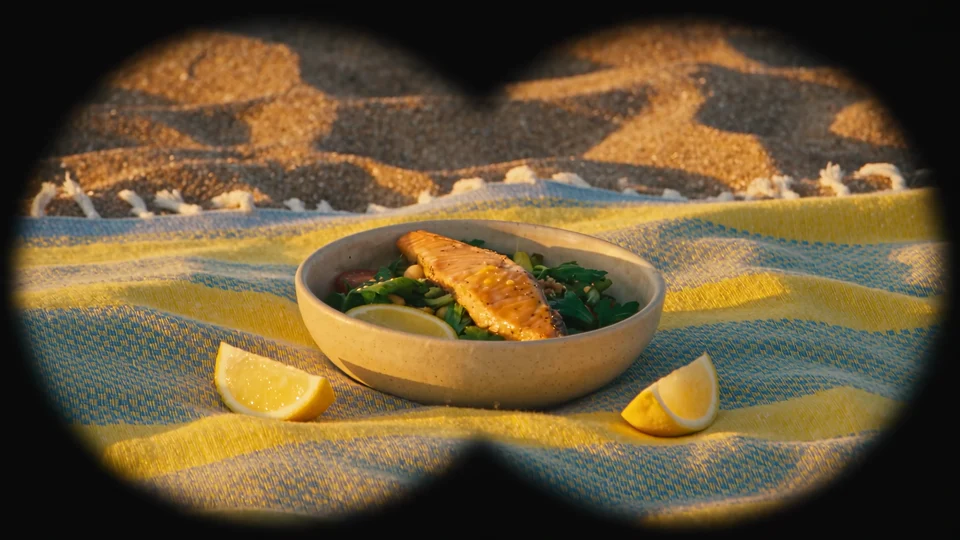
Follow the lemons from the binocular view to the finished salad for a short discovery-to-result sequence.