Cut a portrait product shot
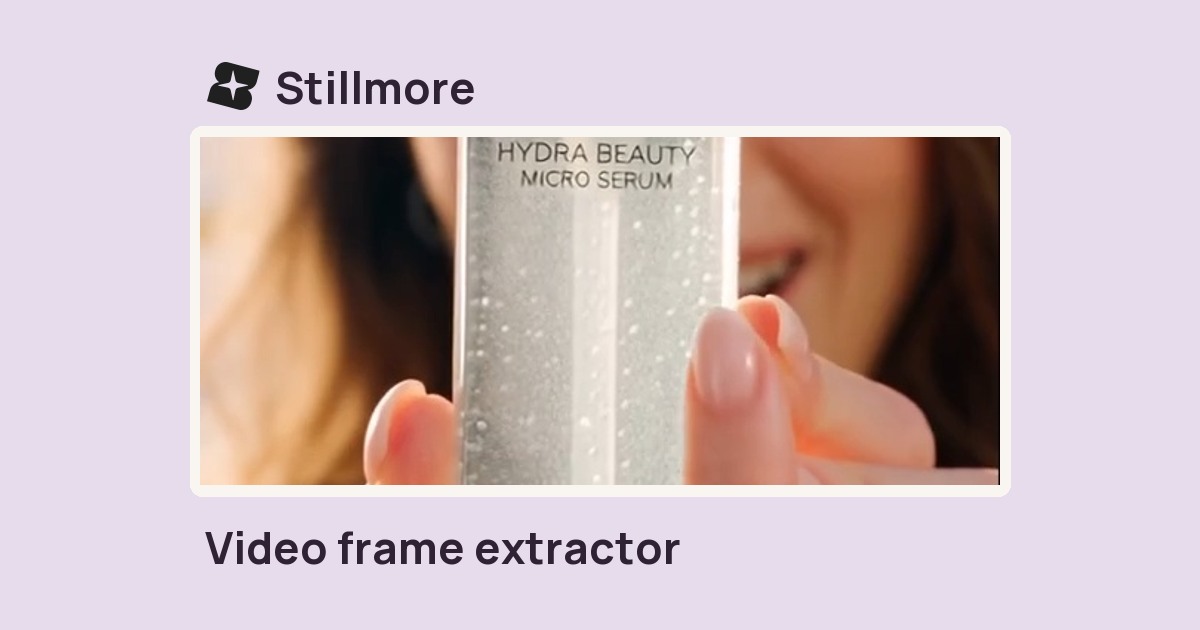
Put a centered bottle or package into a tall composition for a phone-first post.

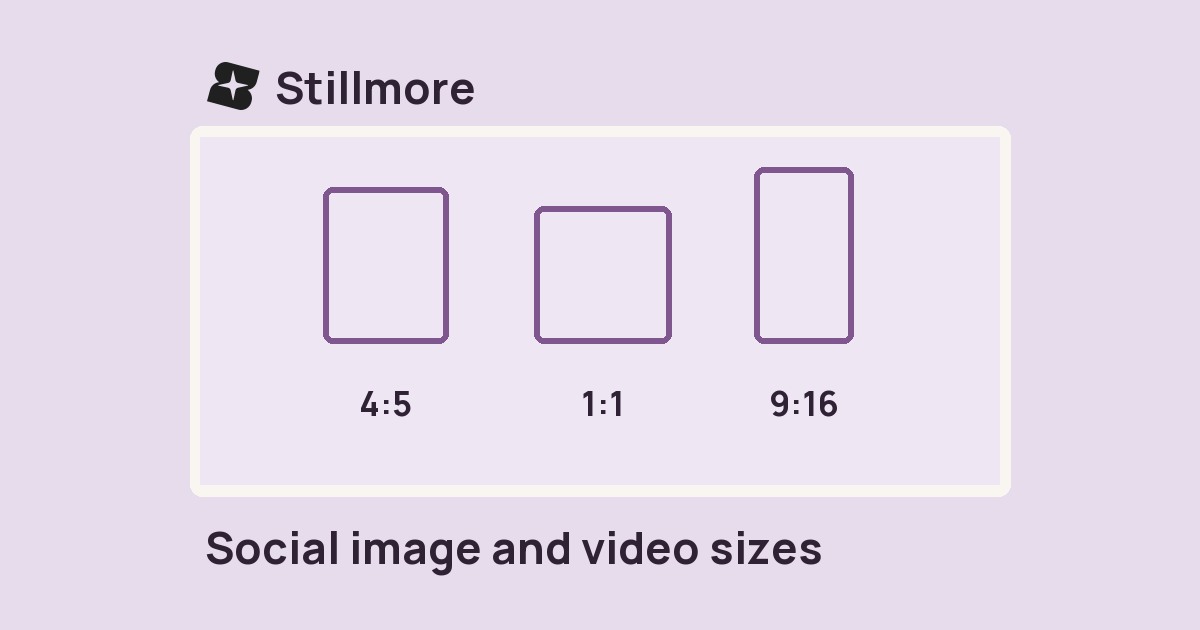
Choose a portrait 9:16 or square 1:1 frame, then export the centre crop as an MP4.
Only edit videos you own or have permission to edit. Stillmore does not offer a YouTube video downloader.
Watch the bag change from a wide architectural shot to a centre crop. The 9:16 export keeps the middle of the bag and drops the sides of the building.
Look at where your subject sits in the widest shot of the source.
Select 9:16 for a portrait cut or 1:1 for a square version.
Play the opening and the widest action to check faces, labels and captions at the edges.
The crop keeps the center and trims the edges. A centered subject makes the difference between a clean cut and a missing detail.
Put a centered bottle or package into a tall composition for a phone-first post.
Keep a centered speaker in the frame while trimming empty space on either side.
If one half disappears in the crop, return to the original edit and recompose it before export.
Crop first, then put subtitle text inside the final frame.
The crop stays centred. Check both ends of the clip for hands, faces and products near the edges. Pick the square frame when a narrow portrait crop cuts off an important detail.
Anything outside the crop disappears, including burned-in captions. If you have a separate SRT, crop the video first and burn the captions into the new frame afterward.
The portrait output is 1080 × 1920 pixels; square is 1080 × 1080.
No. It fills the output frame by cropping the source to the chosen ratio.
Yes. Choose 1:1 in the Frame control. Choose 9:16 for the tall version and export each separately from the source.
The tool takes a centred crop. A subject near the edge of a wide shot may sit outside it. Use a shot with the subject nearer the centre or reframe manually in an editor.
No. A silent clip can be cropped. If the source has audio, the MP4 export includes sound.
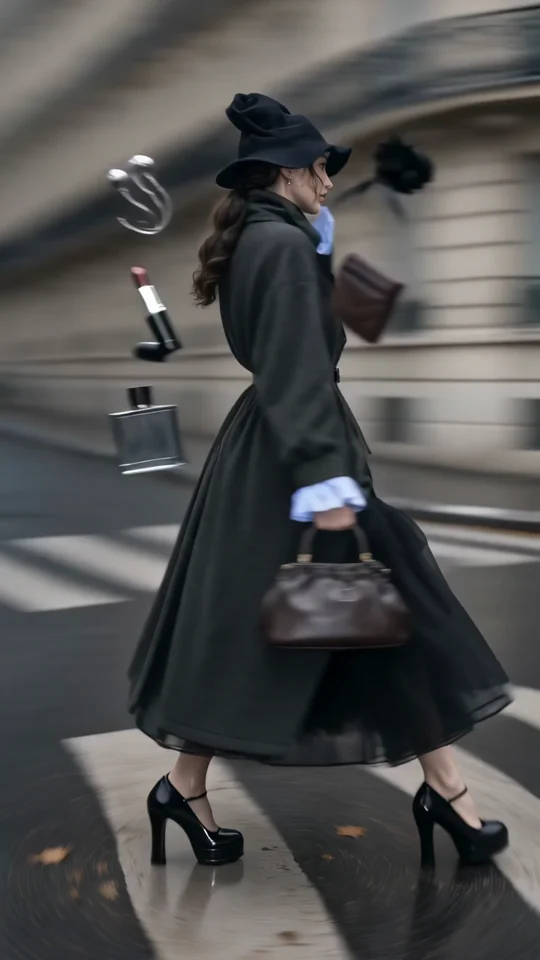
Style Spin puts a moving outfit in a vertical composition. Look at the space around the garment as it turns before choosing your own crop.
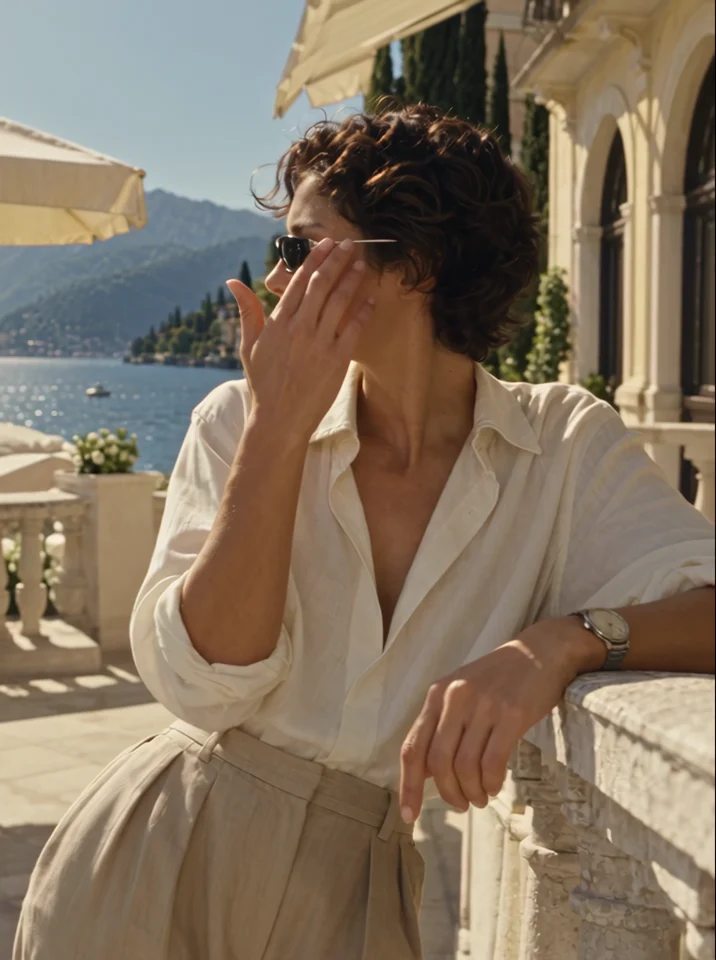
Watch the model turn the sunglasses toward the camera. The frame keeps the accessory clear of the edges.
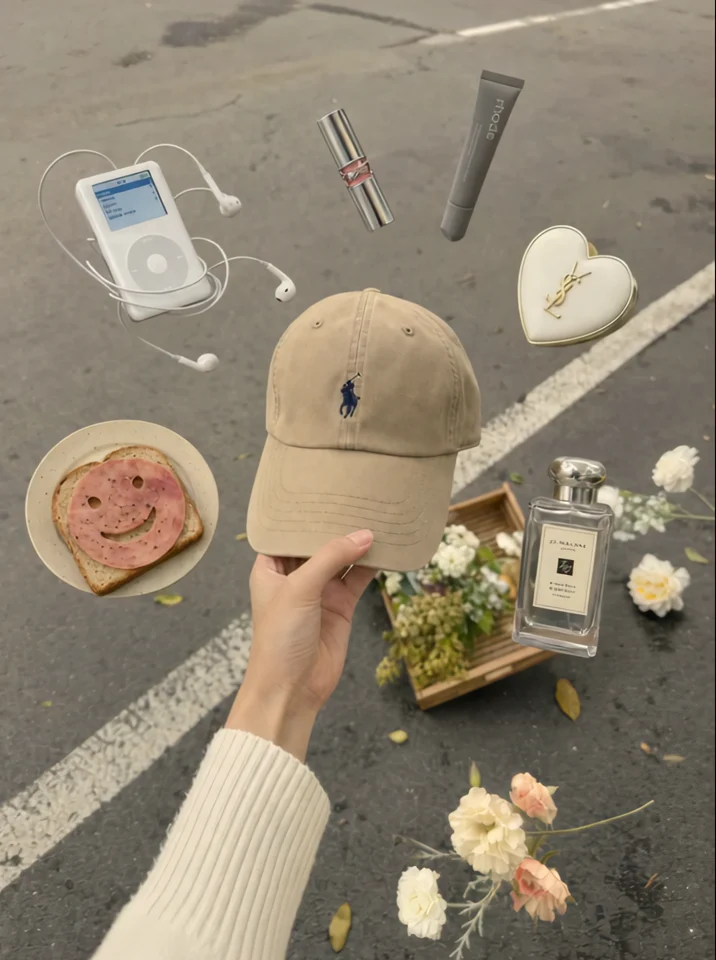
The cap stays at the centre of the hand. Check which edges of the product you want to preserve in a tighter crop.
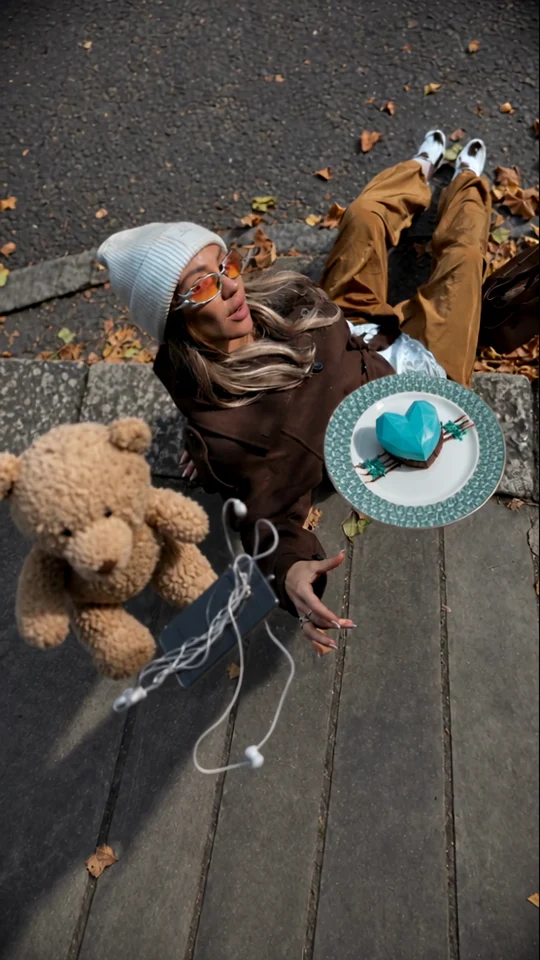
Watch the overhead arrangement. The model and accessories give the eye a fixed point as the scene moves.