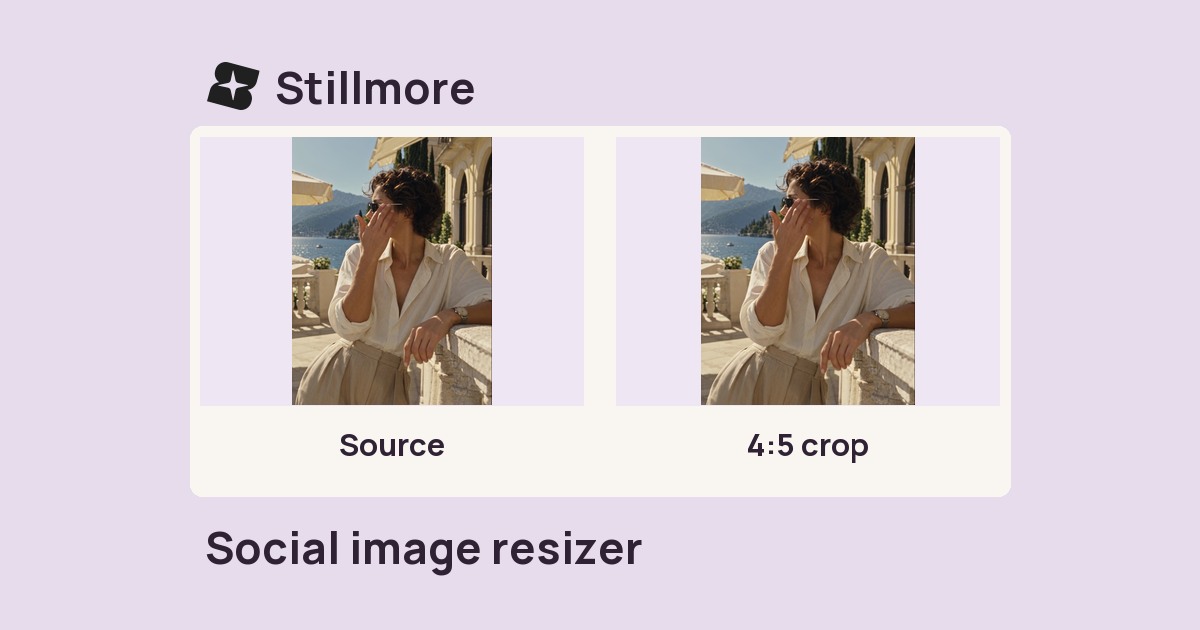
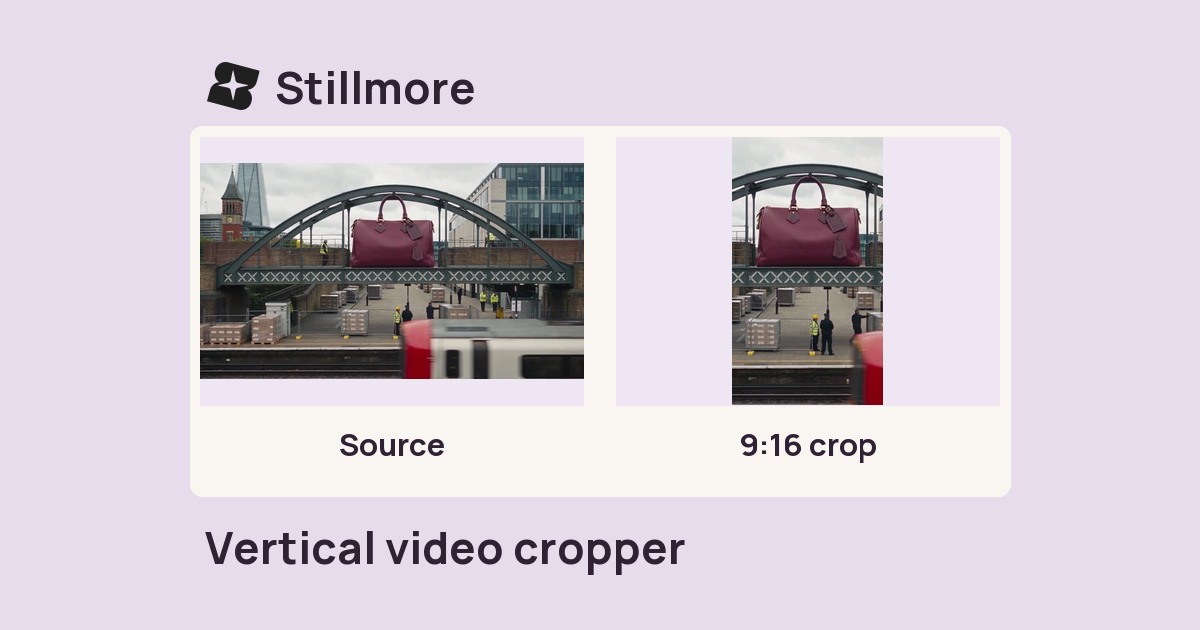
Frame a vertical Reel
Keep the main action near the centre when you may also need a square crop.

Look up a placement to get its frame dimensions and aspect ratio before you crop.
| Placement | Pixels | Ratio |
|---|---|---|
| Instagram portraitVertical feed crop | 1080 × 1350 | 4:5 |
| Instagram squareSquare crop | 1080 × 1080 | 1:1 |
| Reels / StoryFull-height frame | 1080 × 1920 | 9:16 |
| YouTube thumbnailLandscape cover | 1280 × 720 | 16:9 |
| Open GraphLink previews | 1200 × 630 | 1.91:1 |
| X postLandscape post | 1600 × 900 | 16:9 |
| TikTokFull-height frame | 1080 × 1920 | 9:16 |
| LinkedIn feedLink cards | 1200 × 627 | 1.91:1 |
Output sizes do not guarantee sharpness — encode at the source resolution the platform accepts and let it downscale.
These three placements use different shapes. A square post and a vertical story both start at 1,080 pixels wide, while a video thumbnail uses a wider frame.
Start with where the asset will appear, such as a vertical Story or a link preview.
Pixels give the export dimensions. The ratio tells you how tightly the original shot will crop.
Keep essential details inside the intended frame, then preview it in the destination app.
Use the aspect ratio to decide how much space to leave around subjects and text.
Keep the main action near the centre when you may also need a square crop.
Compare portrait and square framing before you place product copy near the edges.
Leave space for the title within a landscape frame when composing the still.
Choose the wide share-image shape before arranging a headline and product photo.
They are different portrait shapes. A 9:16 frame is narrower for the same height, so allow more room at the sides of the subject when planning both crops.
Size is measured in pixels. A ratio describes the shape, so multiple pixel sizes can share the same framing.
The table is a reference. Use the image resizer or video cropper to produce an actual new file.
Treat them as starting points for composition. Preview the result on the target device, especially when text sits near player controls.
Use the 1080 × 1920 row. That 9:16 frame is taller than the 1080 × 1350 portrait feed crop, so check the composition separately.
The Open Graph row gives 1200 × 630. Use that canvas when preparing a wide image for a shared page link.
If the destination requires specific pixel dimensions, export at that size. A 540 × 960 image has the same 9:16 proportions as 1080 × 1920 but contains fewer pixels.

Behind the Shoot shows a fashion collection in a vertical frame. Use its composition to judge how much space to leave around the model and garment.
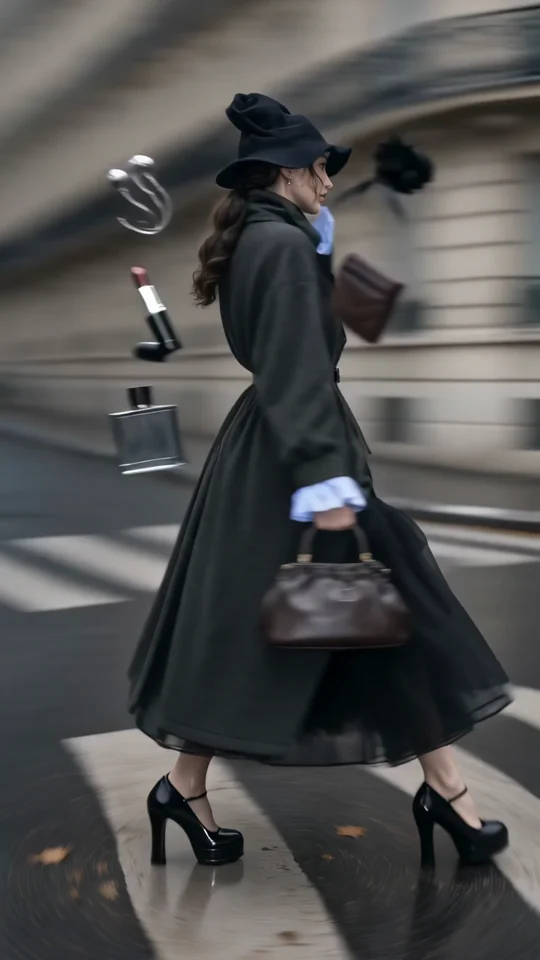
Follow the turning outfit from head to hem. Check the space that the vertical frame leaves around the garment.
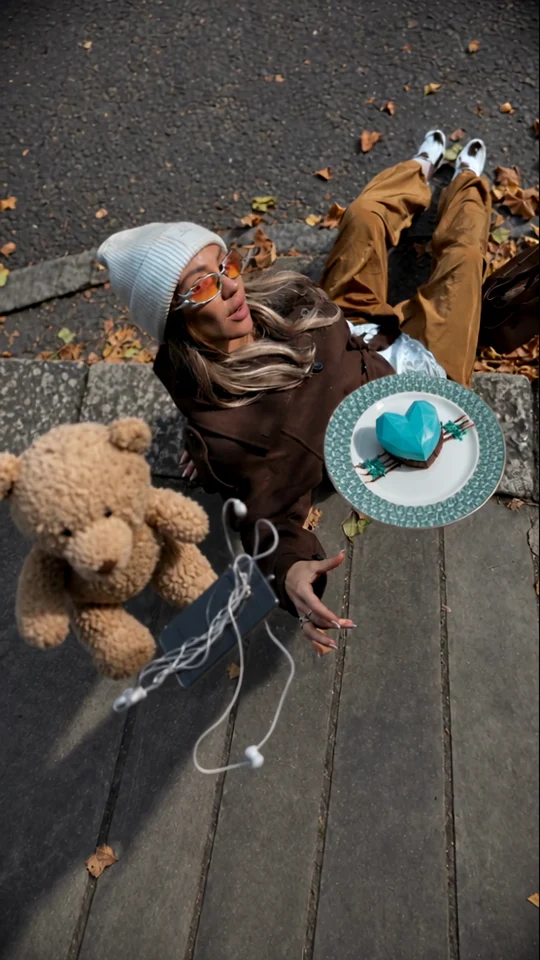
Watch the overhead arrangement. The model and accessories give the eye a fixed point as the scene moves.
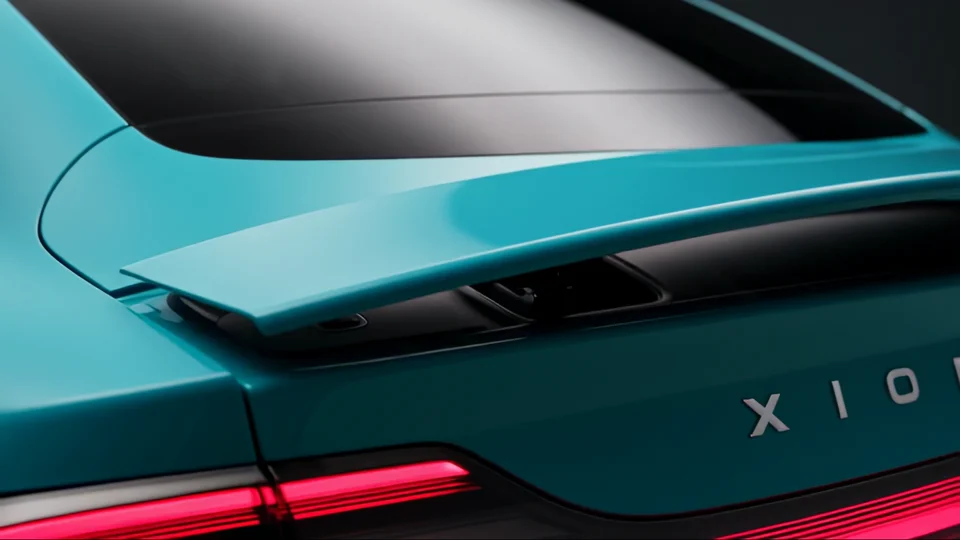

The teal bodywork carries through to the backdrop. Look at how the wide shot picks up a colour from the close-up.