Deliver a sound-off ad
Put the opening line on screen so a muted preview still introduces the product.

Pair a video with its timed SRT file, then set the caption size and export an MP4.
Only edit videos you own or have permission to edit. Stillmore does not offer a YouTube video downloader.
The SRT changes from “Dinner service” to “Inside the dining room” halfway through the cut. Play the MP4 to see both lines burned into the picture.
Use the same edit that the subtitle timings were written against.
Load the timed subtitle file and choose a caption size that fits the frame.
Check a long line and a fast exchange in the exported copy.
Burned-in captions are useful when the destination accepts a video file but does not carry a separate subtitle track.
Put the opening line on screen so a muted preview still introduces the product.
Share one MP4 that displays the approved wording without asking the reviewer to load an SRT.
Bake instructions into the picture for a display that plays local video files.
Load your translated SRT and check that longer lines fit before handing off the export.
Burned captions become part of each frame. Play the result at phone size to check line breaks and keep the clean video and SRT for any future revisions.
No. Supply an SRT that already contains the words and their timings.
Yes. Set the font size before you burn the SRT file. Preview the exported clip at phone size and check long lines against the frame edges.
The renderer uses white lettering with a dark outline near the bottom. It strips markup from the cue text.
Use a start and end time such as 00:00:01,000 --> 00:00:03,500, followed by the caption text on the next line. Separate cues with a blank line.
Each caption is centred near the bottom with white lettering and a black outline. Check the sample against a busy shot before choosing the font size.
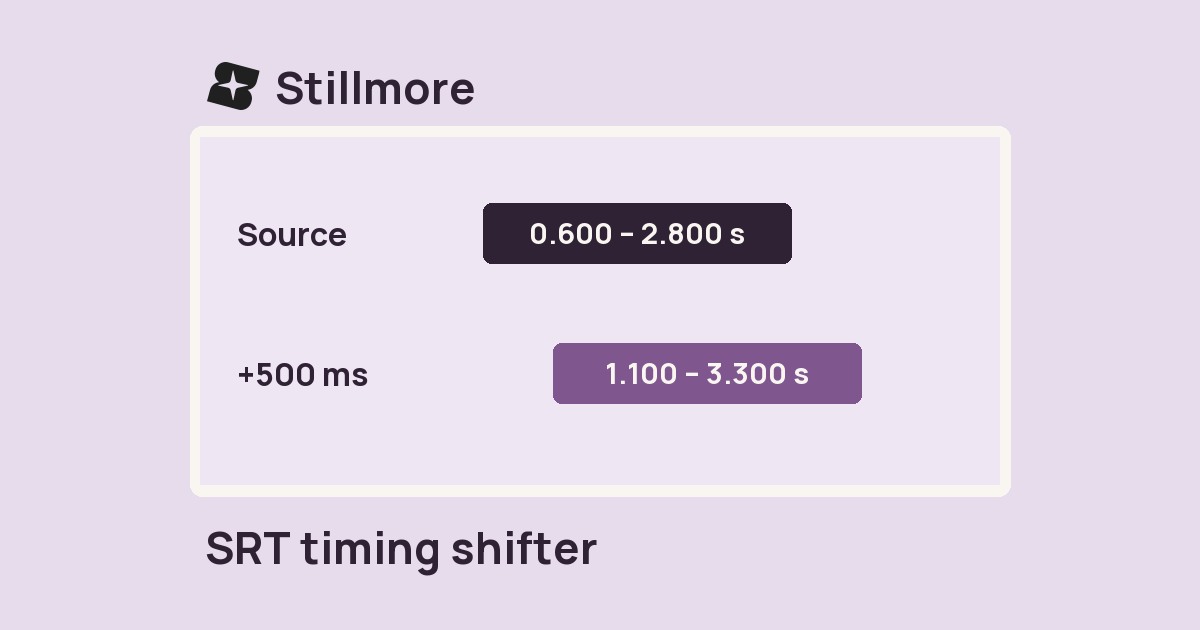
Shift the SRT forward by 1000 ms in the subtitle timing tool, then burn that corrected file into a fresh copy of the source video.
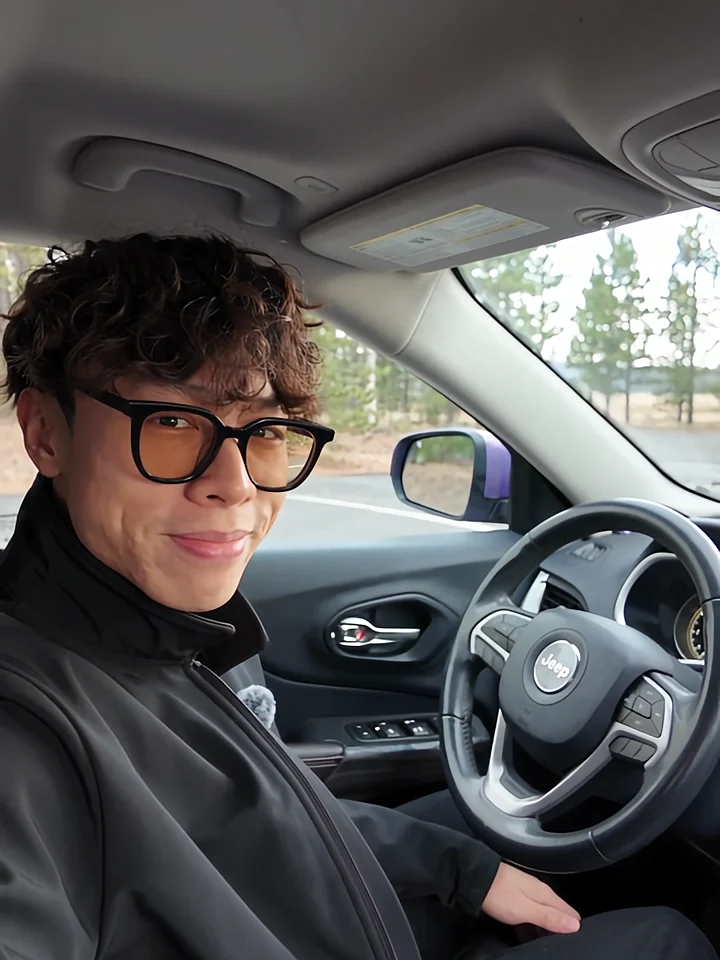
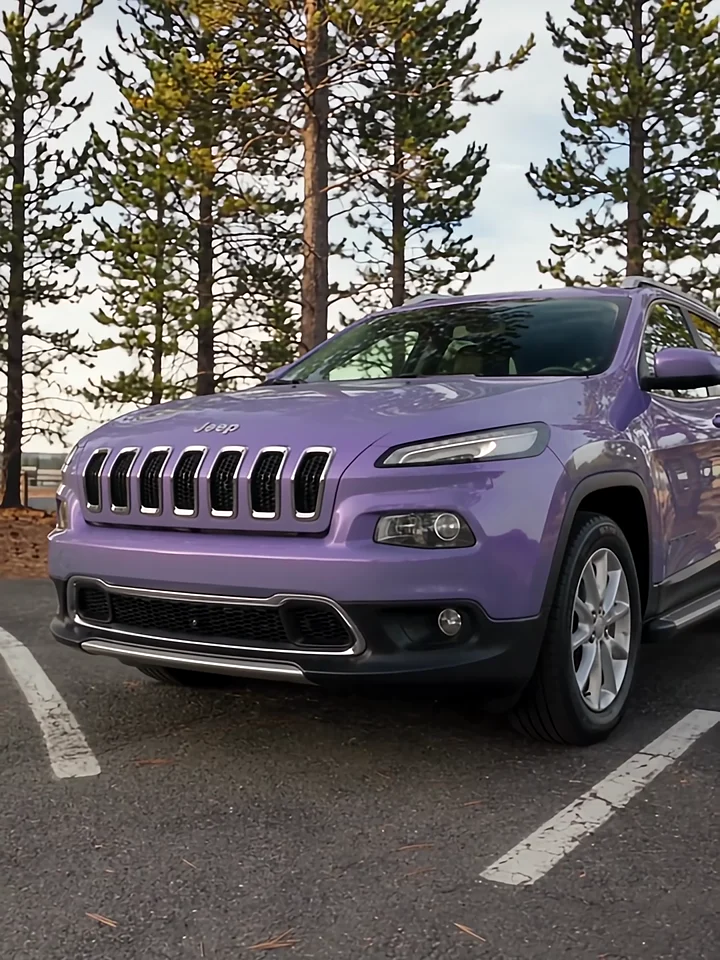
A viewer watching with the sound off still needs to catch each vehicle feature. Car Tour shows how to organise a host-led walkaround around those details.
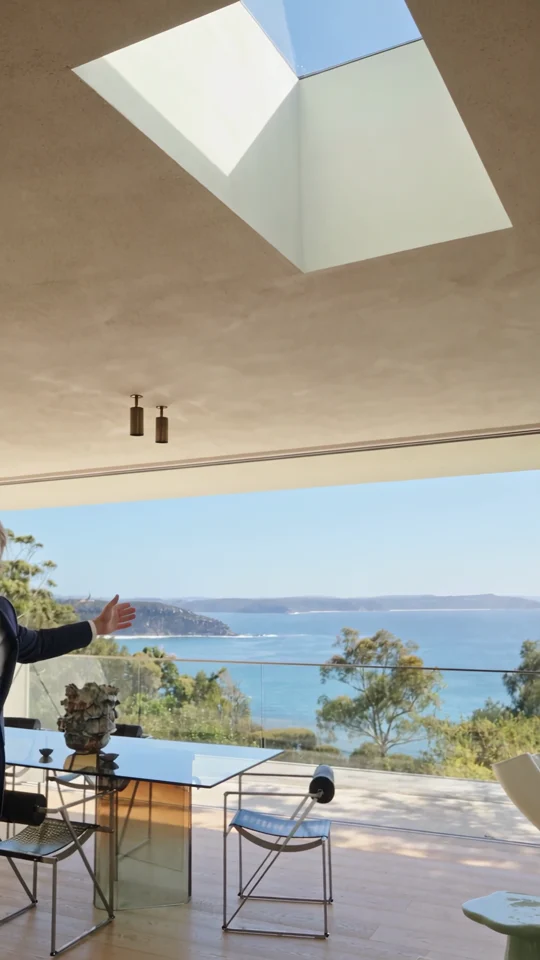
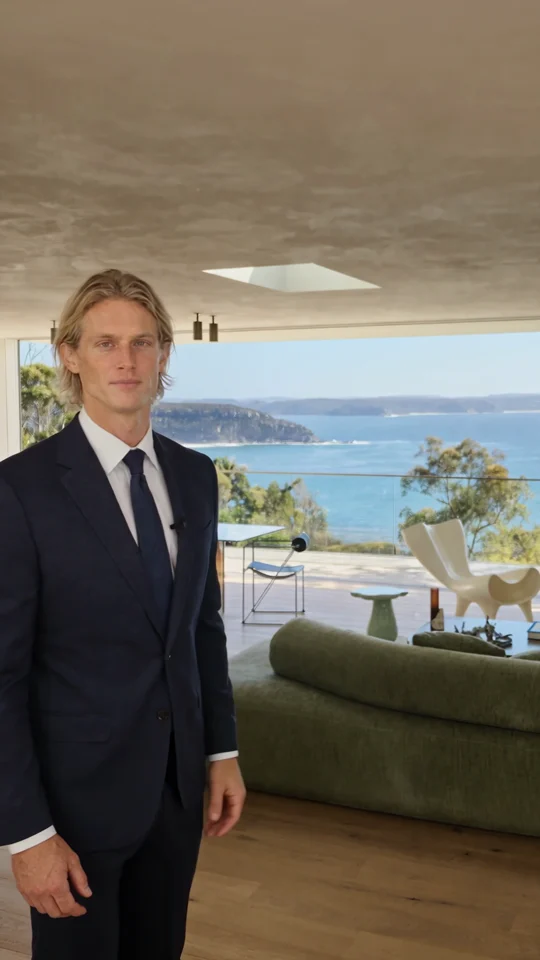
Follow the room change and the presenter’s return. Both give the narration a natural place to pause.
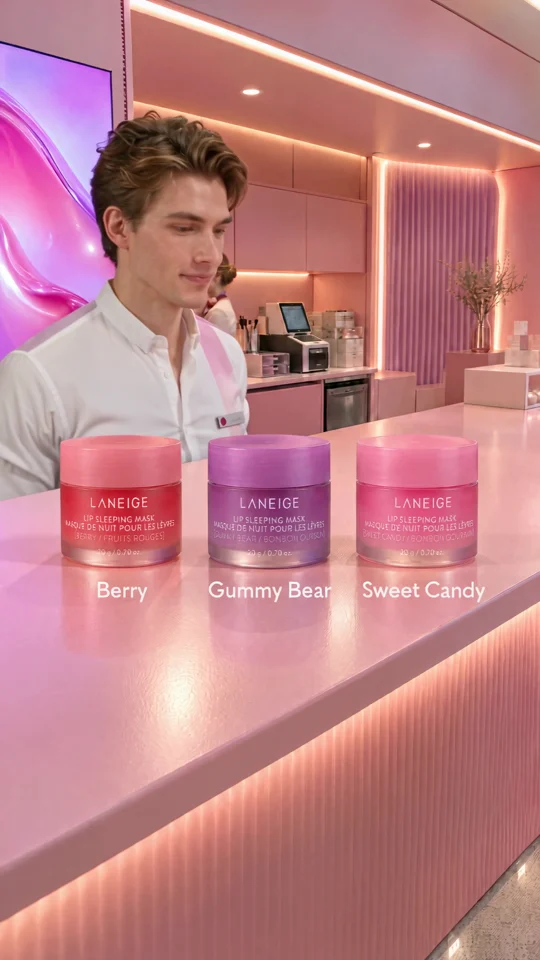
The presenter lines up three jars. Give each product its own short line when you plan a caption or voiceover.
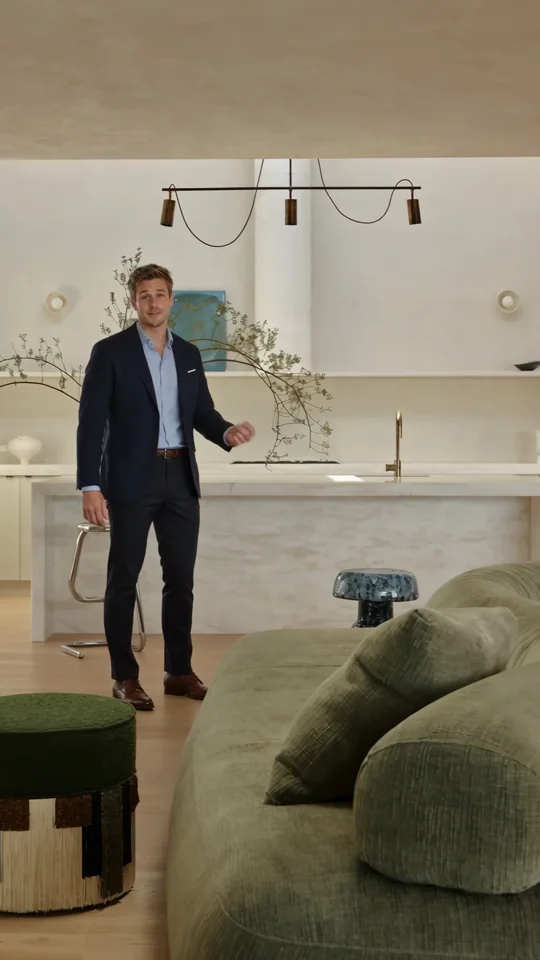
Use the presenter’s introduction as a reference for the first spoken line of a property tour.