Add a title slate
Delay all cues by 2,000 ms after adding a two-second intro.

Choose an SRT file and enter an offset in milliseconds. Positive values move all cues later.
In the sample SRT, “From the grill to the pass.” starts at 0.600 seconds. Add 500 ms and it starts at 1.100 seconds. It stays on screen for the same 2.200 seconds.
Compare the first spoken word with the time its subtitle appears.
Use positive milliseconds to delay captions and negative milliseconds to bring them forward.
Check a cue near the start and one near the end against the final cut.
When every line misses by the same amount, one shift can bring an entire subtitle file back into sync.
Delay all cues by 2,000 ms after adding a two-second intro.
Move captions forward by the duration of the countdown you cut.
Shift the translated SRT if the translated cues already share one consistent delay.
If the opening lines match but the last lines do not, investigate a speed change before applying another offset.
A single offset fixes a constant delay. If the first line is on time and the last is late, check whether the subtitle file matches this cut and playback speed before retiming individual cues.
Use a negative offset. For example, minus 500 ms shows every cue half a second earlier.
It creates a new SRT with adjusted timestamps. The video and the words are unchanged.
Timestamps stop at zero. Review the first cues because a large negative shift can collapse them at the beginning.
Enter 500 in Offset (ms). A cue that started at 00:00:02,000 will start at 00:00:02,500.
After export, the status reports how many cues were shifted. If it finds none, check that the file has SRT timestamp ranges rather than a plain transcript.
Import shifted.srt as the subtitle track. Keep the original SRT so you can try a different offset against the same starting point.
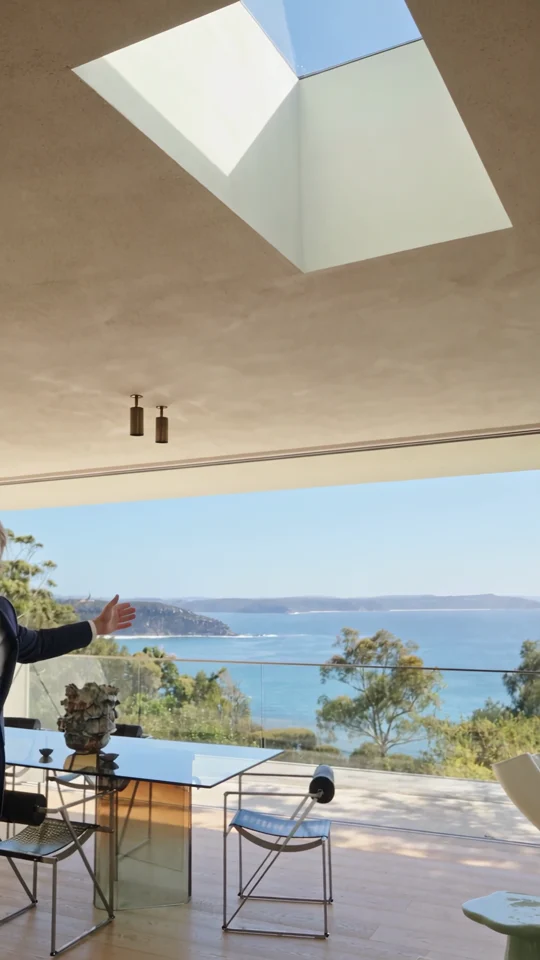
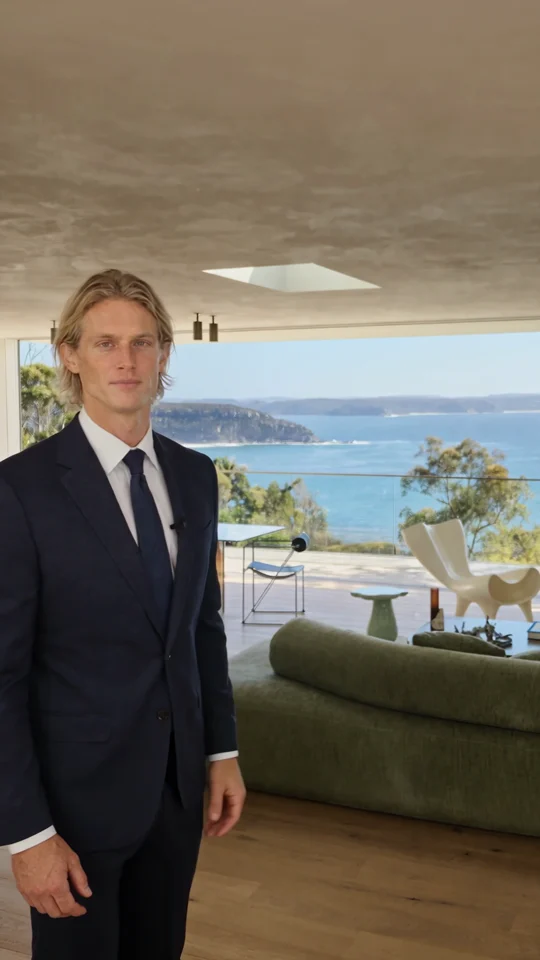
A room name should appear while the viewer is still looking at that room. Use the guided Home Tour example to plan where each caption belongs in your own walkthrough.

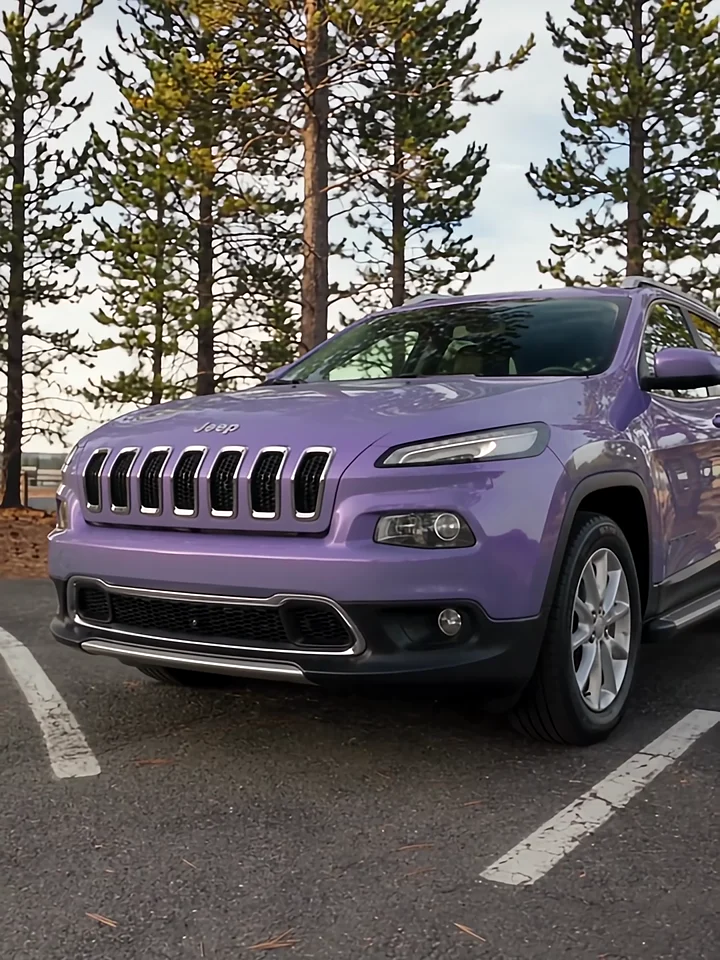
Listen to the presenter inside the car, then watch the cut to the exterior. Those two views give a voiceover its structure.

The presenter lines up three jars. Give each product its own short line when you plan a caption or voiceover.

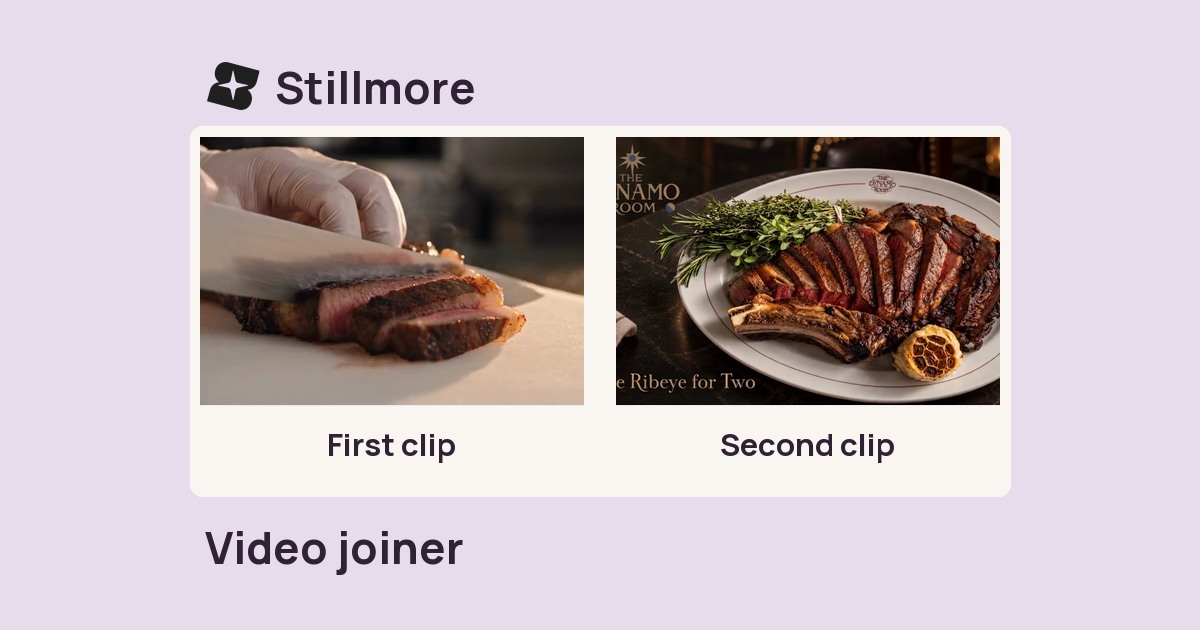
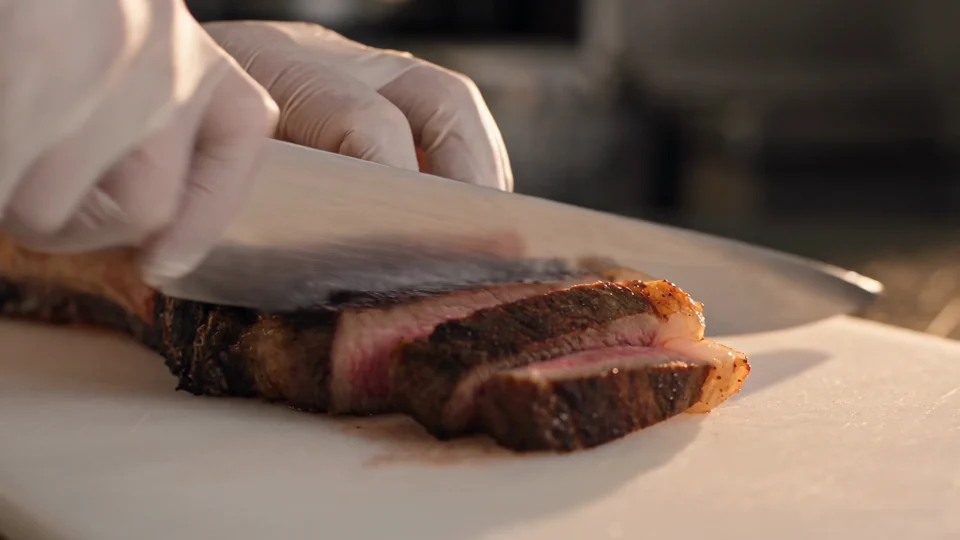
Follow the cut from the sliced steak to the plated dish. Use those two moments to plan your own edit.