Speed up a setup sequence
Move through a repeated assembly step quickly before returning to the result at normal speed.

Choose a playback speed from 0.5× to 2×. The picture and any audio change pace together.
Only edit videos you own or have permission to edit. Stillmore does not offer a YouTube video downloader.
The model poses with sunglasses between takes. The five-second source becomes a shorter MP4 with the movement and soundtrack accelerated together.
Pick the action whose timing needs to change.
Choose a lower rate to slow the action or a higher rate to shorten it.
Review the motion and speech in the MP4 at normal player speed.
A single speed applies to the full clip. For a mixed sequence, change the pace of the relevant shot before joining it to the rest.
Move through a repeated assembly step quickly before returning to the result at normal speed.
Give viewers time to see a latch close or a texture change in a short close-up.
Speed up a long take to place its before-and-after moments closer together.
Try a modest increase first and listen for words that become difficult to follow.
Slowing a clip spreads the recorded frames over more time. Footage shot at a higher frame rate gives you more motion detail to work with. Review the fastest movement before keeping the edit.
A 20-second source plays in roughly 10 seconds at 2×. At 0.5× it takes roughly 40 seconds.
Yes. When an audio track exists, its tempo changes along with the picture.
One rate applies to the entire input. Prepare the section as its own clip if the surrounding shots should stay at normal speed.
About four seconds. Divide the original duration by the speed multiplier to estimate the new running time.
Yes. Choose a slower speed and export. A silent video can be retimed without adding an audio track.
Choose 0.5×. A five-second source will play for about ten seconds.
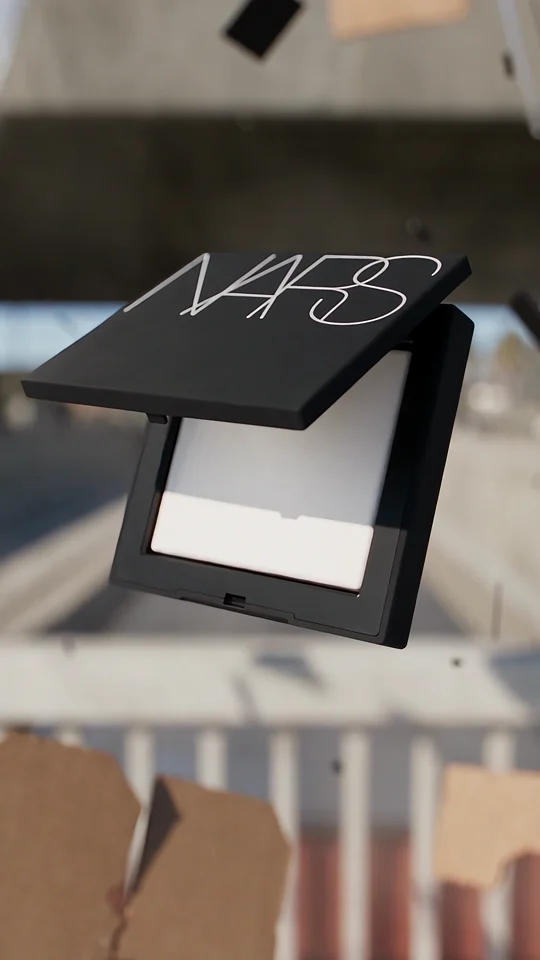
Crash & Reveal changes the feel of motion as the product comes into view. Watch the reveal before deciding which moment in your own edit deserves more screen time.
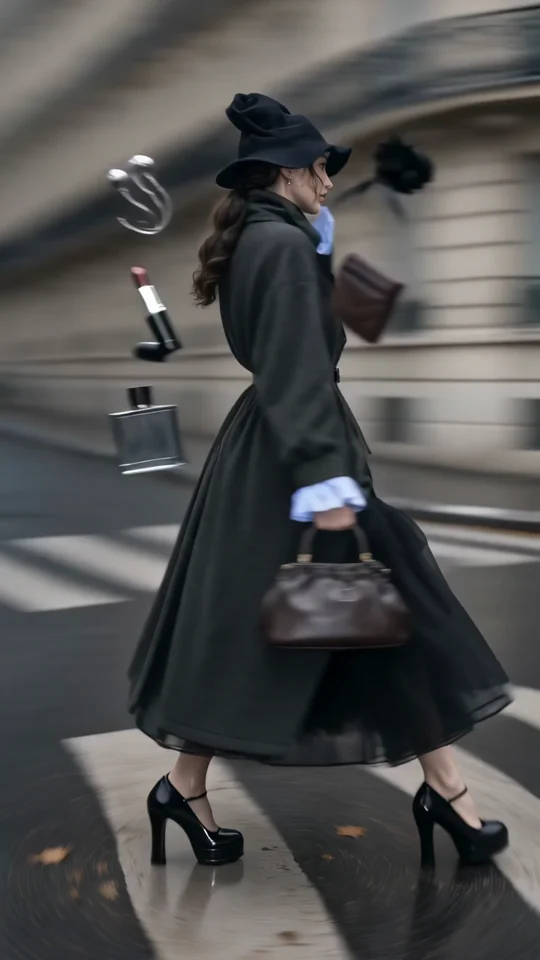
Follow the turning outfit from head to hem. Check the space that the vertical frame leaves around the garment.
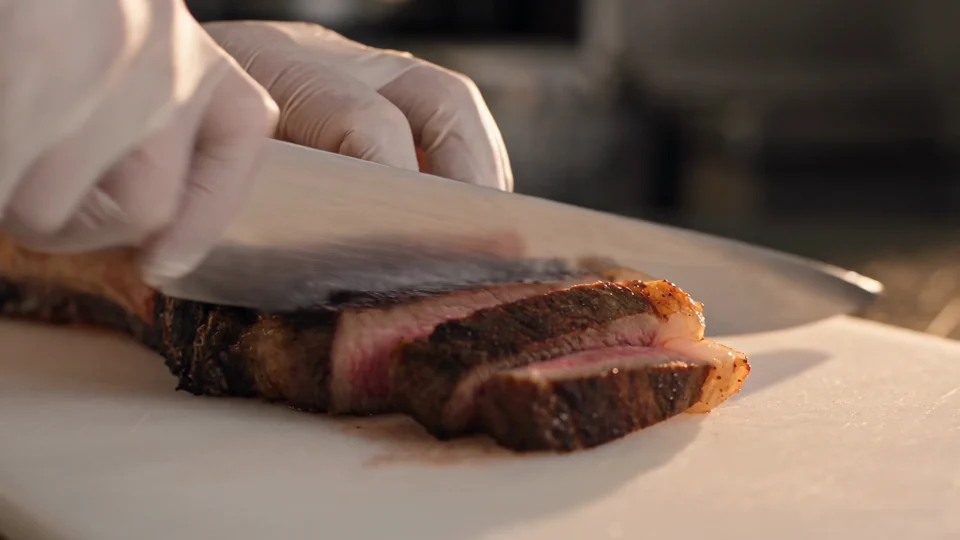
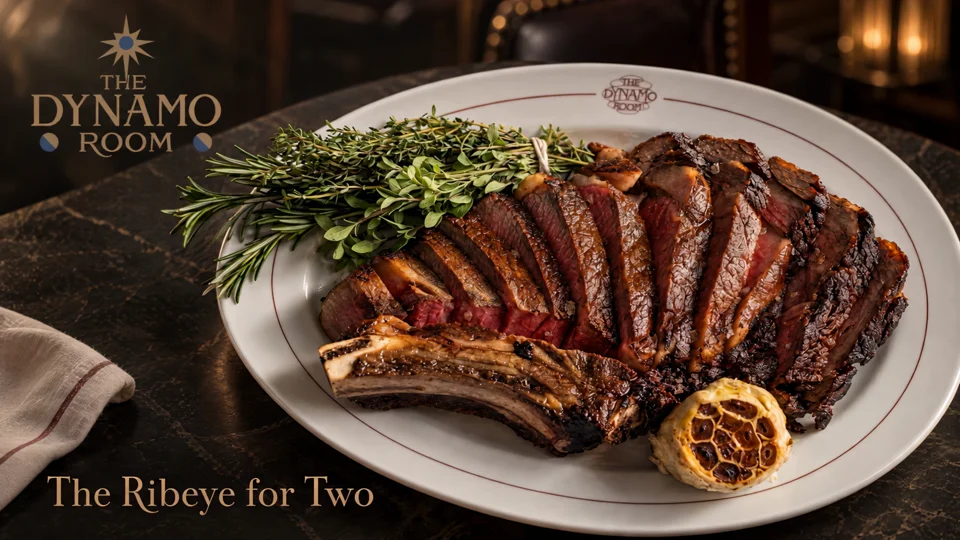
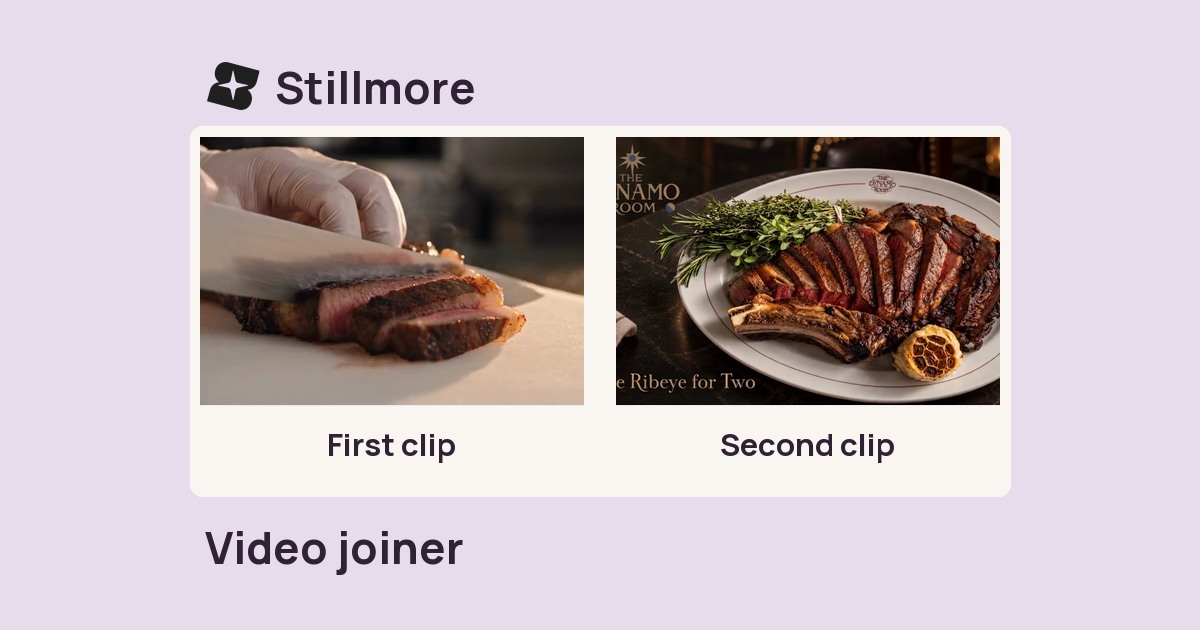
Follow the cut from the sliced steak to the plated dish. Use those two moments to plan your own edit.
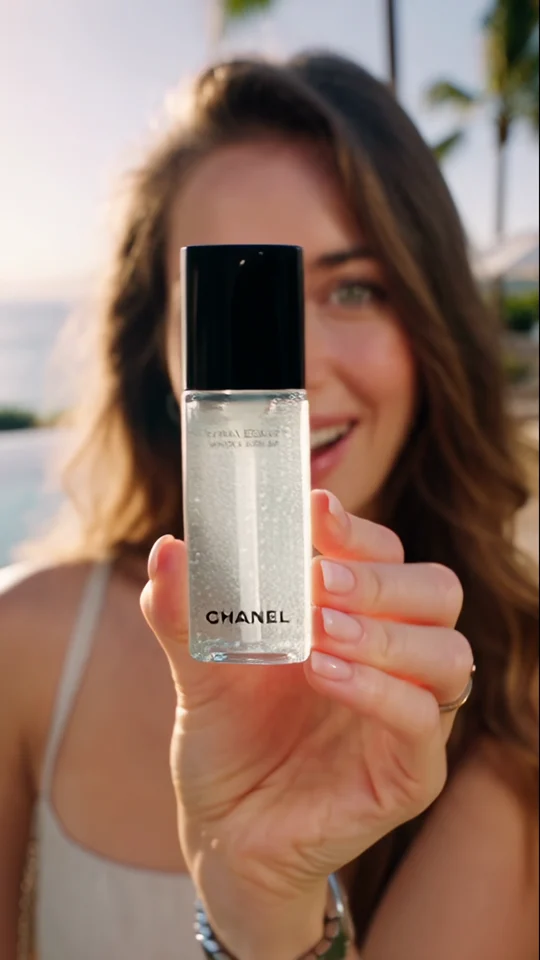

Compare the bottle in the presenter’s hand with its final poster. The larger silhouette still reads at thumbnail size.