Prepare product B-roll
Remove room chatter before sending close-ups to a voiceover editor.

Choose a video and export a silent MP4 to use under a voiceover or music track.
Only edit videos you own or have permission to edit. Stillmore does not offer a YouTube video downloader.
Play the original car sequence, then the silent MP4. Both keep the same picture and running time.
Use the version whose picture you want to keep.
Export an MP4 with the entire audio track removed.
Play it with your device volume up before adding it to the final edit.
A silent copy is useful when ambient sound reveals more than the picture or when another soundtrack will replace it.
Remove room chatter before sending close-ups to a voiceover editor.
Keep the on-screen steps without sharing the conversation recorded by your microphone.
Let an announcement screen play motion without replaying the same audio all day.
Send a shot for feedback on timing and framing without an unfinished music track.
Muting removes the whole audio track. Use it for a silent visual cut or a clip you will score separately. Keep the source if you need to recover a line of dialogue.
No. It removes all sound, including speech, music and background noise.
The exported file has no audio track to unmute. Keep the original if you need its sound later.
No. It removes sound for the full duration of the selected clip.
Yes. It exports the full video without its audio track, so the visual sequence keeps its original timing.
Yes. Download the silent MP4, place it on your editor’s video timeline and lay the voiceover on a separate audio track.
Its size can change. The tool re-encodes the picture as H.264 while removing the audio stream.
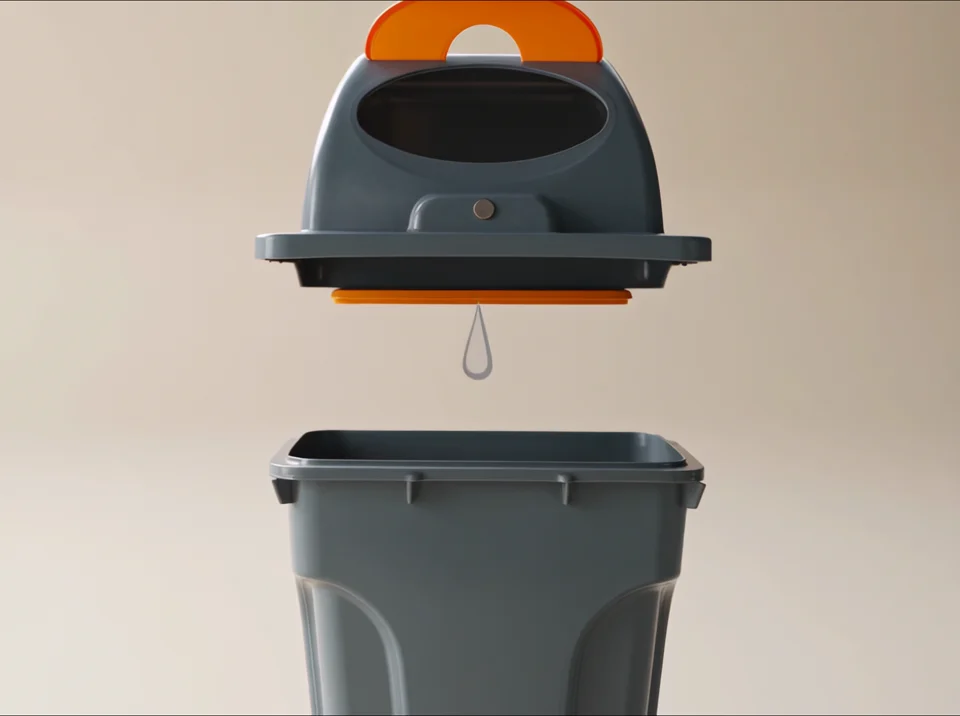

Watch Pure Showcase to see how product shape and lighting can carry a scene visually. Check whether your own silent cut makes the same detail clear.
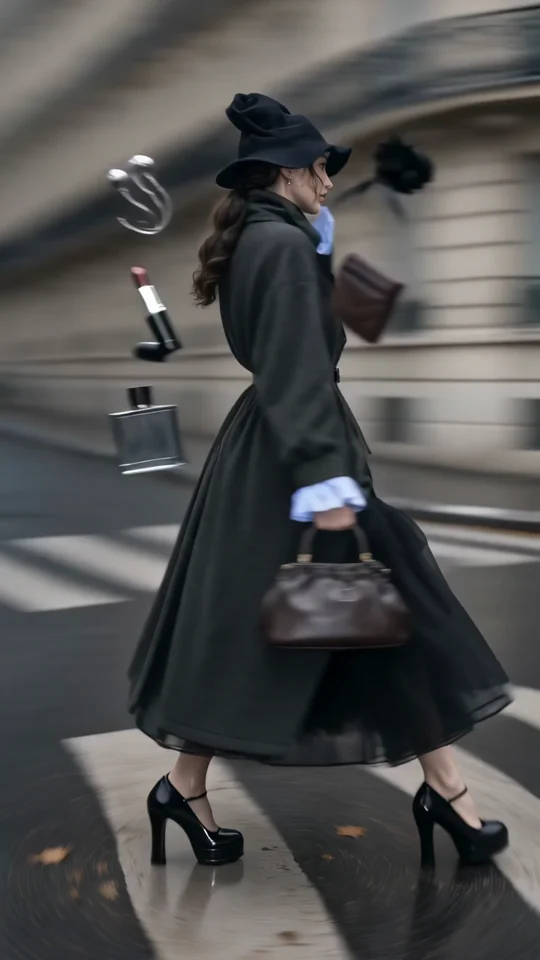
Follow the turning outfit from head to hem. Check the space that the vertical frame leaves around the garment.
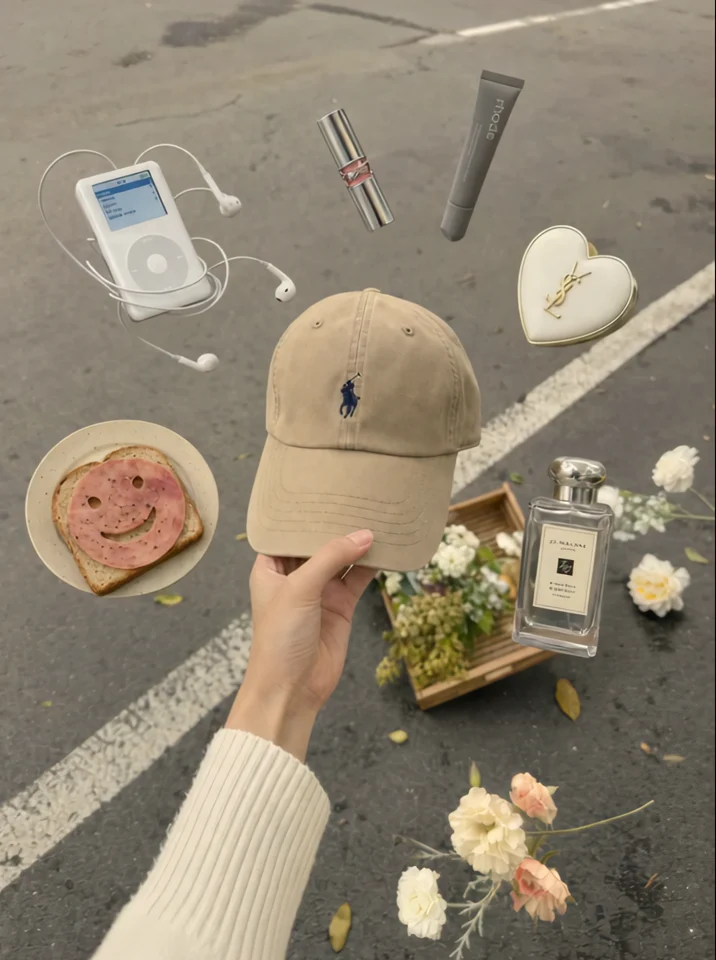
The cap stays at the centre of the hand. Check which edges of the product you want to preserve in a tighter crop.
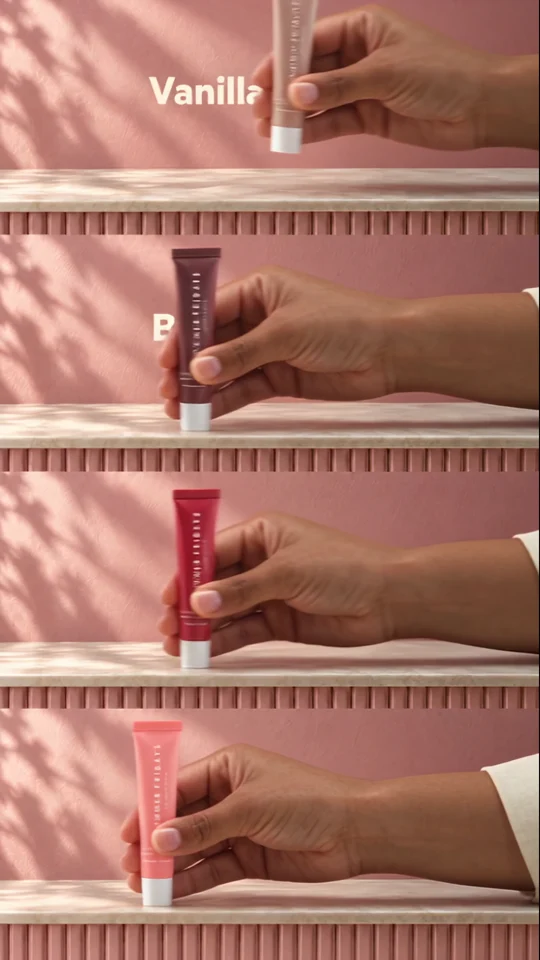
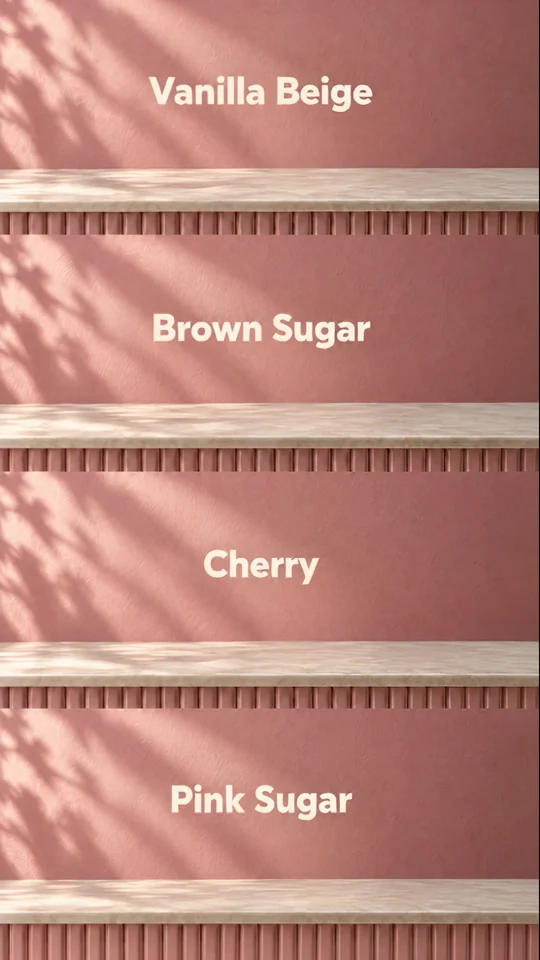
Four colourways fill four bands. Each shade gets a name so a shopper can tell the variants apart.