Review a voiceover away from the picture
Listen to the narration without the product footage competing for attention.

Choose a video with an audio track and select the bitrate for the MP3 download.
Only edit videos you own or have permission to edit. Stillmore does not offer a YouTube video downloader.
In Found & Tried, the camera moves from a binocular view of lemons to the finished salad. The MP3 carries the eight-second spot’s original sound at 192 kbps.
Open a video saved on your device that contains an audio track.
Choose 128, 192, 256 or 320 kbps. A higher bitrate generally makes a larger file for the same duration.
Select Extract MP3 and save the result. Listen through the part you plan to edit or reuse.
Extracting the mixed soundtrack is useful when the next decision is about what the viewer hears.
Listen to the narration without the product footage competing for attention.
Share the soundtrack from an approved video with the editor preparing the next cut.
Extract the audio from your own filmed conversation to use in your transcription workflow.
Listen for the exact product click, pour or spoken phrase, then trim the MP3 to that moment.
The MP3 contains the existing audio mix, including music and ambient sound. For the voice alone, use the original microphone recording. The source video must contain an audio track.
Choose a video file from your device. The input accepts local files up to the 64 MB job limit.
Yes. The MP3 is a separate download. Import it as audio in your editor and keep the source video intact.
A video with no audio stream cannot produce a soundtrack. An audio stream that contains silence will produce a silent MP3.
Choose 128, 192, 256 or 320 kbps. For the same running time, a higher bitrate generally makes a larger MP3.
Use the audio trimmer with the original video. Set Start and Length there to export only the MP3 excerpt you need.
A higher bitrate can reduce additional encoding loss, but it cannot restore sounds missing from the recording. Compare a short passage before choosing the larger file.
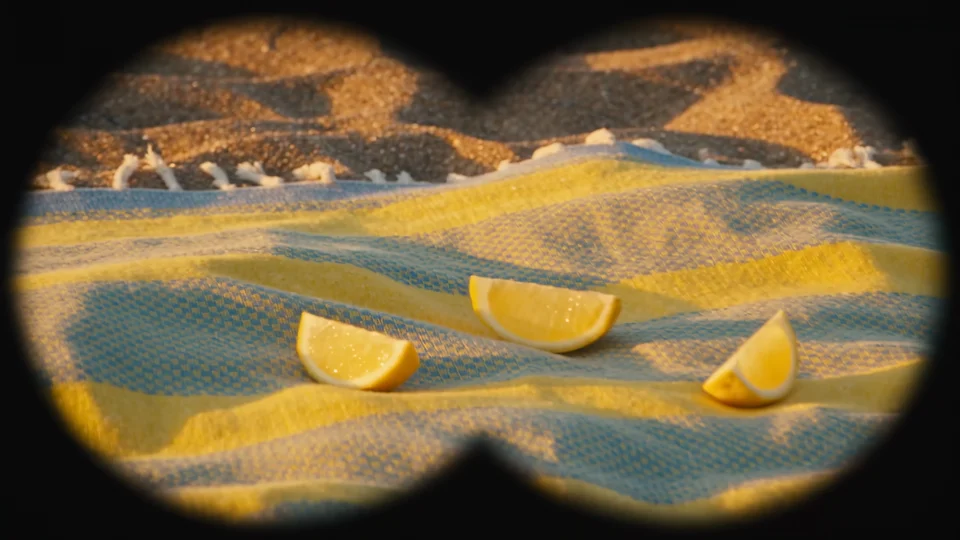
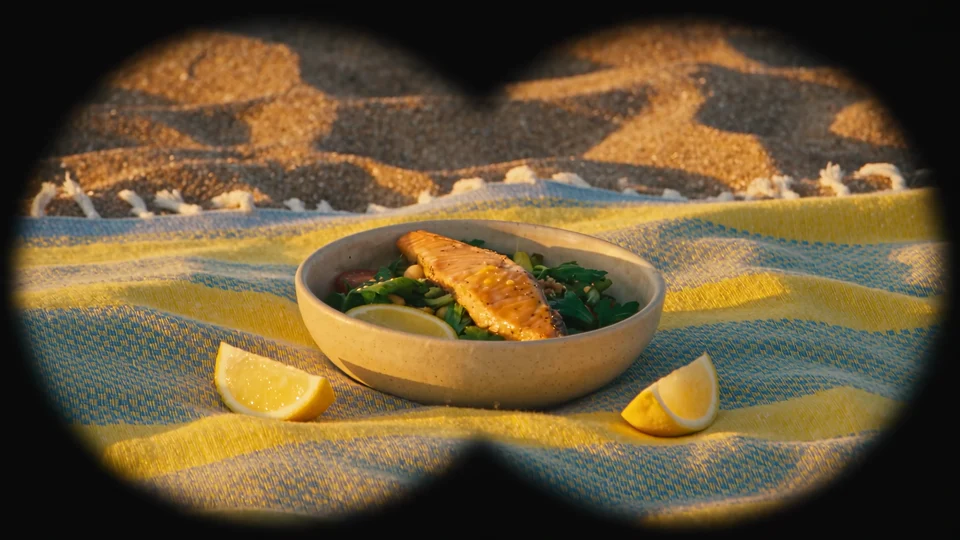
Planning a new product review? Found & Tried follows a discovery, a tryout and a logo reveal. Those beats give you a structure for a new narration.

The presenter lines up three jars. Give each product its own short line when you plan a caption or voiceover.
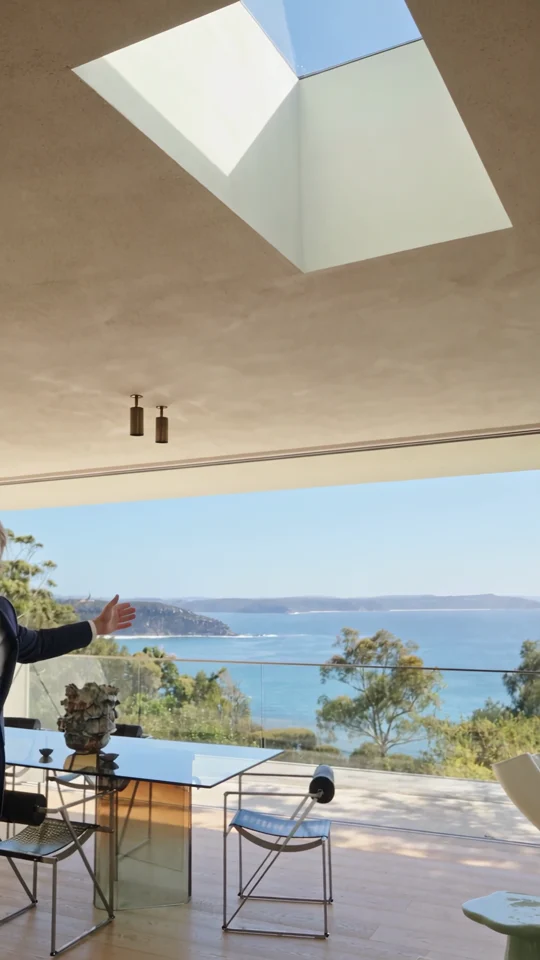
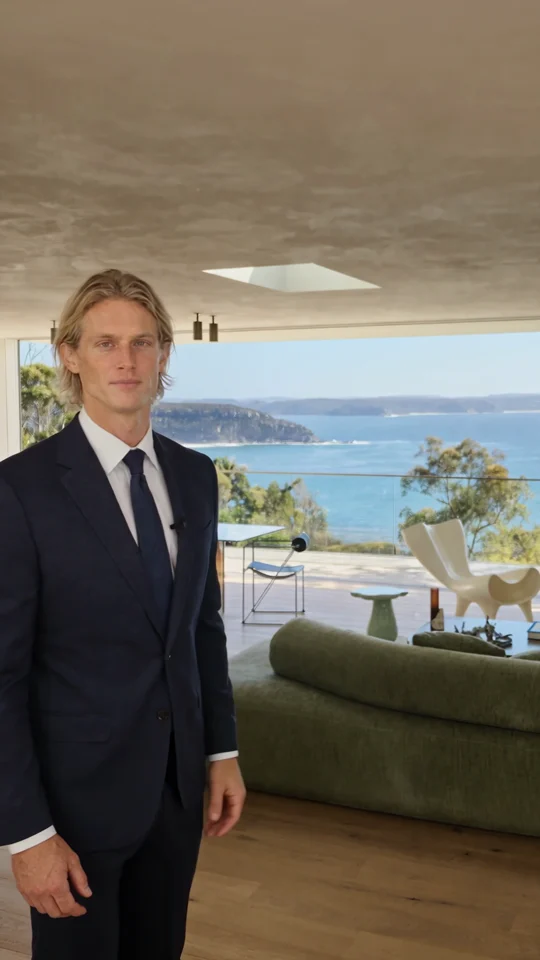
Follow the room change and the presenter’s return. Both give the narration a natural place to pause.

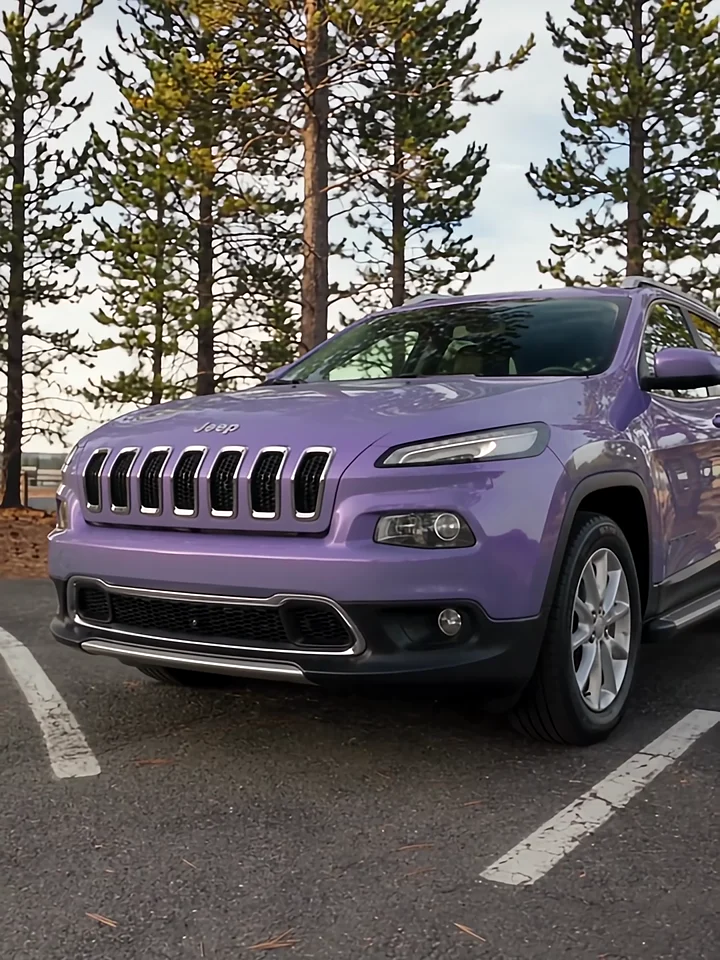
Listen to the presenter inside the car, then watch the cut to the exterior. Those two views give a voiceover its structure.