Pull a testimonial quote
Cut the approved sentence from a longer customer recording and leave enough room for the final consonant.

Enter where the excerpt starts and how long it should last, both in seconds.
Only edit videos you own or have permission to edit. Stillmore does not offer a YouTube video downloader.
Start two seconds into the excerpt and keep the next 4.5 seconds. Compare the short cue with the eleven-second source.
Listen to your source and note where the phrase, cue or effect begins.
Set Start to the offset in seconds and Length to the duration you want to keep. For seconds 12 through 20, enter 12 and 8.
Choose Trim audio and download the MP3. Listen for clipped syllables at either edge.
Use time-based trimming when you already know which phrase or sound the next edit needs.
Cut the approved sentence from a longer customer recording and leave enough room for the final consonant.
Extract the preferred read from a session with repeated attempts.
Keep the click of a clasp or the pour of a drink as a short reference cue.
Share only the section that will play under a draft reel so the reviewer hears the intended timing.
Start a little before the first consonant and end after the last syllable. Enter the length of that section in seconds, then play the exported cut to check both edges.
Length is the number of seconds to keep after Start. To keep seconds 30 through 42, enter Start 30 and Length 12.
Yes. The tool accepts decimal seconds, with a requested length from 0.01 to 300 seconds.
The export stops when the recording ends. Choose a start point before the final moment of the source.
Set Start to 12 and Length to 6. Length measures how much audio to keep from the start point.
The trimmer exports trimmed.mp3 at 192 kbps. Keep the source if you also need the original format.
Yes. Select a video that has sound, then set Start and Length. The excerpt downloads as audio only.

Writing short lines for a product host? Goofy Picks shows three products in one presenter-led concept, giving each line a clear subject.
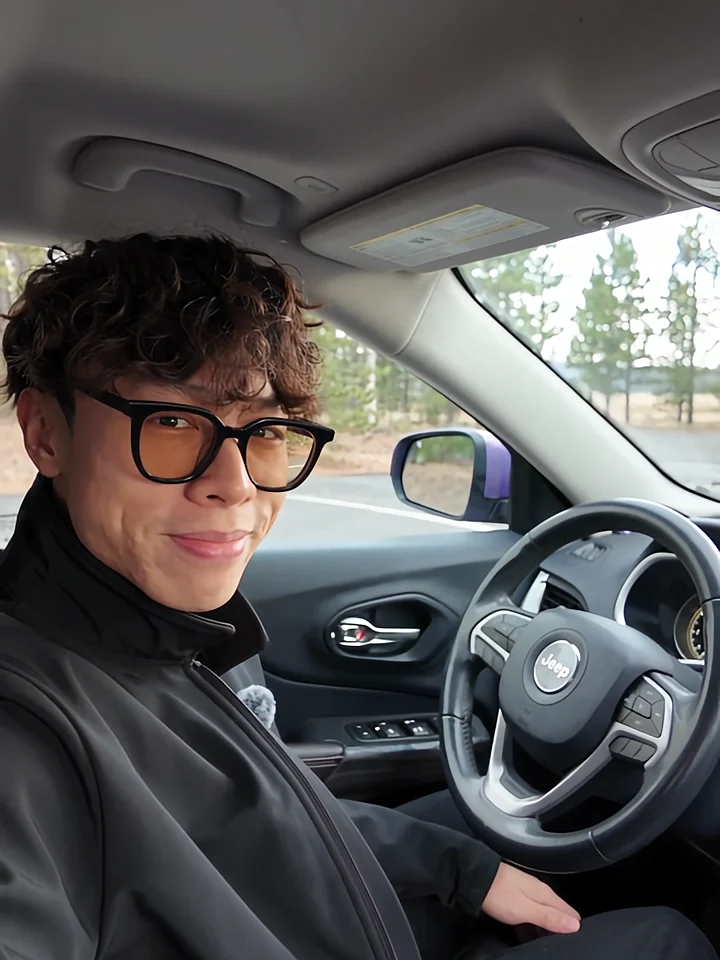
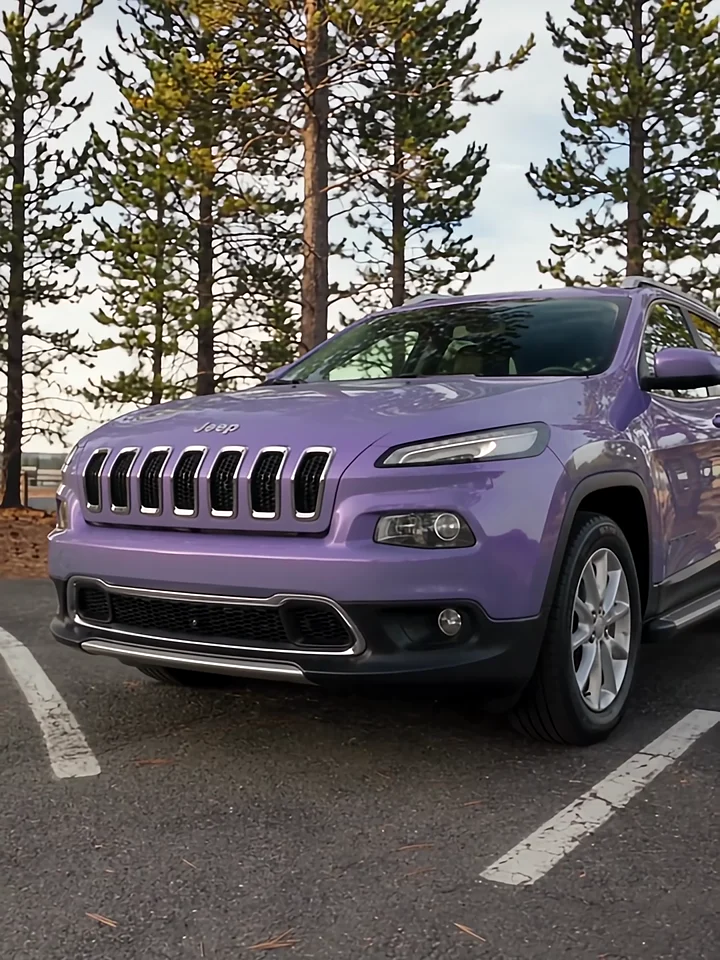
Listen to the presenter inside the car, then watch the cut to the exterior. Those two views give a voiceover its structure.
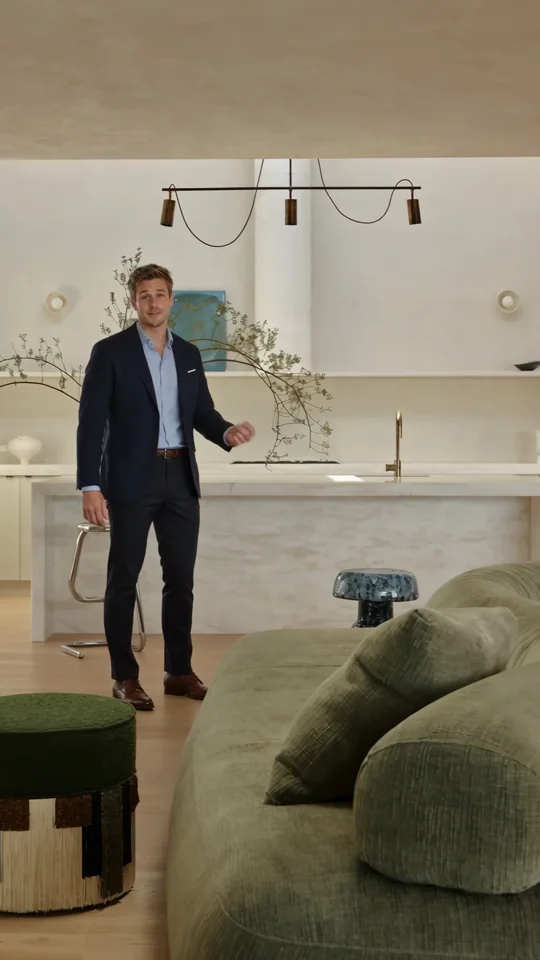
Use the presenter’s introduction as a reference for the first spoken line of a property tour.
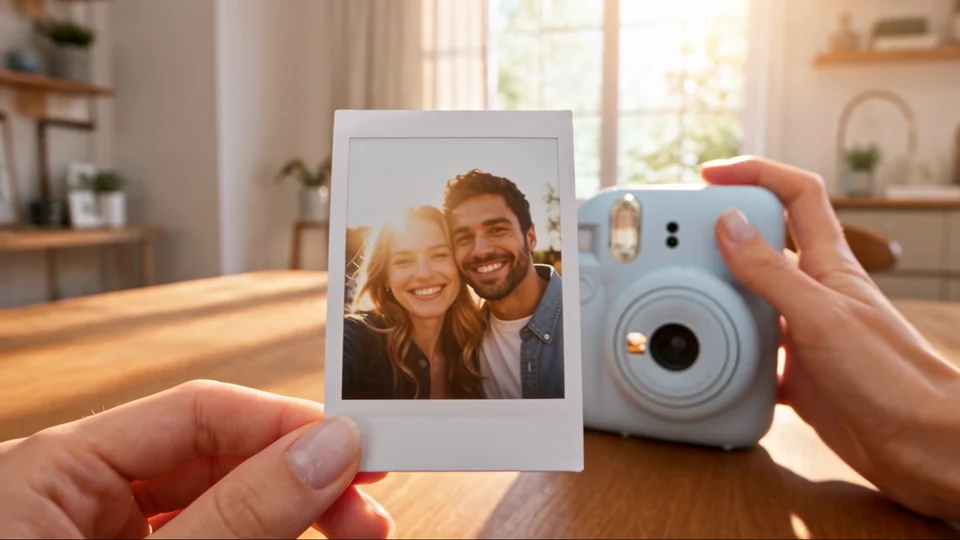
Watch how the process leads to the finished print beside the instant camera. Use the final reveal to time a sound cue.