Finish a product montage
Ease the last beat of a music cue under the final product shot instead of cutting it off mid-note.

Set the fade length in seconds. The same length applies as the recording starts and finishes.
Only edit videos you own or have permission to edit. Stillmore does not offer a YouTube video downloader.
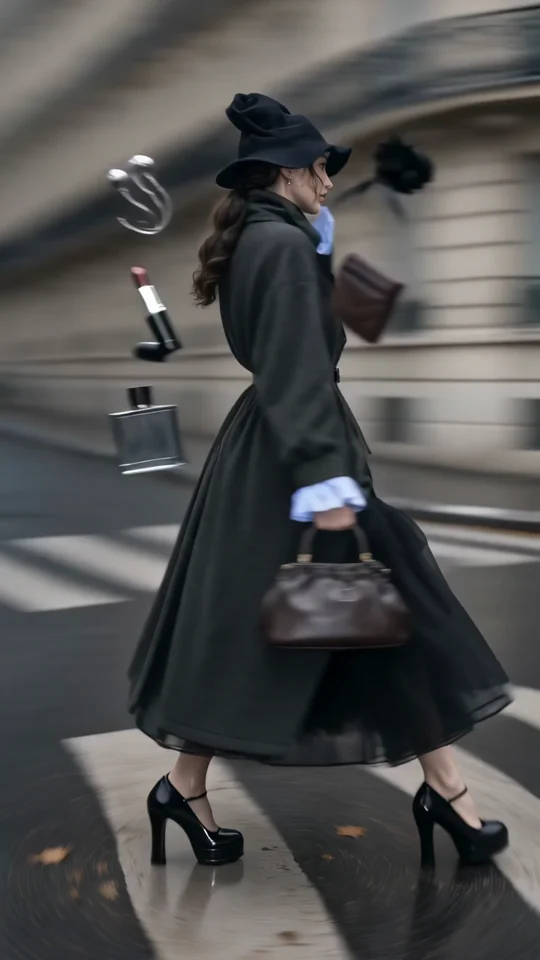
The fashion clip opens at full level. A 1.25-second fade at either end gives the turn a gentler entrance and finish.
Select a music cue, voice take or video with audio. Trim it to the length you want first.
Enter the number of seconds each end should take to reach or leave full volume.
Apply the fades, download the MP3 and check the first and last words or beats.
A short volume ramp can make the boundary between a recording and silence feel deliberate.
Ease the last beat of a music cue under the final product shot instead of cutting it off mid-note.
Let the sound of a busy café come in gradually under the opening image.
Add a brief ramp at each edge of a music excerpt before sharing a rough cut.
Fade the ends of a recorded chime so a listener hears the tone settle before playback stops.
The fade lowers every sound in the closing seconds, including speech. Shorten the fade or leave a little room after your last line before exporting.
Yes. Entering 1 applies a one-second fade in at the beginning and a one-second fade out at the end.
Yes. If two fades of your chosen length exceed the clip’s duration, they overlap. Shorten the value to leave a section at full level.
This tool processes the start and end of one recording. A crossfade between simultaneous tracks needs a multitrack editor.
Yes. Choose a video containing audio. The tool applies the fades to its soundtrack and exports an MP3.
The opening fades up from silence and the ending fades down to silence. Shorten the fade duration if a short musical cue loses too much of its attack.
No. The fades change the level at the edges while keeping the recording’s running time.
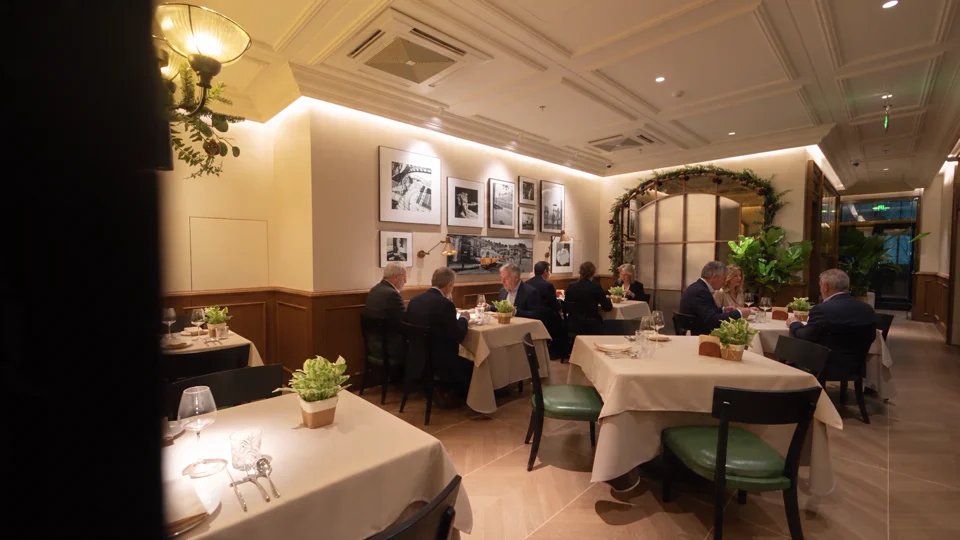
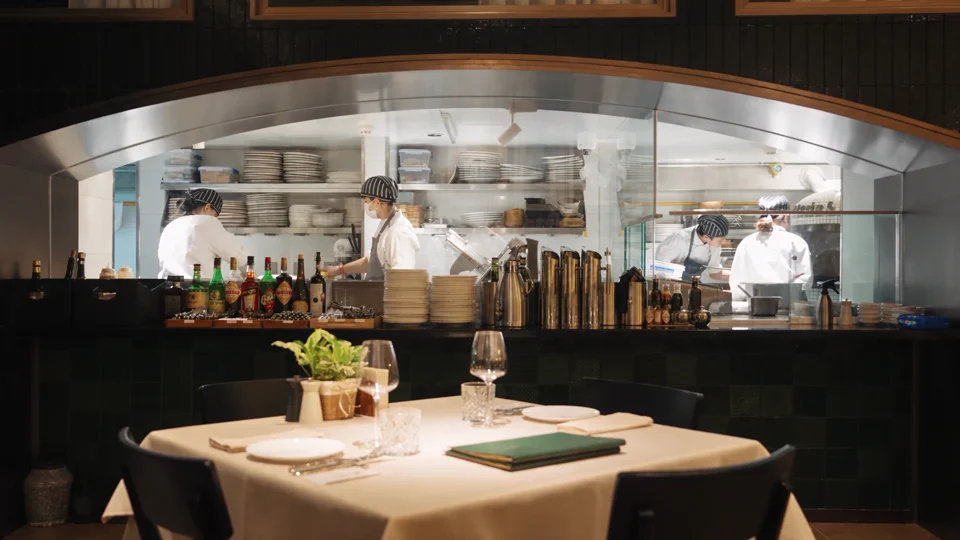
For a shop walkthrough, time the fade to the last view of the space. Grand Tour gives you a visual reference for that closing shot.
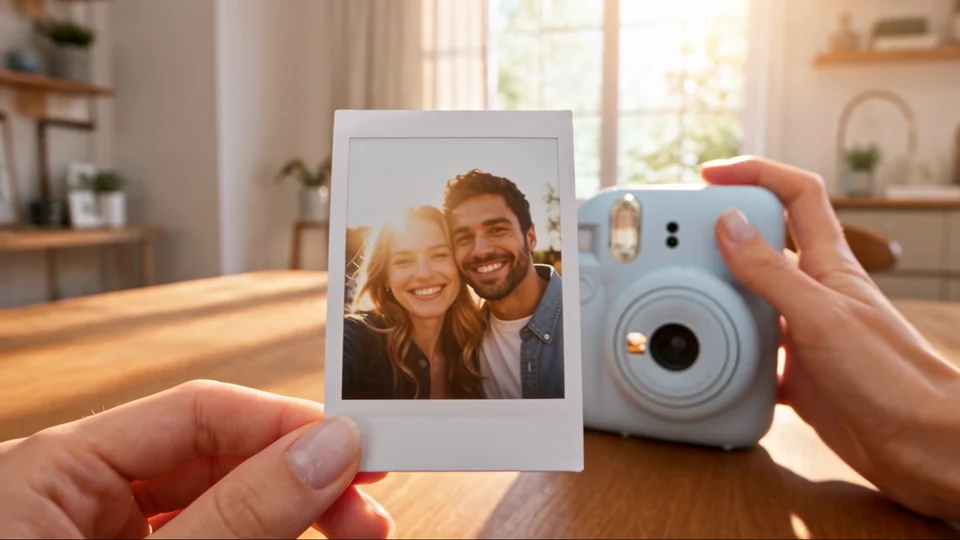
Watch how the process leads to the finished print beside the instant camera. Use the final reveal to time a sound cue.
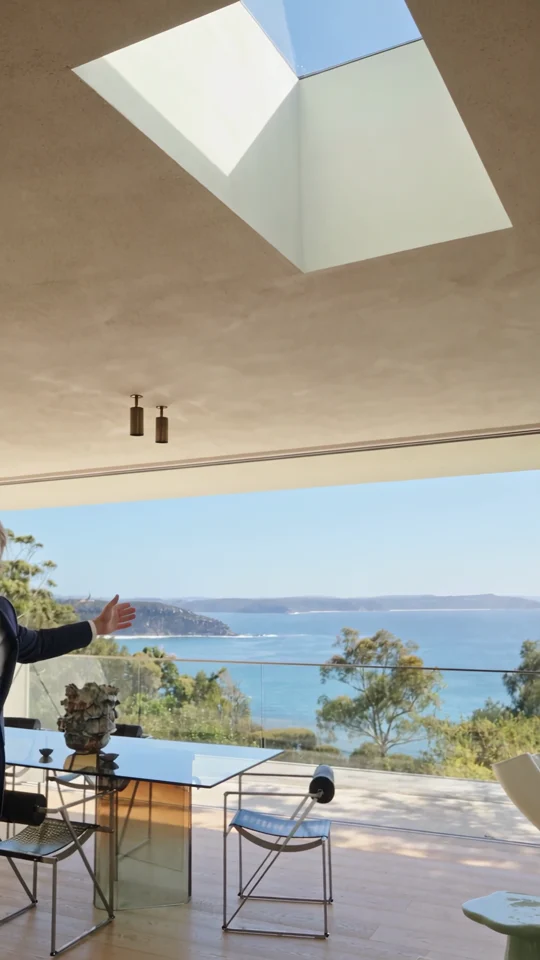
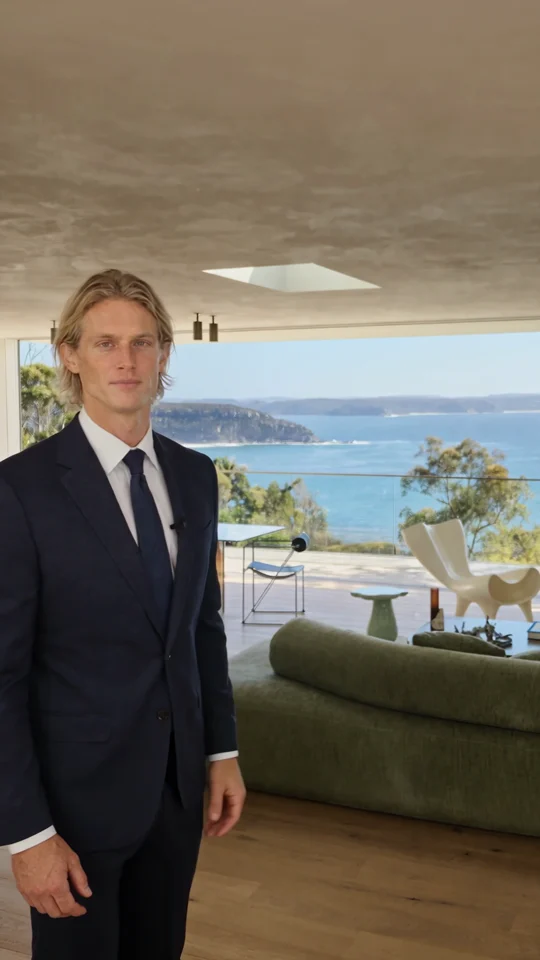
Follow the room change and the presenter’s return. Both give the narration a natural place to pause.
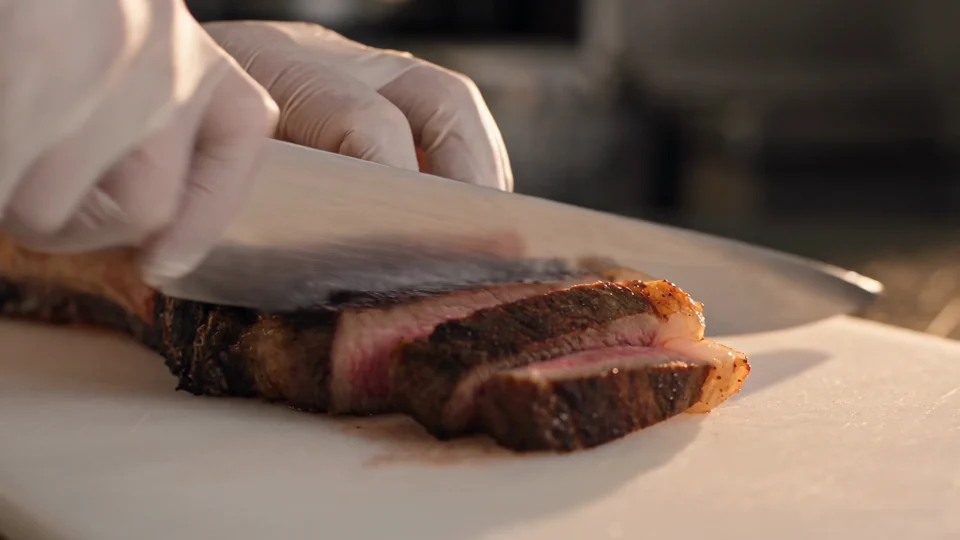
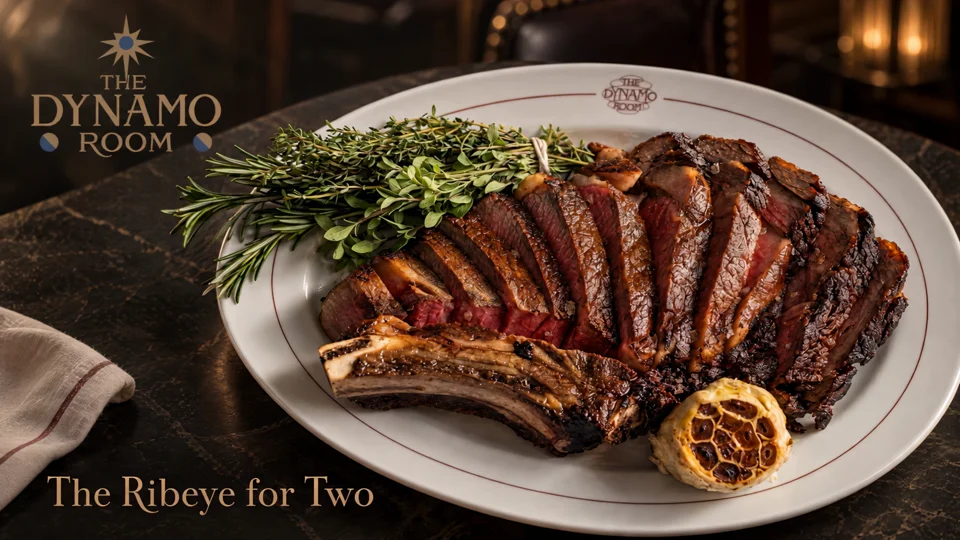
Follow the cut from the sliced steak to the plated dish. Use those two moments to plan your own edit.