Make a tone from a brand chime
Use an authorised recording of a shop or product chime for a team device.

Choose 5–40 seconds from the start of your recording and export an M4R with a fade at each end.
Only edit videos you own or have permission to edit. Stillmore does not offer a YouTube video downloader.
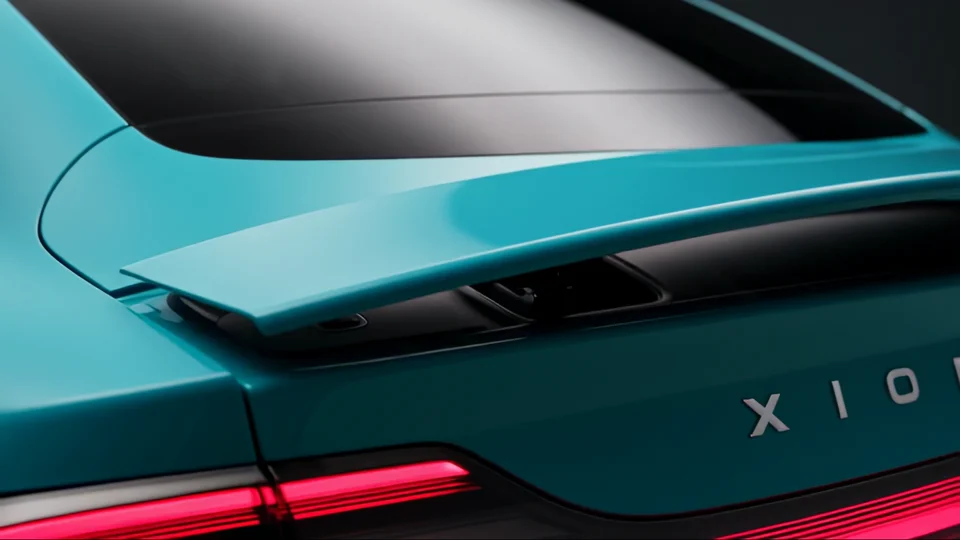
This cut uses the first six seconds of a ten-second car-launch excerpt. The M4R fades in at the opening and tapers off before the end.
Choose the audio or video containing the sound you want. The ringtone starts at the beginning of the file.
Enter a duration from 5 to 40 seconds. If your source is shorter, the export ends with the source.
Select Export ringtone and save the AAC-encoded M4R. Transfer or import the file using your device’s ringtone workflow.
Choose a recognisable opening and listen through the exit before putting the tone on a device.
Use an authorised recording of a shop or product chime for a team device.
Turn the first few bars of a cue into a short file for rehearsal.
Start the source at the first word and finish before the next sentence begins.
Export two durations from the same opening and listen for the ending that feels most natural.
Choose a length from 5 to 40 seconds. The export starts at the beginning of the file, so trim the recording first if the hook comes later.
The tone starts at zero. Trim your source to the desired starting point first if the useful sound begins later.
The export fades in for 0.6 seconds and applies a 1.2-second fade at the end of the selected duration.
The download gives you an M4R file. Importing it and assigning it to a contact or device are separate steps.
The download is an M4R file containing AAC audio. Check that the device you plan to use accepts M4R.
The export stops at the end of the available recording. It does not repeat or pad the audio to reach the selected length.
First trim the recording so it starts on the phrase you want. Use that excerpt as the ringtone source, then choose the length.

Launching a phone accessory alongside a signature sound? Product Premiere shows how to give the hardware its own visual introduction.
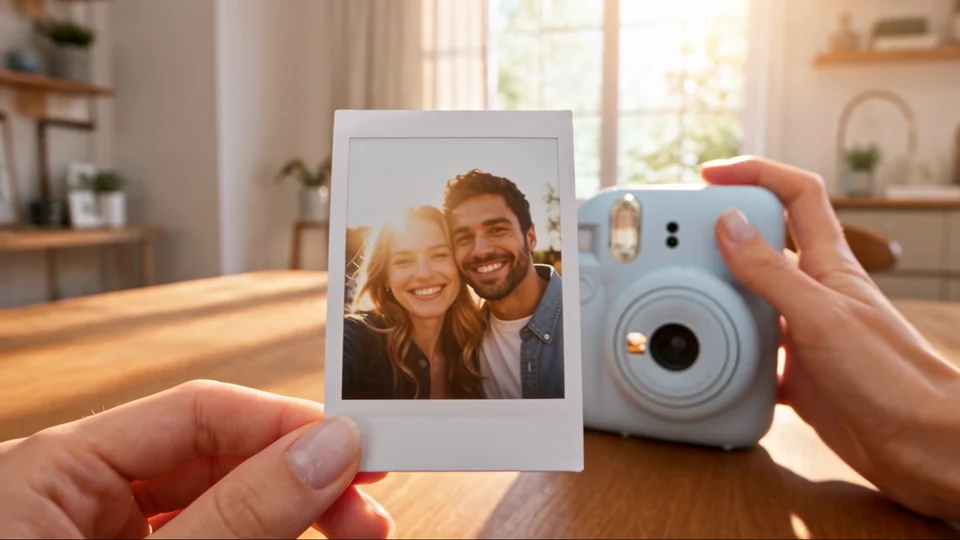
Watch how the process leads to the finished print beside the instant camera. Use the final reveal to time a sound cue.
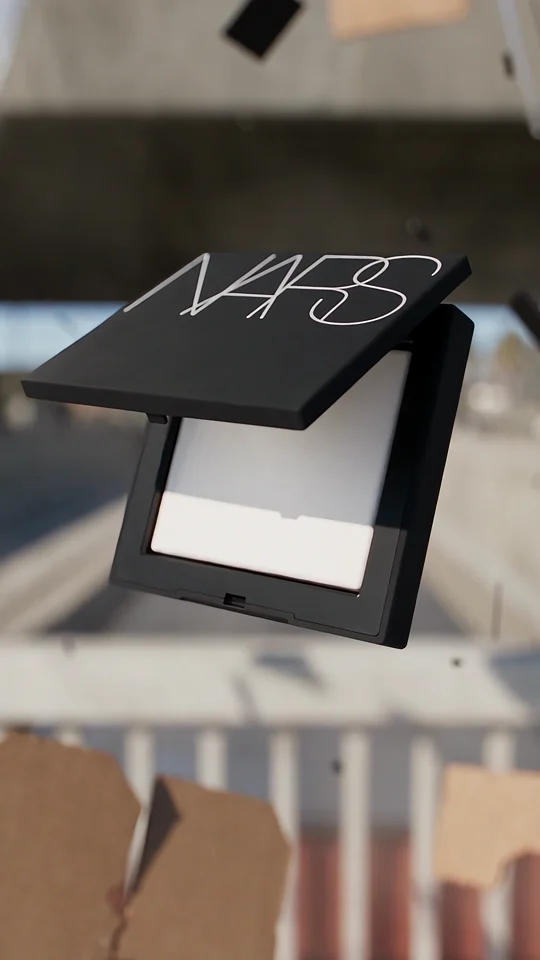
Compare the lettering on the compact with the isolated wordmark in the final shot.
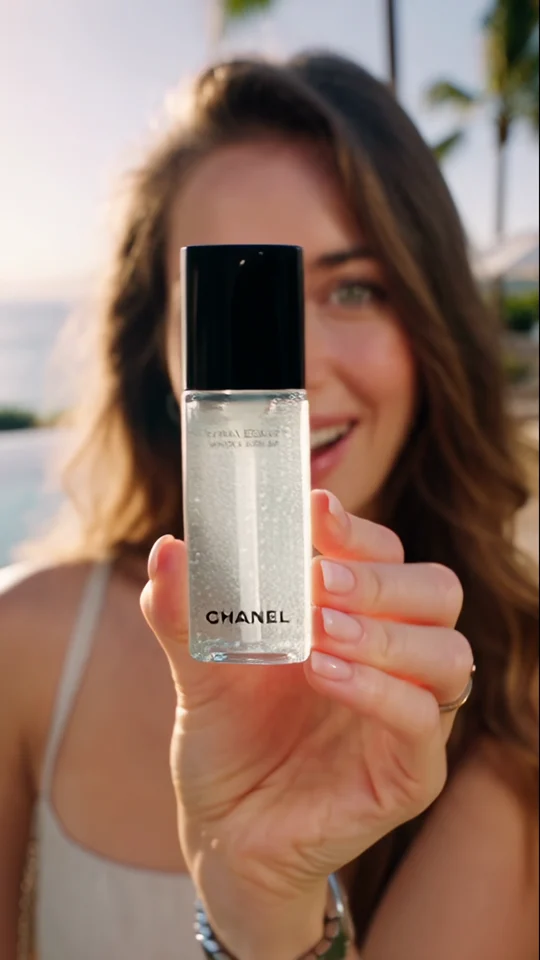
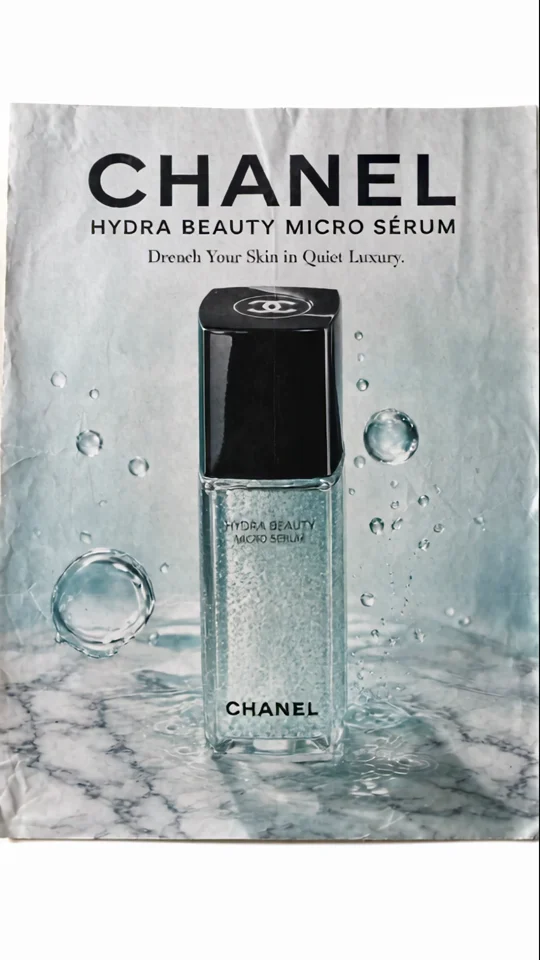
Compare the bottle in the presenter’s hand with its final poster. The larger silhouette still reads at thumbnail size.