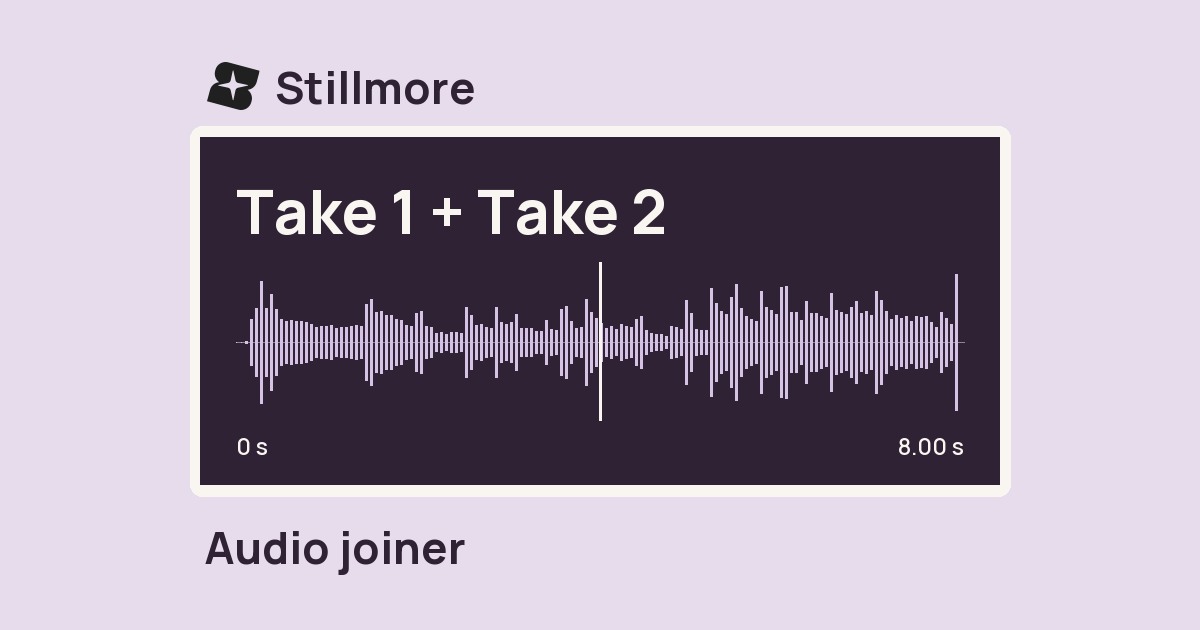
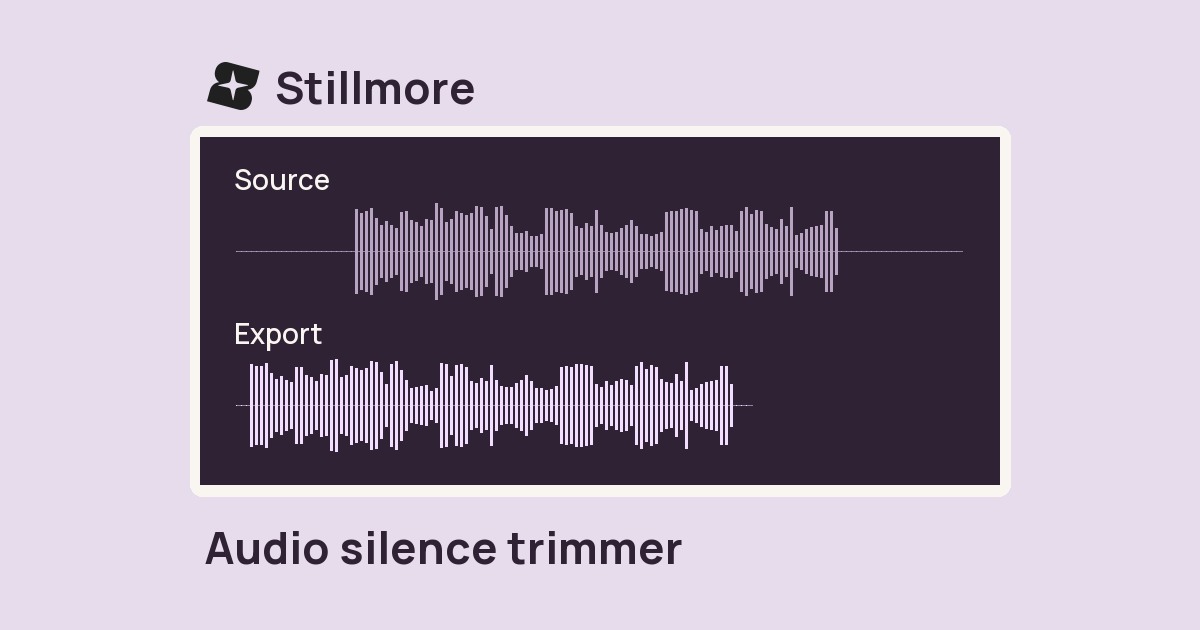
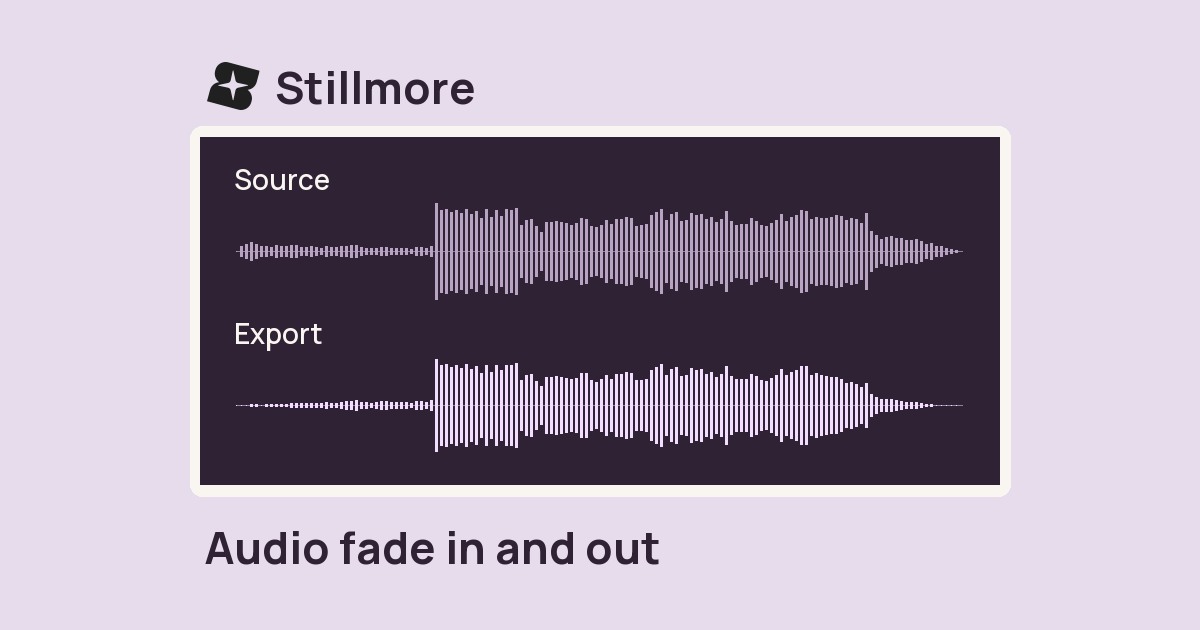
Prepare presenter takes
Normalize separately recorded introductions before comparing which delivery works best.

Choose a recording to export an MP3 with a loudness target of −16 LUFS.
Only edit videos you own or have permission to edit. Stillmore does not offer a YouTube video downloader.
The source level was reduced by 12 dB for this example. Keep your playback volume fixed and compare the guide’s voice with the export targeting −16 LUFS.
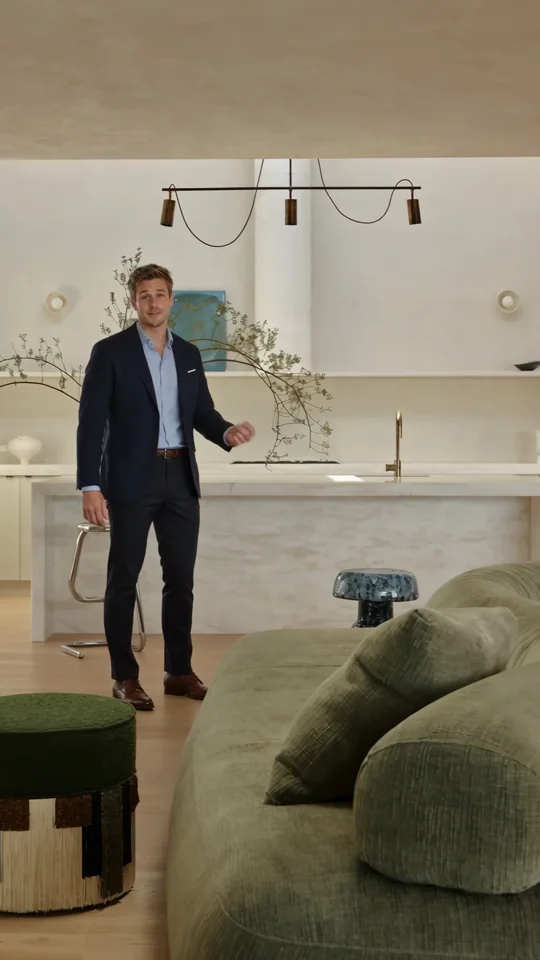
Select an audio file or a video with a recorded soundtrack.
Select Normalize loudness. The tool uses a fixed integrated loudness target of −16 LUFS.
Download the MP3 and compare the same spoken line with the original without touching the playback volume.
A consistent listening level is useful when several recordings will be heard one after the other.
Normalize separately recorded introductions before comparing which delivery works best.
Give a reviewer more even listening levels across voice notes recorded on different days.
Bring a quiet narration into a practical listening range before deciding whether it needs another take.
Process the individual stops on a tour before joining them so differences are easier to hear.
It adjusts the combined track. If music masks a voice, rebalance the separate tracks first. Then normalize the mix and listen through its loudest moment.
The target is fixed at −16 LUFS, with a −1.5 dB true-peak target and an 11 LU loudness-range setting.
Room noise remains in the recording and may become easier to hear when a quiet take is raised. Listen during gaps in speech.
The processor treats the selected recording as one programme. Process each take separately when their levels need individual attention.
The tool exports normalized.mp3 at 192 kbps. Download it and listen to the loudest passage before delivery.
Yes. Select a video containing an audio track. Download the normalized soundtrack as an MP3 and place it back under the picture in your editor if needed.
No. It adjusts loudness across the recording. Trim unwanted opening or closing silence separately.
Built Around Home Tour opens with an attention-grabbing moment and ends with contact details. Check that a listener can comfortably hear both parts of your own tour.

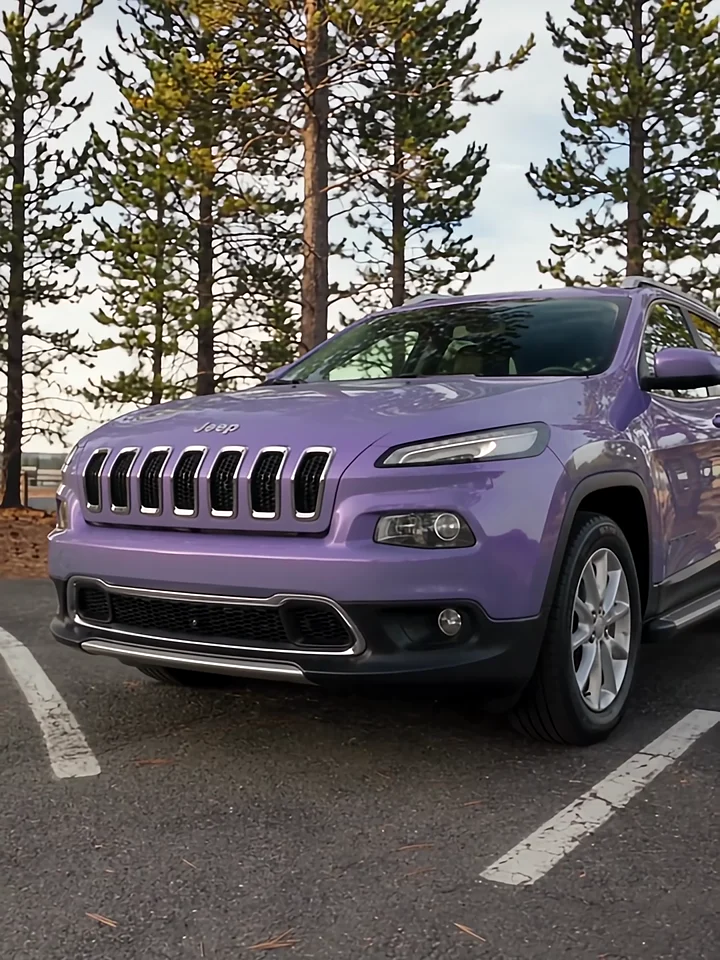
Listen to the presenter inside the car, then watch the cut to the exterior. Those two views give a voiceover its structure.

The presenter lines up three jars. Give each product its own short line when you plan a caption or voiceover.
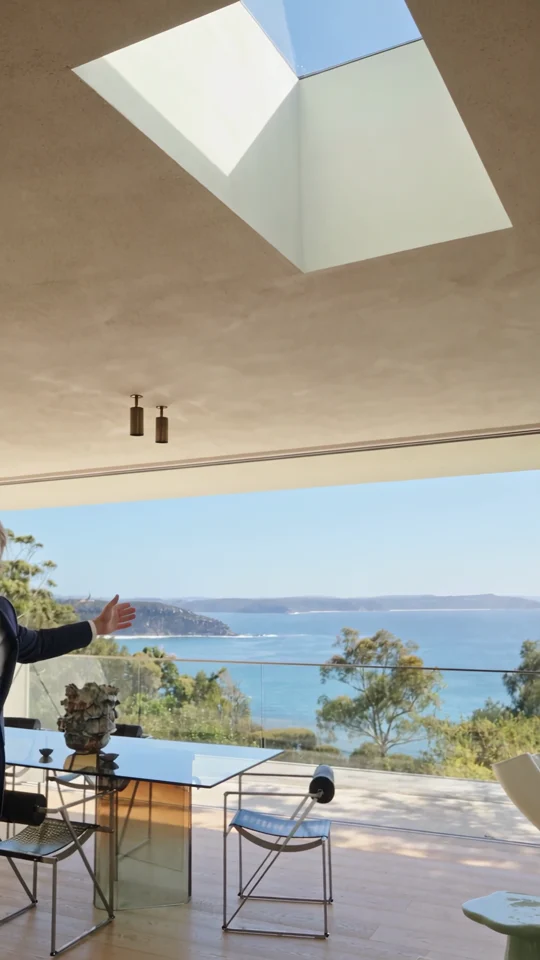
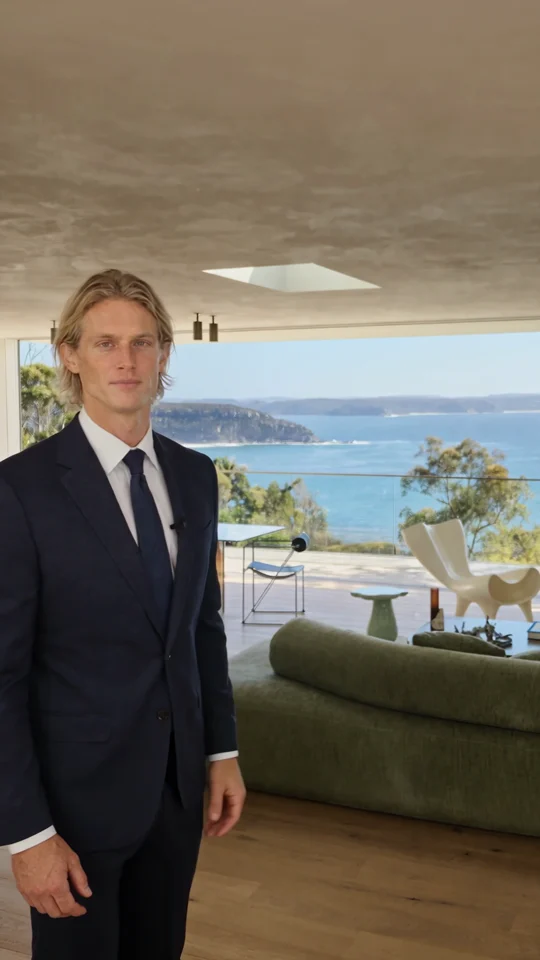
Follow the room change and the presenter’s return. Both give the narration a natural place to pause.