Line up voice notes
Remove dead time around each speaker before assembling an interview review.

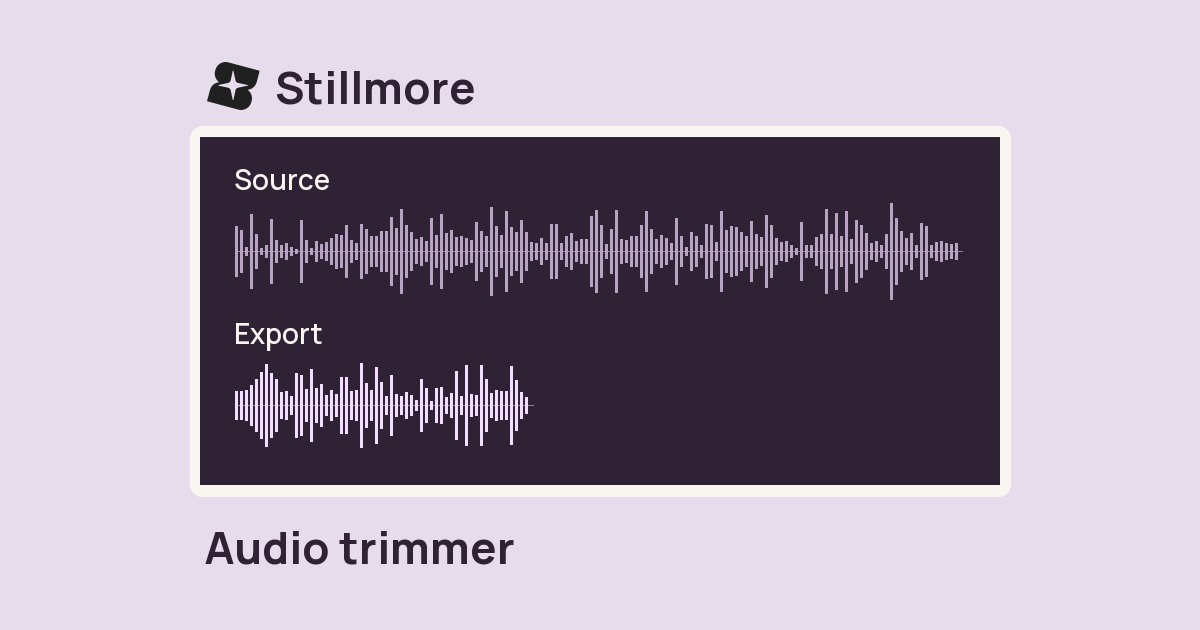
Choose a recording to shorten its quiet opening and ending while keeping pauses between phrases.
Only edit videos you own or have permission to edit. Stillmore does not offer a YouTube video downloader.
The input adds 1.5 seconds of silence before this sunglasses shoot and 1.5 seconds after it. Compare the first sound and final tail in the trimmed MP3.

Select the voice note, take or video with quiet time before or after the useful audio.
Select Trim silence. The tool examines both ends using a fixed −45 dB threshold.
Download the MP3 and listen to the first syllable and final decay, especially on a softly spoken take.
Edge trimming helps when the record button was pressed early or left running after the performance.
Remove dead time around each speaker before assembling an interview review.
Bring the first word closer to the start of a short store-tour narration.
Trim long quiet handles from individual sound cues, then check the end of each decay.
Remove the lead-in and tail of a recorded read so a reviewer reaches the performance sooner.
This tool works inward from the two ends. A pause between phrases stays in the performance. Background noise at an edge can also keep the signal above the silence threshold.
Yes, if the recording includes an audio track. The result is the trimmed soundtrack as an MP3.
The filter allows about 0.2 seconds of quiet at each edge. Continual room noise above the threshold can also prevent a trim.
Use the original and set the start and duration manually in Audio trim. That gives you control over a whispered line or fading note.
The tool uses a fixed threshold of −45 dB. Room tone above that level may remain audible and prevent the trim from reaching the first spoken word.
The result is a 192 kbps MP3. Keep the original if you need the untrimmed lead-in or tail later.
Use the audio trimmer for a precise start time. Automatic silence trimming follows the audio level, so its cut point depends on the recording.
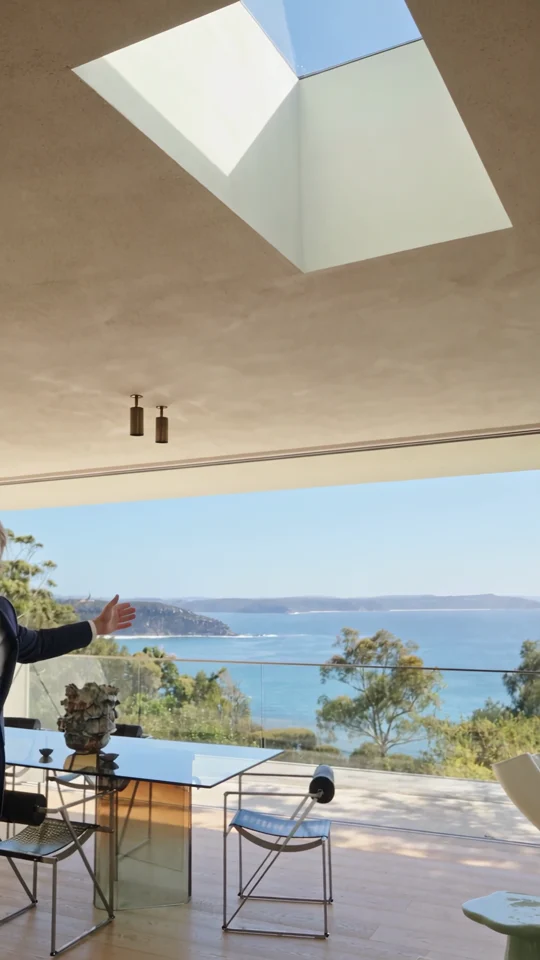
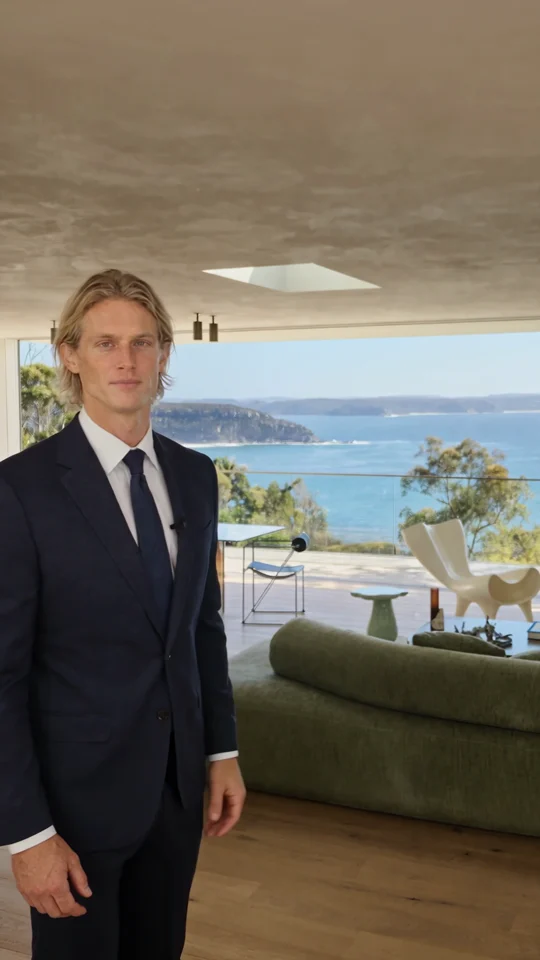
A house tour can start right on the host’s first line while leaving room for the viewer to look around. See the presenter-led Home Tour example.
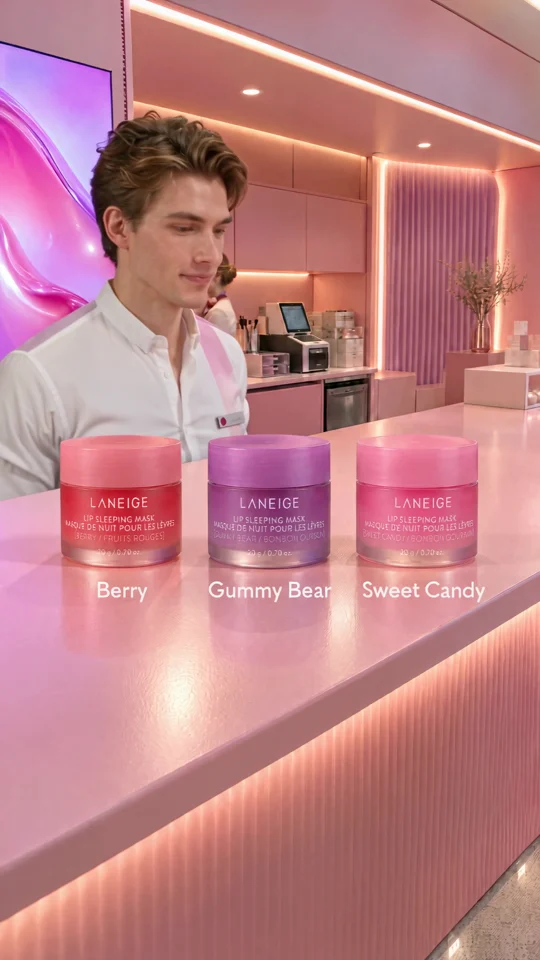
The presenter lines up three jars. Give each product its own short line when you plan a caption or voiceover.

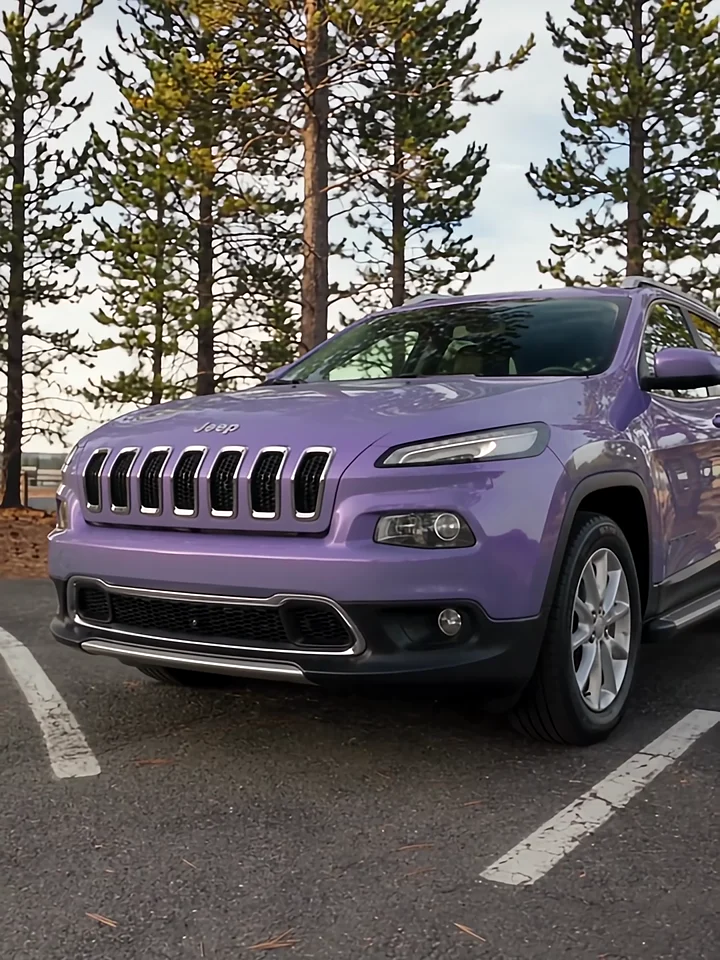
Listen to the presenter inside the car, then watch the cut to the exterior. Those two views give a voiceover its structure.
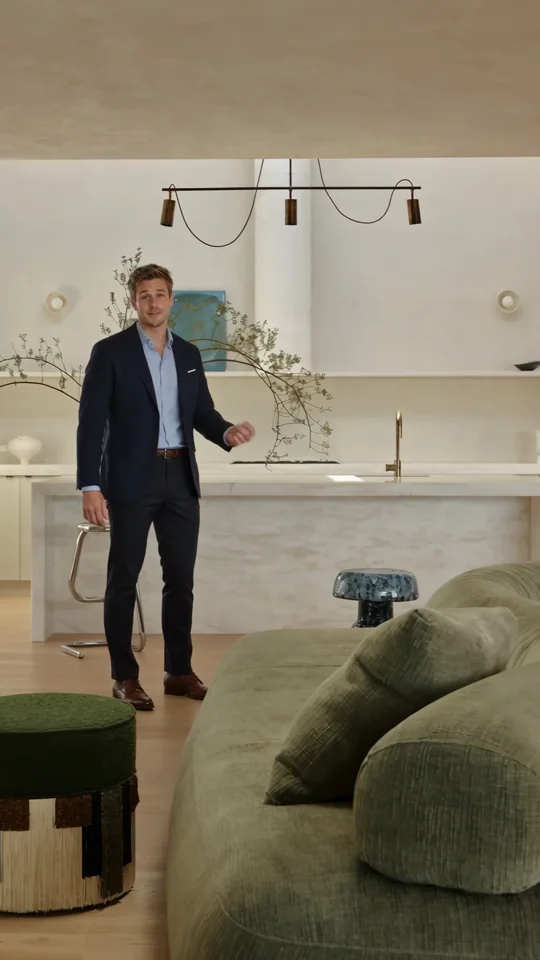
Use the presenter’s introduction as a reference for the first spoken line of a property tour.