Assemble a narrated walkthrough
Follow a welcome message with one recording for each stop on a store tour.

Select at least two audio files in playback order to make one continuous MP3.
Two four-second excerpts from the restaurant tour play in sequence. Listen for the join at four seconds as the tour moves from the dining room to the open kitchen.
Select at least two audio files. Their combined size must fit within the 64 MB job limit.
The browser supplies the file order. If order matters, number the filenames before selecting them and check the result by ear.
Choose Join recordings, download the MP3 and listen across each join.
Joining plays each source from start to finish in sequence. Prepare the individual takes before assembling them.
Follow a welcome message with one recording for each stop on a store tour.
Place approved answers in story order so a producer can hear the edit in one pass.
Join separate product-name recordings into one reference for the voice artist.
Collect the door chime, workshop ambience and packaging sound in one file for creative review.
Select the introduction first and the take second. The joiner plays them in file order. Listen across the join for a repeated breath or a sudden change in room tone.
Each file plays after the previous one ends. Layering a music bed underneath speech needs separate tracks in an audio editor.
The files are converted to 48 kHz stereo for joining, then encoded into one 192 kbps MP3.
Leading or trailing silence in either source stays in the sequence. Trim those edges in the individual takes and join them again.
Play the dining room and kitchen samples separately, then play the joined track. In the example the kitchen comes in at about four seconds.
Yes. The joiner resamples the inputs to 48 kHz stereo before it creates the combined MP3.
Joining puts the recordings end to end without matching their levels. If they need separate gain adjustments, prepare each take before joining.
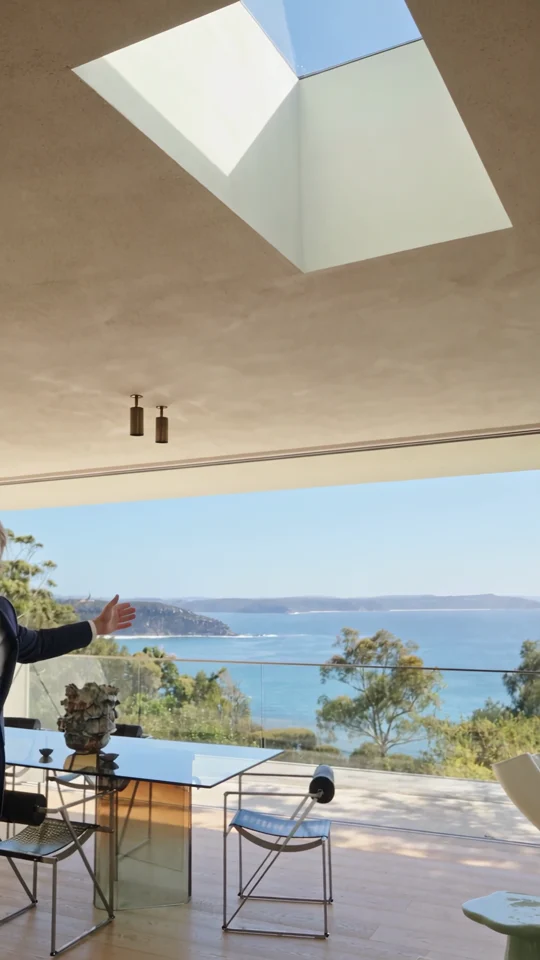
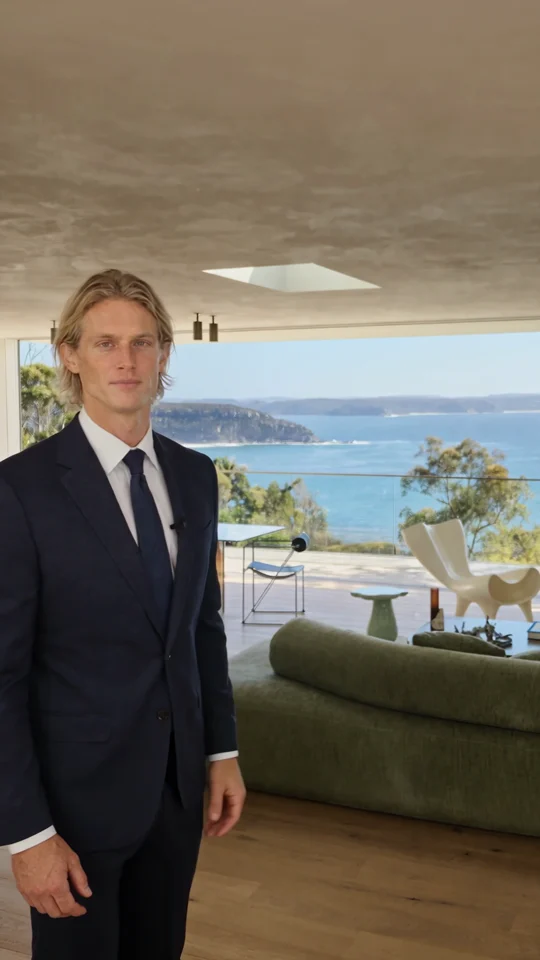
If each take describes a different room, use Home Tour to plan the order of the stops before joining the narration.
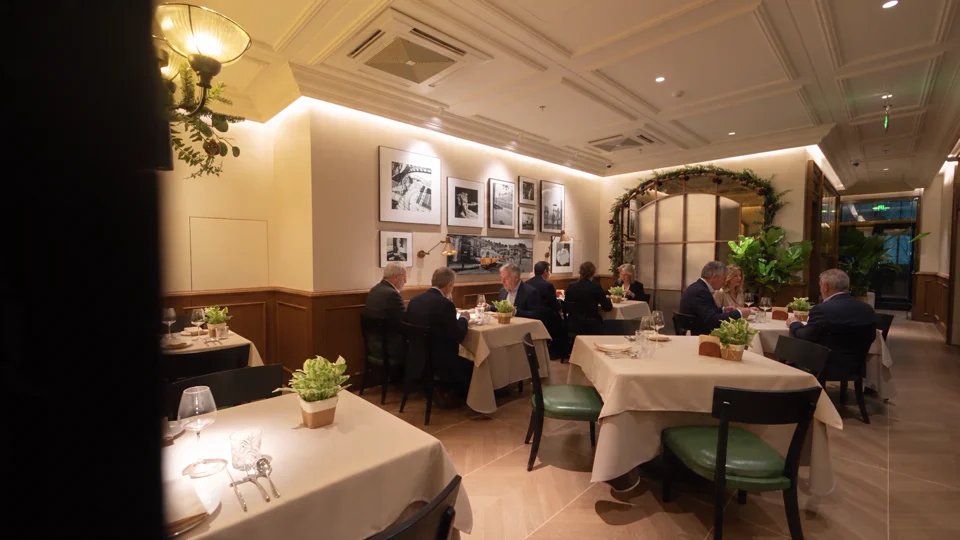
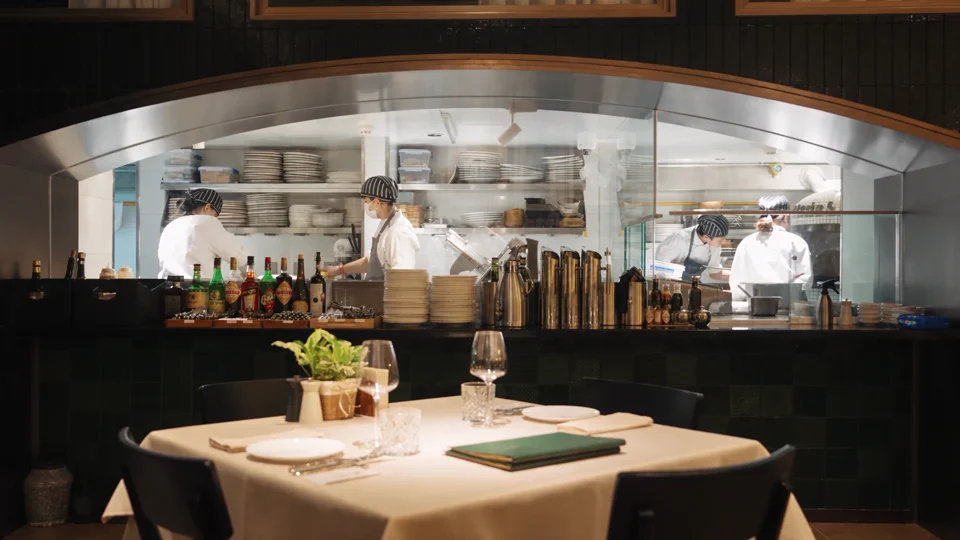
The dining room gives way to the open kitchen. Notice which room details carry across the cut.

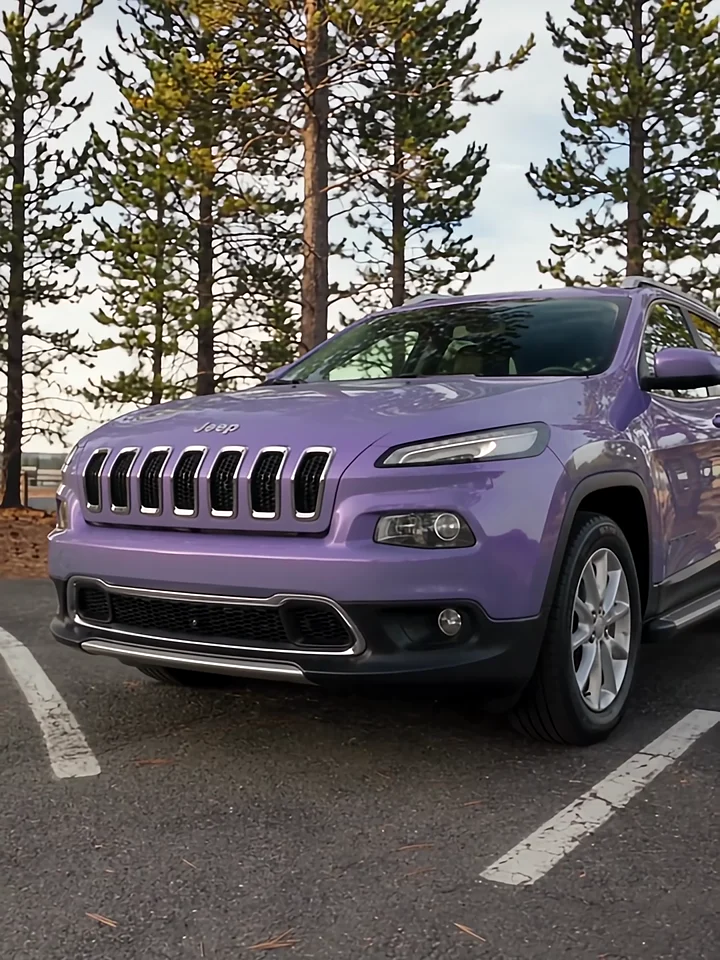
Listen to the presenter inside the car, then watch the cut to the exterior. Those two views give a voiceover its structure.
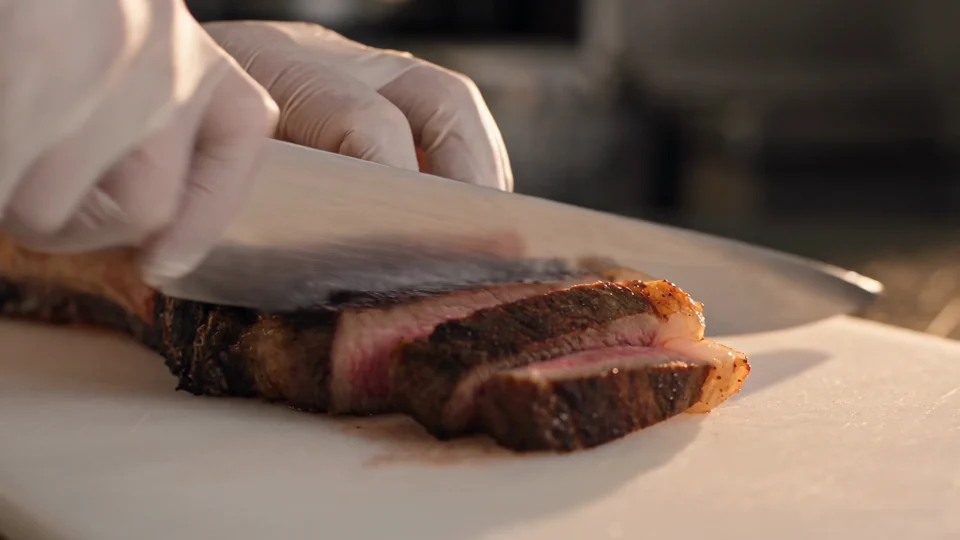

Follow the cut from the sliced steak to the plated dish. Use those two moments to plan your own edit.