Centre a one-sided microphone
If a spoken take plays through one ear, try a mono copy and check the speaker’s level.

Select mono to combine the channels or stereo to export a two-channel MP3.
Only edit videos you own or have permission to edit. Stillmore does not offer a YouTube video downloader.
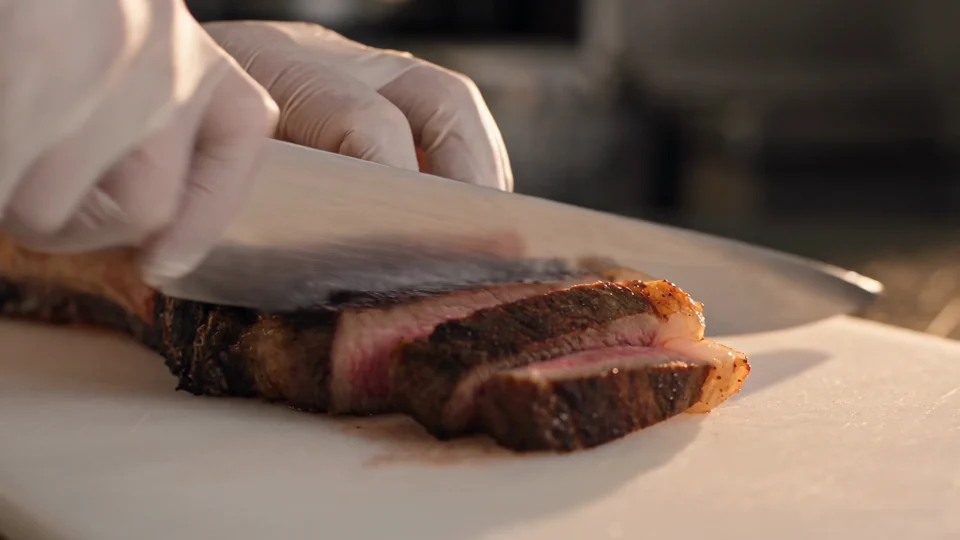
This stereo excerpt follows the steak from the chopping board towards the plate. Compare the spread on headphones with the centred, single-channel MP3.
Choose an audio recording or a video that contains the track you need.
Select Mono to fold the track into one channel, or Stereo for a two-channel deliverable.
Download the converted MP3 and listen with headphones, especially if the original channels sounded different.
A channel conversion changes where sound is carried. Listen to both speech and background elements after the change.
If a spoken take plays through one ear, try a mono copy and check the speaker’s level.
Fold a stereo cue to mono and listen for instruments or vocals that become quieter.
Convert a mono take to stereo when the receiving edit session asks for two channels.
Make a mono review file for a voice performance where left-right placement carries no useful information.
A stereo recording may carry the microphone on one side. Try a mono export and listen on headphones. If the two original channels cancel when mixed, return to the recording and select the clearer channel in your editor.
A mono recording can be carried in two channels, but the conversion cannot recover separate left and right performances.
The Mono option downmixes the available channels. Choosing an individual input channel requires a channel selector in an editor.
Signals with opposing phase can partially cancel when combined. Compare the result with the original before approving the mono file.
Choose Mono to write a one-channel MP3. Choose Stereo for a two-channel MP3.
Yes. Choose a video with sound. The result is an audio-only MP3 with the channel count you selected.
Listen to the original and mono versions on the same headphones at the same volume. Pay attention to distant voices or instruments that become unusually faint.

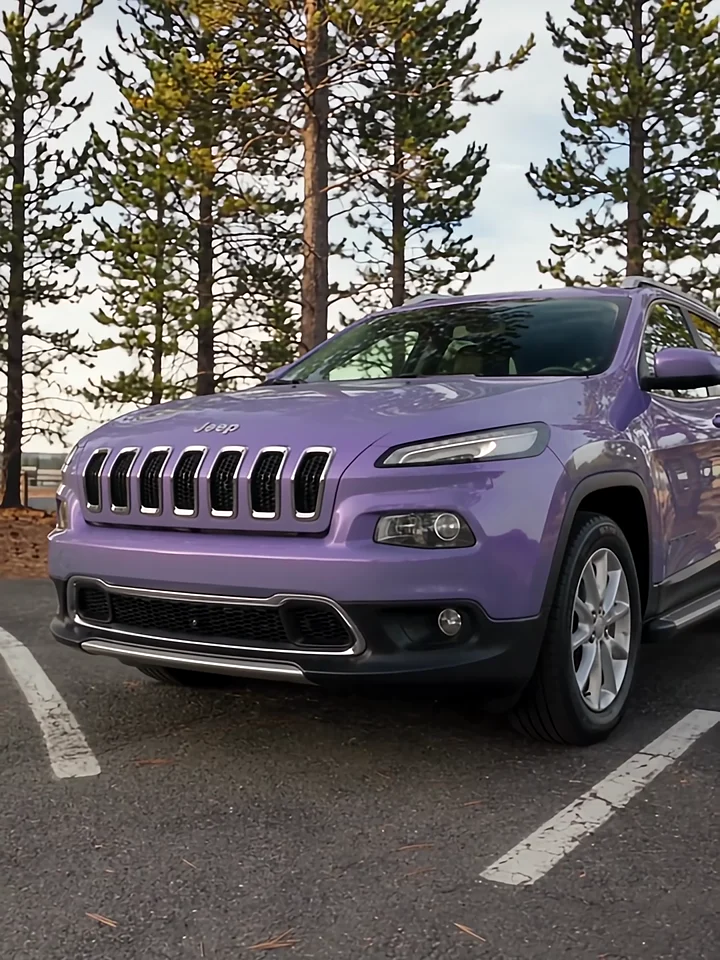
When a presenter moves around a car, the voice should stay easy to follow. Use the Car Tour example to plan a short listening check for each feature.
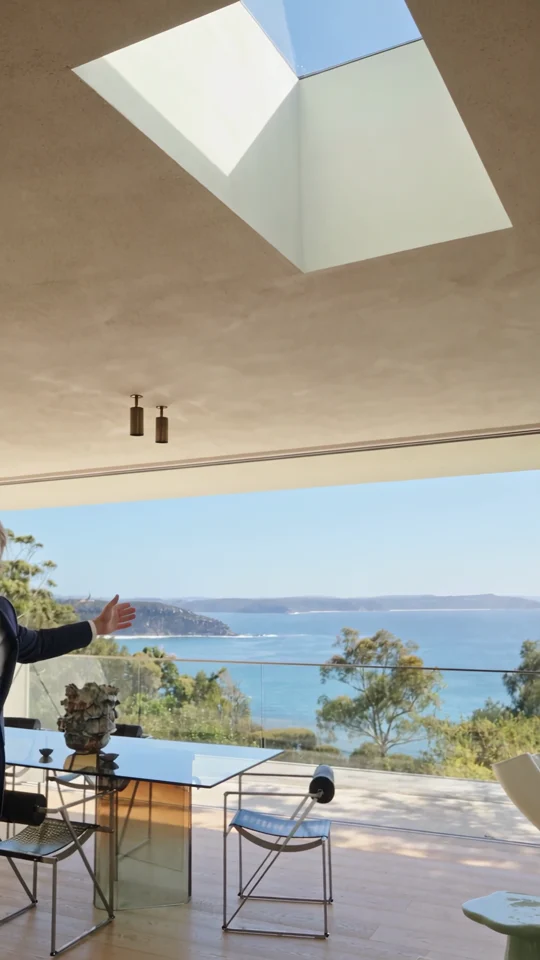
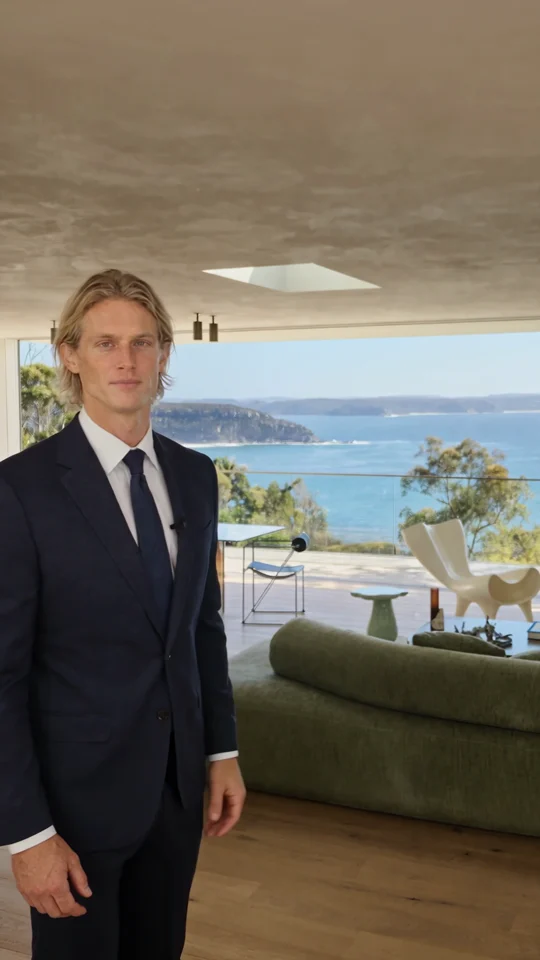
Follow the room change and the presenter’s return. Both give the narration a natural place to pause.

The presenter lines up three jars. Give each product its own short line when you plan a caption or voiceover.
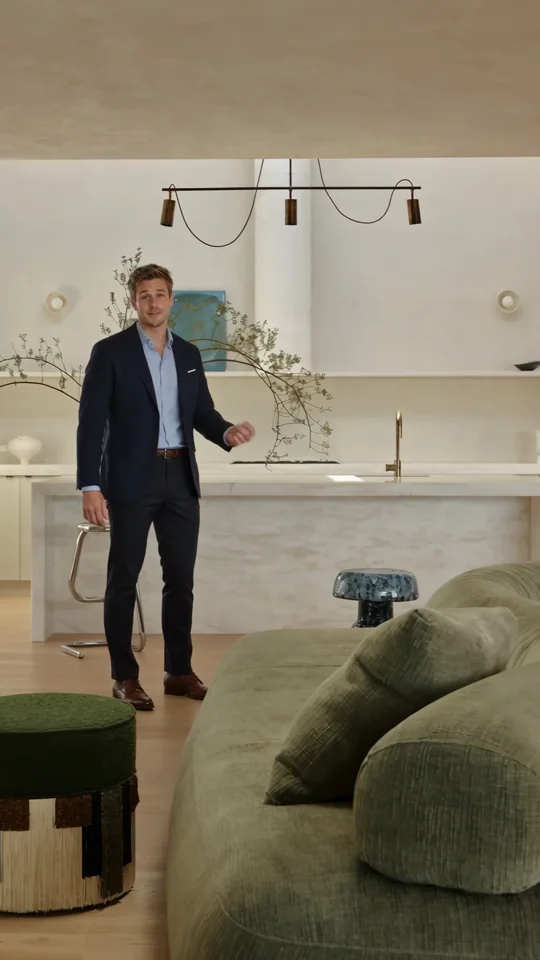
Use the presenter’s introduction as a reference for the first spoken line of a property tour.