Send feedback on a voice take
Make an MP3 that a collaborator can open for a quick listen before you commit to the edit.

Choose an audio file or a video with sound, then select MP3, WAV, M4A or FLAC.
Only edit videos you own or have permission to edit. Stillmore does not offer a YouTube video downloader.
The presenter opens the tour from the driver’s seat. Compare the eight-second WAV excerpt with the MP3 delivery copy.

Open an audio file, or a video containing the soundtrack you want to keep.
Pick WAV if your editor asks for uncompressed audio, or choose MP3, M4A or FLAC from the format menu.
Select Convert recording and download the file when its name and size appear.
Choose the format for the person or application that will open your file next.
Make an MP3 that a collaborator can open for a quick listen before you commit to the edit.
Supply a WAV when the sound editor requests uncompressed PCM for the timeline.
Convert an uncompressed field recording to FLAC to retain its decoded audio in a lossless file.
Choose M4A when a production brief requests AAC audio in an M4A container.
Ask which format their timeline accepts. WAV is useful for an uncompressed working copy. MP3 makes a smaller review file. Converting an existing MP3 to WAV preserves the sound it already contains.
The WAV option writes 16-bit PCM audio. Keep your original recording for projects that require its original bit depth.
Both options encode at 192 kbps. The M4A file uses AAC.
The download contains the audio track only. The source video stays on your device.
Yes. Choose a video with an audio track, select the audio format you need and convert it. A silent video has no audio stream to convert.
No. FLAC preserves the audio it receives, including the losses already present in the MP3. Start with the original recording when available.
Conversion uses the full input. To make an MP3 excerpt, use the audio trimmer and set the start time and length.
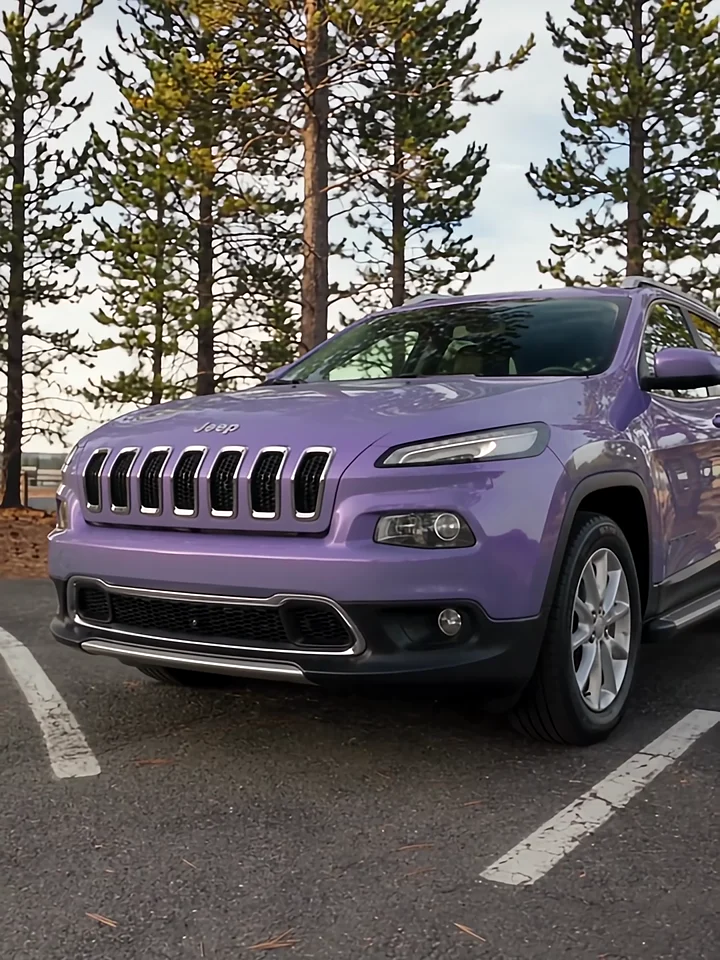
Preparing a dealership voiceover? Watch Car Tour to plan which vehicle details the presenter should introduce first.
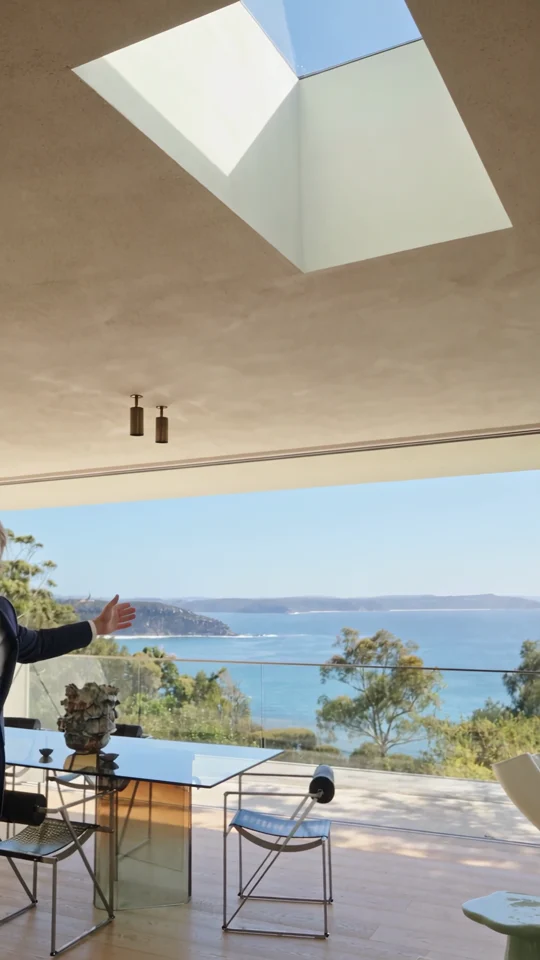
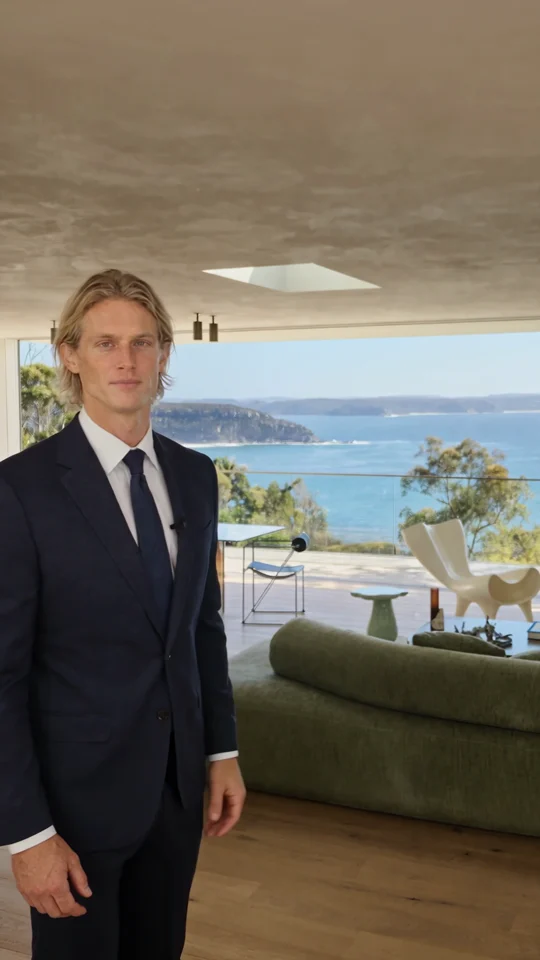
Follow the room change and the presenter’s return. Both give the narration a natural place to pause.

The presenter lines up three jars. Give each product its own short line when you plan a caption or voiceover.
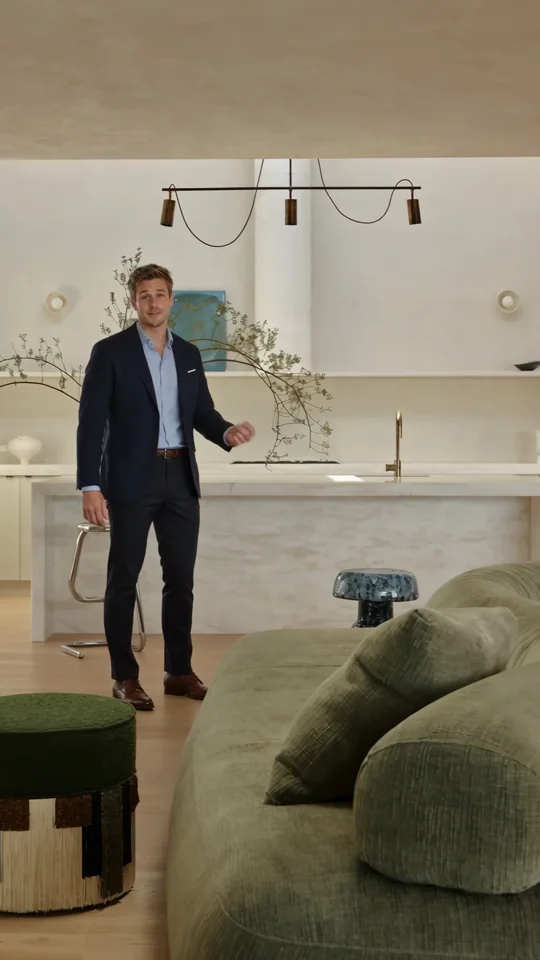
Use the presenter’s introduction as a reference for the first spoken line of a property tour.