Match a video timeline
Export at 48 kHz when your video editor requests a 48 kHz reference track.

Select the rate your editor needs. The 96 kHz setting produces a WAV and the lower rates produce MP3s.
Only edit videos you own or have permission to edit. Stillmore does not offer a YouTube video downloader.
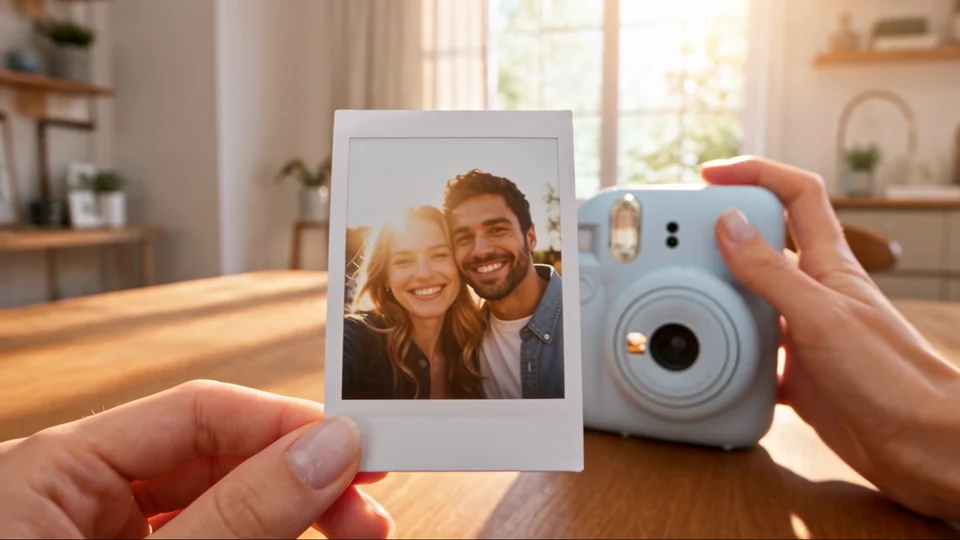
This eight-second section of the instant-camera film starts at 32 kHz. The 44.1 kHz MP3 keeps the same pitch and timing.
Read the required sample rate from the destination editor or delivery brief.
Select the source and choose 22.05, 44.1, 48 or 96 kHz.
Run the conversion. The 96 kHz setting exports WAV; the other three settings export MP3.
Use the sample rate written in the brief so your collaborator receives a file with the expected sampling frequency.
Export at 48 kHz when your video editor requests a 48 kHz reference track.
Choose 44.1 kHz when that is the project setting shared with the music editor.
Compare a 22.05 kHz copy against the source when evaluating a speech-only delivery preset.
Use 96 kHz when the handoff explicitly calls for a 96 kHz PCM file.
Use the rate your destination needs. Raising it adds samples between the ones you already have. It cannot recreate frequencies lost in the original recording.
The audio is resampled to preserve its timing. Use a speed control if you want the performance to play faster or slower.
The menu offers 22050, 44100, 48000 and 96000 samples per second.
Use the rate requested by the receiving project. Keep the camera original as your master so you can make a different delivery copy later.
The 96 kHz setting uses a 16-bit PCM WAV. The lower sample-rate options export MP3.
Choose 48 kHz, then check that your editor accepts an MP3 at that rate. Sample rate and file format are separate delivery requirements.
Yes. Choose a video with sound and select the target rate. The export contains its audio without the picture.
For a product sequence that runs from parts to delivery, One Take Journey offers a reference for lining up a continuous soundtrack with the action.
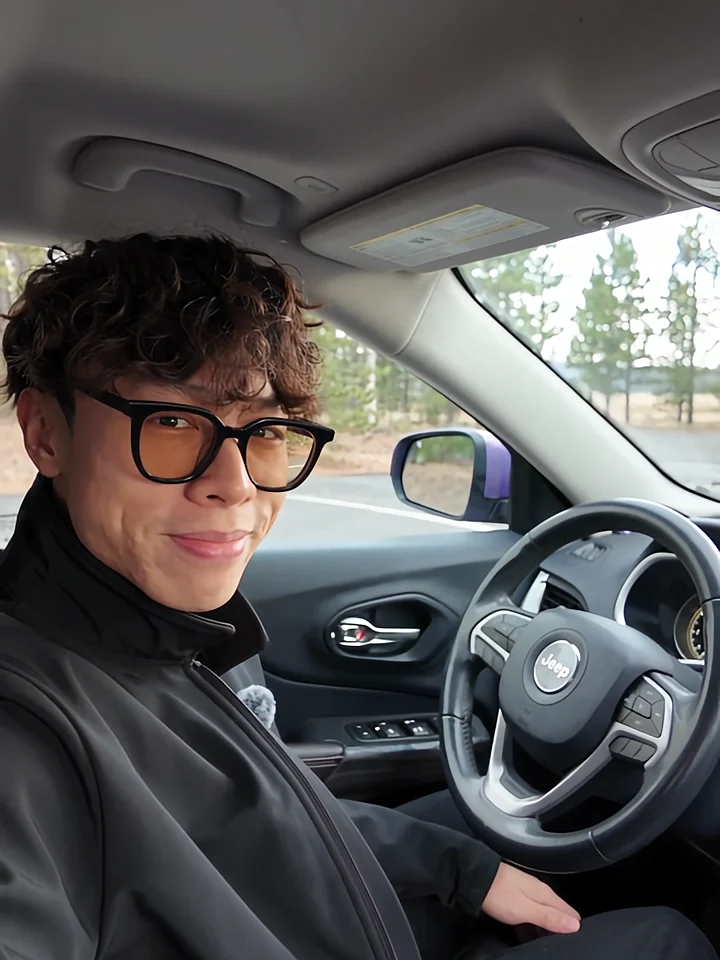
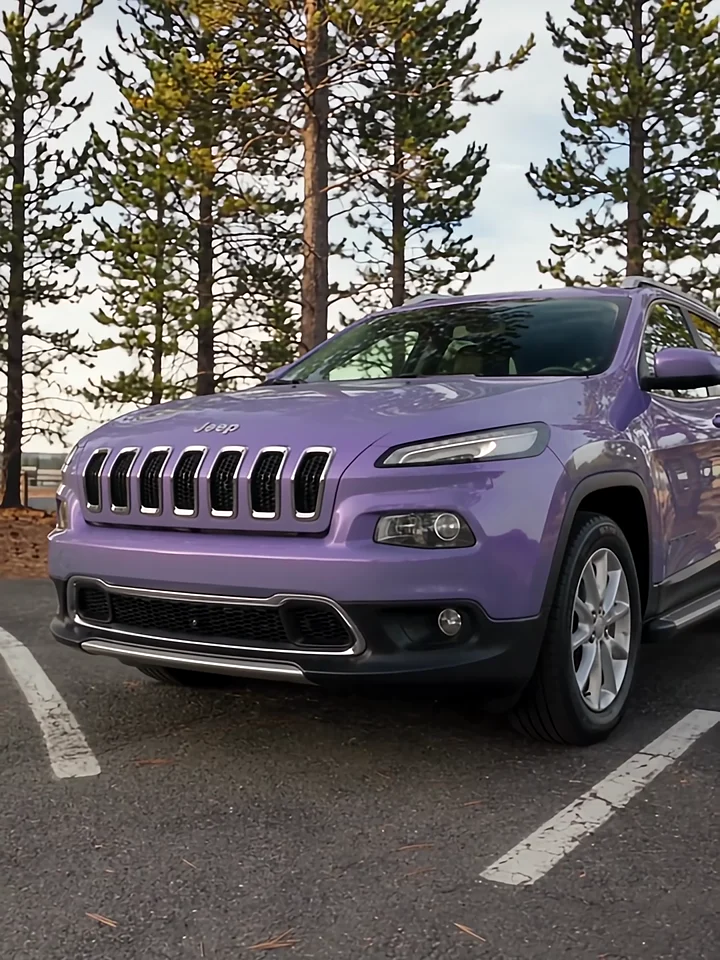
Listen to the presenter inside the car, then watch the cut to the exterior. Those two views give a voiceover its structure.
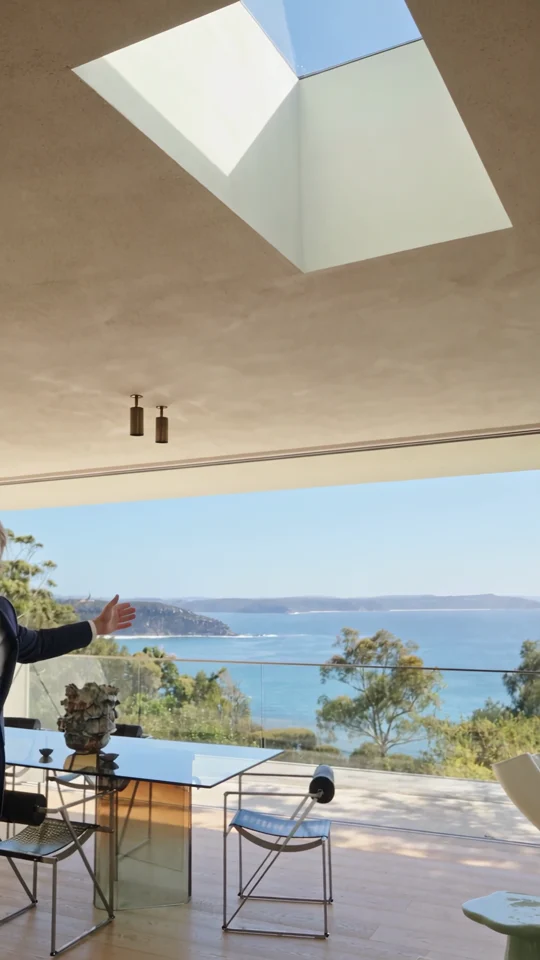
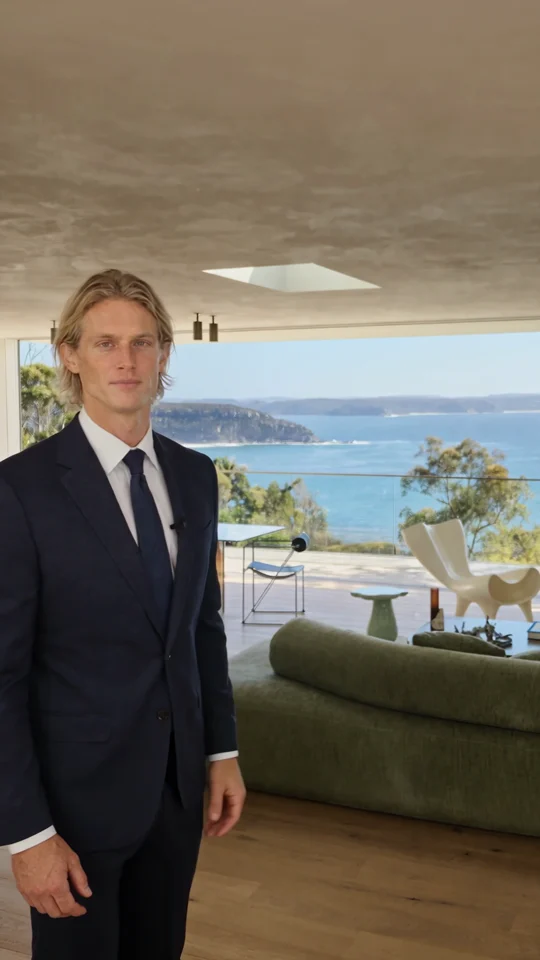
Follow the room change and the presenter’s return. Both give the narration a natural place to pause.
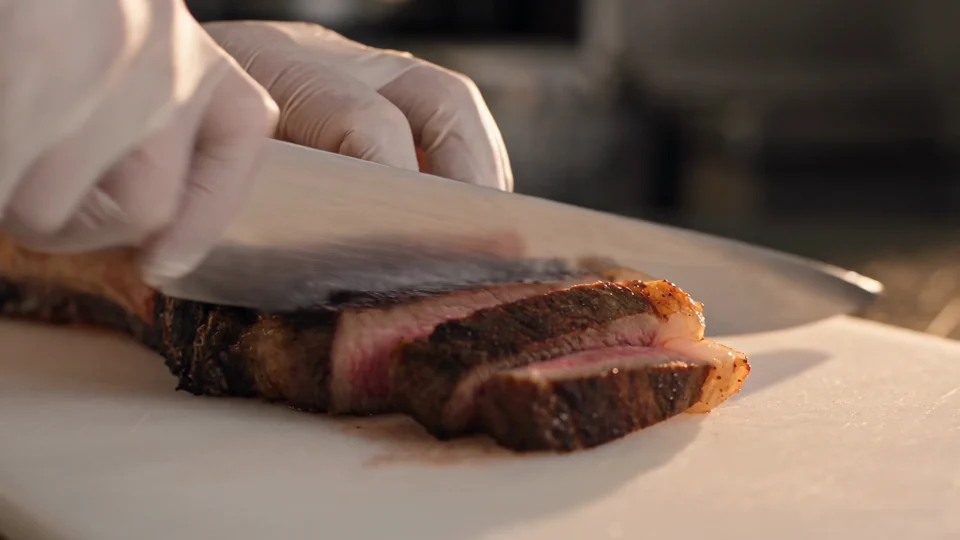
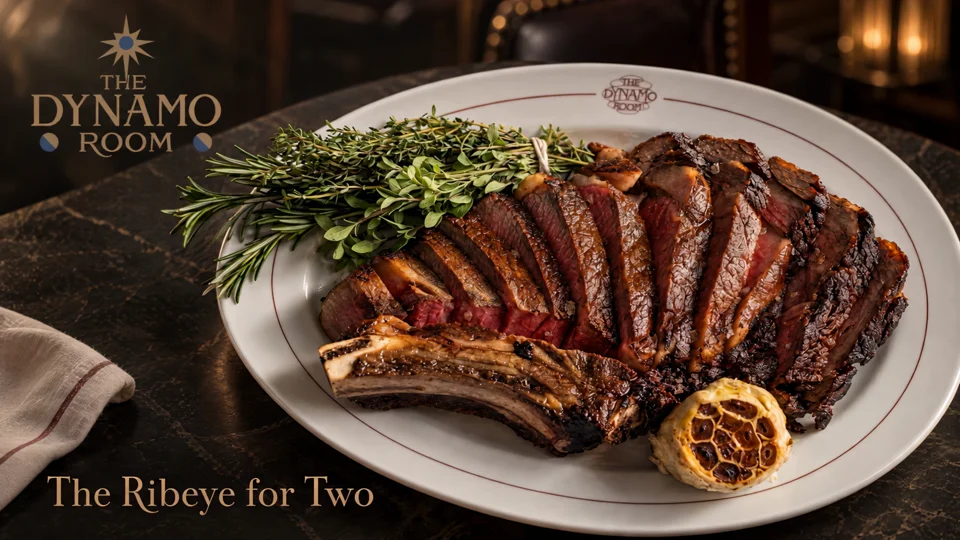
Follow the cut from the sliced steak to the plated dish. Use those two moments to plan your own edit.