Demonstrate a UI gesture
Capture just the cursor movement and state change so readers can see what a button does.

Choose a start time and up to ten seconds of video, then set the GIF width and frame rate.
Only edit videos you own or have permission to edit. Stillmore does not offer a YouTube video downloader.
The lid and housing separate in the product shot. This 2.5-second GIF isolates that movement at 320 pixels wide and 12 frames per second.

Choose the start in seconds and take up to ten seconds of movement.
Balance legibility against file size; a smaller image or fewer frames is lighter.
The GIF repeats silently, so check how the final frame leads back into the first.
A GIF works best when one motion makes sense on its own, without narration or a play button.
Capture just the cursor movement and state change so readers can see what a button does.
Loop the latch opening or dial turning instead of exporting the entire product video.
Start just before the new behavior and stop as soon as the result appears.
Try fewer frames or a smaller width when a chat attachment is too large.
Keep the shortest section that shows the action from start to finish. Reduce the width or frame rate next. A GIF has no audio, so the movement needs to make sense on its own.
No. GIF is an image format with no audio track. Use video if the spoken explanation matters.
GIF stores animation differently from MP4. A shorter segment, smaller width or lower frame rate can reduce its size.
Each GIF can contain up to ten seconds. Choose the clearest moment or use MP4 for the whole clip.
Yes. Enter the start time in seconds and choose how long the excerpt should run. The start must fall inside the clip.
Yes. The width setting scales the picture proportionally, so a portrait source stays portrait.
The GIF is encoded for continuous looping. Choose a start and end pose that look good next to each other.
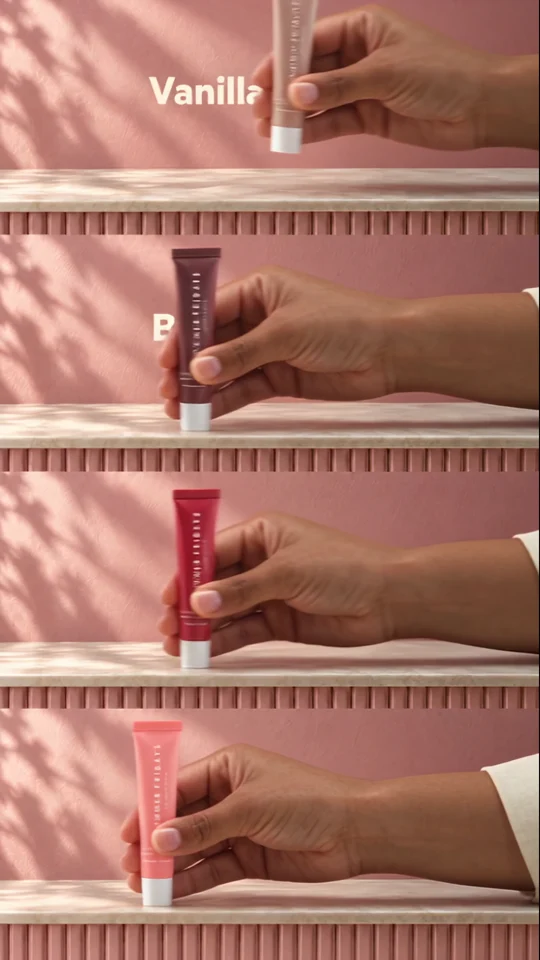
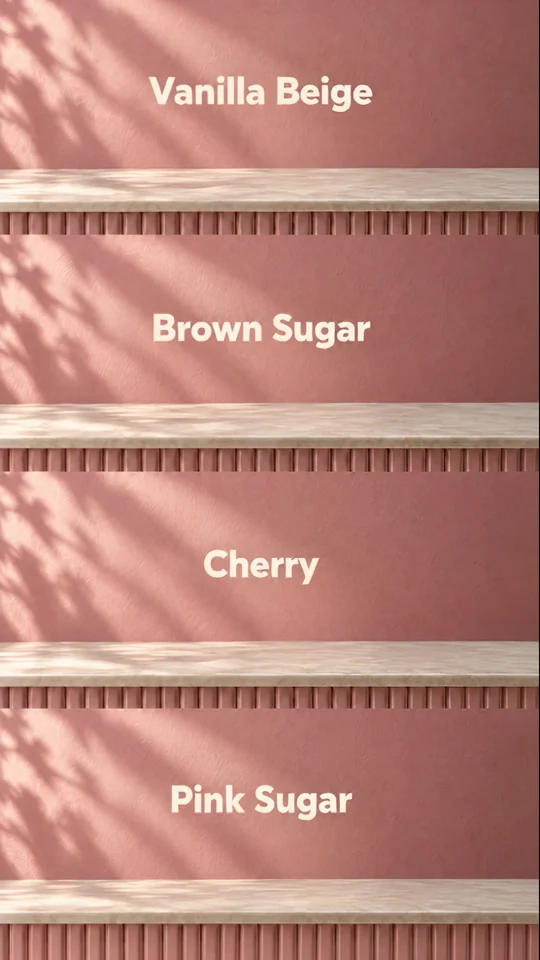
Swipe Reveal gives each colour variant one readable movement. Its product-by-product structure is a useful reference for a short, silent loop.
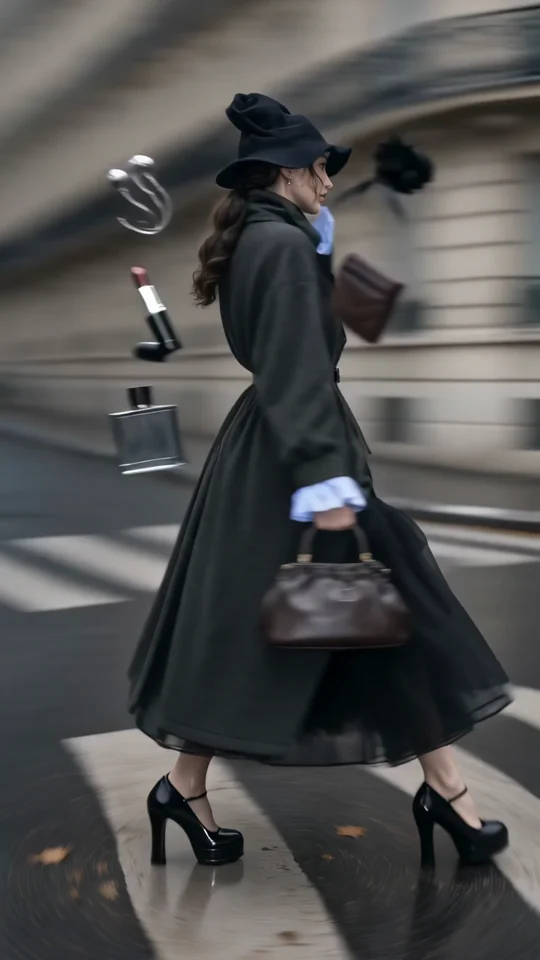
Follow the turning outfit from head to hem. Check the space that the vertical frame leaves around the garment.
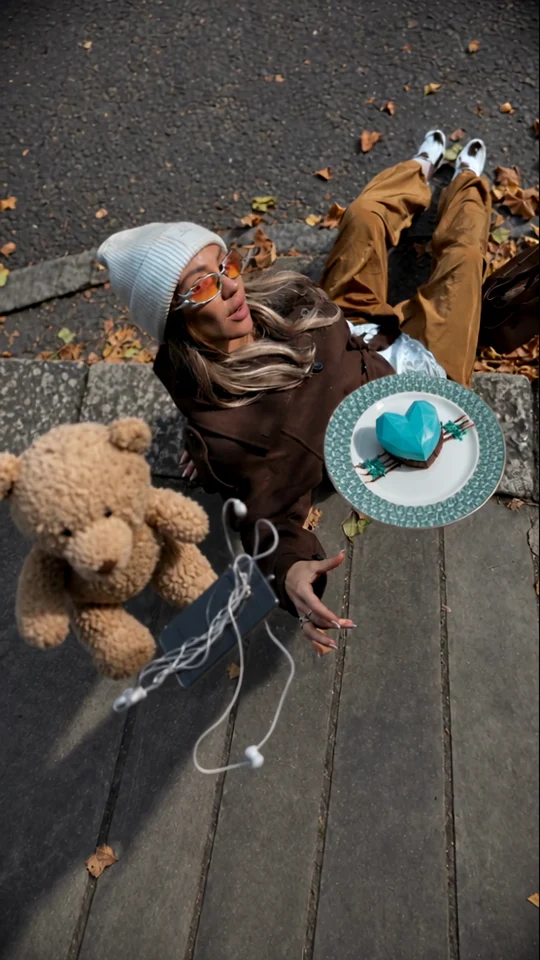
Watch the overhead arrangement. The model and accessories give the eye a fixed point as the scene moves.
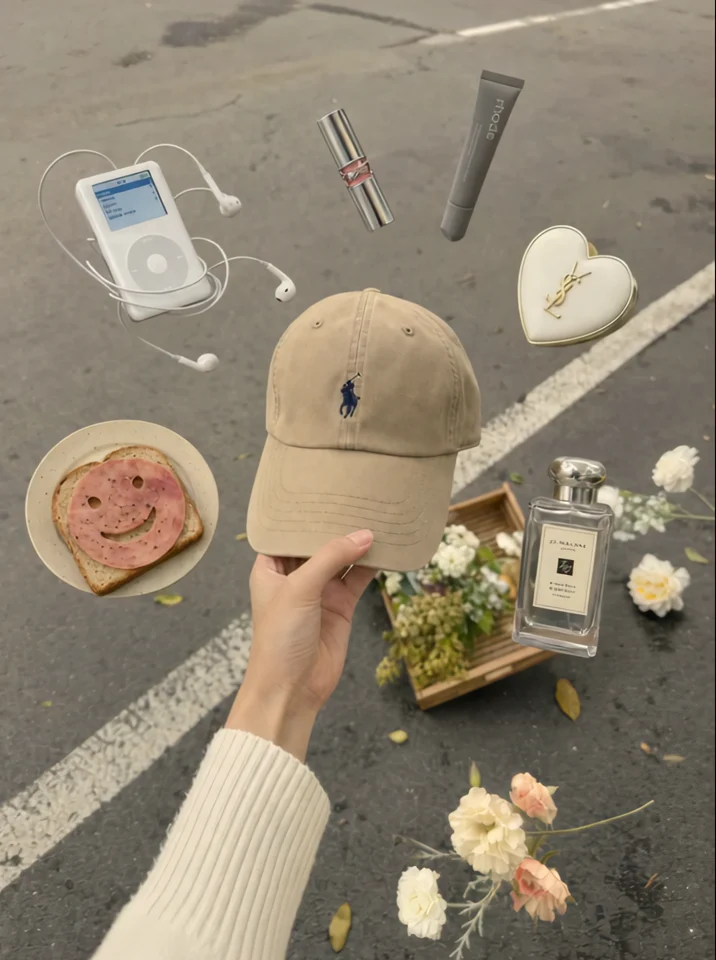
The cap stays at the centre of the hand. Check which edges of the product you want to preserve in a tighter crop.