Archive a Page announcement
Keep the posted video alongside your event or campaign materials.
 Stillmore
Download one public Facebook video you own or are authorised to save. Use the video post link, then check the file before sharing it.
These figures describe the file saved from the linked post. The resolution and soundtrack of your own download depend on the source.
Open the individual video on Facebook and copy its share link.
Confirm you own the video or have permission to save it, then choose Get my video.
Choose Save video when the file is ready. Play it through to check framing, audio and any text in the picture.
A short update may carry the whole story in the picture. Check the audio track before planning subtitles or voiceover.
Keep the posted video alongside your event or campaign materials.
Check the actual dimensions of the saved clip before placing it on a larger canvas.
Compress the file to fit a review brief while keeping the original download.
Open the specific video on the Page and copy its link. The Page homepage alone does not select a video.
No. Wait for a public replay, then check that it falls within the tool’s duration and file limits.
The file uses a rendition available from the post. Saving an older upload cannot restore detail missing from that rendition.
Some posts contain only a video track. Check the original post and play the file before planning an audio edit.
Yes. Paste the link, confirm permission and save the available file at no charge.
Use one public video up to five minutes and 40 MB. Long or oversized posts may be rejected before a file is available.
Open the individual video in a signed-out browser. A removed, restricted or live post may be unavailable, and the platform can refuse a request even for a public post.
Set your target in MB and choose a maximum height. Check the exported MP4 against your upload limit.
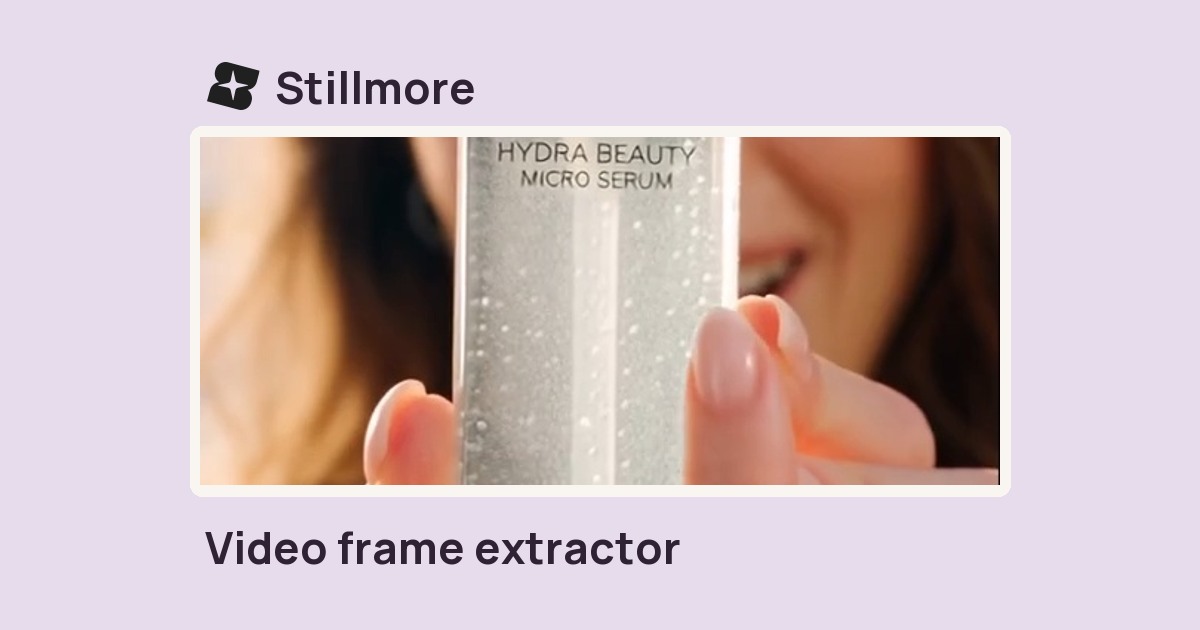
Enter a time in seconds or a percentage of the clip to save that frame as a JPEG.
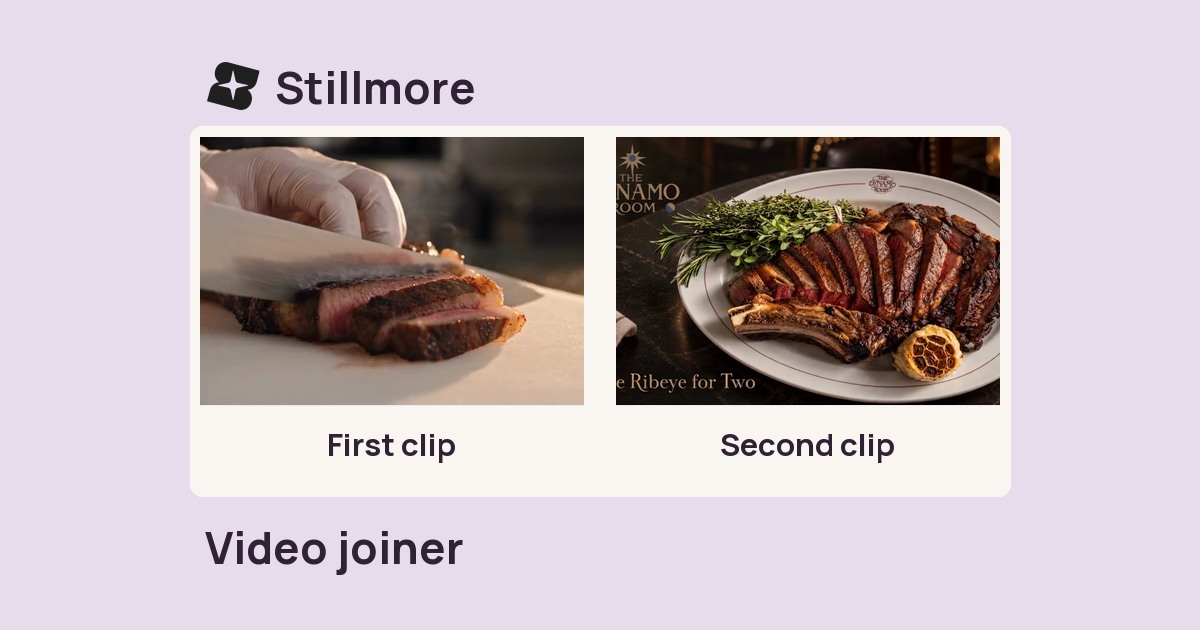
Select at least two videos in playback order to export a single MP4.
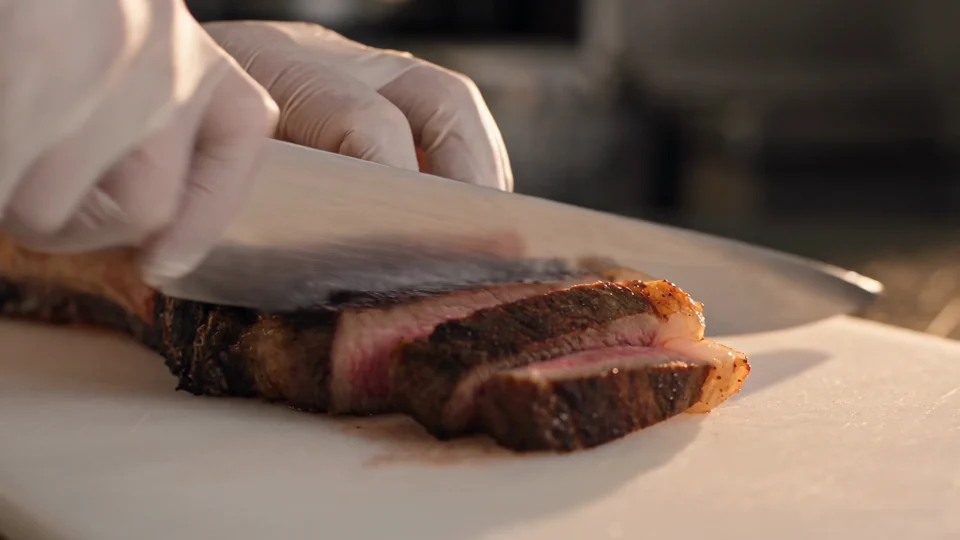
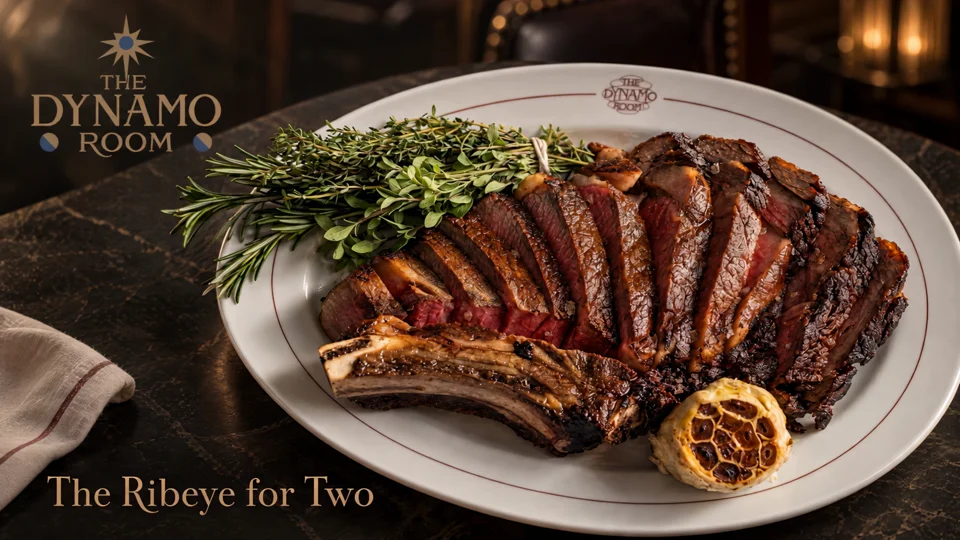
Follow the cut from the sliced steak to the plated dish. Use those two moments to plan your own edit.
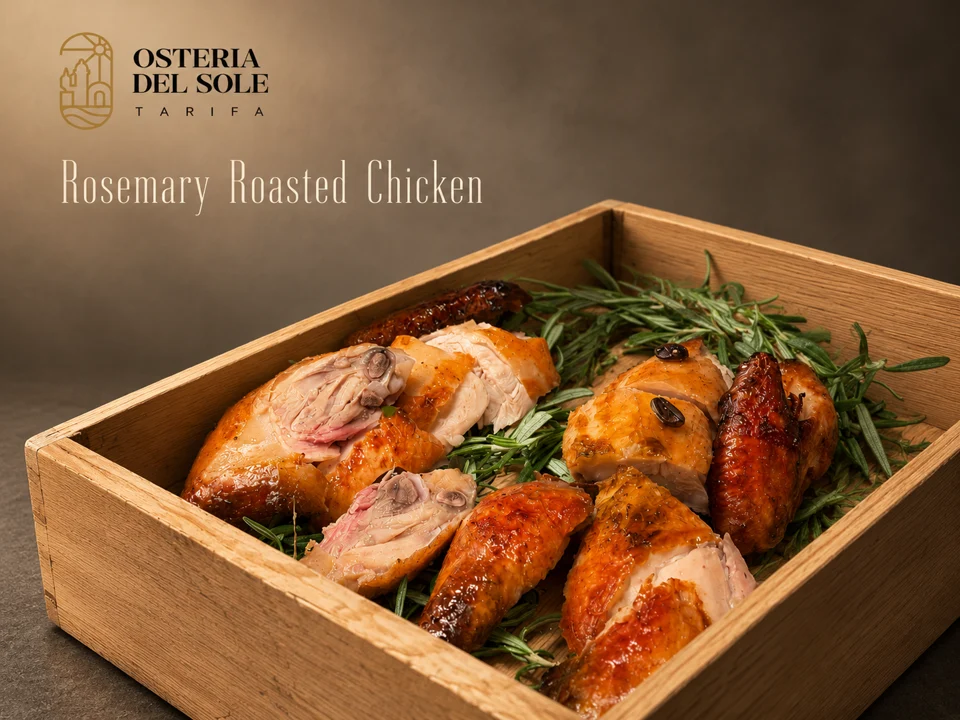
Look where the dish name sits against the food photograph. The background behind the type affects how easily you can read it.
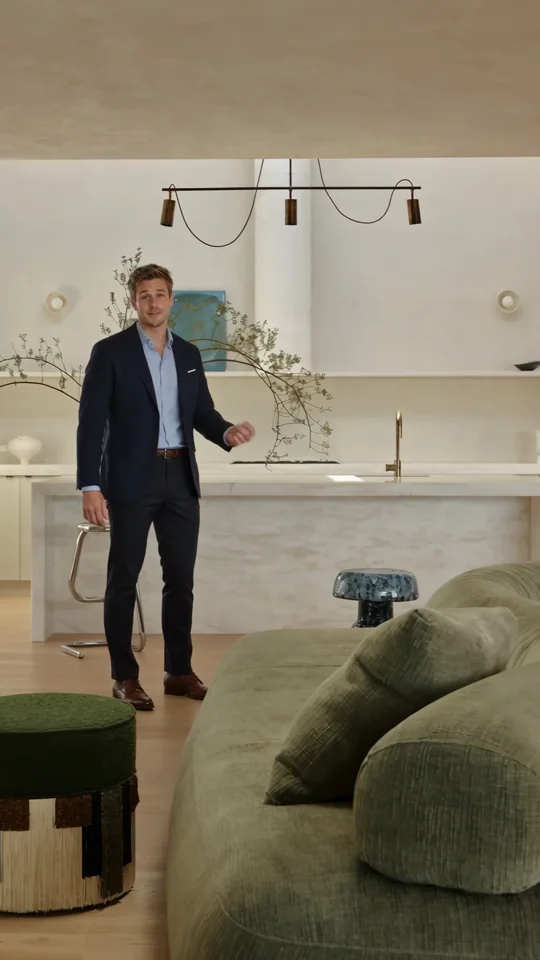
Use the presenter’s introduction as a reference for the first spoken line of a property tour.
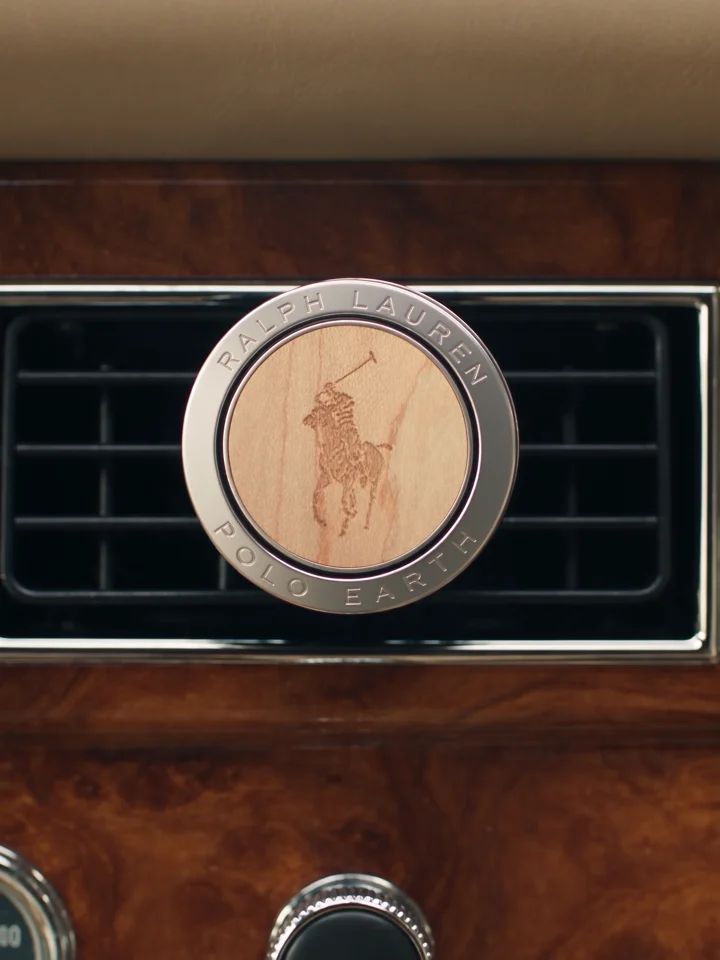
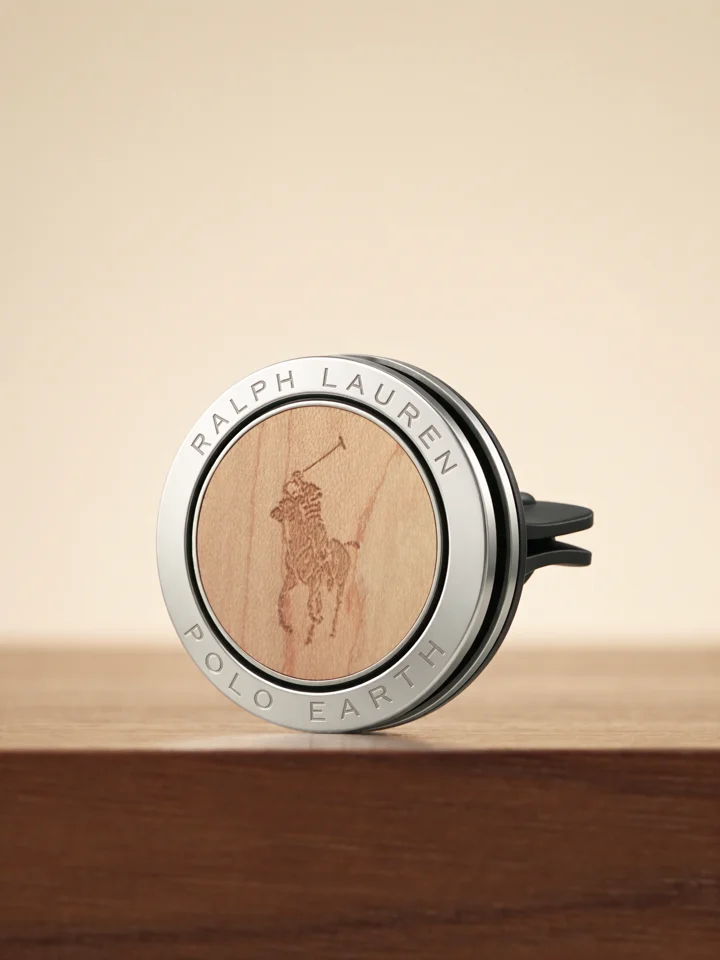
Compare the product on the dashboard with its final close-up. One view explains its use and the other shows its shape.