Review a Reel offline
Watch the cut with your team without scrolling back through a feed.
 Stillmore
Save a video from a public Instagram Reel or feed post you have permission to reuse. Paste the link to that post.
These figures describe the file saved from the linked post. The resolution and soundtrack of your own download depend on the source.
Open the individual video on Instagram and copy its share link.
Confirm you own the video or have permission to save it, then choose Get my video.
Choose Save video when the file is ready. Play it through to check framing, audio and any text in the picture.
Review the framing and soundtrack together before repurposing a creator-approved fashion or product clip.
Watch the cut with your team without scrolling back through a feed.
Look at the top and bottom of a portrait frame before placing new titles.
Find the moment when the whole item is visible, then export that frame for a brief.
Paste the public Reel URL. If the video is available within the size and duration limits, choose Save video.
This tool cannot access posts that need an Instagram login. Ask the owner for the source file.
The output is a video file. Post text, comments and the feed layout are not packaged with it.
It depends on the available video. If audio matters for your edit, play the saved file and check it before delivery.
Yes. Paste the link, confirm permission and save the available file at no charge.
Use one public video up to five minutes and 40 MB. Long or oversized posts may be rejected before a file is available.
Open the individual video in a signed-out browser. A removed, restricted or live post may be unavailable, and the platform can refuse a request even for a public post.
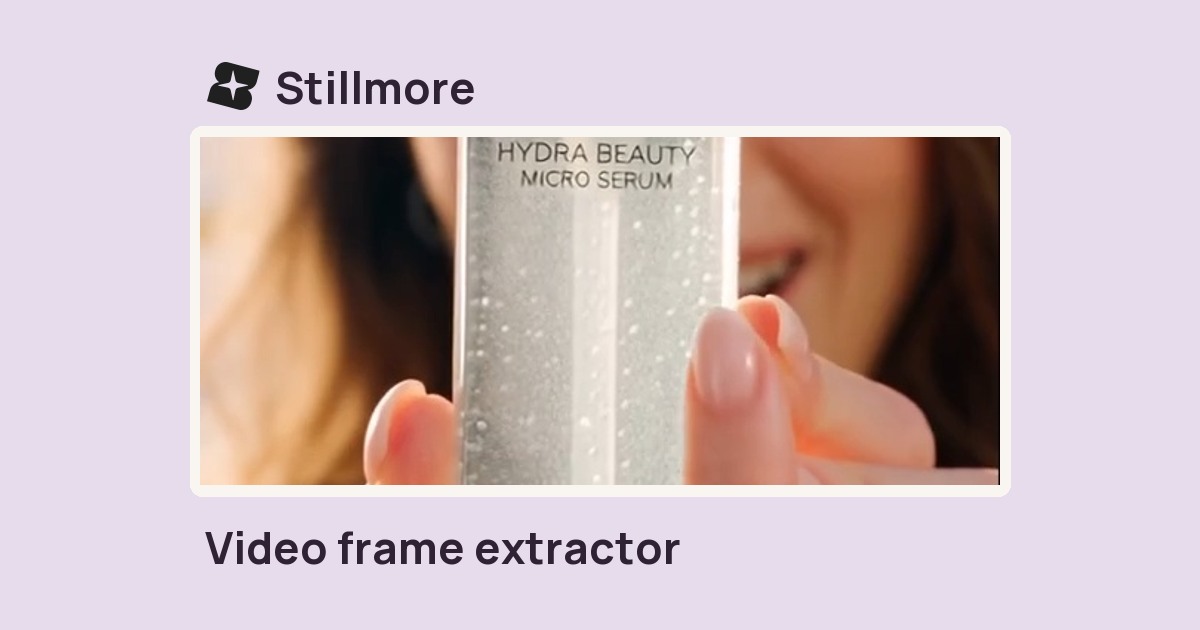
Enter a time in seconds or a percentage of the clip to save that frame as a JPEG.
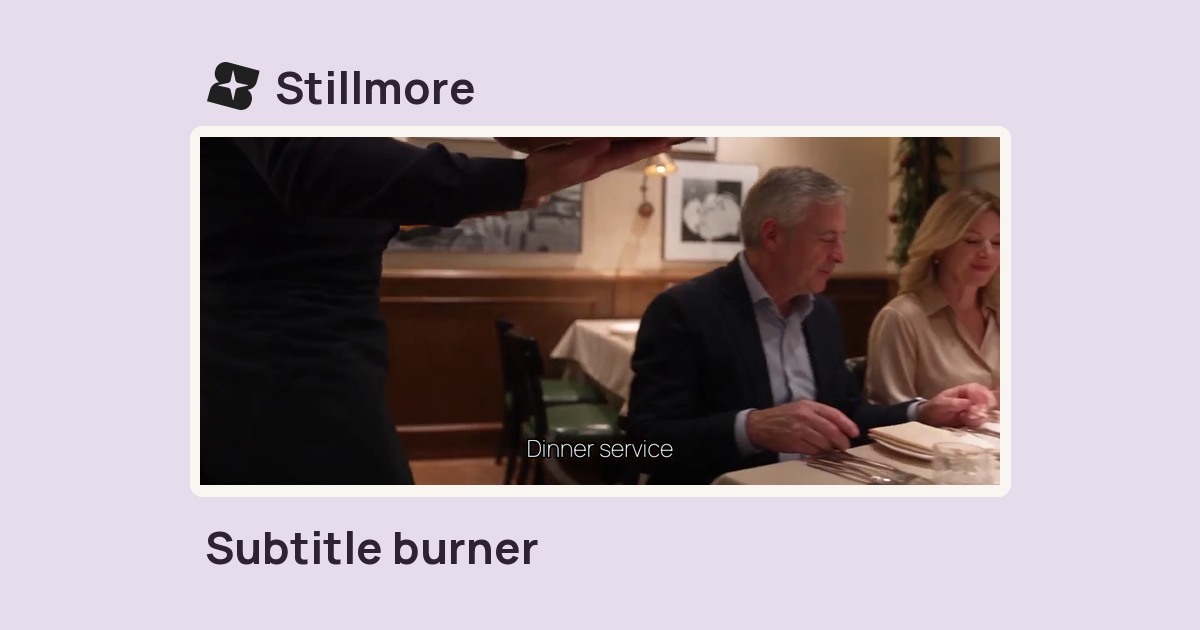
Pair a video with its timed SRT file, then set the caption size and export an MP4.
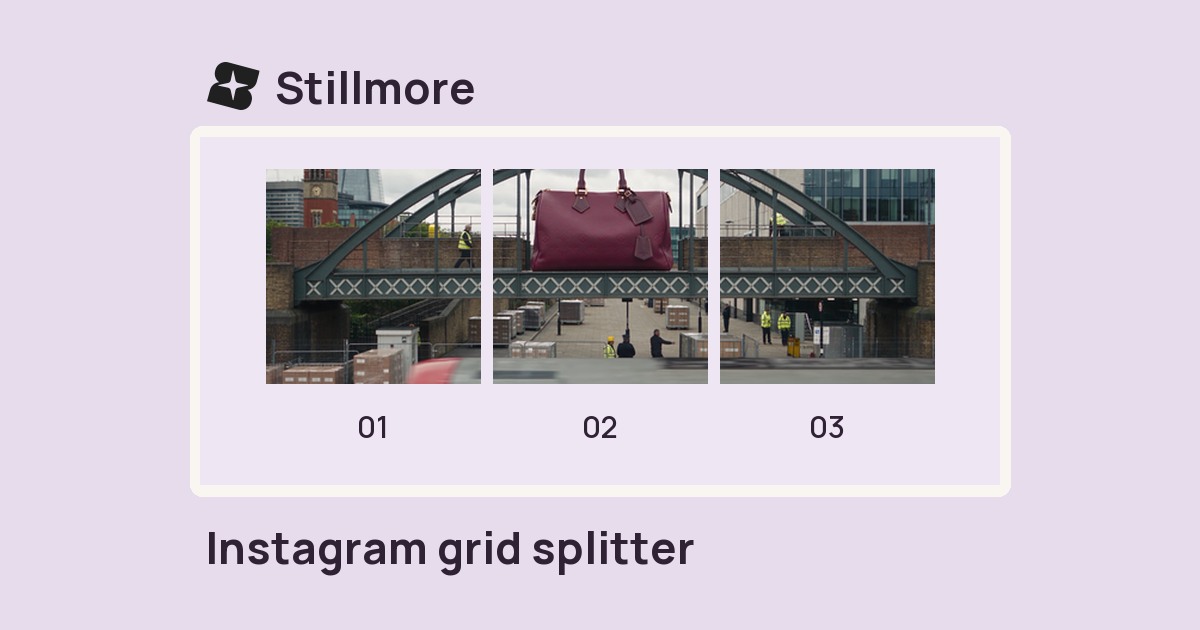
Choose three tiles across or a square grid, then save the numbered JPEGs in sequence.
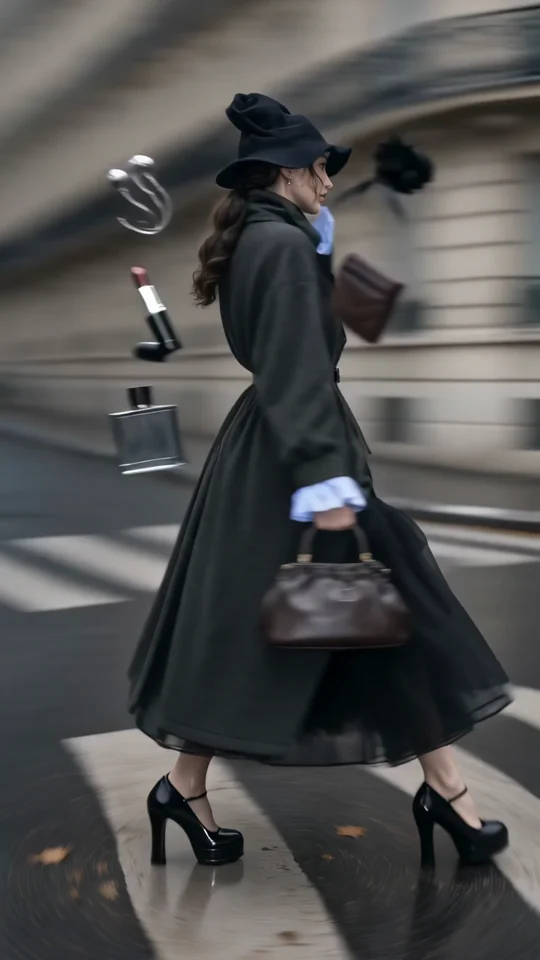
Follow the turning outfit from head to hem. Check the space that the vertical frame leaves around the garment.
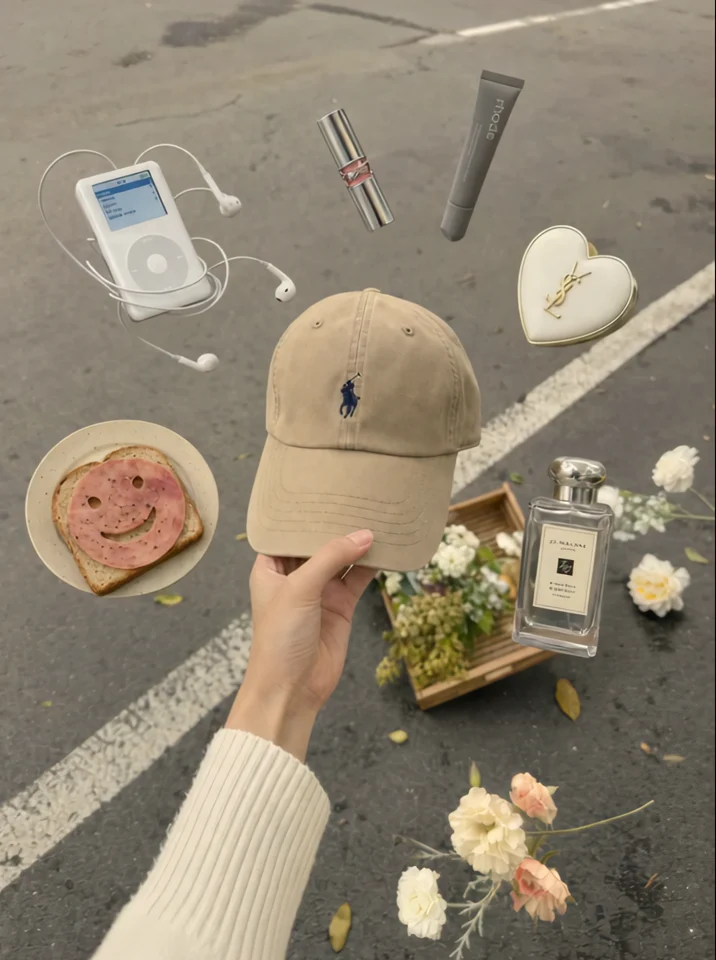
The cap stays at the centre of the hand. Check which edges of the product you want to preserve in a tighter crop.

Watch the model turn the sunglasses toward the camera. The frame keeps the accessory clear of the edges.
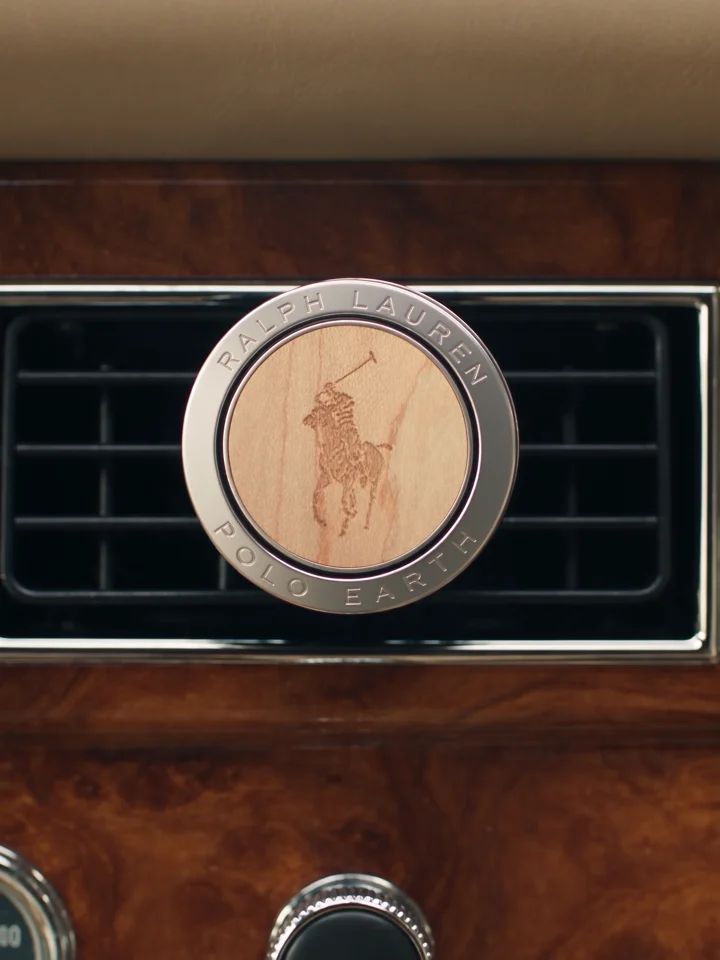
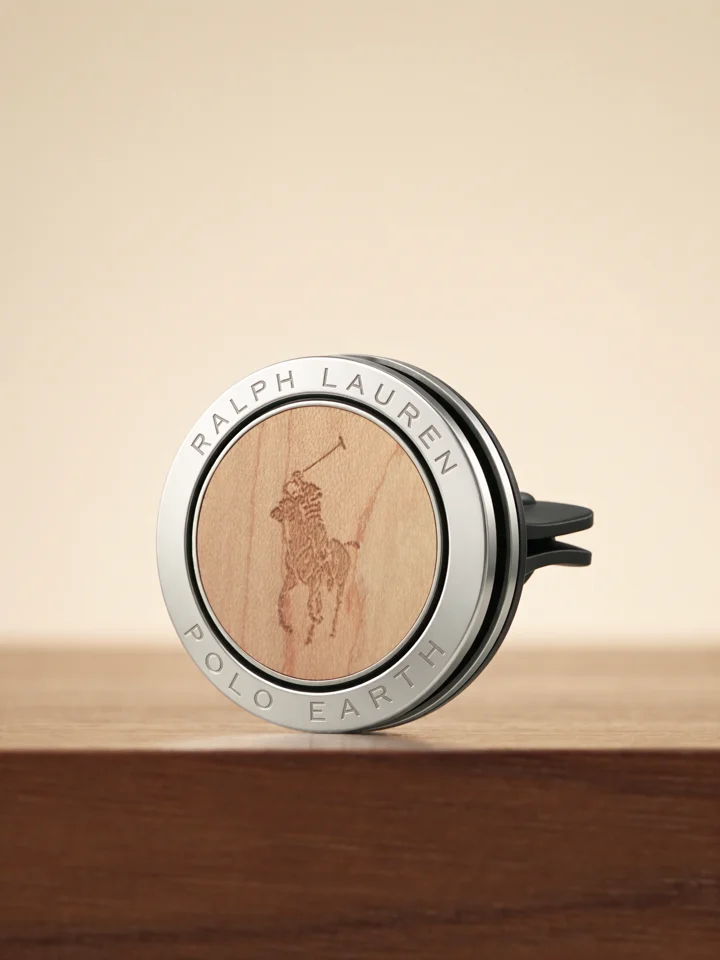
Compare the product on the dashboard with its final close-up. One view explains its use and the other shows its shape.