Refresh an old demo
Take a retired version badge off footage your team owns before cutting it into a new product walkthrough.

Choose a video you own, mark a fixed logo and save an edited MP4.
Only edit videos you own or have permission to edit. Stillmore does not offer a YouTube video downloader.
Drag across the paused frame to select the logo, or adjust the box below.
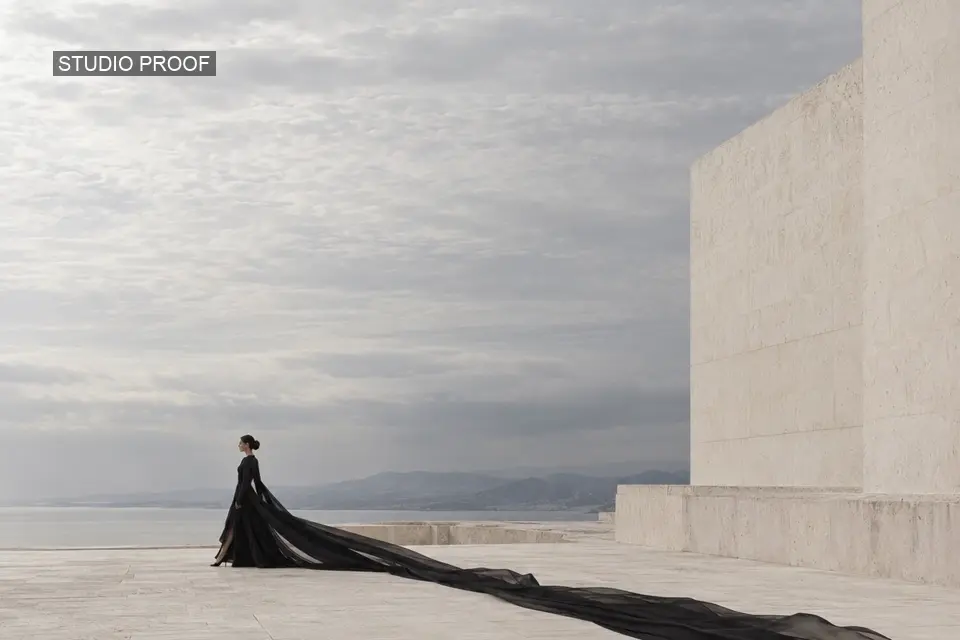
This sample has a “STUDIO PROOF” label over the sky. Slide across the frame to inspect the same shot before and after cleanup.
Rebuild works best over a quiet background. If the mark covers a moving face, lettering or fabric detail, try Blur or Cover.
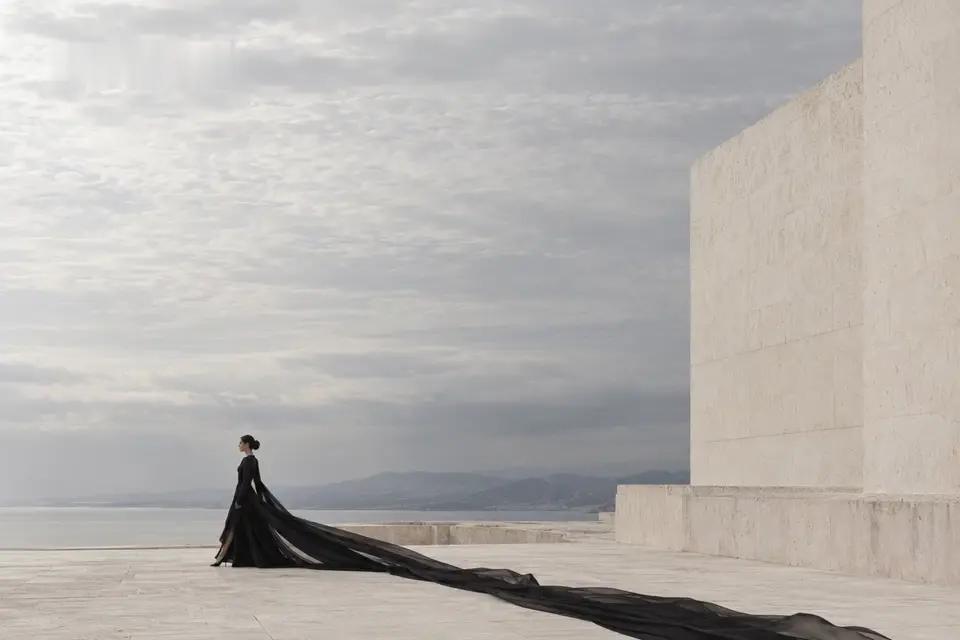
 ↔BeforeAfter
Start with the highest-quality copy you have. Pause on a frame where the full logo is visible.
Include the lettering and its shadow. Keep the box tight so the rest of your shot stays untouched by the filter.
Play the edited clip before downloading. Look at the background as it moves past the marked area.
When the clean master is missing, a fixed corner mark can get in the way of a new edit. Choose a treatment that suits what moves behind it.
Take a retired version badge off footage your team owns before cutting it into a new product walkthrough.
If your agreement permits the edit, clean a fixed overlay before adapting the shot to the campaign layout.
Try rebuilding an old logo against a plain backdrop, then inspect nearby type and edges for distortion.
Use a solid cover when the old label must stay unreadable; check the full timeline for shots where its position changes.
This editor works with local video files. It does not fetch videos from platform links.
No. The rectangle stays in one place; scrub through the clip to see whether the mark moves outside it.
No. The tool estimates the area from nearby pixels, so textured or moving backgrounds may show artifacts.
The editor processes the file in your browser. Keep the tab open until the MP4 is ready to download.
Try Rebuild over a plain background, Blur if a softened patch is acceptable, or Cover for a solid rectangle. Inspect the same spot at several points in the clip.
Rebuild samples neighbouring pixels. Keep the rectangle slightly inside the video edges, or use Cover if the mark touches a corner.
Choose a playable video up to 64 MB and 90 seconds long. For a longer recording, prepare a shorter clip containing the shot you need.
Yes. Mark the rectangle, then scrub through the source video. Check that the logo stays inside the box and the box stays clear of details you want to keep.
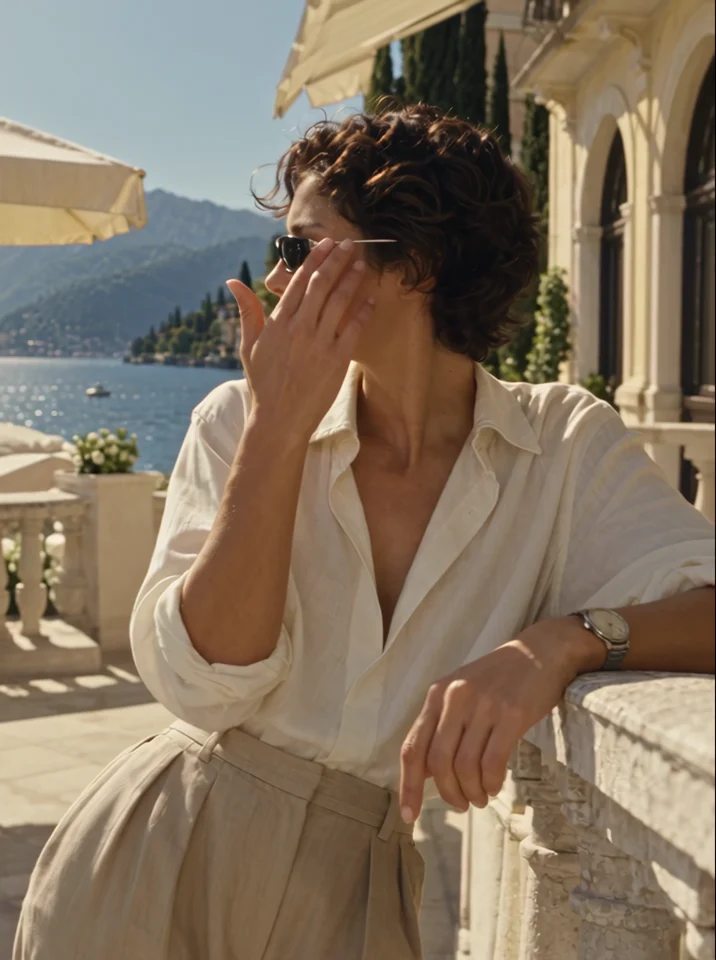
See how the sunglasses stay in view during a fashion shoot. When you edit your own clip, keep the cleanup area clear of the product.
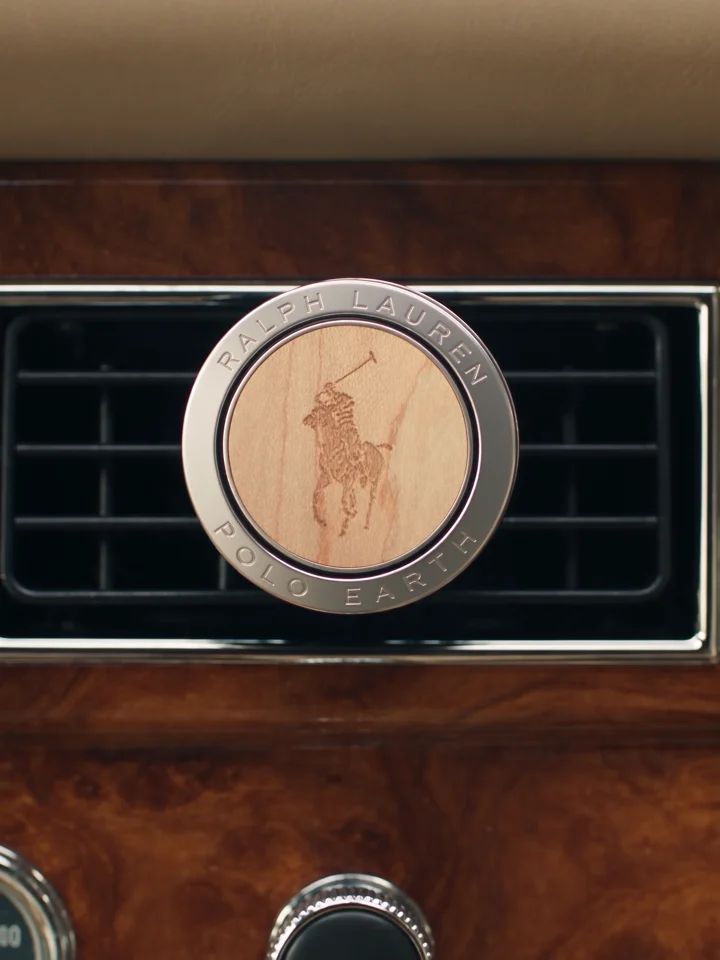
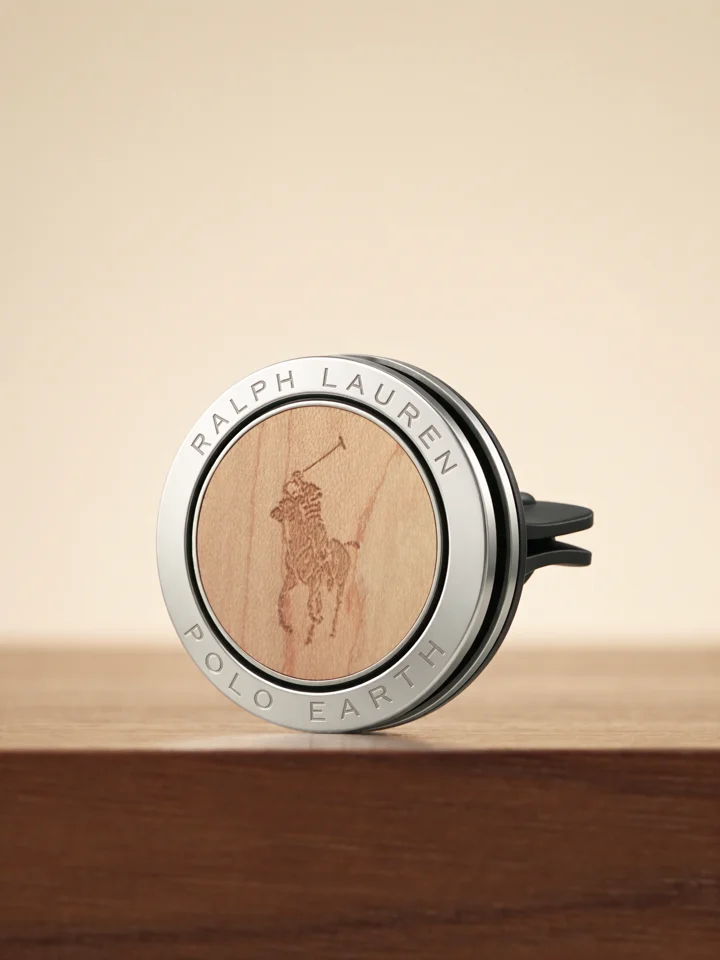
Compare the product on the dashboard with its final close-up. One view explains its use and the other shows its shape.
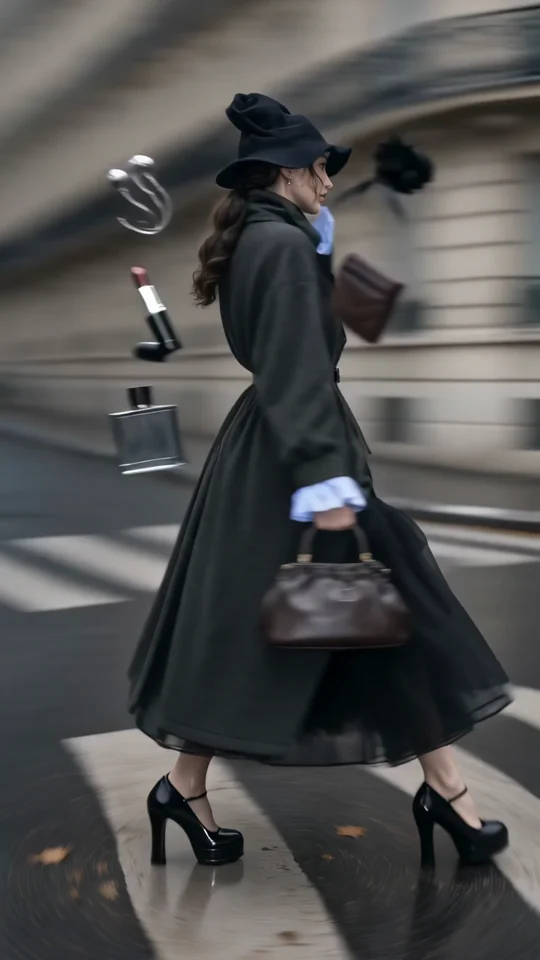
Follow the turning outfit from head to hem. Check the space that the vertical frame leaves around the garment.
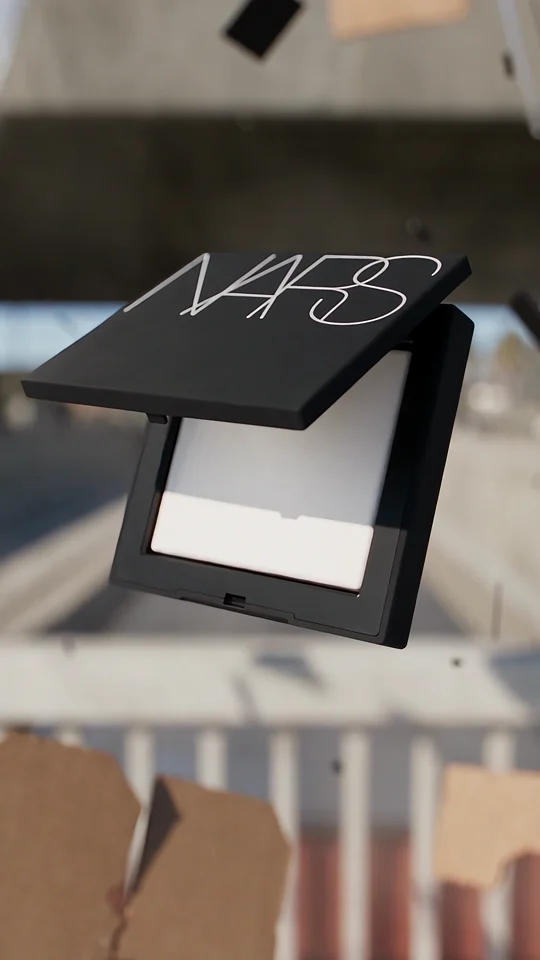
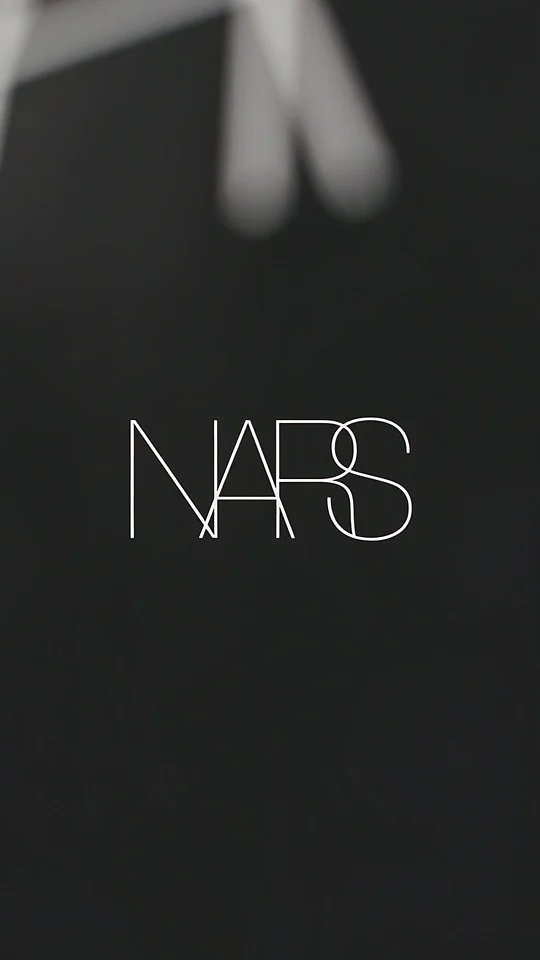
Compare the lettering on the compact with the isolated wordmark in the final shot.