Localize a training clip
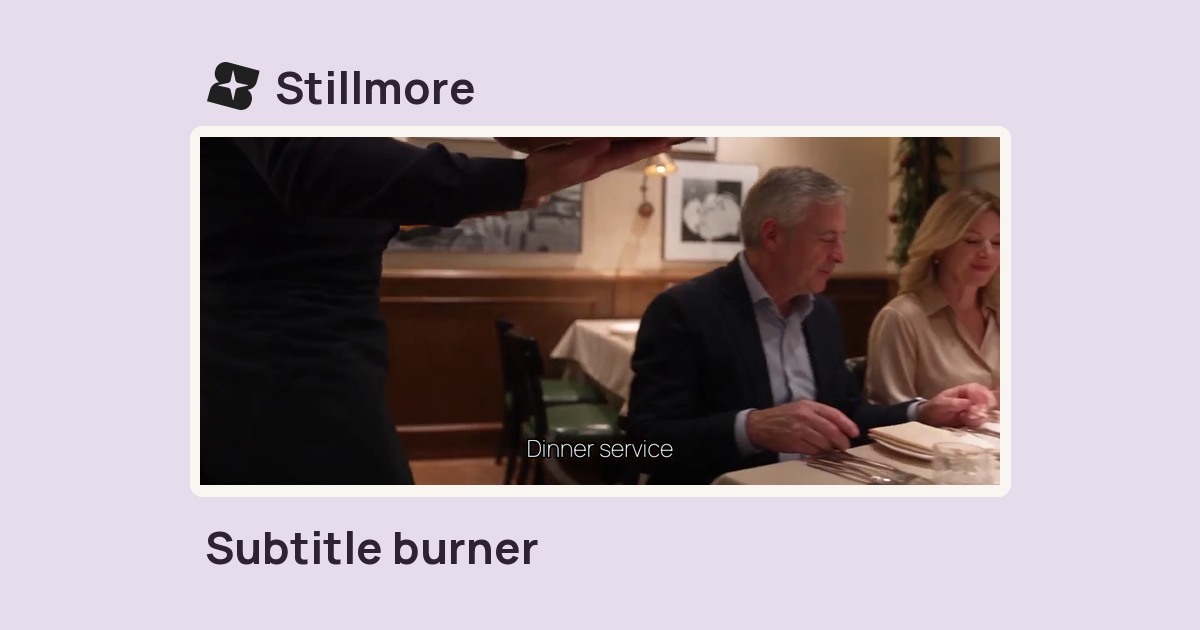
Clear the old subtitle area before adding the approved translation from your own SRT.

Set the band height on footage you can edit, then choose an edge rebuild, blur or solid cover.
Only edit videos you own or have permission to edit. Stillmore does not offer a YouTube video downloader.
The sample adds a fixed “Vehicle preview” label to the bottom of an SUV shot. Compare that band before and after an 18% blur.
Start with a copy and confirm you have permission to alter it.
Set the percentage of frame height that covers the old lettering.
Try blur, a black cover or edge rebuilding; review a bright scene and a dark scene.
A fixed lower band works best when the old captions stay at the same height. Everything inside that band is treated.
Clear the old subtitle area before adding the approved translation from your own SRT.
Use a black strip when a predictable cover matters more than matching the background.
Try edge rebuilding over a still wall and inspect the result where a person moves behind the words.
Start with a narrow band so lettering is covered without obscuring more of the product than necessary.
The edit affects the entire selected band. The lettering may disappear along with visible detail beneath it. Use the smallest band that covers the captions and check the busiest shot.
Blur softens the selected strip while keeping some colour and motion. A black cover hides the strip with a solid band.
The treatment stays in a fixed band measured from the bottom. It does not track individual words.
Usually no. Disable or omit the subtitle track when exporting if the letters are not baked into the picture.
The percentage is measured from the bottom of the frame and spans its full width. Start with the smallest band that covers the lettering.
Everything inside the selected band receives the same treatment. Reduce its height if the label sits above the subtitles, or use the original footage when they overlap.
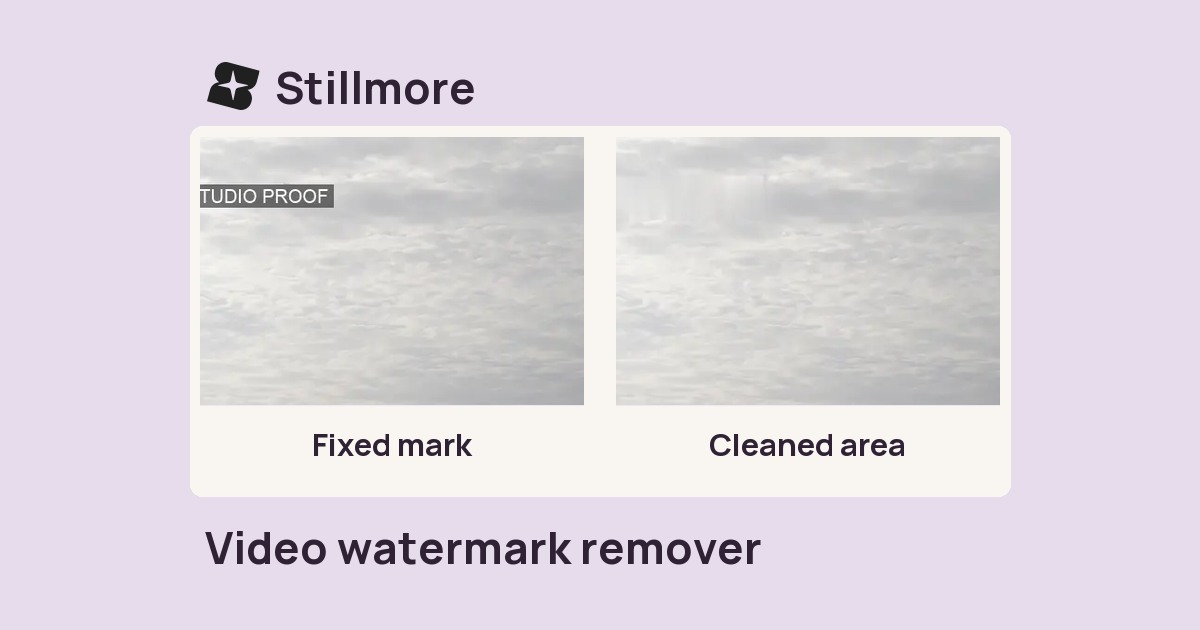
Use the video watermark remover for a small, fixed rectangle. The subtitle cleaner is suited to text stretching across a strip at the bottom.
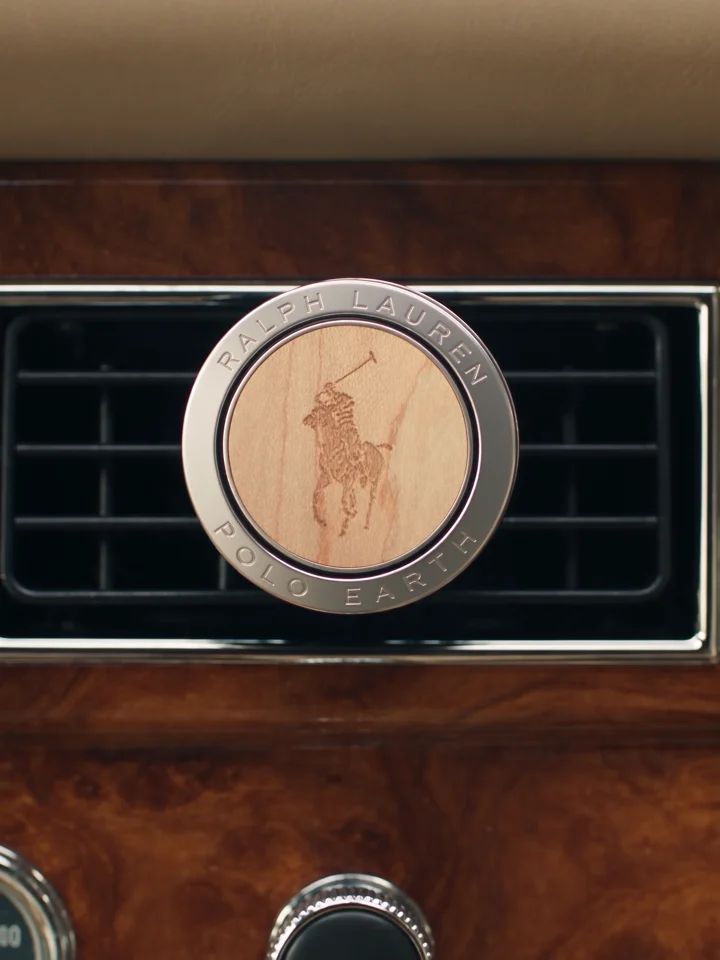
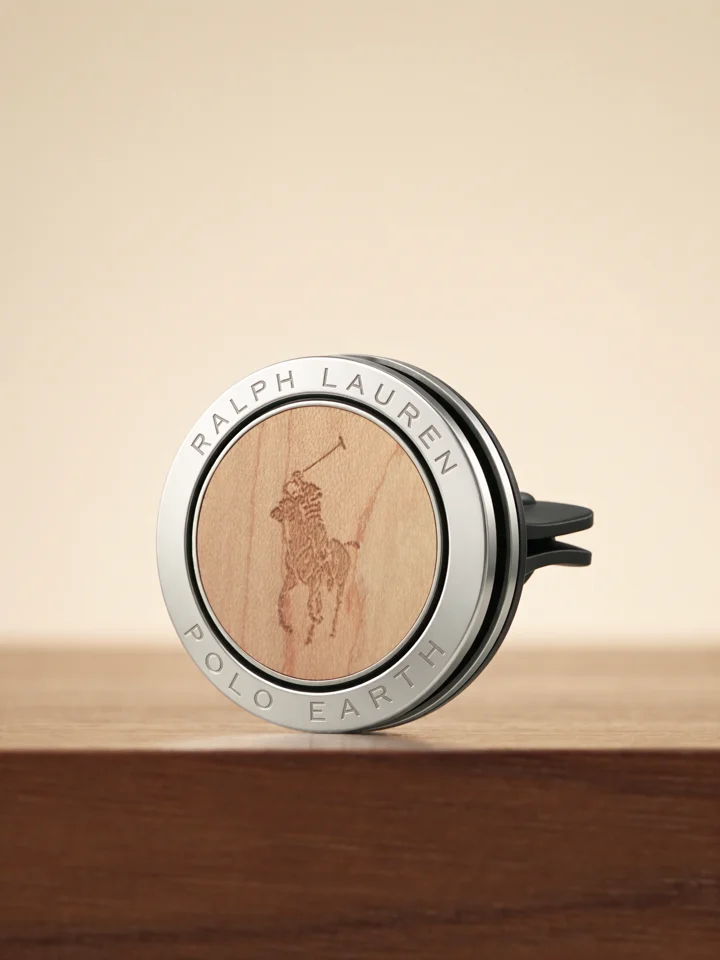
Reworking a product demo for a second audience? Everyday Showcase offers a way to plan fresh product shots with room below the action for your new captions.
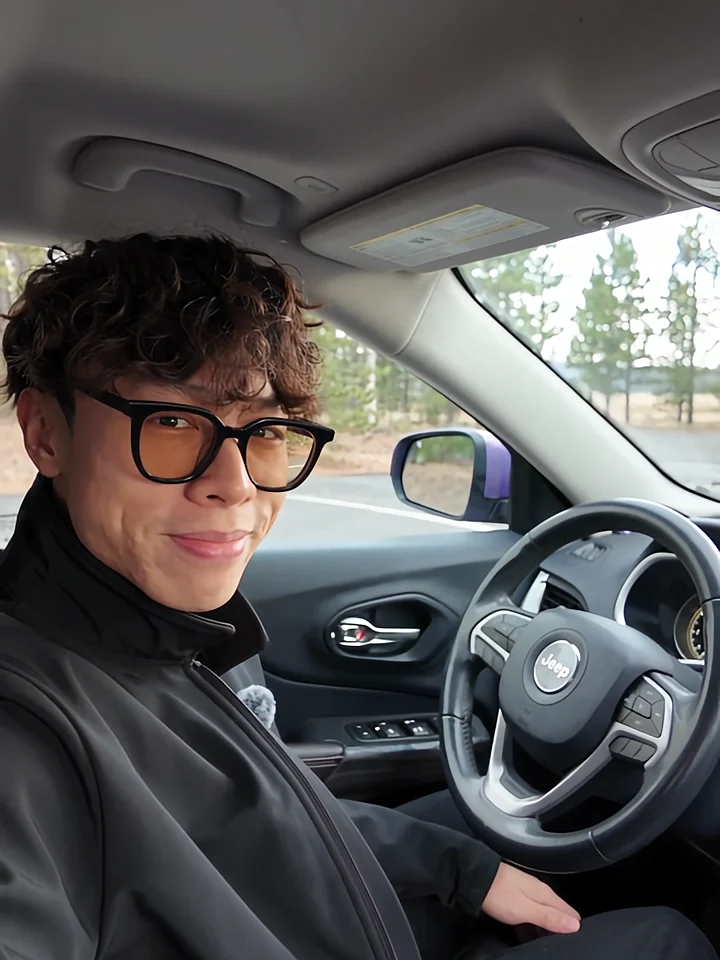
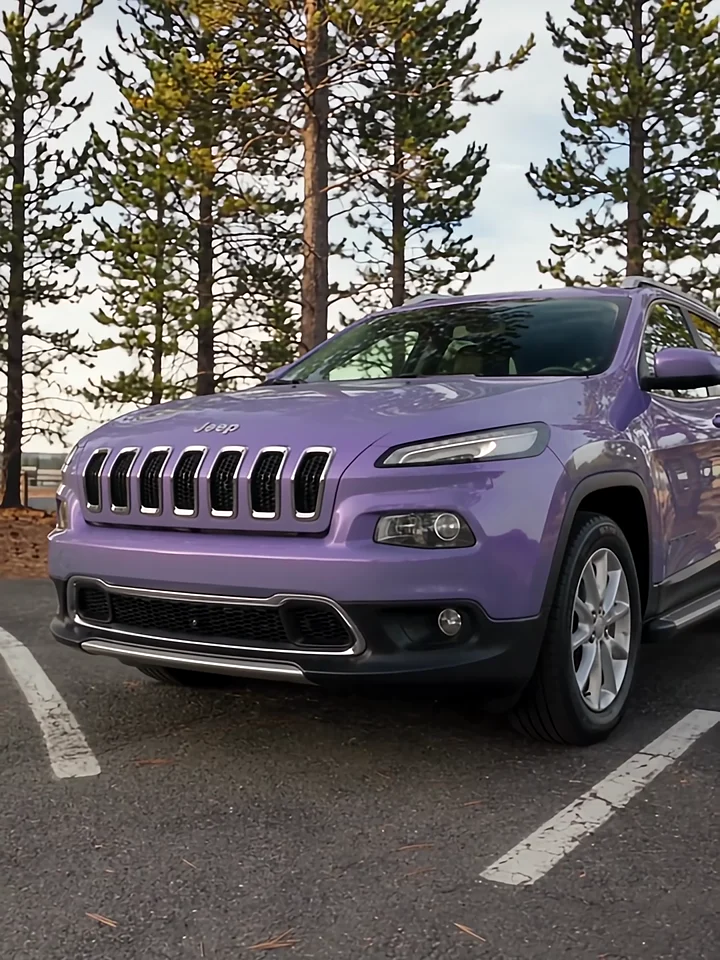
Listen to the presenter inside the car, then watch the cut to the exterior. Those two views give a voiceover its structure.
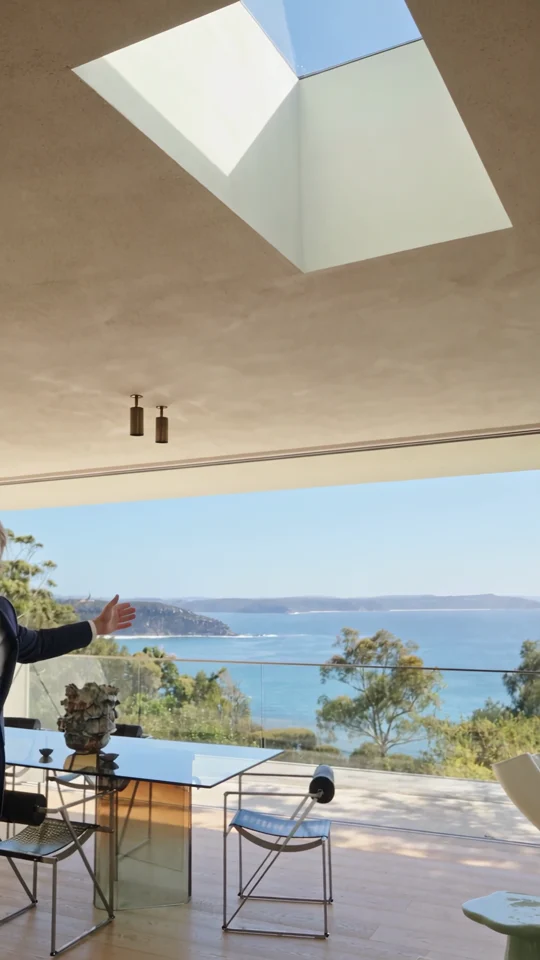
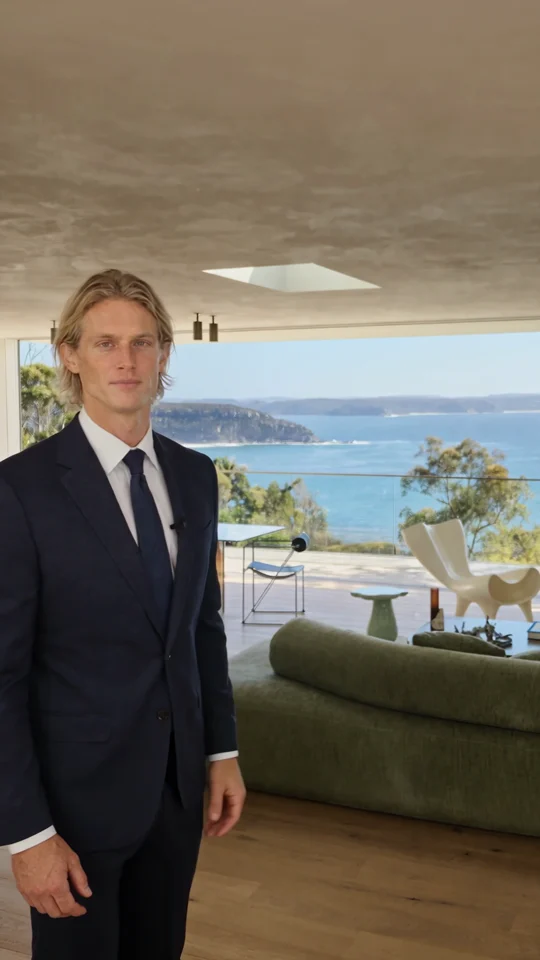
Follow the room change and the presenter’s return. Both give the narration a natural place to pause.
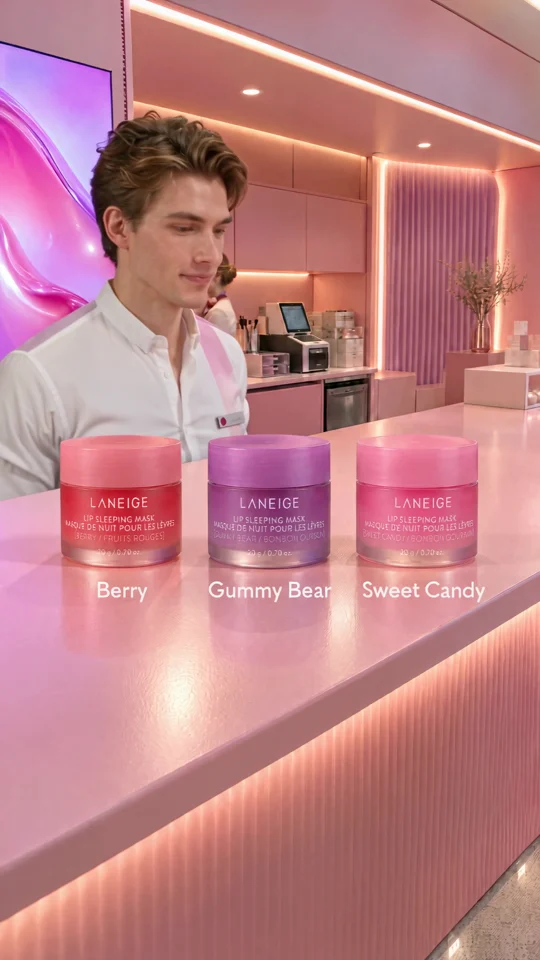
The presenter lines up three jars. Give each product its own short line when you plan a caption or voiceover.