
Review cover consistency
Place several saved thumbnails next to each other to compare headline size and framing.

Paste a public YouTube video link or its 11-character ID, then choose an available thumbnail size.
Use thumbnails you own or have permission to use. This tool retrieves thumbnail images only. Stillmore does not offer a YouTube video downloader.
The Big Buck Bunny sample returns these two JPEGs. The 480 × 360 file includes black bars above and below the picture. The 320 × 180 file uses the full frame.
Use a YouTube watch, Shorts or share link, or paste its 11-character video ID.
The finder checks YouTube's thumbnail images and displays the dimensions of the copies it can retrieve.
Choose the JPEG that fits your reference board or publishing layout.
Start from an existing video cover when preparing material for a video you manage.
Place several saved thumbnails next to each other to compare headline size and framing.
Give the editor a visual reference for the colours and subject placement of an earlier upload.
Retrieve a published JPEG for a video you manage if the original design file is elsewhere.
Check which details will remain visible before cropping a landscape thumbnail for a vertical post.
Available sizes vary by video. Inspect the actual image before saving it and choose the largest usable version. For a still from a different moment, extract a frame from your own video file.
The finder shows the copies it can retrieve. A video or its image host may not provide every requested size.
It retrieves YouTube's published thumbnail images. To choose a moment from a local video, use the video frame extractor.
Downloading saves a local JPEG. Updating the published cover is a separate action in your channel.
Yes. Paste the Shorts URL, a regular watch URL, a youtu.be link or the video's 11-character ID.
It saves a JPEG thumbnail. The downloaded file contains the cover image only.
Read the pixel dimensions beneath each result and pick the smallest one that meets your layout size. Open the image to check whether its framing includes black bars.
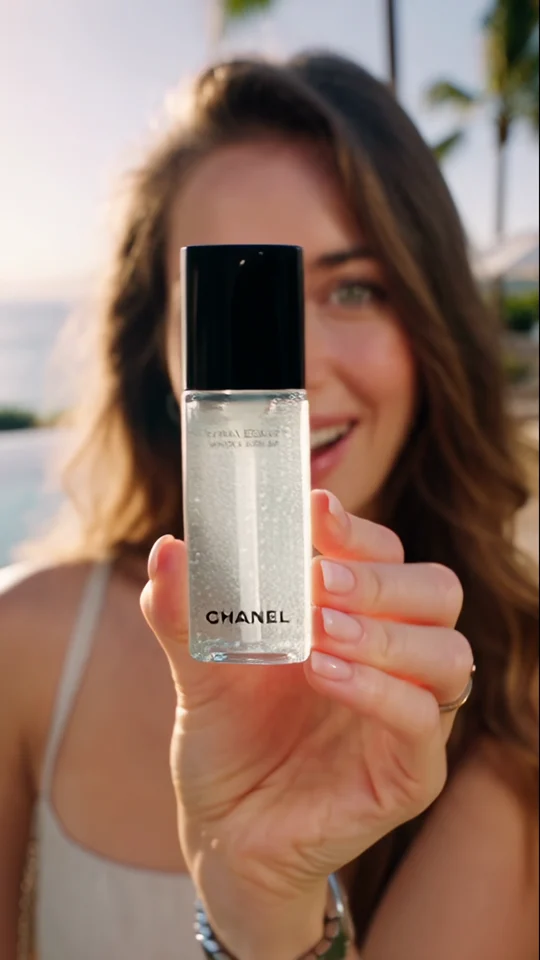
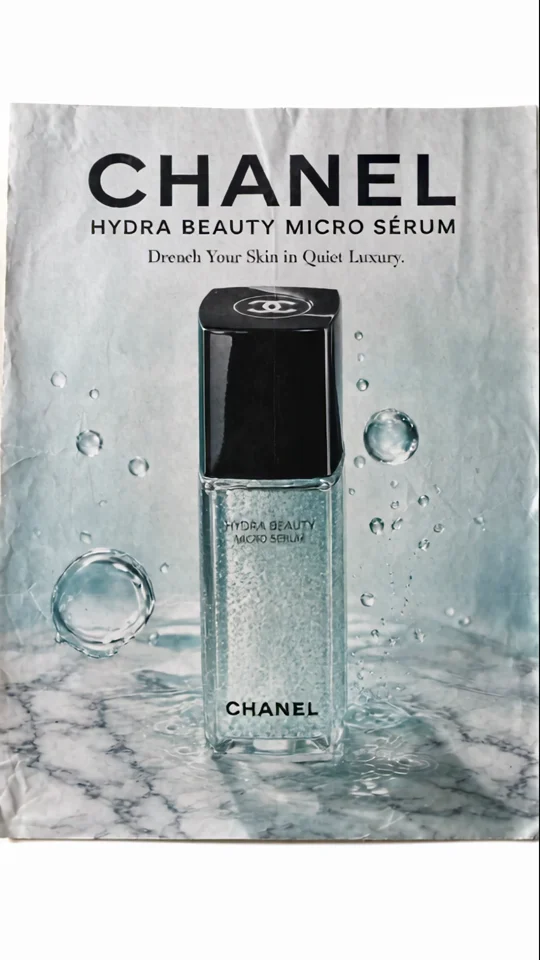
For a stronger cover on your next release, look at the final poster composition in Zoom & Reveal. It gives the viewer one clear product to recognise at thumbnail size.
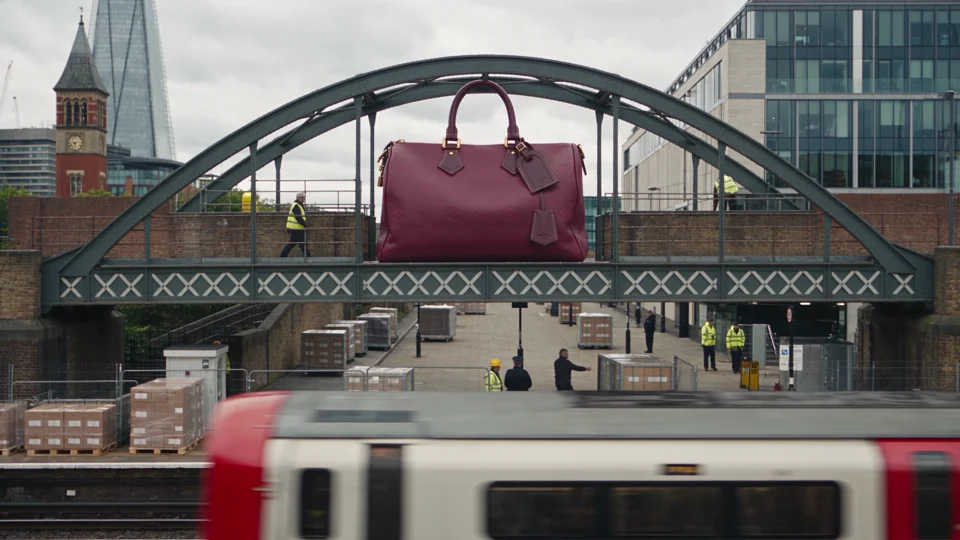
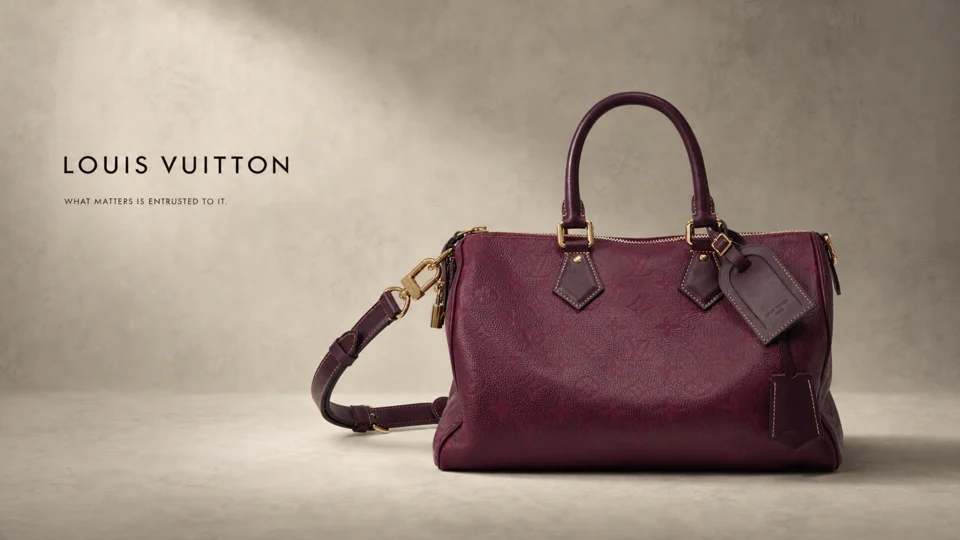
Compare the handbag spanning a bridge with the same bag in the studio. Its outline makes it recognisable at both scales.
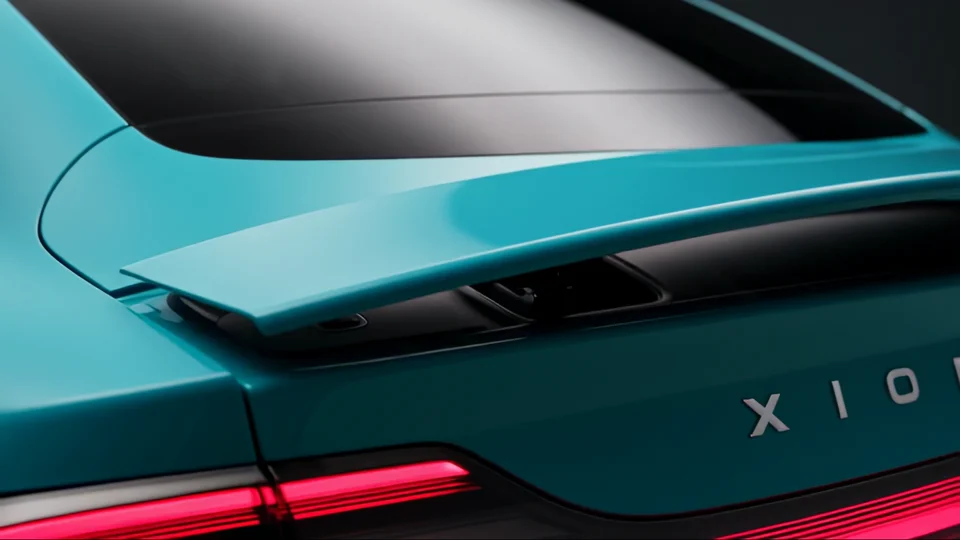

The teal bodywork carries through to the backdrop. Look at how the wide shot picks up a colour from the close-up.
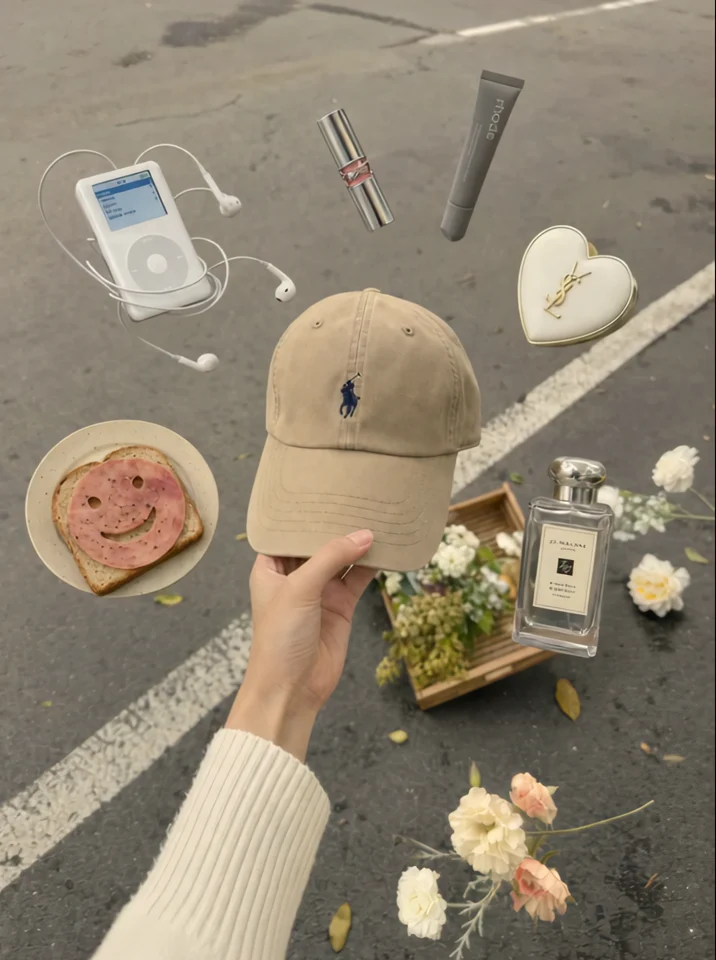
The cap stays at the centre of the hand. Check which edges of the product you want to preserve in a tighter crop.