Brief a product shoot
Send the photographer your reference photo with two hex values. Specify which shade is for the backdrop and which should guide the lighting.

Choose a photo to see up to five dominant colours. Select a swatch to copy its hex code.
Click a swatch to copy its hex.
The rose backdrop fills much of this still life. Its largest colour group, #D27C7B, covers about 13% of the sampled image.
Try the product photo above to copy its swatches. To build a palette around the small teal jar, crop a copy of the photo around it first.
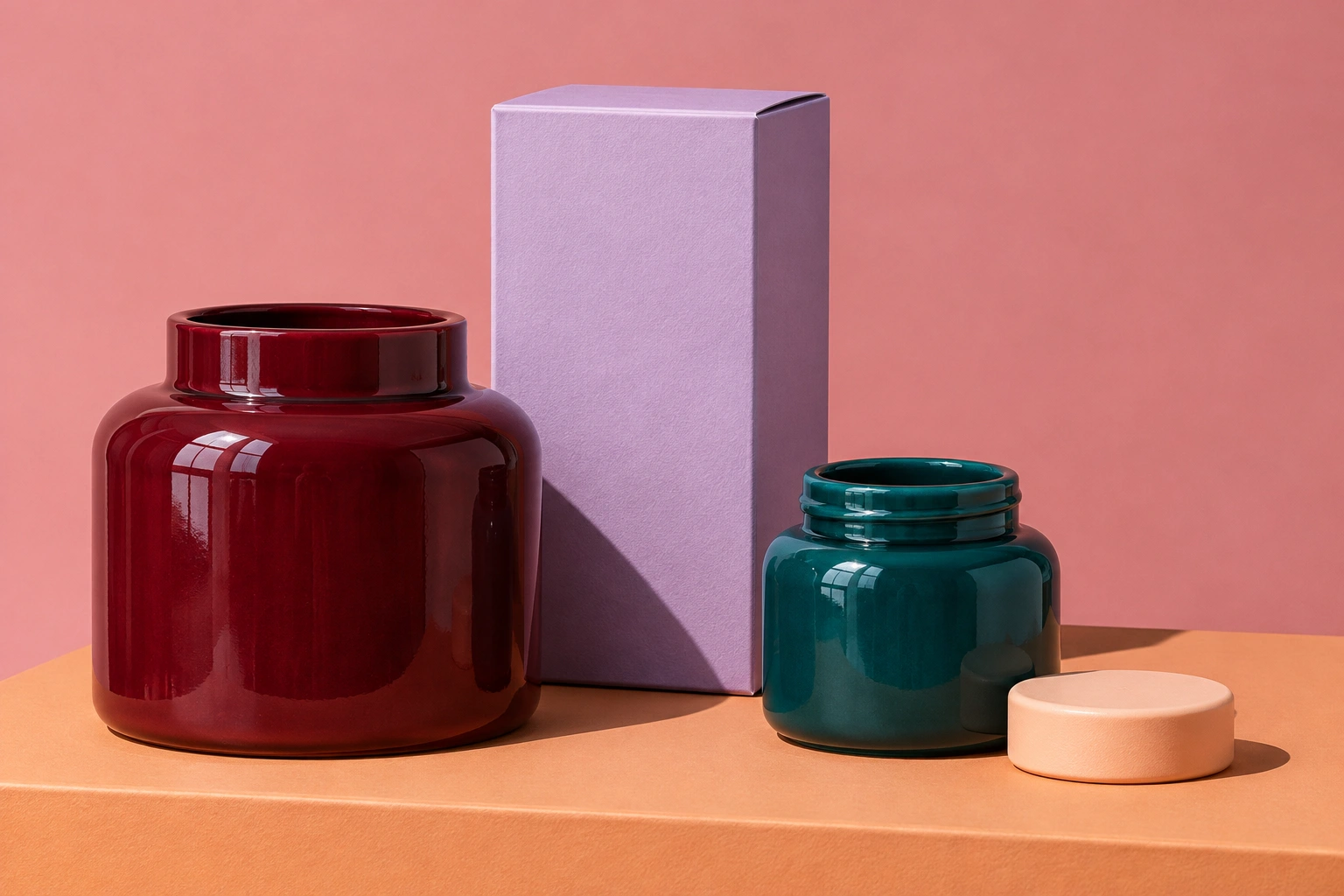
Use the lighting you want for the campaign. A warm shop window and a cool studio lamp give the same jar different colours.
The tool groups similar pixels and shows up to five of the largest groups. The percentage shows how much of the sampled photo each group occupies.
Click a swatch to copy its hex value, then paste it into a design or a creative brief.
Choose a colour for a particular job. A dominant shade can make a backdrop while a smaller accent draws attention to the product.
Send the photographer your reference photo with two hex values. Specify which shade is for the backdrop and which should guide the lighting.
Take a muted shade from the packaging for the background. Test a darker or lighter swatch for the headline before sharing the card.
Sample one hero photo and reuse its chosen background shade on the next three product cards so the series looks consistent.
Sample a shelf photo before ordering printed signs. Compare the screen colour with a physical swatch under the store lights.
The extractor ranks colours by the area they cover. A thin gold stripe can occupy fewer pixels than the wall behind it. Crop a copy around the stripe and sample it again.
Only the largest colour groups are displayed. Other shades still occupy part of the image, and the displayed percentages are rounded.
Highlights and shadows can place pixels from the same product into different groups. Choose the midtone swatch for a reference to its main surface.
A swatch represents what the camera captured under that lighting. For an exact brand match, use the colour in your brand guide. To read a particular pixel in a photo, use an eyedropper.
Select a swatch to copy its six-digit HEX code. Paste the code into the colour field for your background, text or shape.
Fully transparent pixels contribute no weight. Partly transparent pixels count in proportion to their opacity.
Crop a copy of your photo around that object, then load the crop. The extractor ranks colours across the whole selected image.
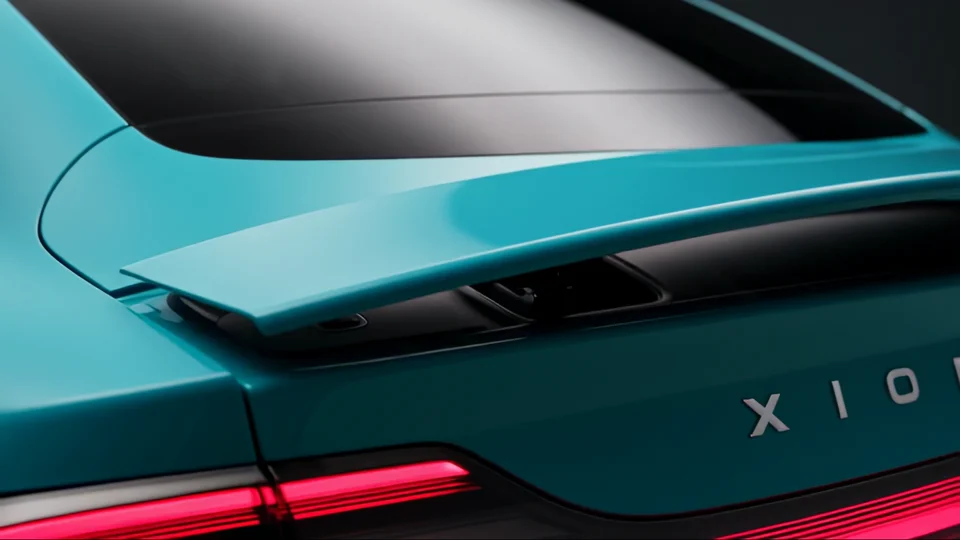

Match a backdrop to a product. The teal on the rear panel becomes the colour around the car in the wide shot.
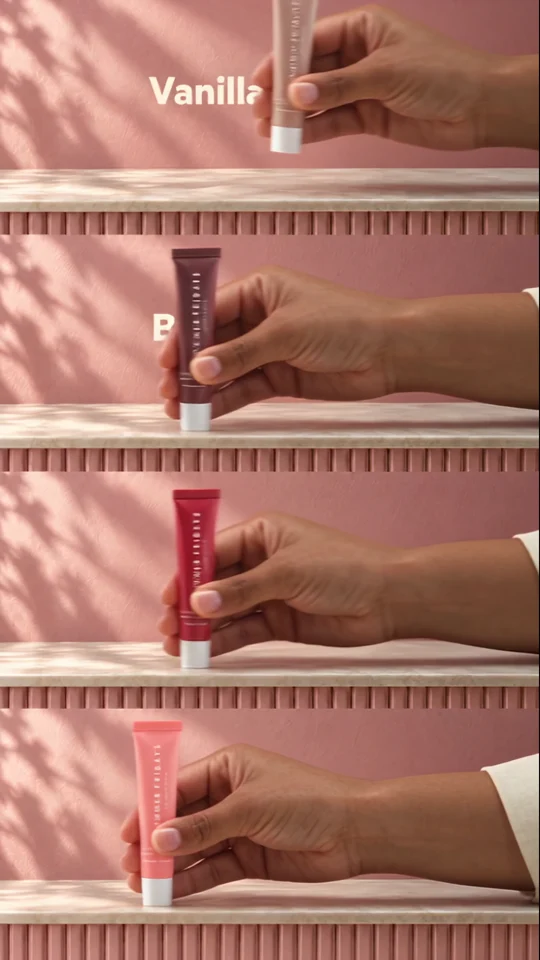
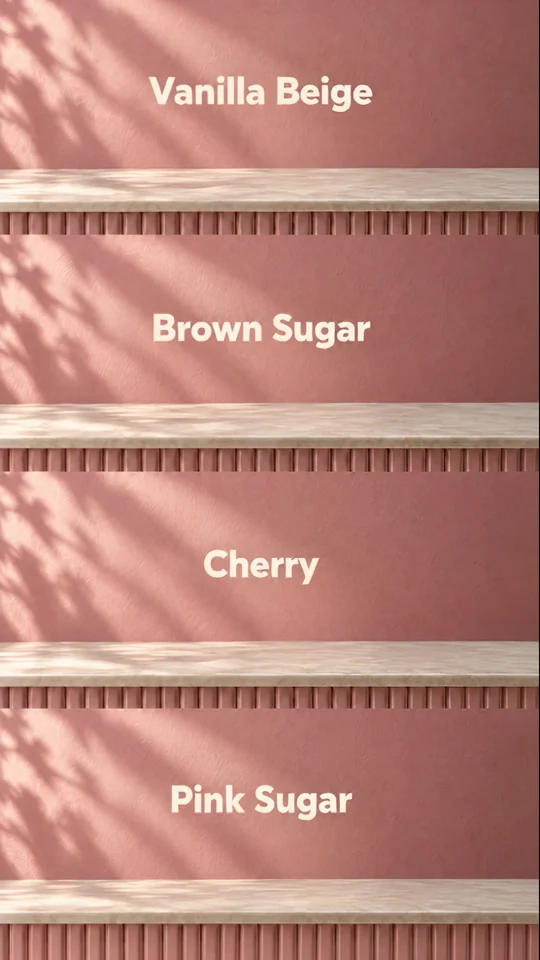
Give each product variant its own swatch. The four bands pair a shade name with the item it belongs to.
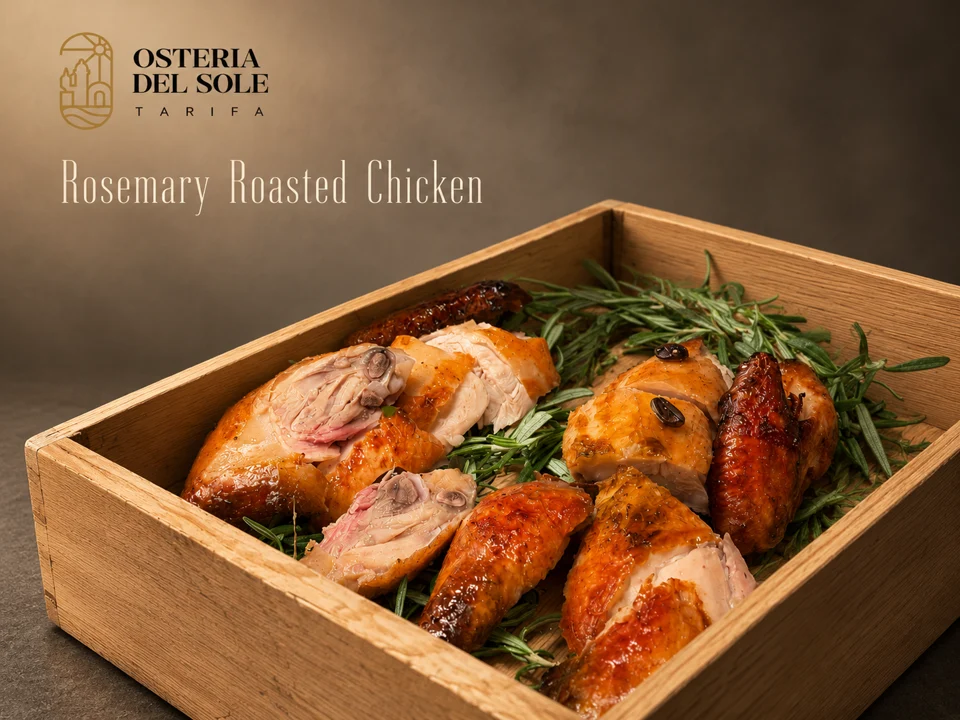
Choose a colour for type over food photography. Compare the lettering with the light and dark areas behind it.
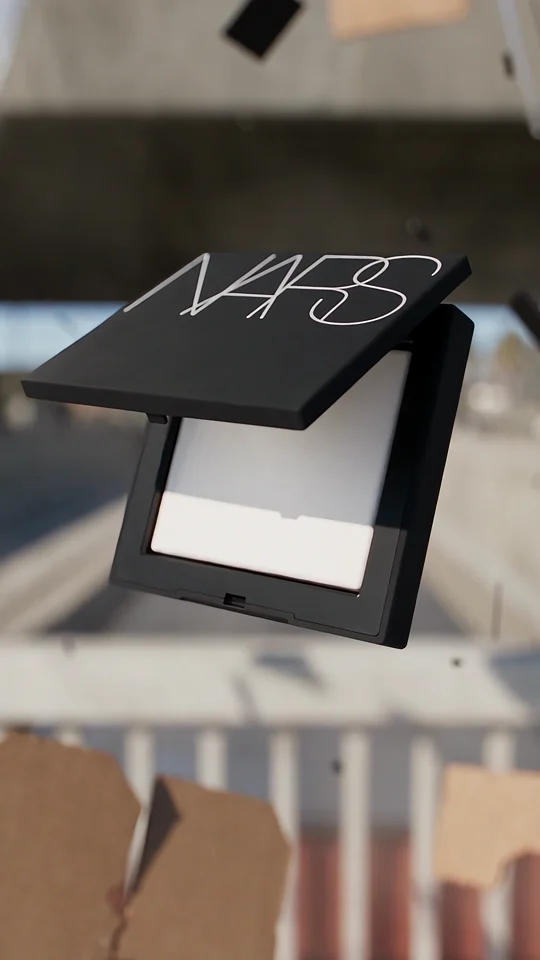

Set a neutral for the closing frame. Compare how the NARS wordmark reads on packaging and against solid black.