Write a product teaser
See what fits when a long launch caption becomes a short post.

Paste your draft to see how many characters remain against each listed limit.
The sample caption uses 61 characters including spaces. It leaves room for a short addition to a YouTube title and a longer one in an X post.
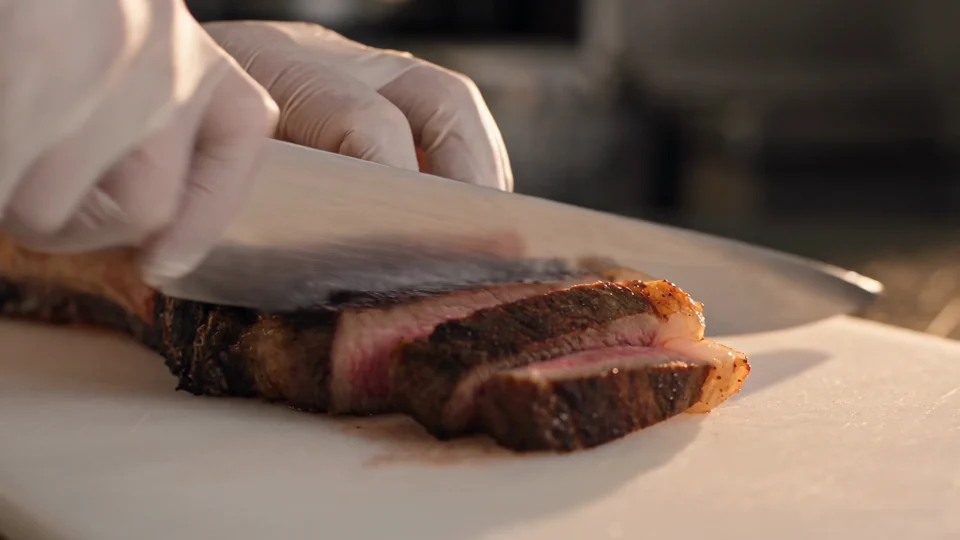
From the grill to the table: rosemary steak, sliced to order.
Include hashtags, spaces and the link text you plan to publish.
A YouTube title has a much smaller allowance than a description. Check the row for the field you are editing.
Move the product name and the reason to click into the opening line, then cut repeated details.
Use the same launch facts across channels while giving each placement its own opening.
See what fits when a long launch caption becomes a short post.
Put the model or collection name near the start of a YouTube title so viewers can recognise it at a glance.
Give the shop owner both a short caption and a longer version with size, colour and availability details.
Keep the action and destination clear when space is tight below a shared product link.
A character count helps you edit to length. Preview truncation can also depend on the app, screen and text. Put the product name and the reason to keep reading in the opening line.
Yes. The counter reads the full text field, including whitespace. Paste the actual draft to include its formatting.
The tool counts JavaScript text units. Some emoji contain several units, and a platform may count them differently.
It counts the length of the text, including spaces. Two captions with the same number of words can use very different amounts of space.
Yes. Paste it once and read the remaining count beside each placement. Editing the caption updates every row together.
Your draft exceeds that row’s allowance by 12 counted units. Shorten the draft until that row shows how much room is left.
You control the edits in the text box. The counter updates as you type, so you can try removing a hashtag or rewriting a sentence and see what each edit saves.
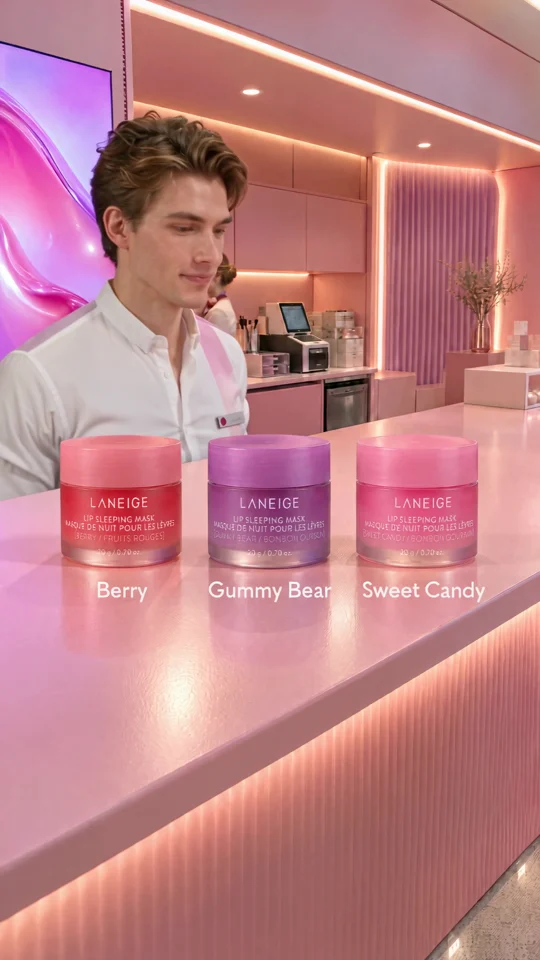
A post with three products needs a tight opening line. See how Goofy Picks gives each item a distinct moment before drafting the caption.
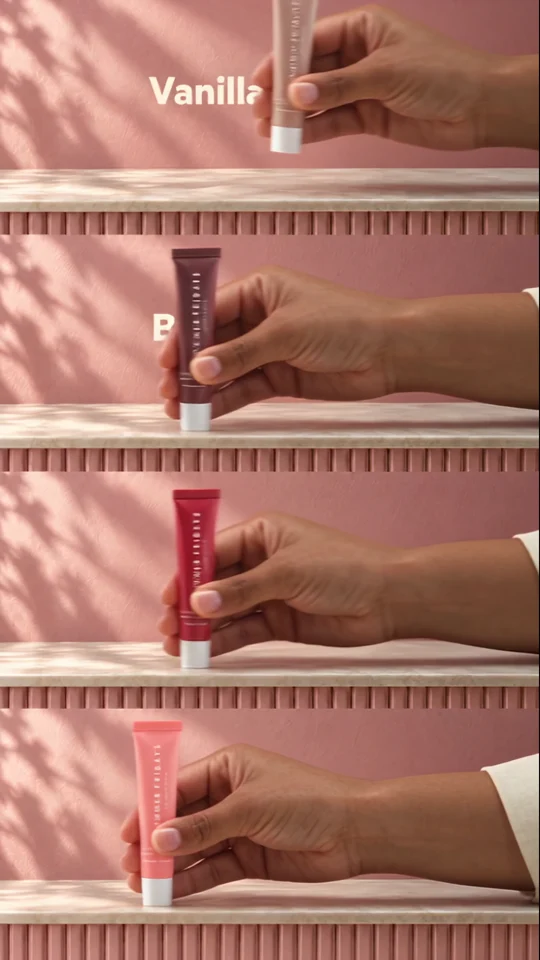
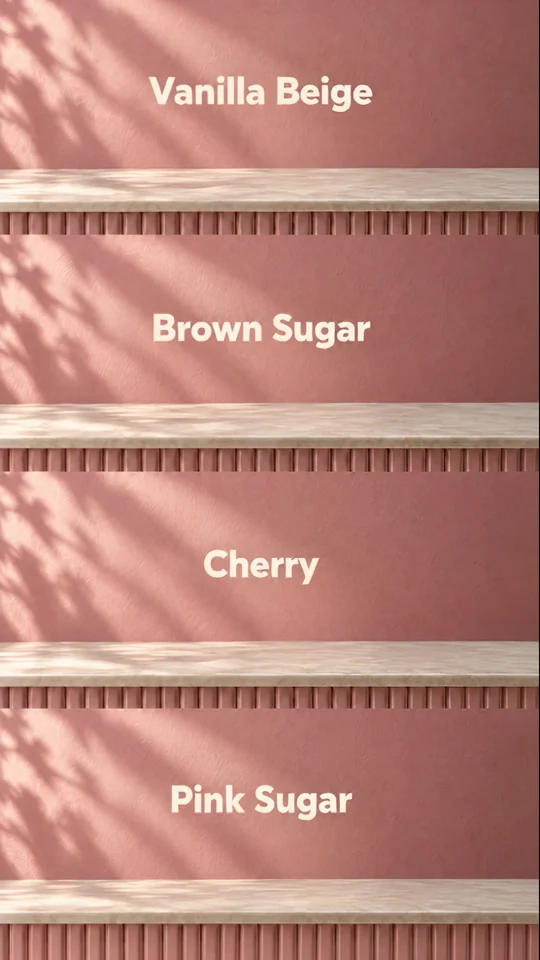
Four colourways fill four bands. Each shade gets a name so a shopper can tell the variants apart.
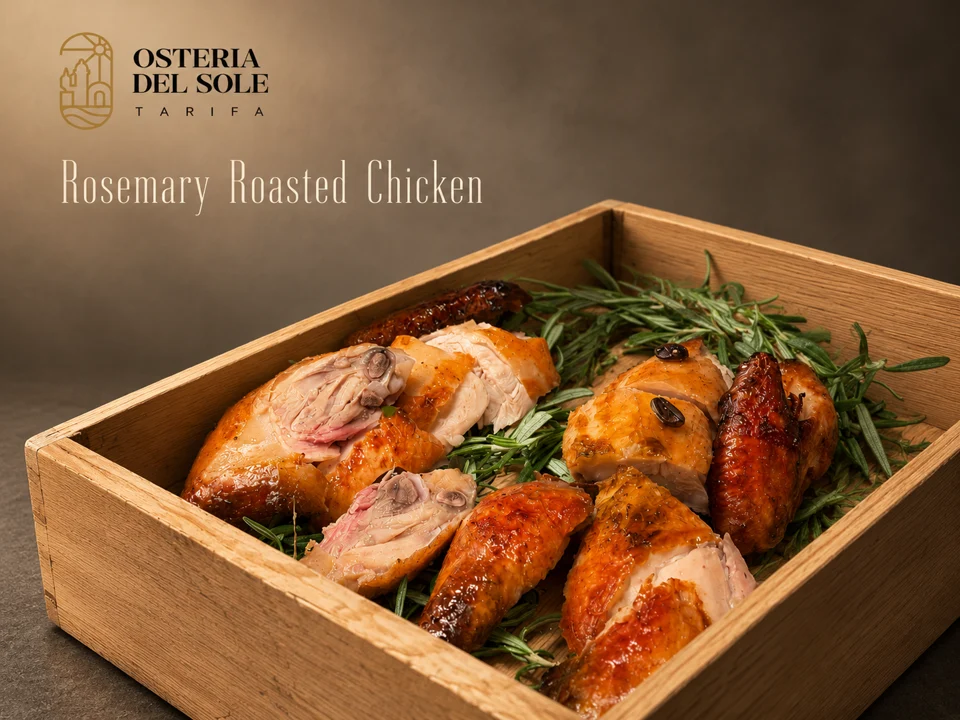
Look where the dish name sits against the food photograph. The background behind the type affects how easily you can read it.
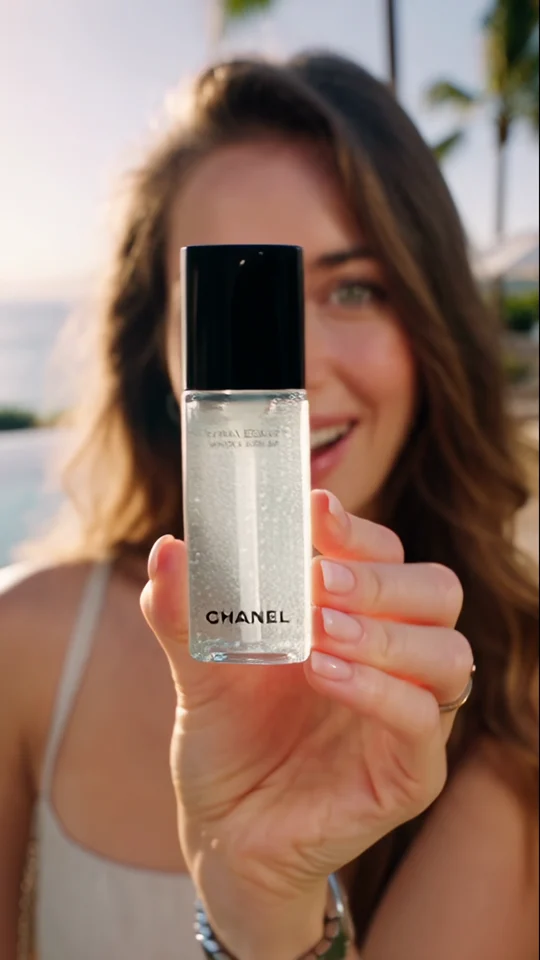
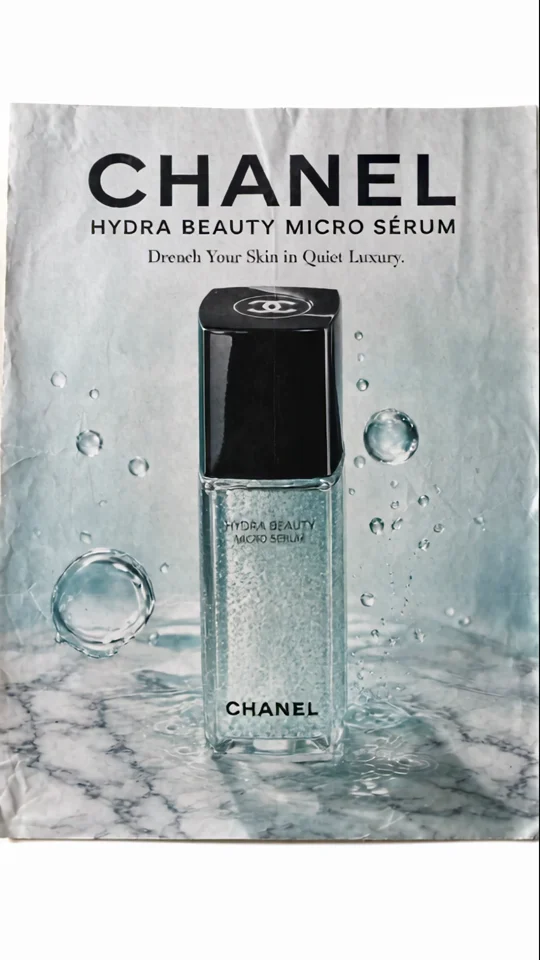
Compare the bottle in the presenter’s hand with its final poster. The larger silhouette still reads at thumbnail size.