Identify a creator post
Use the agreed creator identifier as the source so the team can recognise the traffic later.

Enter the destination URL and your campaign tags, then copy the finished link for your post or email.
The base URL still points to the Inspiration page. The three tags record where the link was placed, which channel it used and which launch it belongs to.
https://stillmore.studio/inspiration?utm_source=newsletter&utm_medium=email&utm_campaign=spring-lookbook
Use the full address of the page customers should reach.
Add a consistent source, medium and campaign. Use the optional fields when they help distinguish a placement or creative.
Inspect the complete URL and open a copy to confirm it lands on the intended page.
Use a stable naming scheme when several placements lead to the same product.
Use the agreed creator identifier as the source so the team can recognise the traffic later.
Keep the campaign name fixed and use the content field to distinguish the two cuts.
Tag the email link before it is pasted into the final send.
Keep existing product or variant parameters so each link still lands on the right selection.
Keep the campaign name consistent and give each placement its own source and medium. Open the finished URL to check its destination. Your analytics setup determines whether those visits are recorded.
Existing parameters are kept. A nonempty UTM field replaces the parameter with the same name.
No. Empty fields are skipped. Use names your team can interpret later in its analytics.
The tool adds parameters to a URL. Reporting depends on the destination site's analytics reading them.
Use the same source, medium and campaign for both. Set Content to a distinct value such as hero or footer for each link.
It needs a complete destination to attach the tags to. Paste the address with its scheme, such as https://example.com/launch, then build the link.
Yes. Paste the destination with its fragment, such as #pricing. The generated URL puts the campaign parameters before the fragment so the section remains the destination.
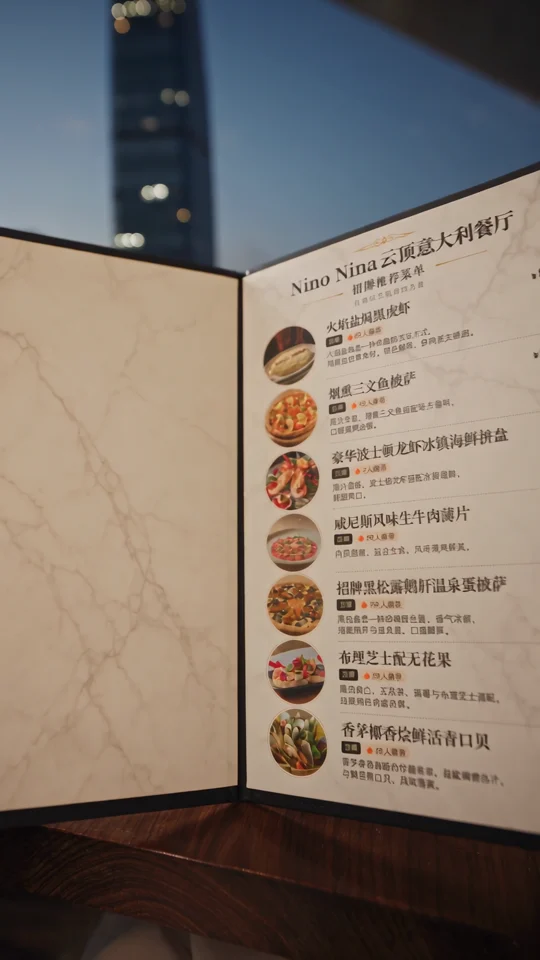
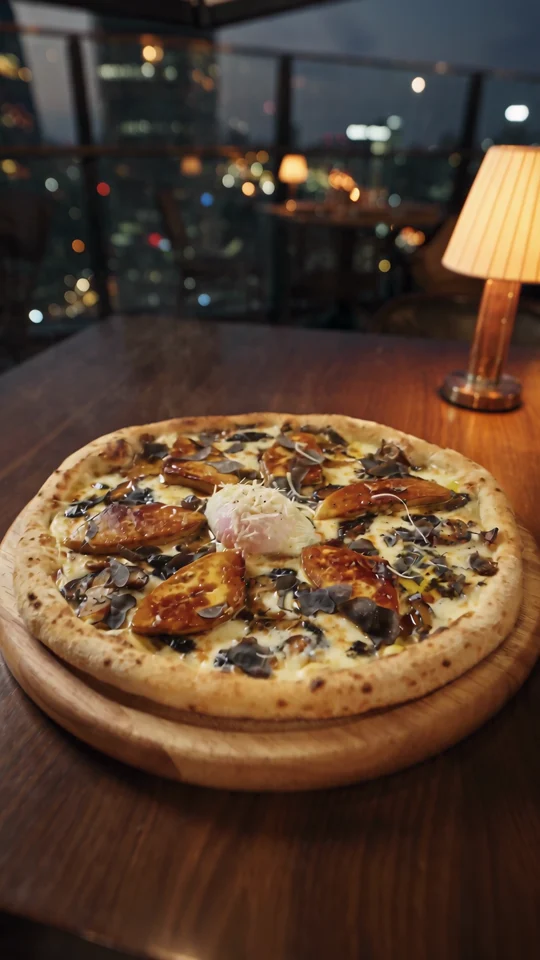
Promoting the same menu by email and social? Magic Menu gives both placements one recognisable creative idea; separate campaign links tell you where visits came from.
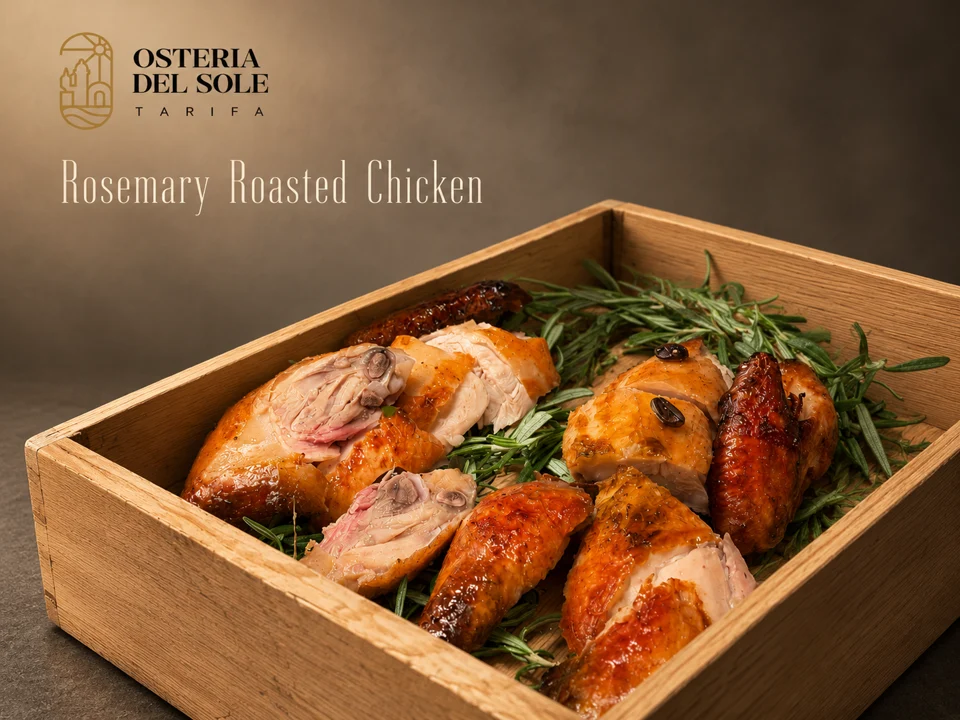
Look where the dish name sits against the food photograph. The background behind the type affects how easily you can read it.
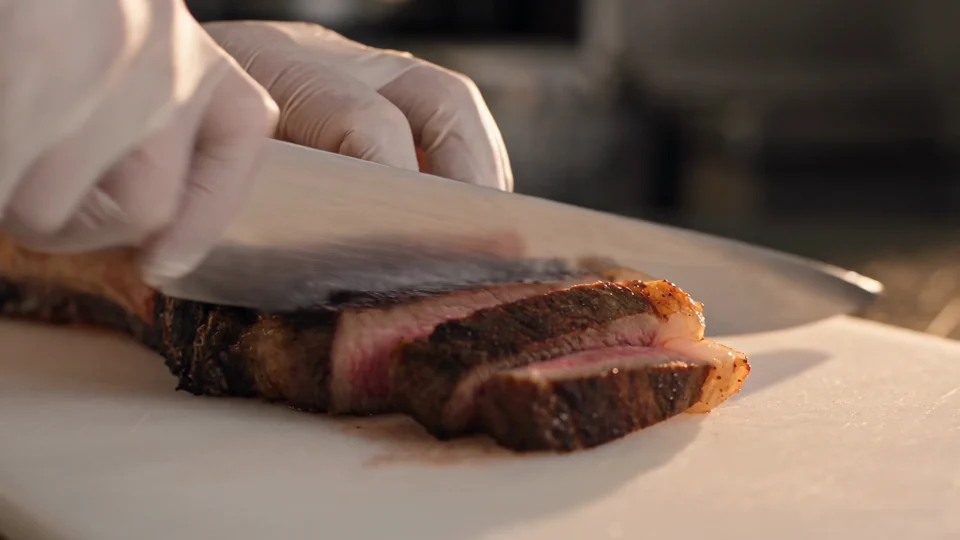
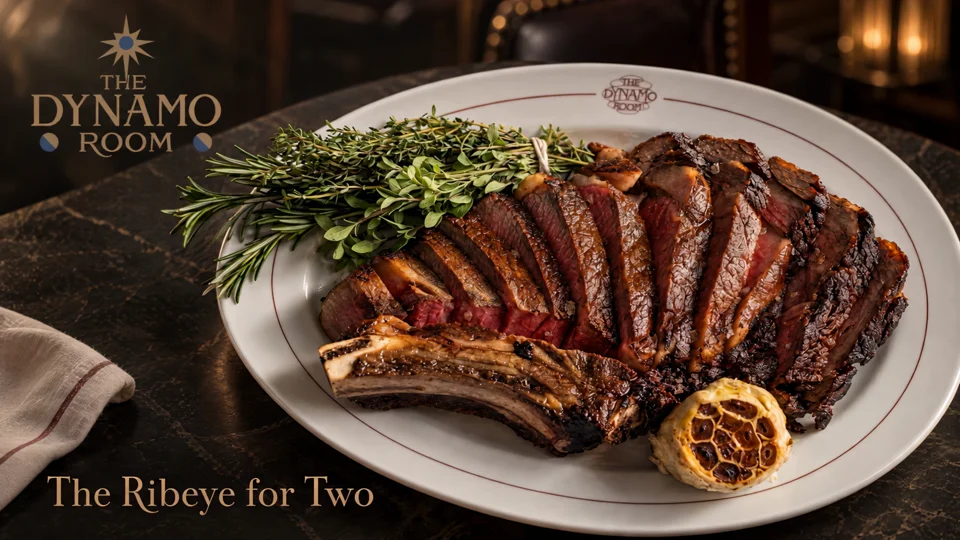
Follow the cut from the sliced steak to the plated dish. Use those two moments to plan your own edit.
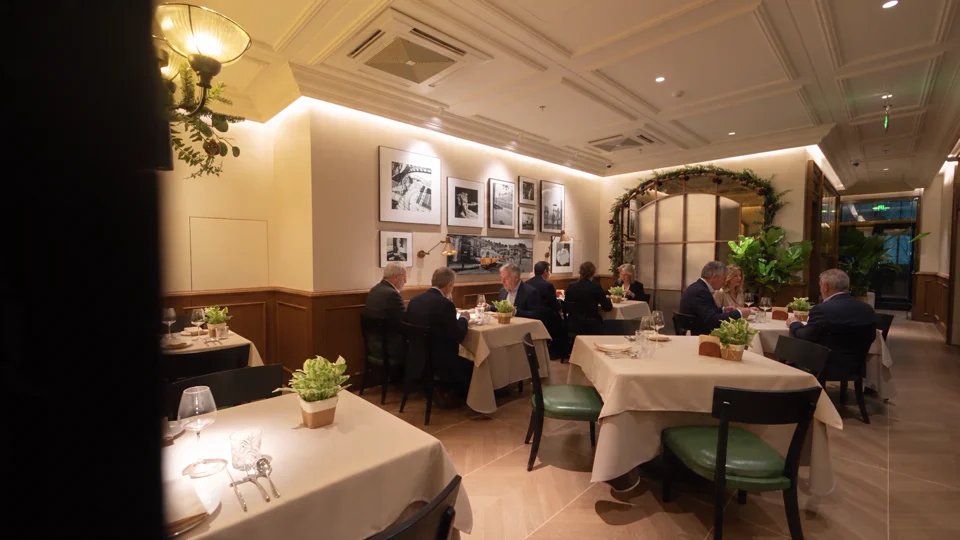
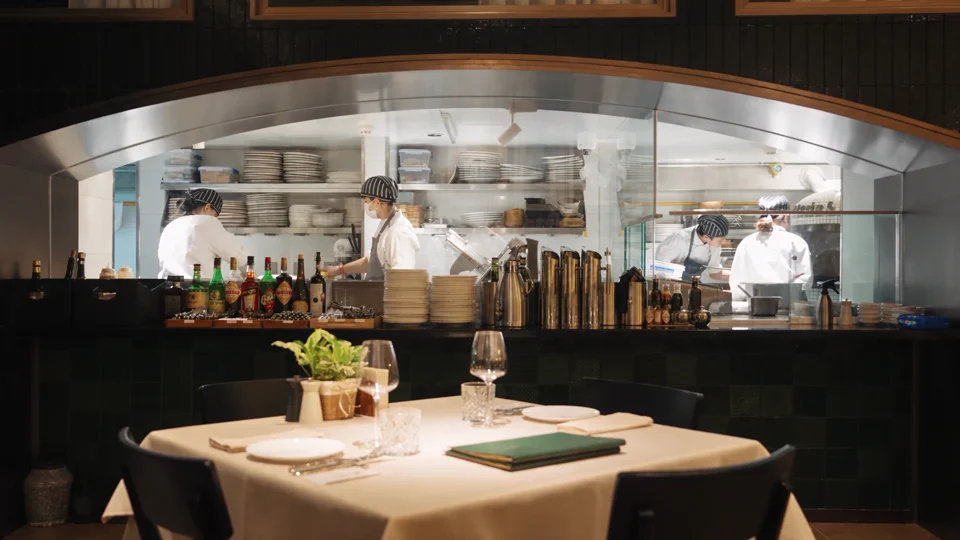
The dining room gives way to the open kitchen. Notice which room details carry across the cut.