Move a shot list into a sheet
Turn one JSON object per shot into columns for angle, prop and filename.

Select a conversion and paste your data. For JSON to CSV, use an array of records with named fields.
The JSON sample has two fields for each product. In the CSV output those field names become the column headings, and each product takes one line.
shade,position
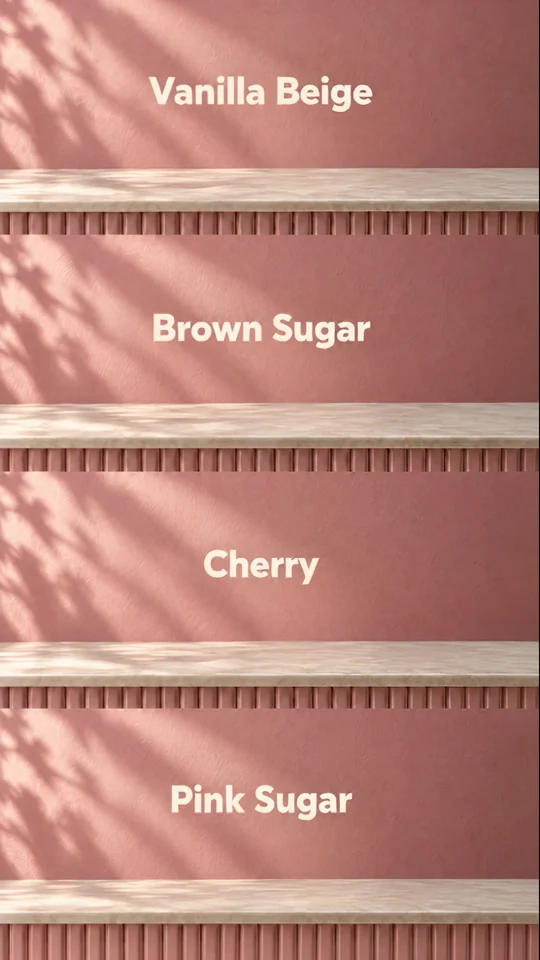
Vanilla Beige,1
Cherry,3
| shade | position |
|---|---|
| Vanilla Beige | 1 |
| Cherry | 3 |
Select the input and output formats before pasting your data.
For JSON to CSV, use an array of objects with a row per item and a key per column.
Compare a SKU, a quoted description and an empty value against the source before using the output.
A small table is often easier to review in a different format from the one your next tool expects.
Turn one JSON object per shot into columns for angle, prop and filename.
Convert CSV headers and rows to JSON records for a developer to inspect.
Render nested JSON as YAML so a teammate can scan the hierarchy.
Convert two representative products first, including one with an empty field.
Use one object per product and consistent keys such as name, colour and SKU. Inspect the header and first data row after conversion. Flatten nested fields before putting them into a table.
CSV cells return as strings. Inspect numeric and boolean fields before feeding the result into a typed system.
A missing or null field becomes an empty cell. If your spreadsheet must distinguish “unknown” from “empty”, add that distinction to the source records before converting.
The result appears in the output text area. Select and copy it into a file or the application that needs it.
Its field order sets the first columns. Any additional field names found in later records are appended to the header.
The exporter wraps values containing commas in double quotes. A name such as “Peach, Small” stays in one cell when the CSV is read with quote handling.
Put them in the first row. The converter uses them as property names for the JSON objects made from the following rows.
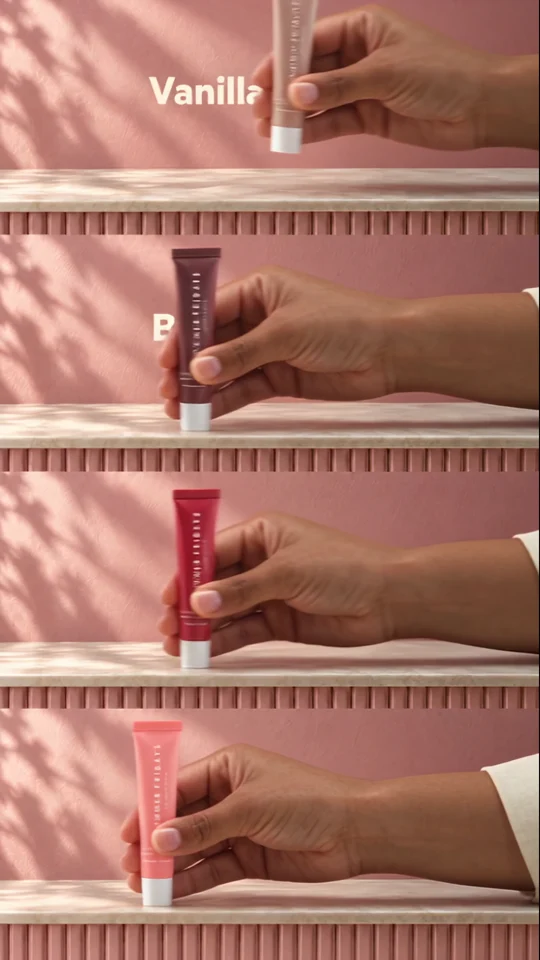
A four-row product list can become a shot brief. Swipe Reveal shows four colour variants, each with its own product name and position.

The presenter lines up three jars. Give each product its own short line when you plan a caption or voiceover.
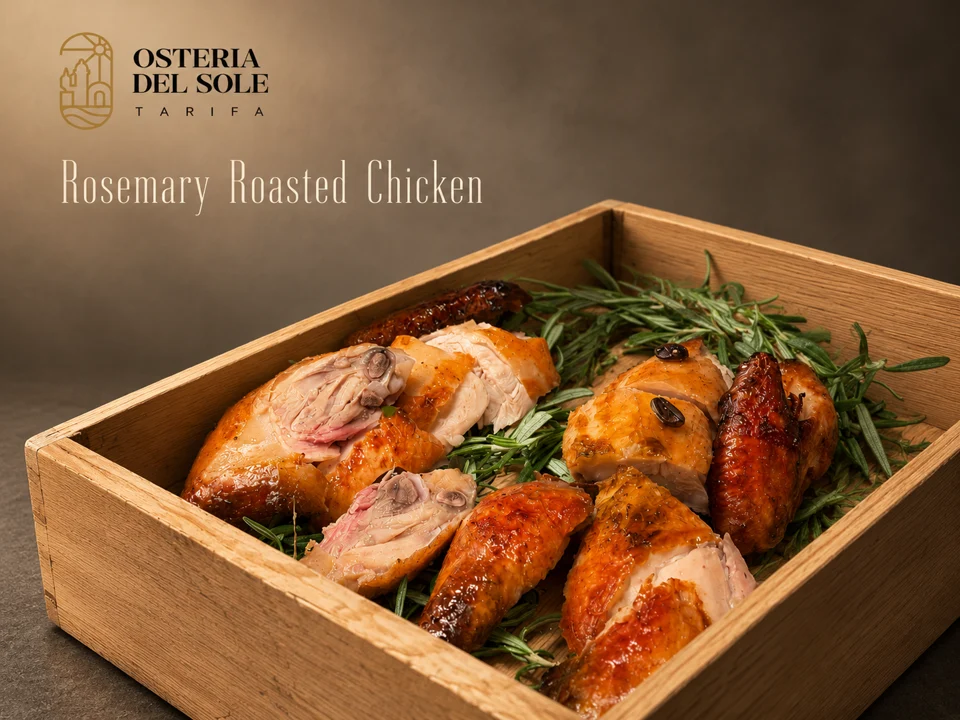
Look where the dish name sits against the food photograph. The background behind the type affects how easily you can read it.
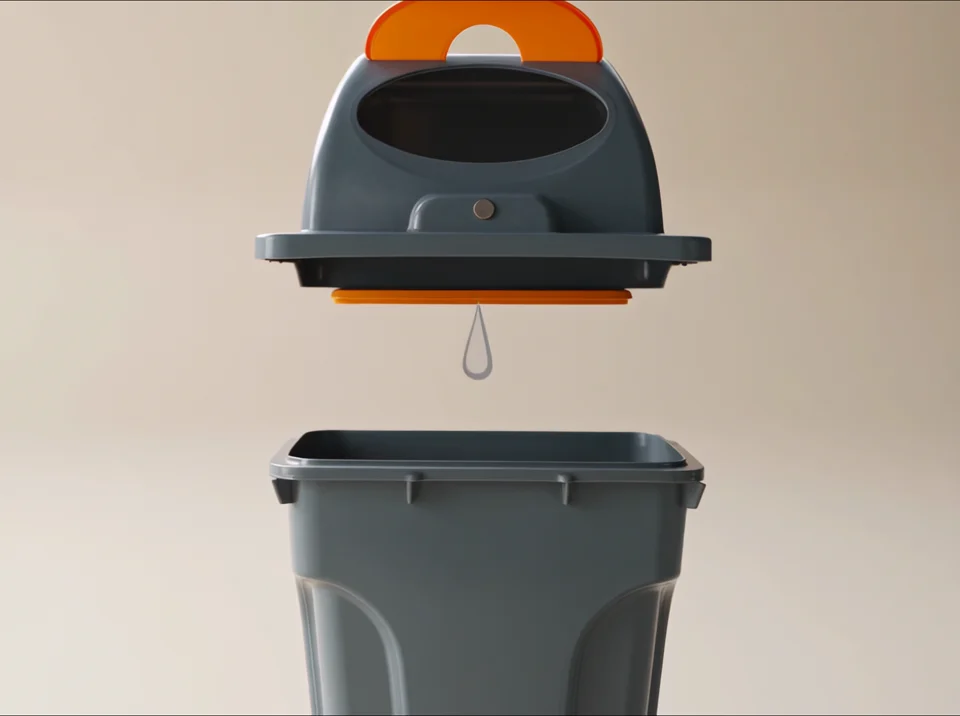
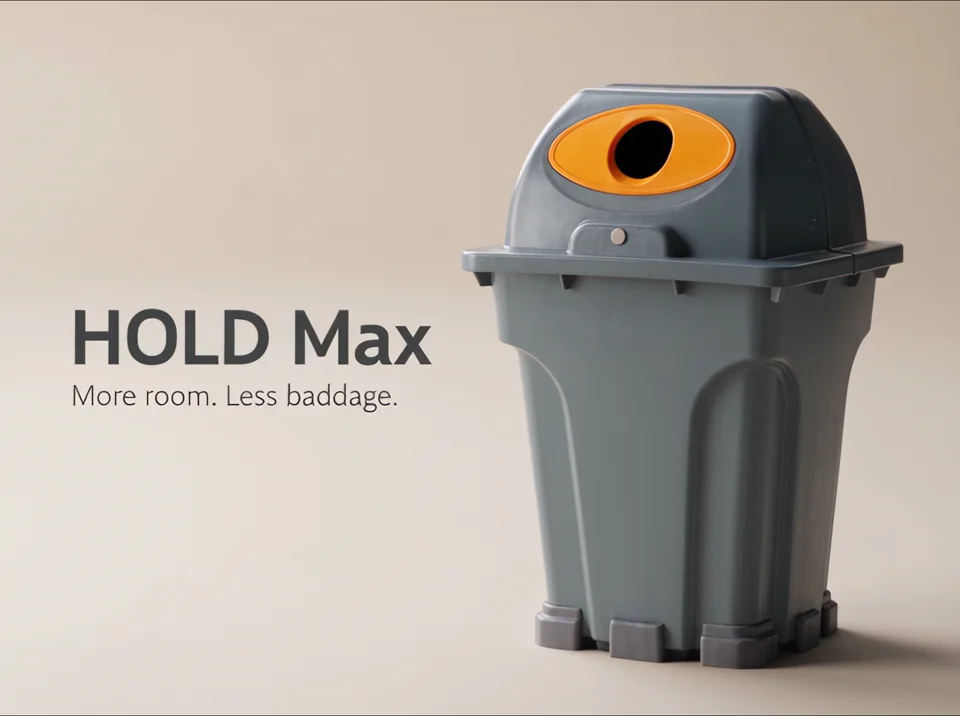
The lid and bin appear separately, then together on a plain background. Each shot communicates a feature visually.