Launch a collection
Use the title for the collection name and the description for its material, fit or release details.

Type your draft to compare sample search and social previews as you edit.
0 / 60 characters
0 / 160 characters
Google result
Social card
The sample title takes 26 characters and the description takes 72. The preview shows how the two lines read as one result before you add them to a page.
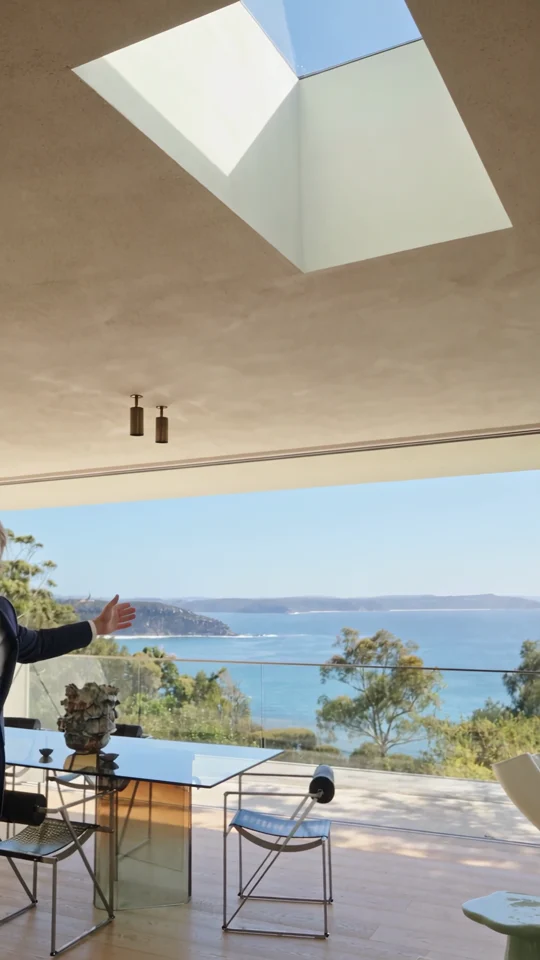
Step from a sunlit living room into the courtyard on a guided home tour.
Use the name a customer would recognise when scanning a results page.
Explain the useful detail they will find after opening the page.
Compare the search and social layouts. Shorten the copy where an important detail appears too late.
Look at the title and description together before the campaign points people to a page.
Use the title for the collection name and the description for its material, fit or release details.
Put a recognisable event name first and fit the date and location into the supporting copy.
Make each product title identify the specific variation rather than repeating the same collection description.
Show a teammate how the title and description read together before updating the site.
Character counts are a drafting guide. Search results depend on display width and can use different text from your page. Put the product or offer near the beginning and check the live result after publication.
No. Copy the final title and description into your page settings after reviewing them here.
The preview uses guide lengths of 60 for the title and 160 for the description. They help spot long text while editing.
No. Enter the proposed title and description directly. You can review both pieces of copy before the page has a URL.
Yes. Type a title and description once. The search and social previews both update, so you can check whether each version makes sense without the surrounding page.
Paste the wording only. The preview treats everything you type as text, so a pasted title tag would appear in the headline.
The two previews share one title field. Try the search headline first, save its wording, then replace it with the social headline for a second pass.
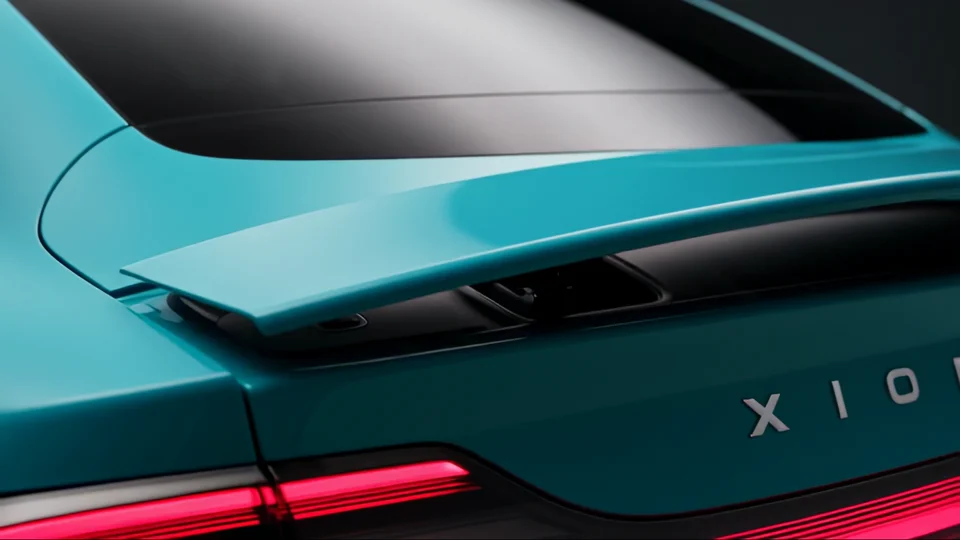
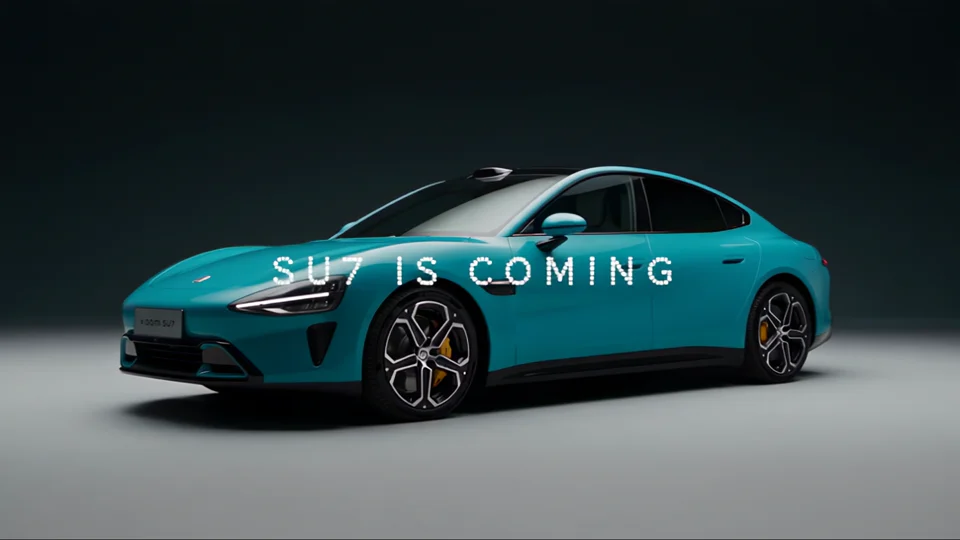
If your page introduces a new device, compare your headline with Product Premiere. The specific feature you promise in the title should also be visible in the launch creative.
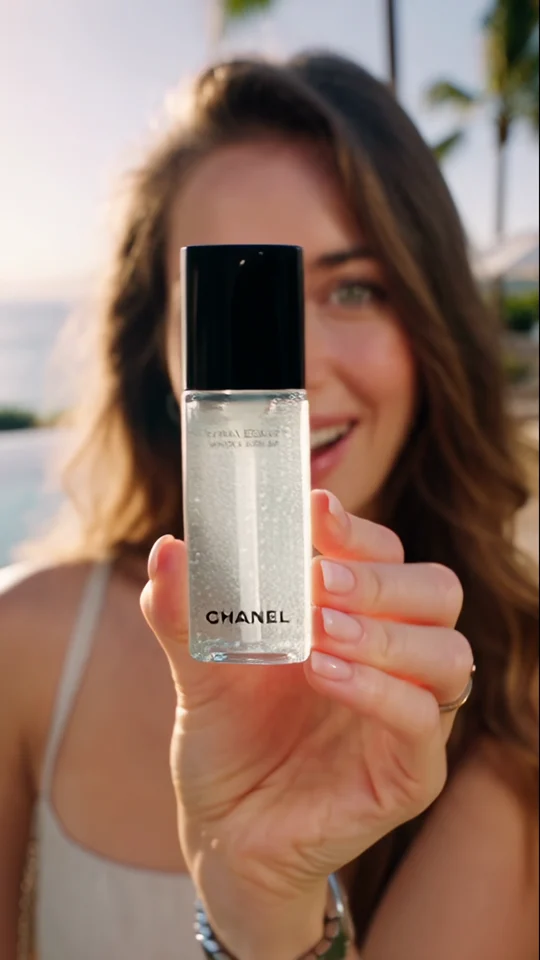
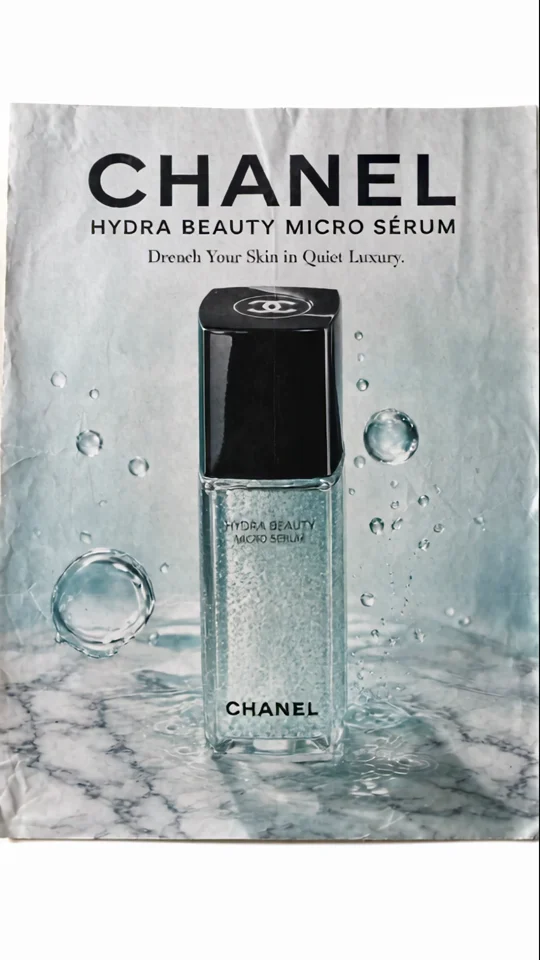
Compare the bottle in the presenter’s hand with its final poster. The larger silhouette still reads at thumbnail size.
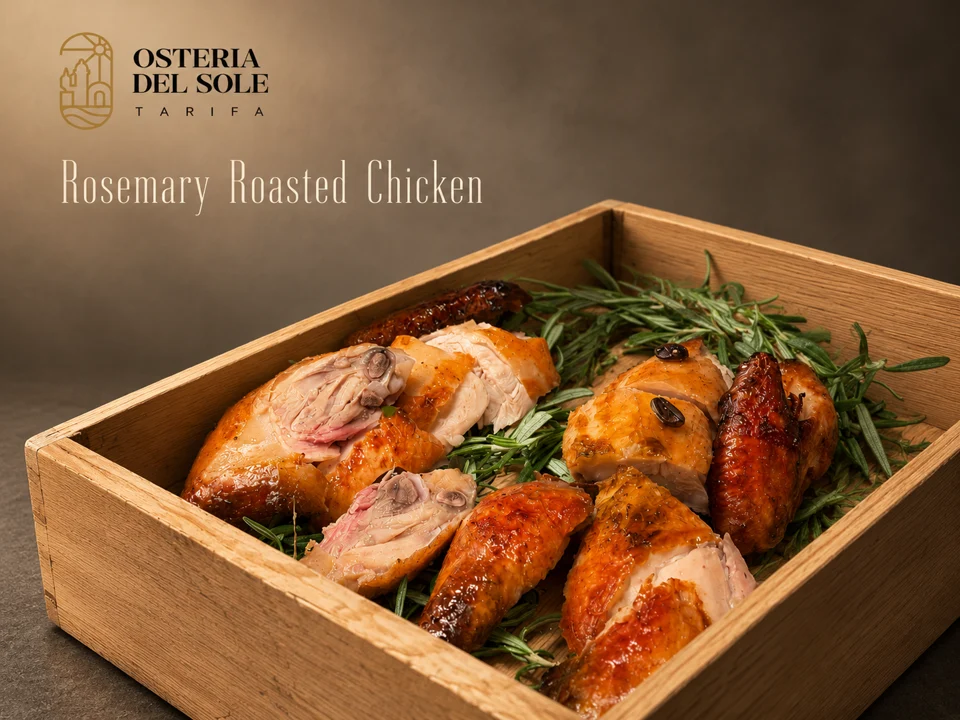
Look where the dish name sits against the food photograph. The background behind the type affects how easily you can read it.
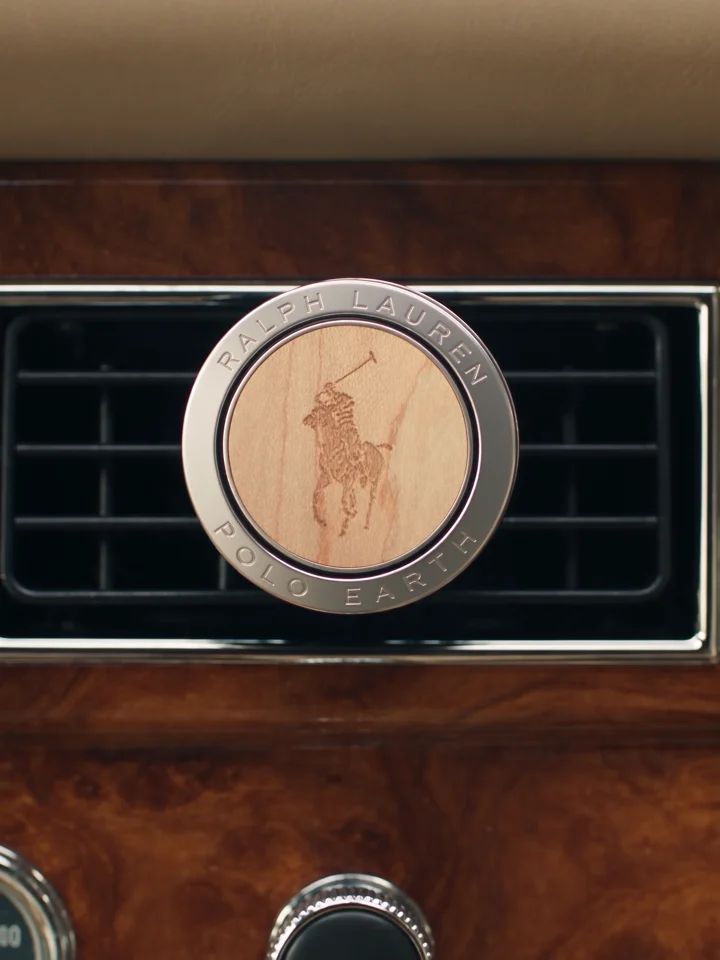
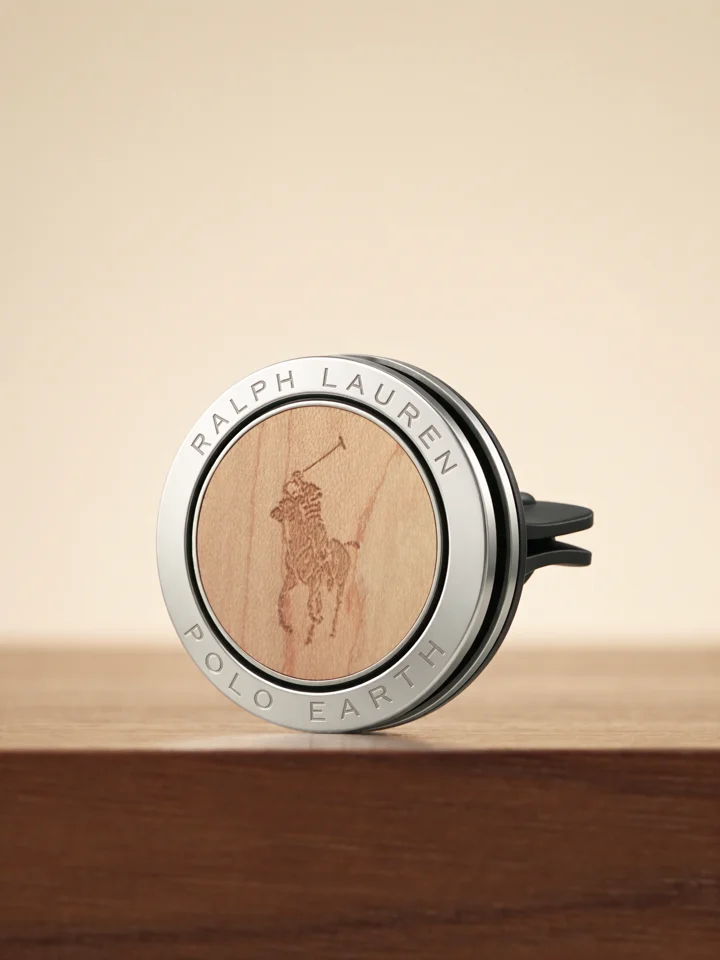
Compare the product on the dashboard with its final close-up. One view explains its use and the other shows its shape.