Submit a product listing
Compress the hero photograph against the marketplace limit and zoom in on the label before submitting it.

Choose a target in KB and a maximum width, then check the size of the exported JPEG.
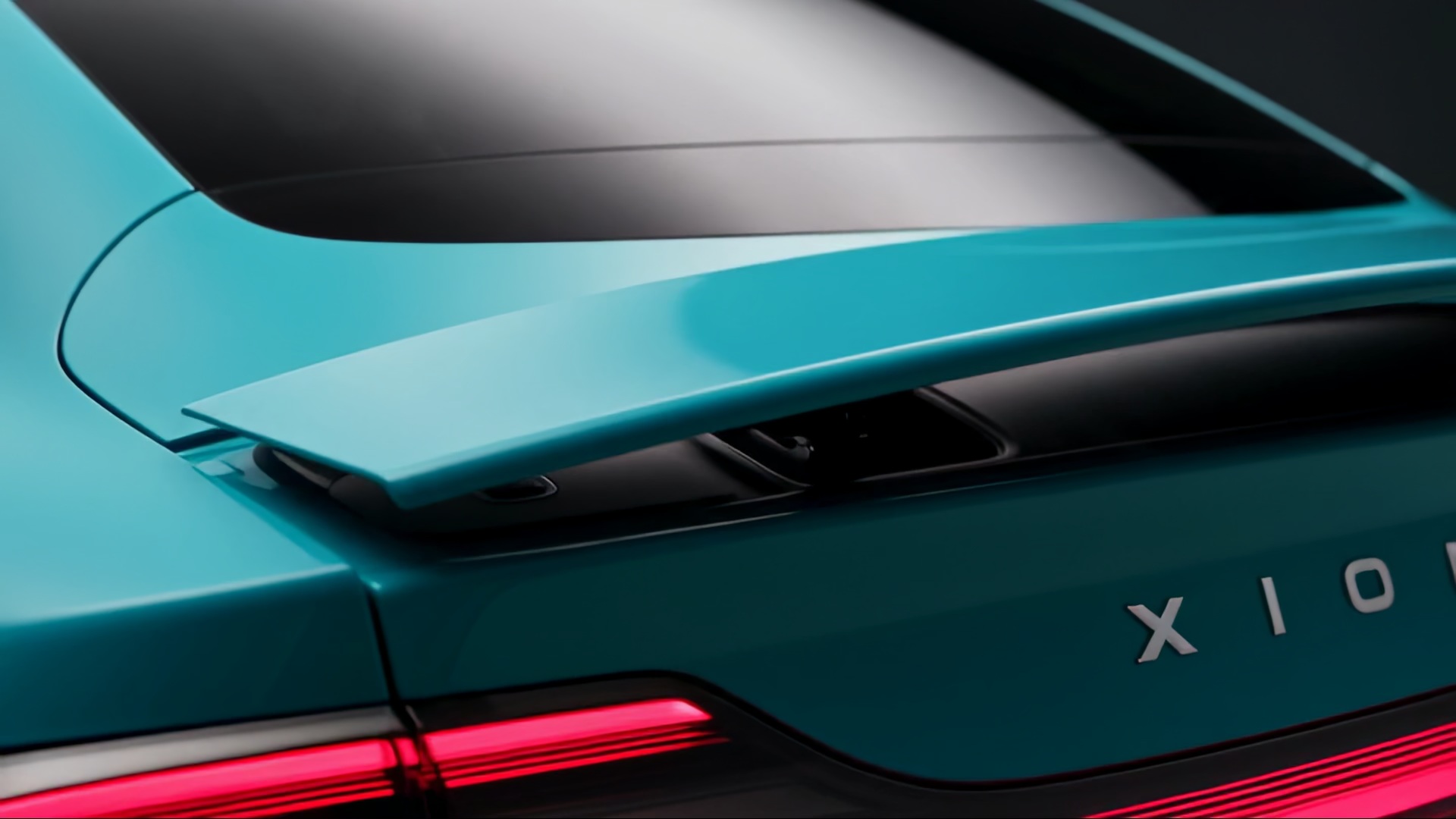
The teal bodywork and thin red tail light start as a 195 KB JPEG. With an 80 KB target, the tool returns a 79 KB file. Inspect the coloured edge at full size.
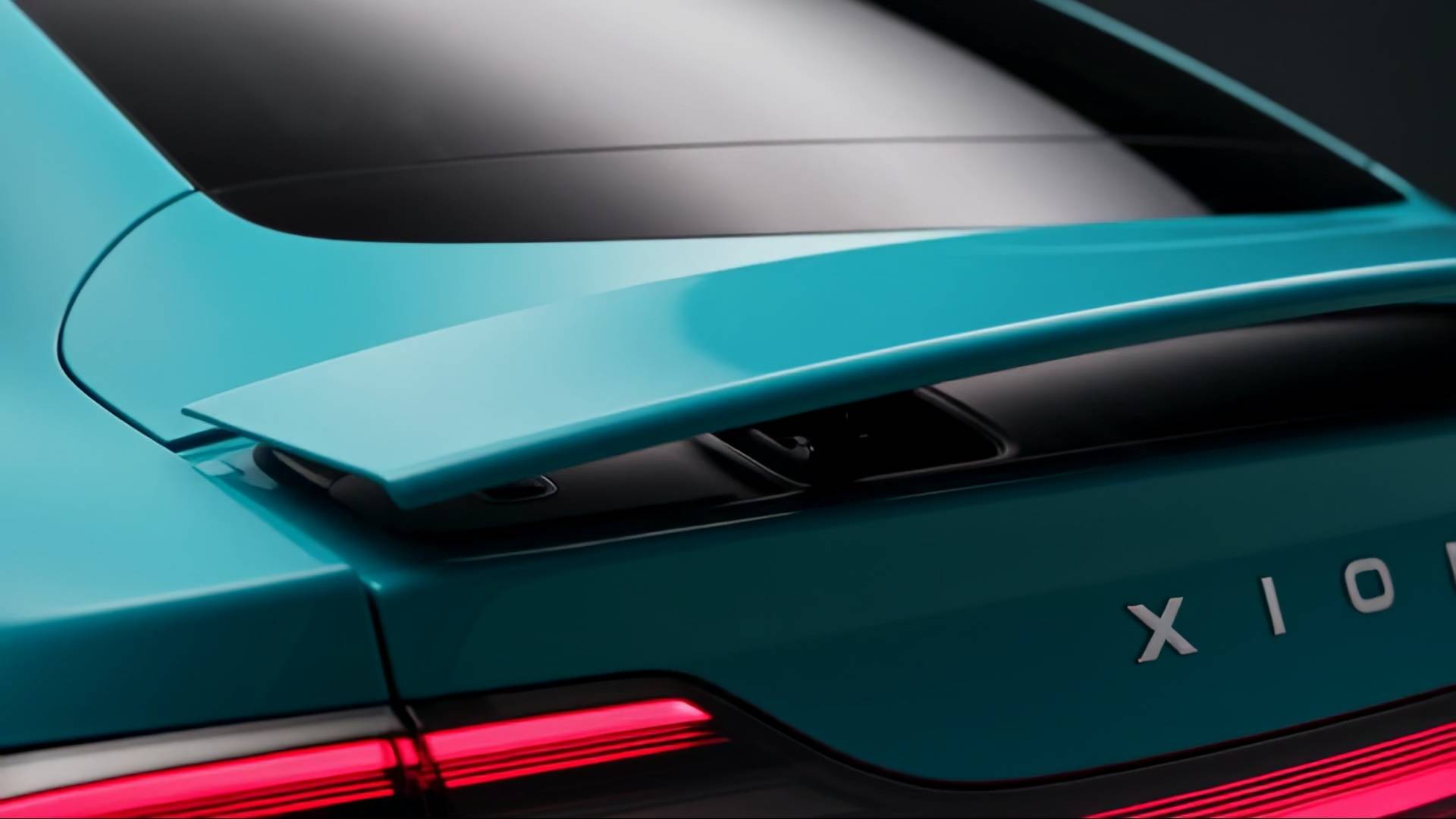
Start with the highest-quality copy you have so the encoder has more detail to work with.
Use the upload form’s maximum KB value. Add a maximum width if you know the display size.
Compare the reported KB and dimensions with the form requirements, then inspect small lettering before downloading.
The right trade-off depends on whether a viewer needs to recognise a product, read a label or inspect its texture.
Compress the hero photograph against the marketplace limit and zoom in on the label before submitting it.
Give the reviewer a lightweight copy for their phone. Keep the full-size file for the final artwork.
Set the maximum width close to the displayed portrait size so fewer bytes go toward unused pixels.
Check the file-size limit and minimum dimensions separately. A small file can still be too narrow for the submission form.
Inspect lettering and fine texture at the size people will see. A smaller display width can leave more of the byte budget for detail. Keep the original for large prints or future edits.
The number is a ceiling. The tool looks for a JPEG that fits beneath it and reports the actual size.
The tool first tries different JPEG quality settings. If they cannot meet the limit, it tries progressively smaller dimensions.
The download is a JPEG, which has no transparent background. Choose a format that supports transparency when the logo needs to sit over other artwork.
No. It creates a separate JPEG download. Keep the source file if you want to try a different target size.
It caps the export width and scales the height proportionally. Leave it blank to start at the source dimensions.
Compare the reported file size with your limit. Then open the JPEG at its intended display size and inspect edges, lettering and fine patterns.
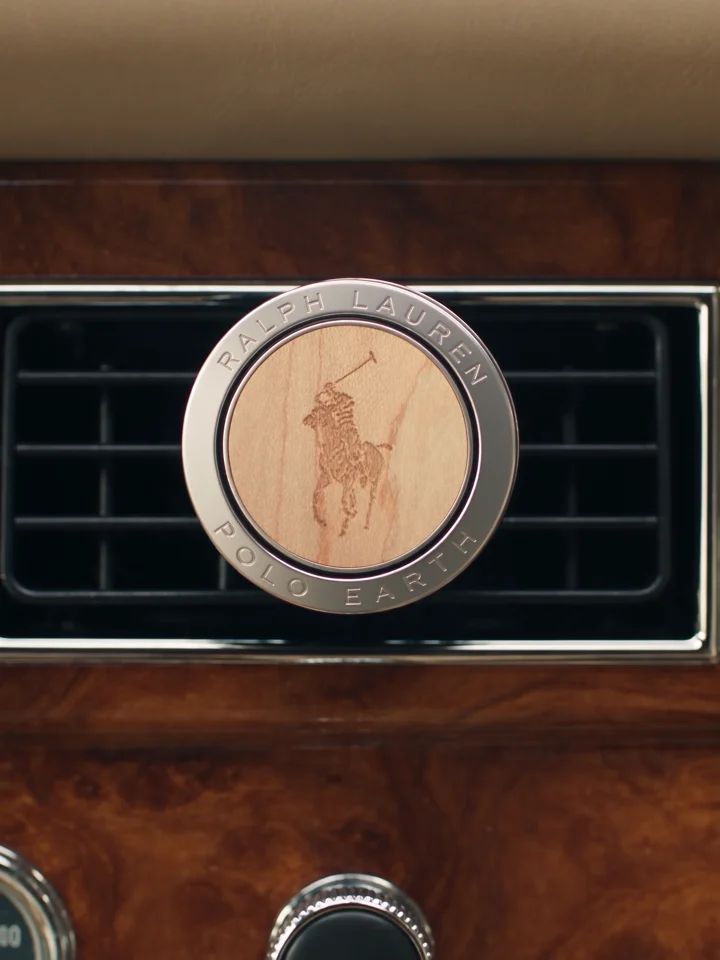
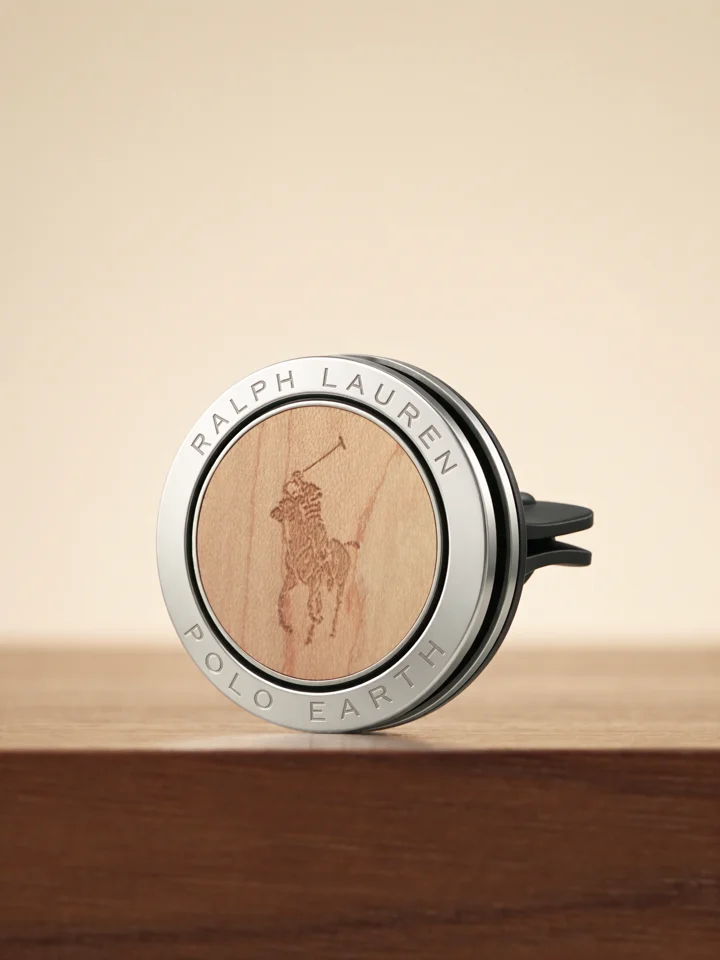
Once your listing photo is ready, Everyday Showcase shows another use for the original images: a product video set in familiar, everyday situations.
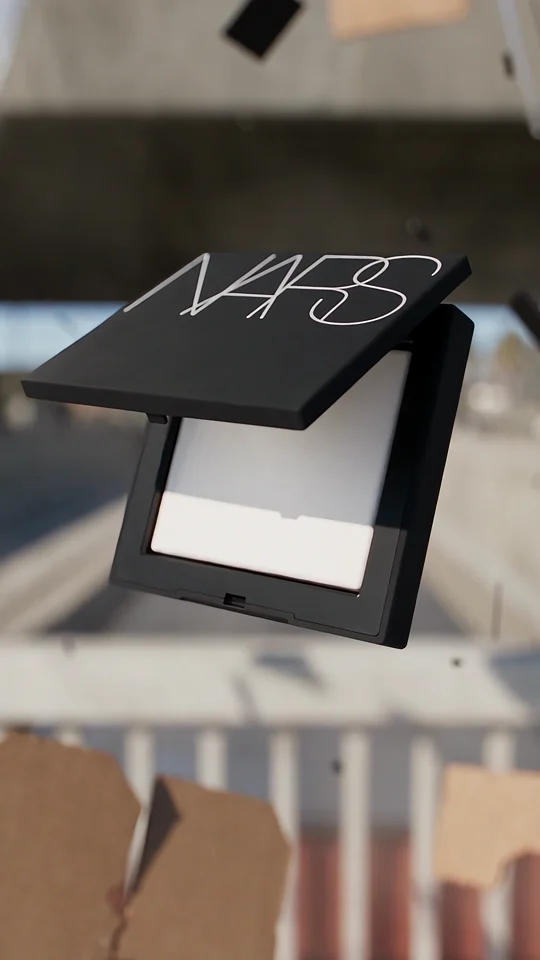
Compare the lettering on the compact with the isolated wordmark in the final shot.
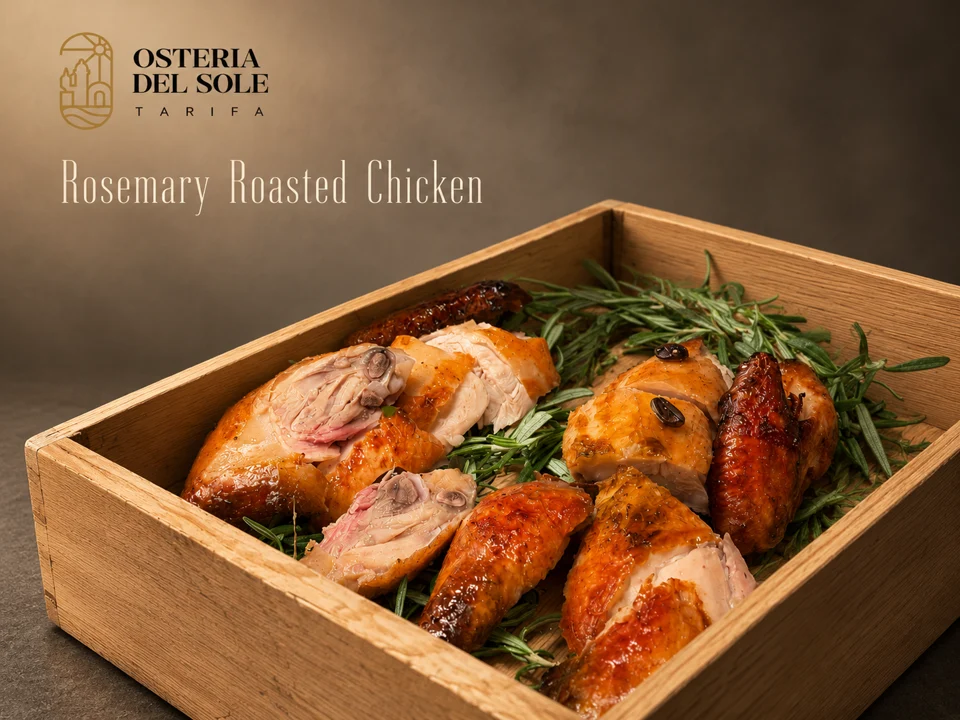
Look where the dish name sits against the food photograph. The background behind the type affects how easily you can read it.
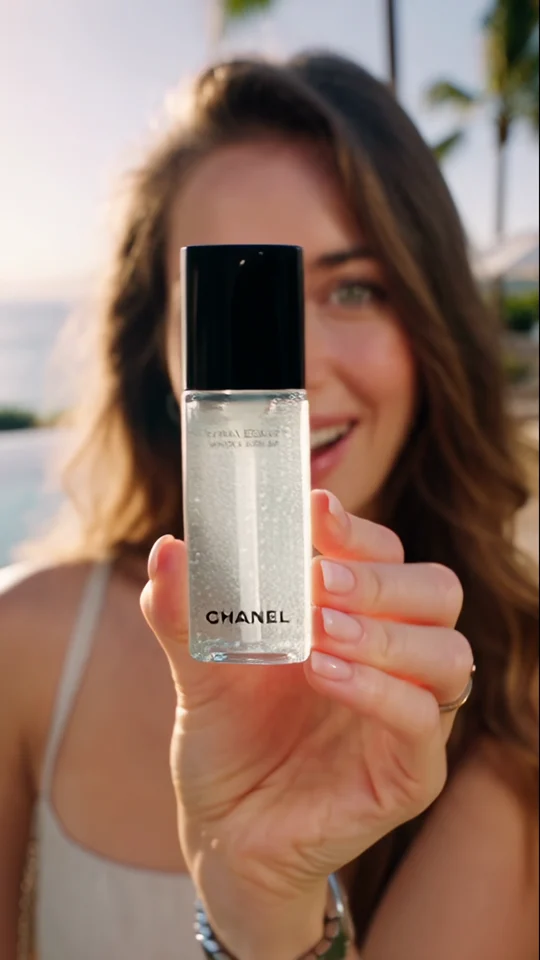
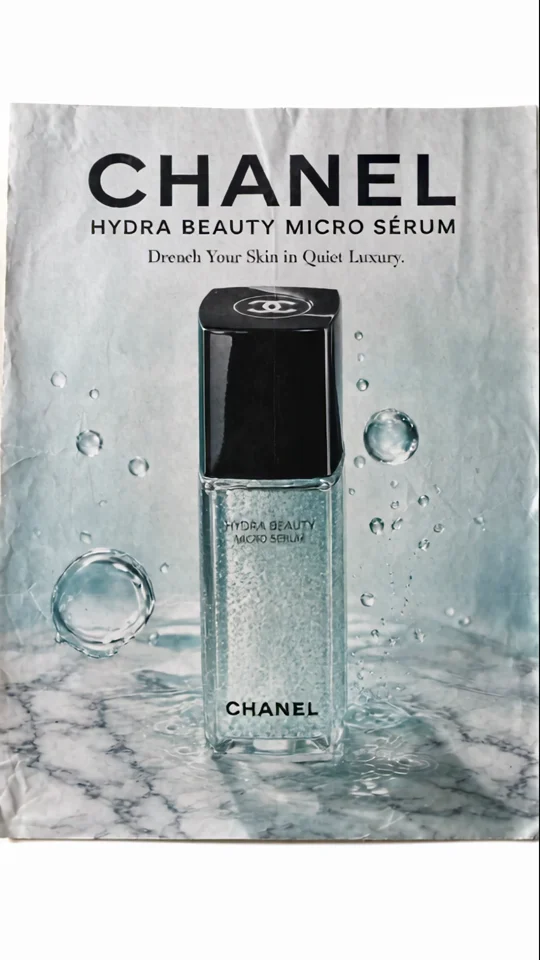
Compare the bottle in the presenter’s hand with its final poster. The larger silhouette still reads at thumbnail size.