Send a location photo to a client
Make a clean JPEG and inspect the background for house numbers or details you want to crop.

Check the dimensions and file size, then save a JPEG without the source file’s embedded metadata.
Nothing leaves the device — decoding happens in this tab.
The sample JPEG carries a description of this coastal interior. Saving a clean copy re-encodes the same view without that embedded EXIF description.
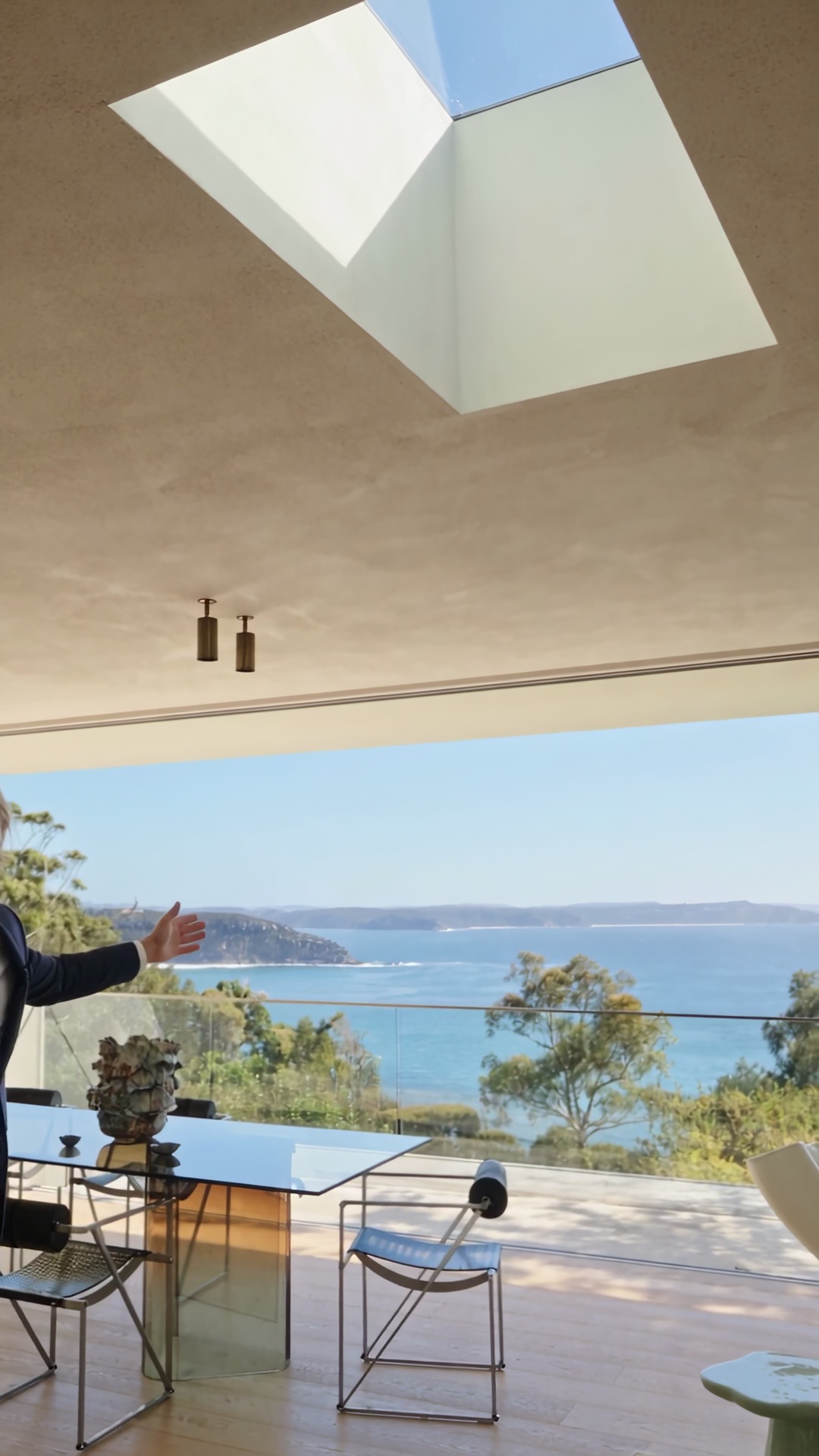
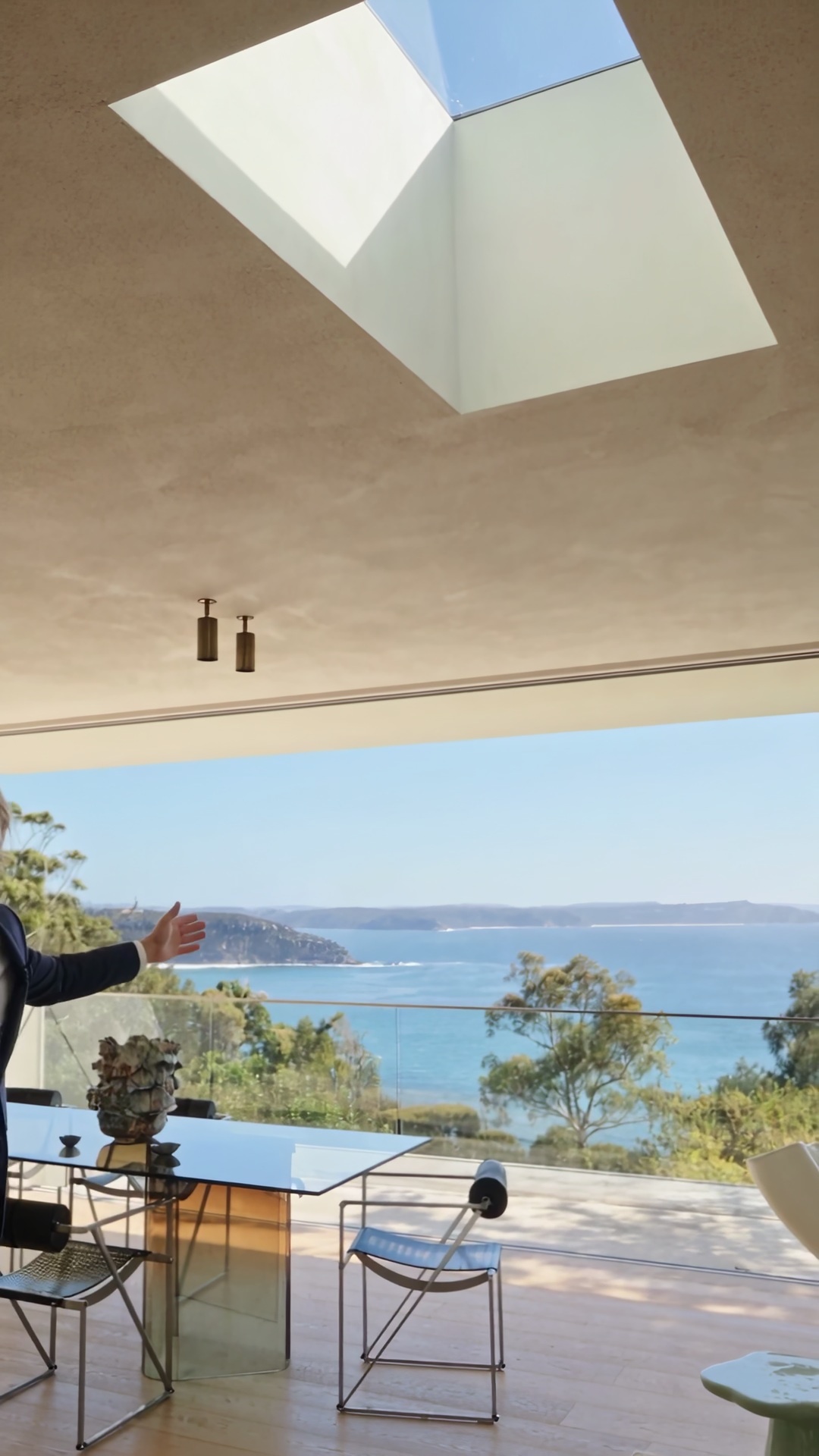
Select the picture you intend to deliver. Its file details appear beside the download option.
Read the filename, dimensions, type, size and modification time to confirm you selected the right copy.
Choose Download without metadata to create a fresh JPEG from the visible image. Open the download before sharing it.
Rebuilding a JPEG from its pixels gives you a separate sharing copy while you keep the original camera file.
Make a clean JPEG and inspect the background for house numbers or details you want to crop.
Read the dimensions and type to see whether the file is large enough for the layout the designer requested.
Keep camera originals in your working folder and put the clean JPEGs in the folder intended for publication.
Identify the product version from the image itself. Rename the download if the original name contains internal information.
Re-encoding clears the original embedded metadata. A street sign, reflection or address visible in the picture remains. Review those details before sharing the copy.
The viewer displays basic file facts. It does not list individual EXIF camera and GPS tags.
It is the file modification time supplied by the browser. Copying or editing the file can change it.
The download uses the original base name with a clean suffix. Rename it before sharing if that name is sensitive.
The panel shows the file name, dimensions, size, type and last-modified time. These file details help you identify the image before saving a clean copy.
The clean copy is a JPEG. JPEG does not support transparency, so keep your PNG if you need a transparent background.
The tool decodes the image and re-encodes it as JPEG. Its dimensions are preserved, but JPEG compression can change individual pixel values.
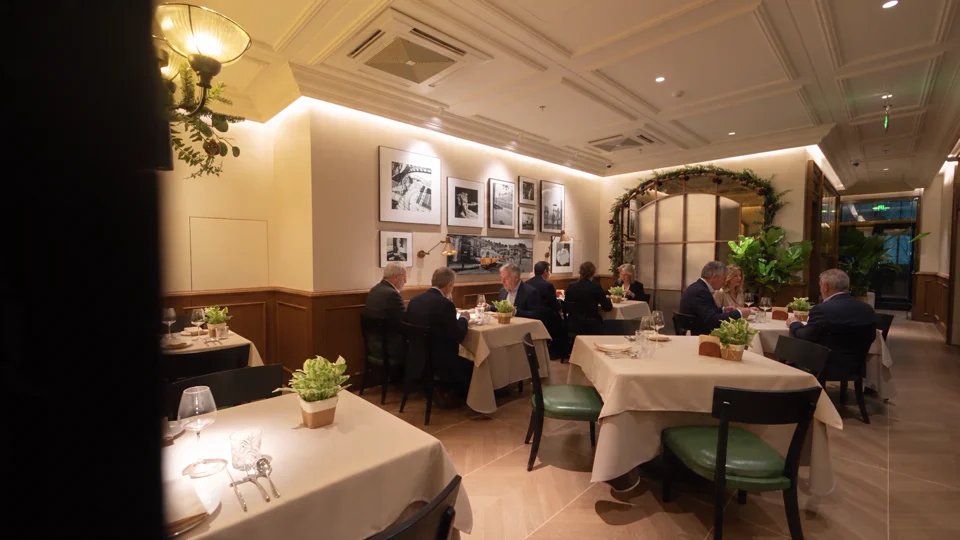
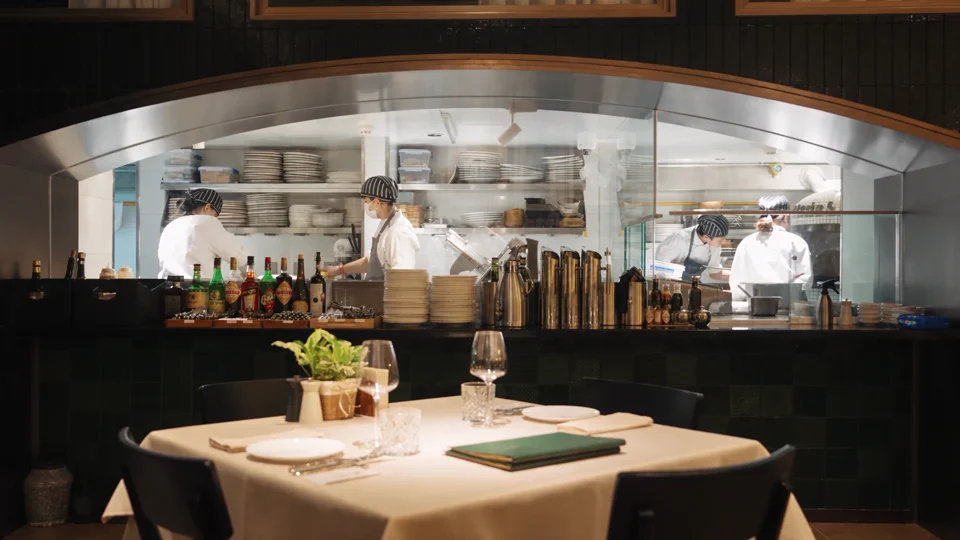
For a store tour, decide which parts of your space you want to show publicly. Grand Tour gives you a reference for choosing those views.

Follow the room change and the presenter’s return. Both give the narration a natural place to pause.
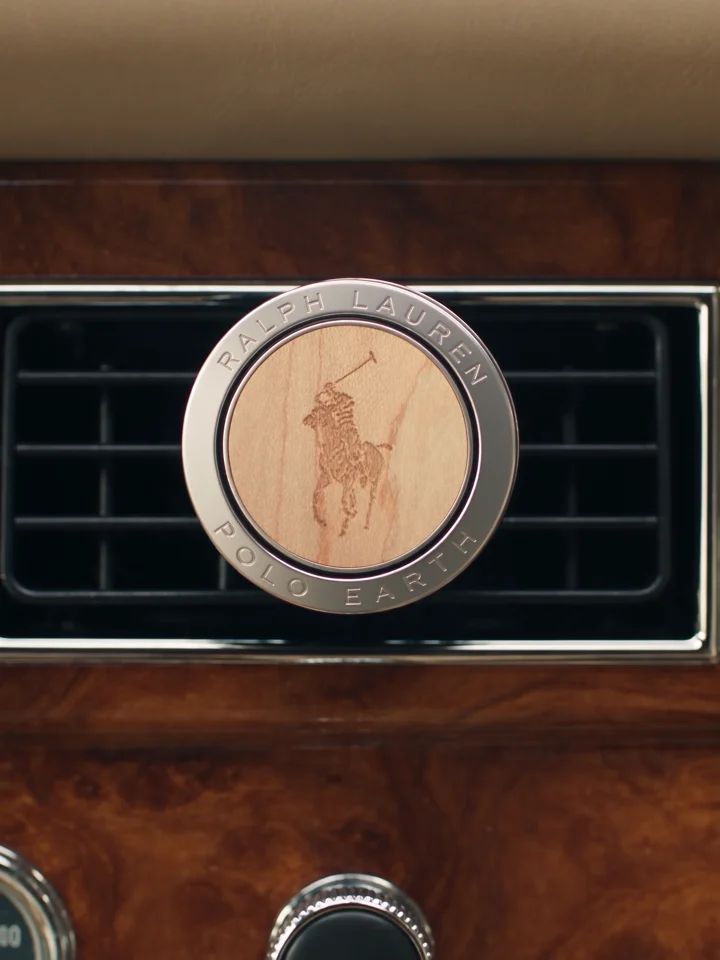
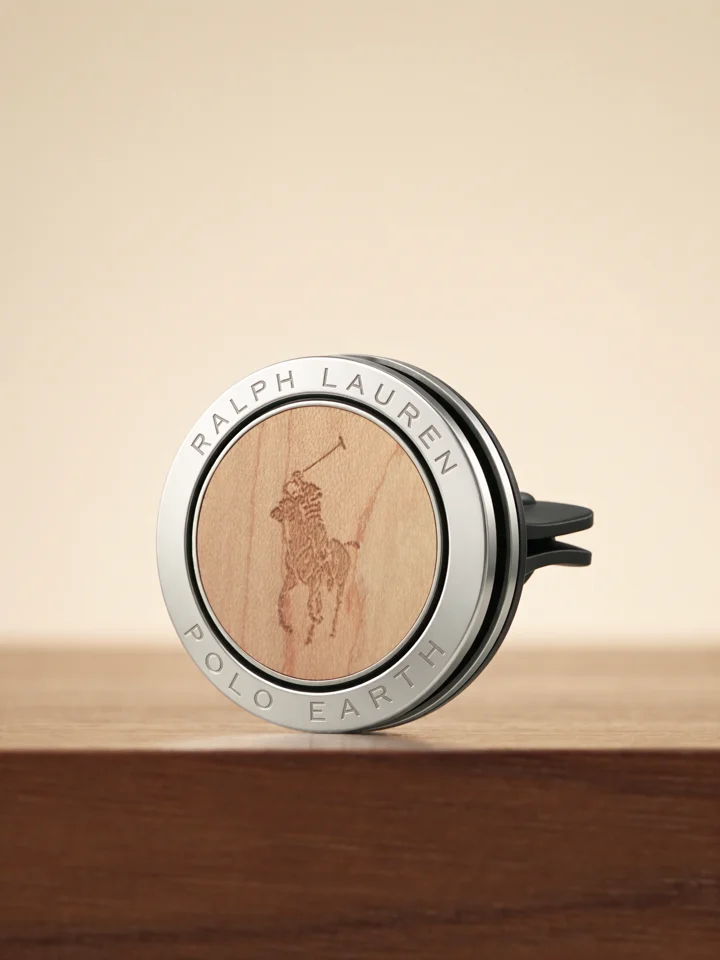
Compare the product on the dashboard with its final close-up. One view explains its use and the other shows its shape.

Watch the model turn the sunglasses toward the camera. The frame keeps the accessory clear of the edges.