Present a lookbook
Place a full outfit on one page and its fabric details on the next.

Select the images in reading order. Each photo gets its own page in the downloaded document.
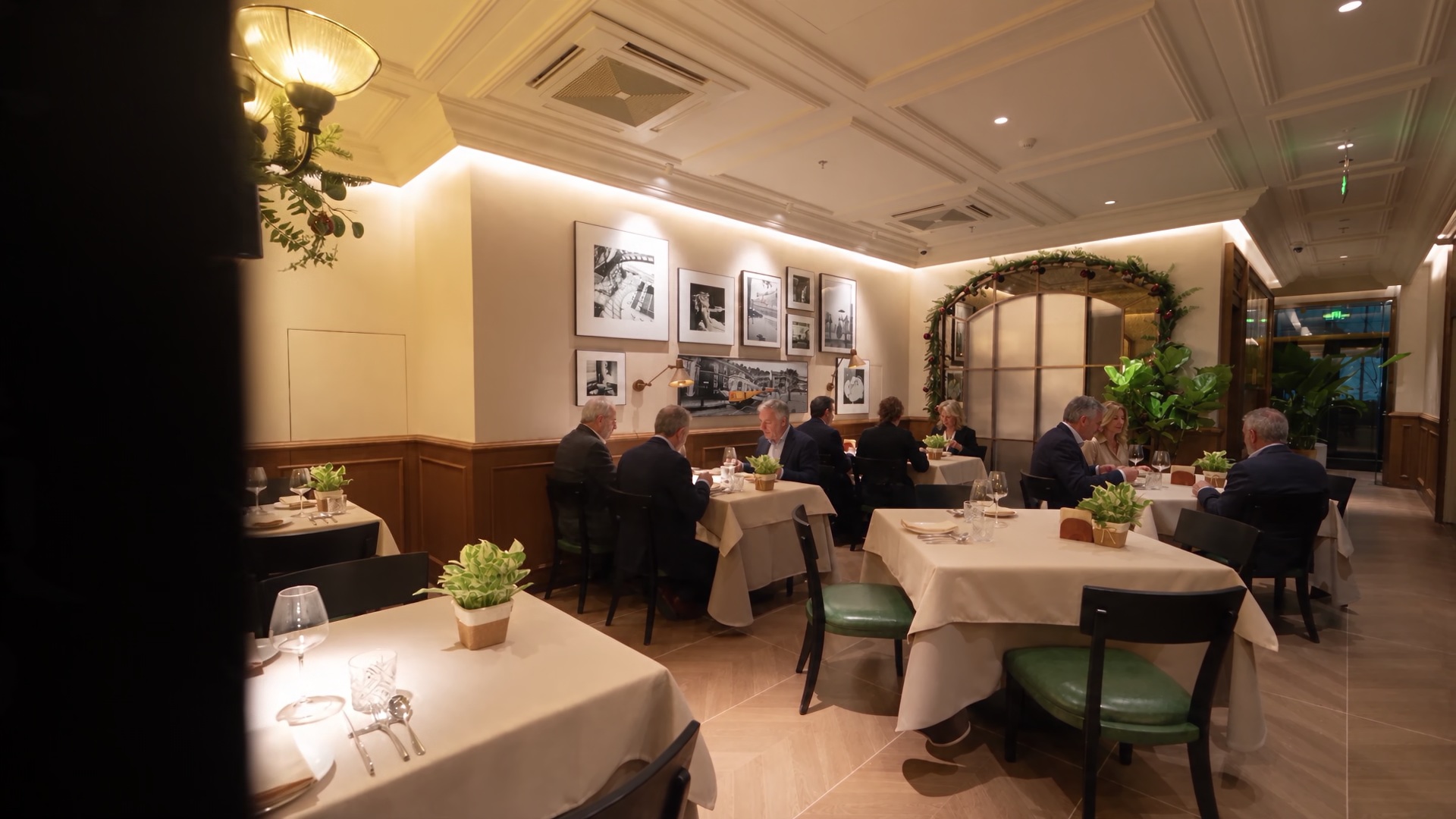
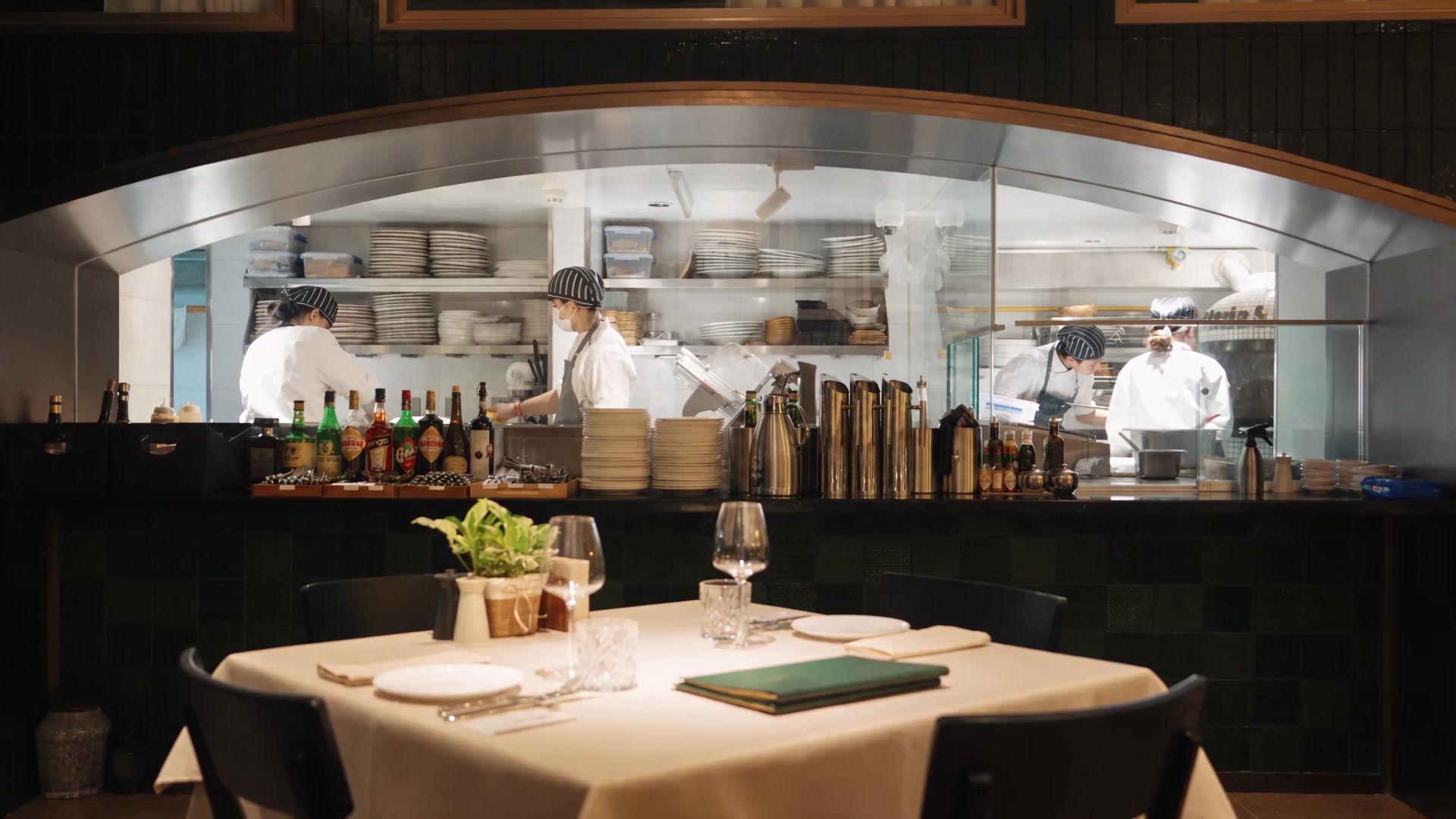
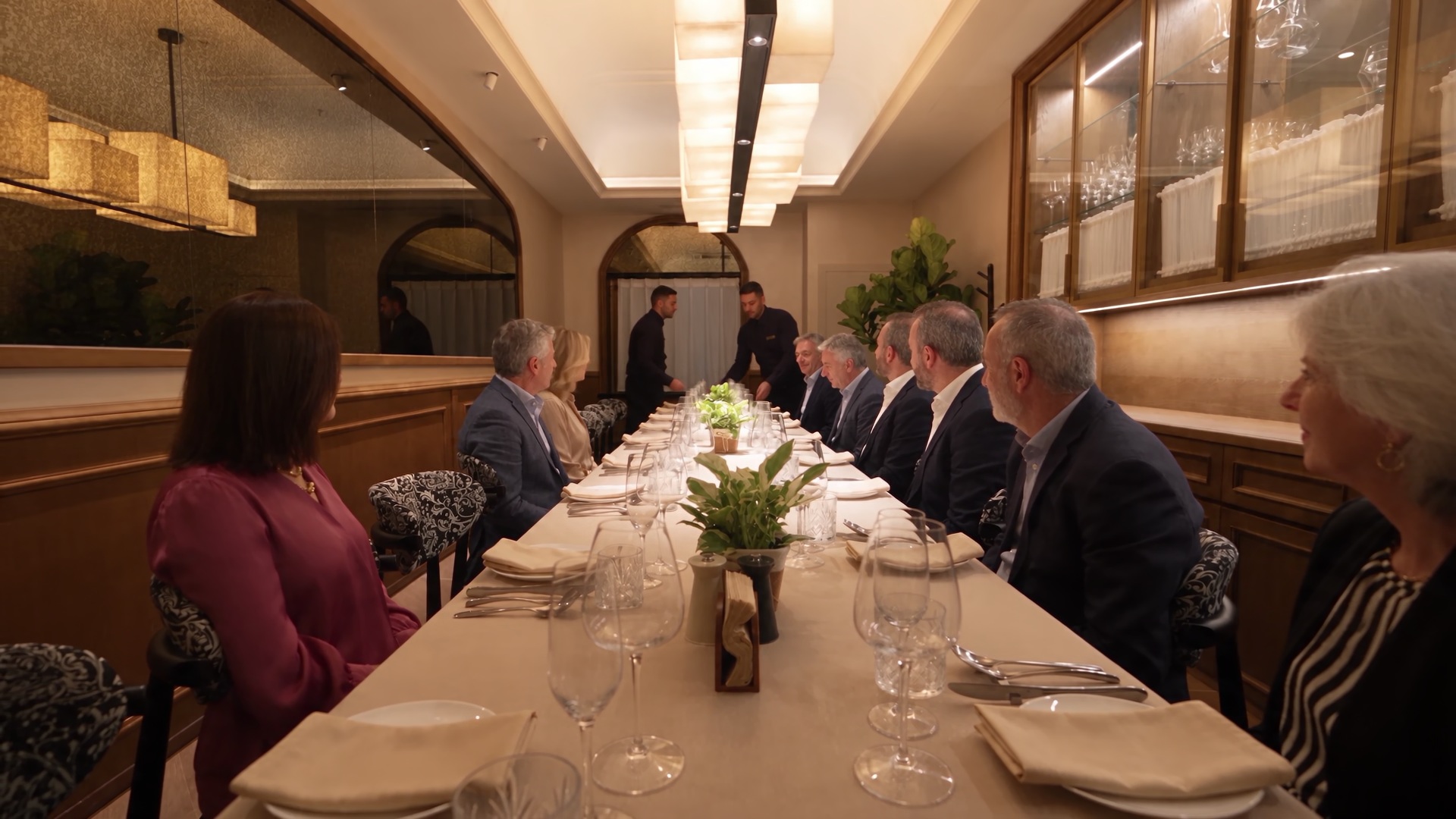
The dining room establishes the space, the open kitchen shows the service line, and the long table closes the sequence. Open the PDF to review all three in order.
Number the files before selecting them so it is easy to check the sequence.
Select the photos together and click Build PDF. Each file becomes one page.
Open the saved PDF in a reader and verify page count, orientation and detail size before sending.
Put a page break where a reader should move to the next product, room or version.
Place a full outfit on one page and its fabric details on the next.
Start with the exterior and move through the rooms in visiting order.
Group front, back and side panels together. Include the revision date in the artwork when a reviewer needs to see it.
Put the same view on consecutive pages with similar framing to make the changes visible.
Select the images in the intended viewing order, then check the pages of the finished PDF. Each page follows its image dimensions, so portrait and landscape pages can coexist.
Yes. Each page uses its image dimensions, so the page shape can vary throughout the file.
Each picture is embedded as an image. The tool does not perform optical character recognition.
The exporter places the photo on white before embedding a JPEG rendition in the PDF.
Yes. Each selected image becomes a separate page, with its proportions preserved. Three selected images produce three pages.
The page dimensions follow the individual photos. If every page needs the same shape and size, prepare the images to matching dimensions first.
Each page embeds a JPEG made from its source image. Resize oversized photos before building the PDF if the file needs to fit an email limit.
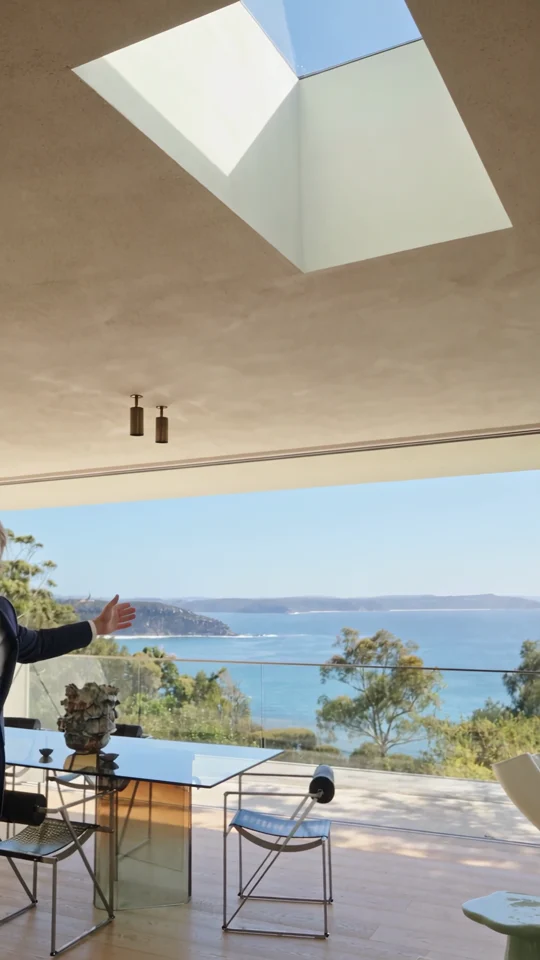
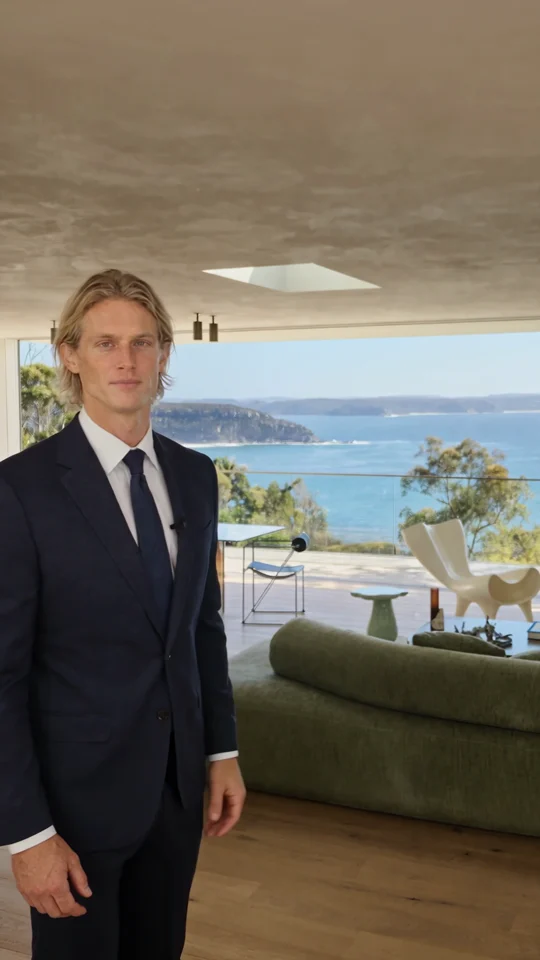
When your photo pack is ready to share, Home Tour shows how a presenter can guide viewers through the property using those room views.
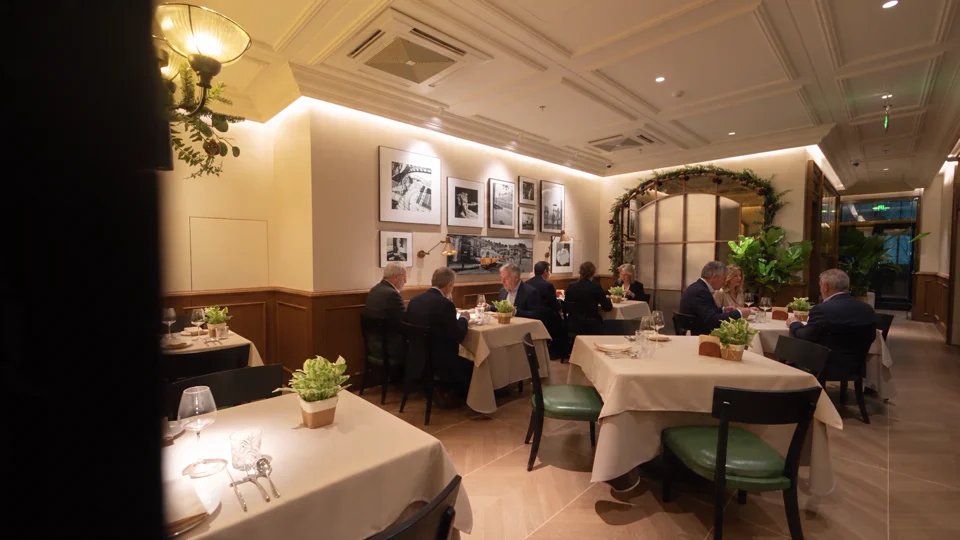
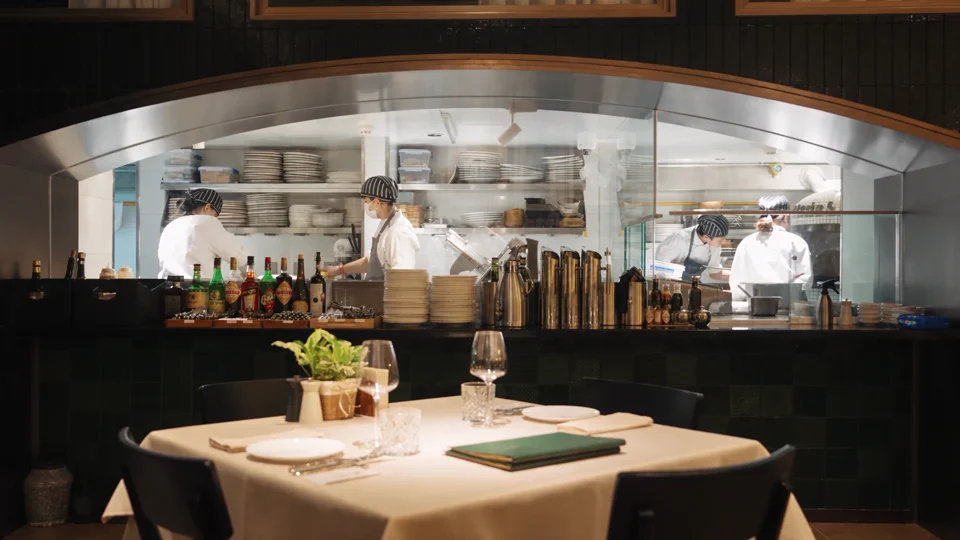
The dining room gives way to the open kitchen. Notice which room details carry across the cut.
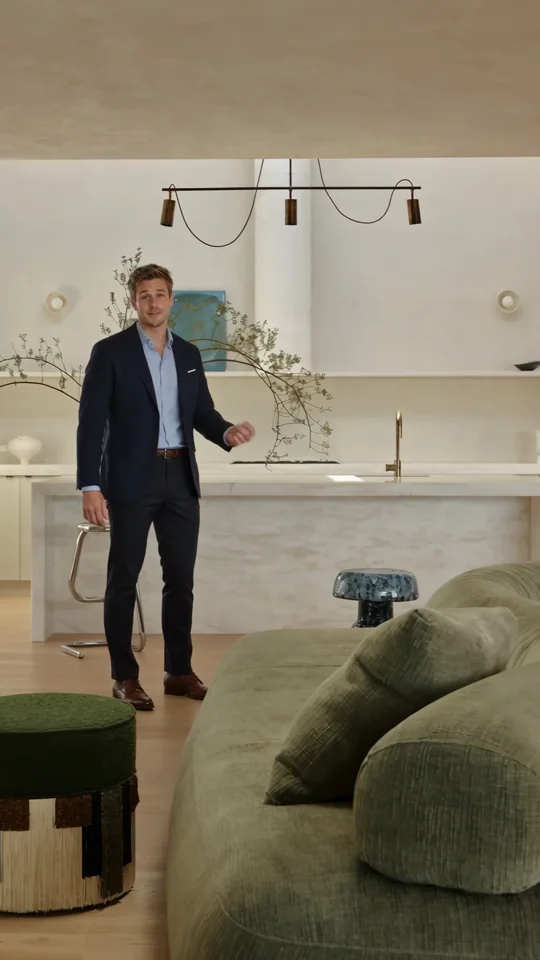
Use the presenter’s introduction as a reference for the first spoken line of a property tour.
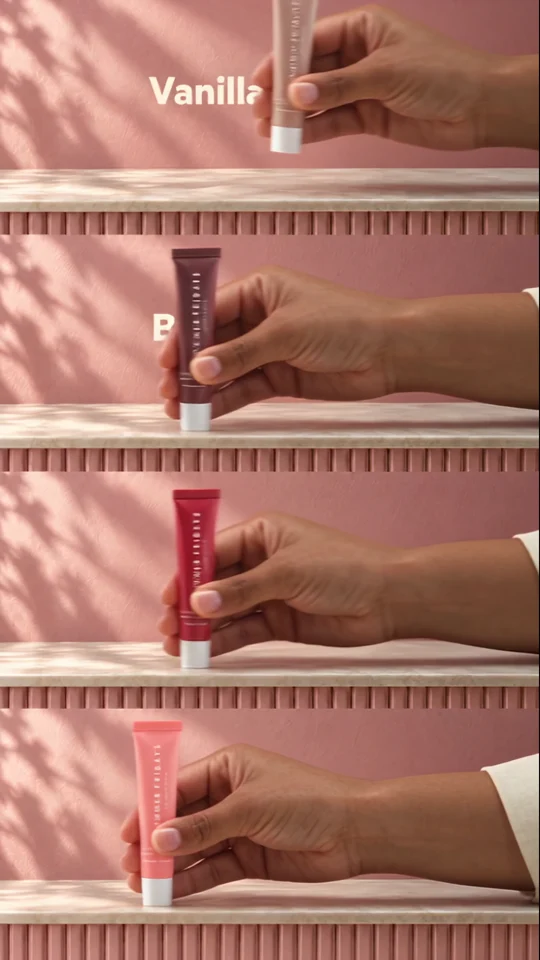
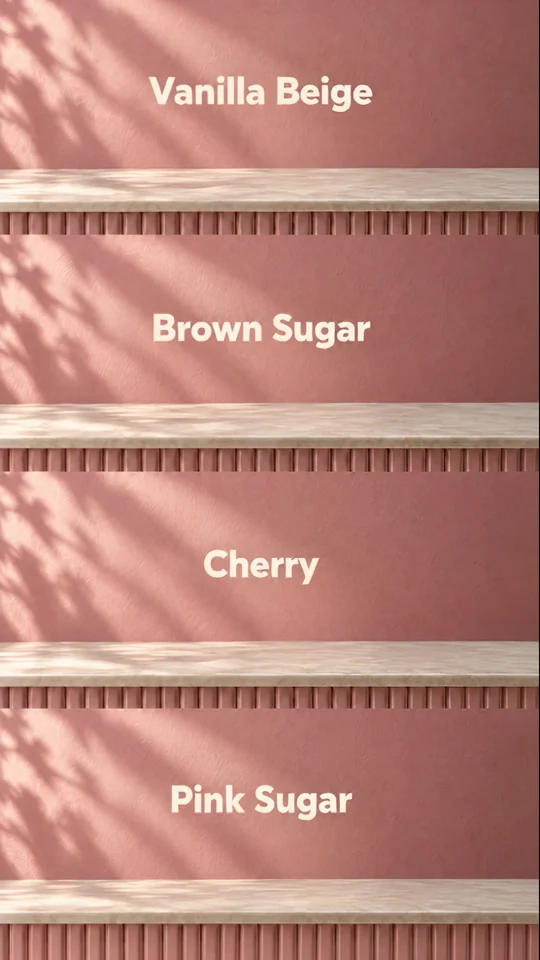
Four colourways fill four bands. Each shade gets a name so a shopper can tell the variants apart.