Share an unfinished proof
Label the client copy and keep the clean original for delivery.

Type your credit, choose its position and adjust its size and opacity before saving a PNG.
Look in the lower left for the proof mark. Its position keeps the dress silhouette clear while identifying the frame as part of the lookbook.
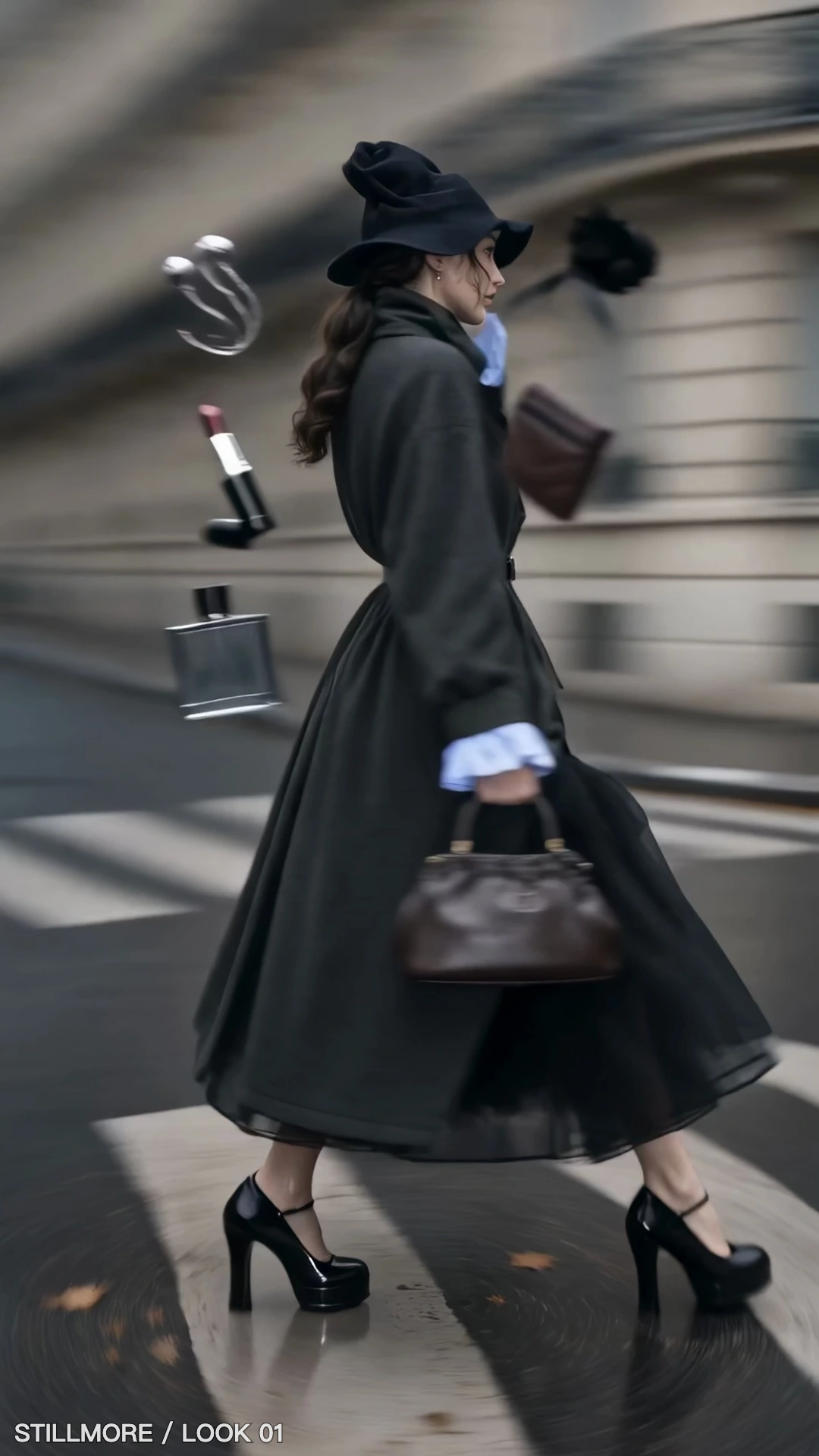
Choose the source photo and replace the default wording with your name, handle or proof label.
Choose a corner or the centre. Adjust the size and opacity so the text stays readable at the intended viewing size.
Render the result and check it against busy areas of the photo before downloading.
A short visible label gives the recipient a reference even after the photo leaves its original folder.
Label the client copy and keep the clean original for delivery.
Place the agreed credit where the background is consistent and the subject remains visible.
Add a collection name to dealer previews so successive releases stay identifiable.
Check the final portrait or square framing before choosing where the credit should sit.
Choose a corner with consistent contrast and leave space around the product. Check the smallest planned crop as well as the full image so the credit stays legible.
The watermark is text. Enter a name or short label in the text field.
Choose from four corners and the centre. Size follows the image width, and opacity controls how much shows through.
The lettering is part of the exported PNG pixels. Open the original and render a new copy with the revised wording.
Lower Opacity or reduce Size %, then render again. Check the lightest and darkest parts of the photo where the text lands.
It uses the image width to set the text size, with a minimum of 12 pixels. The same percentage produces larger letters on a wider image.
The tool downloads a PNG with the text drawn into the picture. The original file stays available for a different wording or position.

Behind the Shoot puts the garment at the centre of a fashion campaign. Use its framing to plan where your credit can sit without covering a fabric detail.
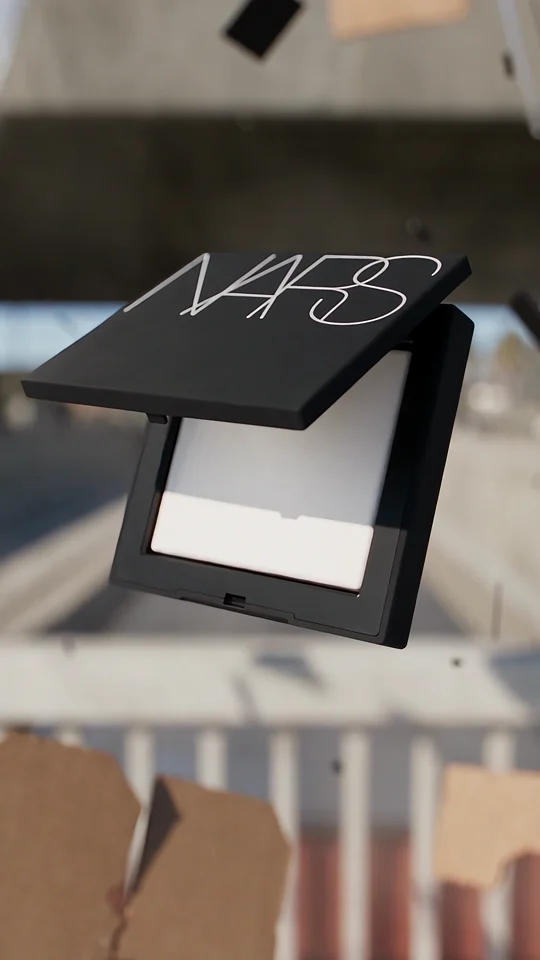
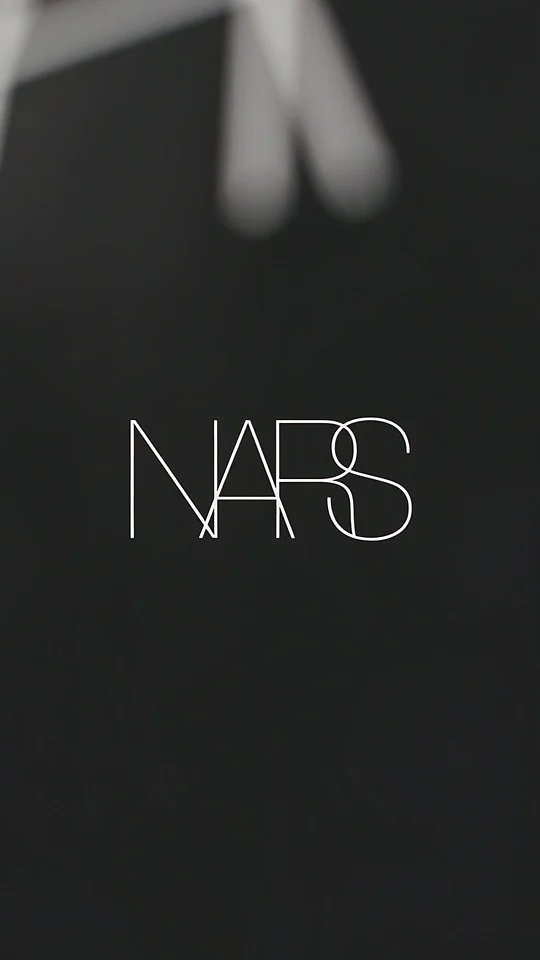
Compare the lettering on the compact with the isolated wordmark in the final shot.
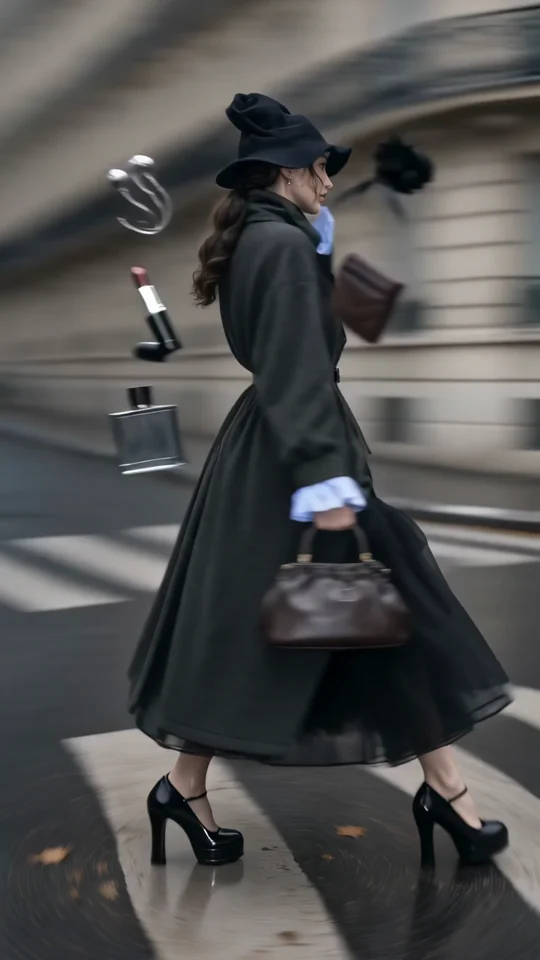
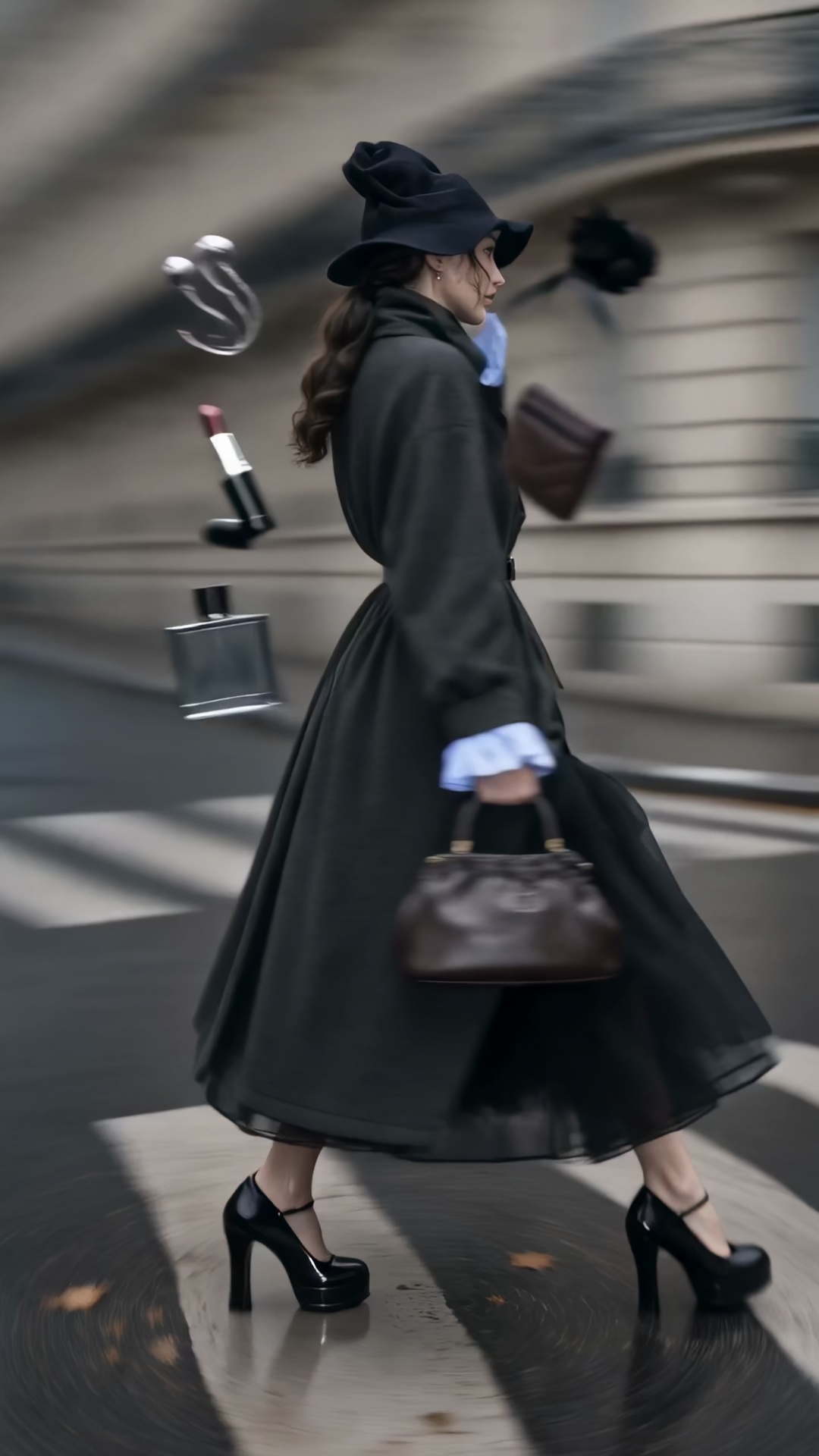
Follow the turning outfit from head to hem. Check the space that the vertical frame leaves around the garment.
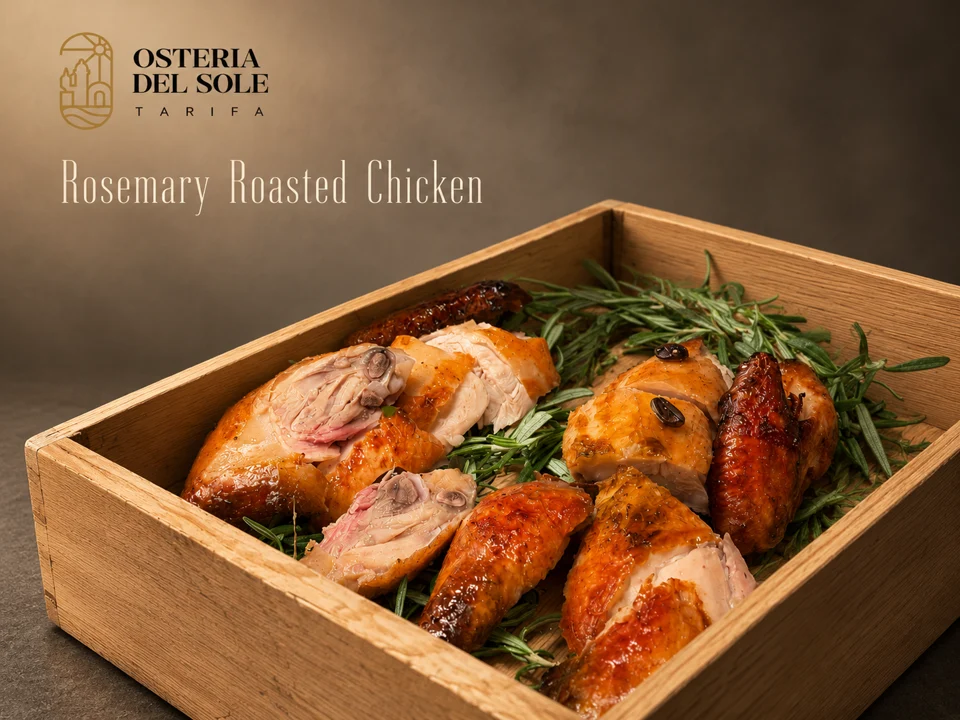
Look where the dish name sits against the food photograph. The background behind the type affects how easily you can read it.