Review a creator handoff
Play the saved clip through once and check where the username appeared on the TikTok export.
 Stillmore
Paste a public TikTok video link to save a playback copy without TikTok’s moving watermark when one is available.
The saved sample retained its original captions. We checked one frame per second and saw no moving TikTok username in those frames.
Open the individual video on TikTok and copy its share link.
Confirm you own the video or have permission to save it, then choose Get my video.
Choose Save video when the file is ready. Play it through to check framing, audio and any text in the picture.
Check the corners of the saved clip before you add new titles or change the framing.
Play the saved clip through once and check where the username appeared on the TikTok export.
Keep the subject inside the vertical crop and leave room for captions.
Product names and subtitles already in the footage stay visible in the copy.
Only when TikTok supplies a recognised playback stream. If none is available, the tool reports an error.
No. The tool saves an available stream. Captions, brand marks and overlays baked into the picture stay in the file.
Play it from start to finish and look in each corner for a moving TikTok logo or username. Compare the same moments with the post.
Use the link for one video, including its video ID. A profile does not identify the clip you want.
Yes. Paste the link, confirm permission and save the available file at no charge.
Use one public video up to five minutes and 40 MB. Long or oversized posts may be rejected before a file is available.
Open the individual video in a signed-out browser. A removed, restricted or live post may be unavailable, and the platform can refuse a request even for a public post.

Watch the model turn the sunglasses toward the camera. The frame keeps the accessory clear of the edges.
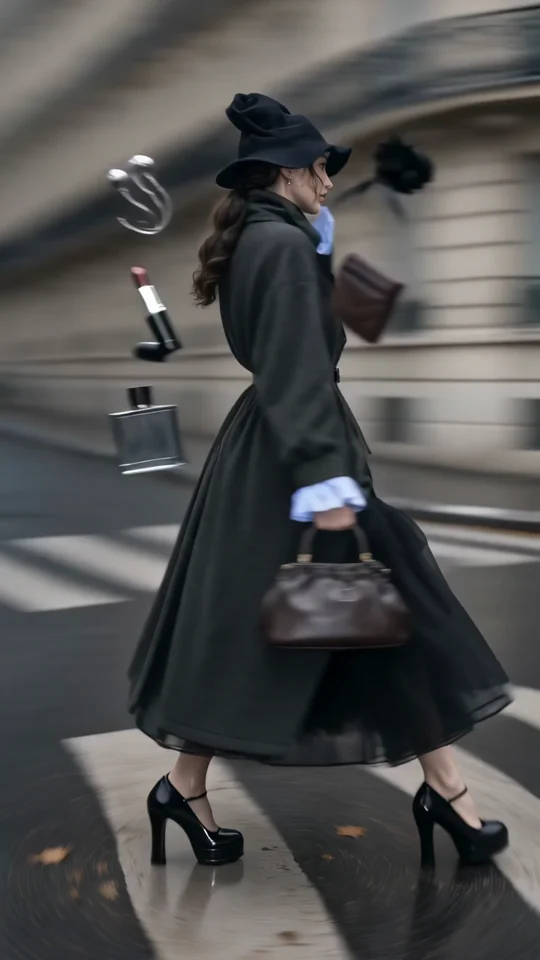
Follow the turning outfit from head to hem. Check the space that the vertical frame leaves around the garment.
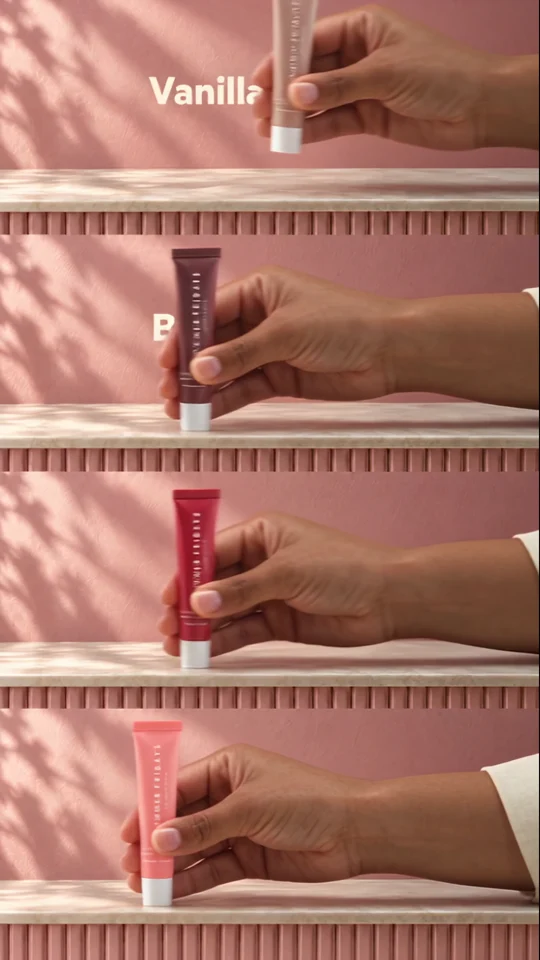
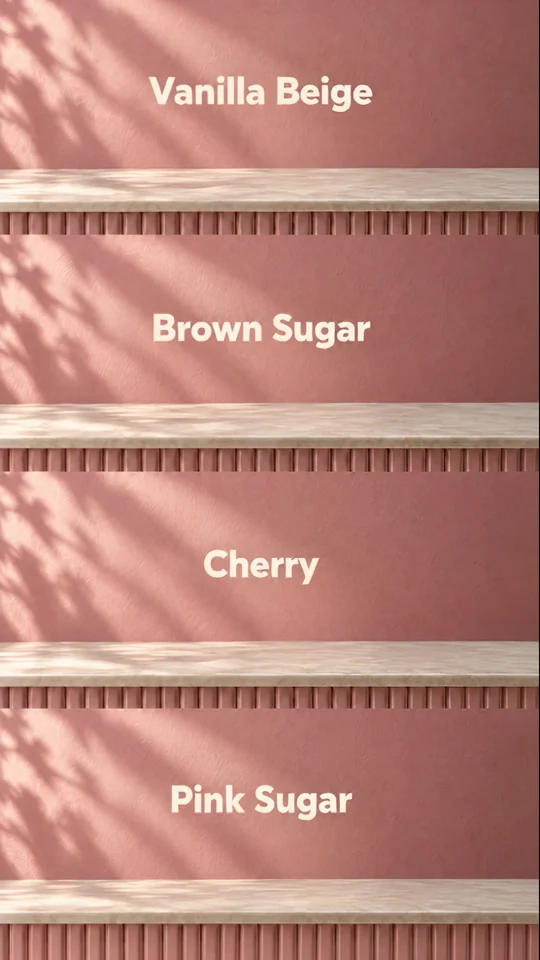
Four colourways fill four bands. Each shade gets a name so a shopper can tell the variants apart.
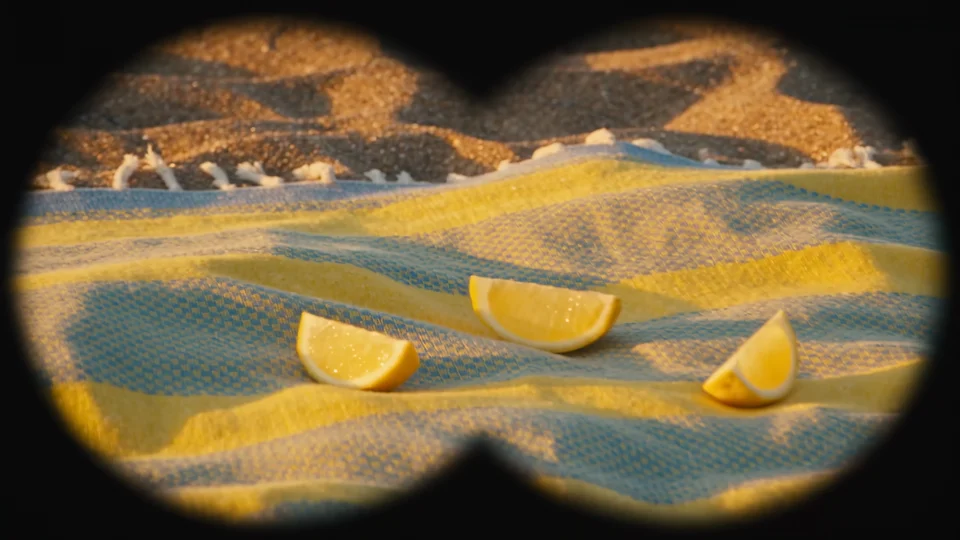
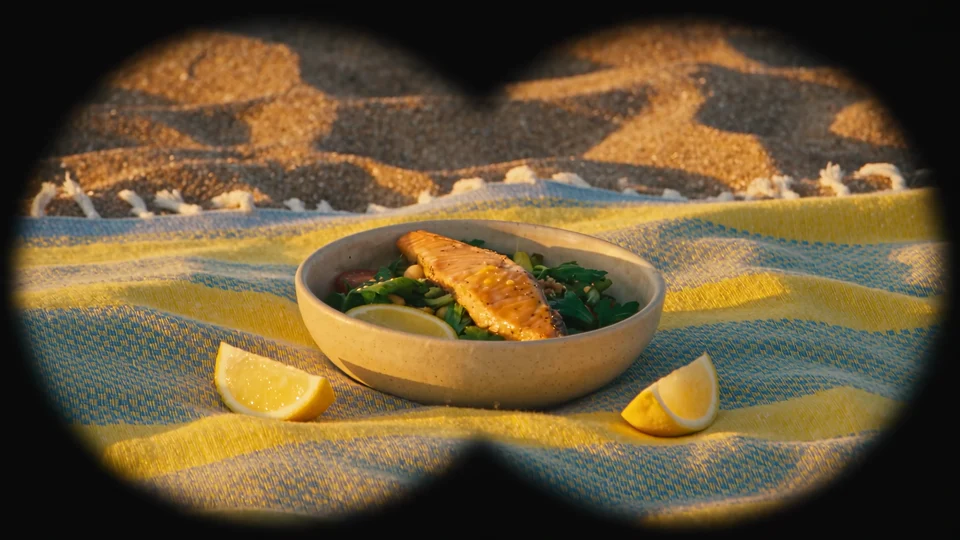
Follow the lemons from the binocular view to the finished salad for a short discovery-to-result sequence.