Free Carousel Layout Maker
Arrange your photos into a swipeable sequence of square or portrait slides.
How do I make one carousel from photos with different shapes?
Add 2–20 photos, move them into the order you want and choose a square or 4:5 canvas. Stillmore fits each whole photo onto its own slide without cropping. The ZIP contains numbered PNGs; upload 01.png first to use it as the cover.
Worked example
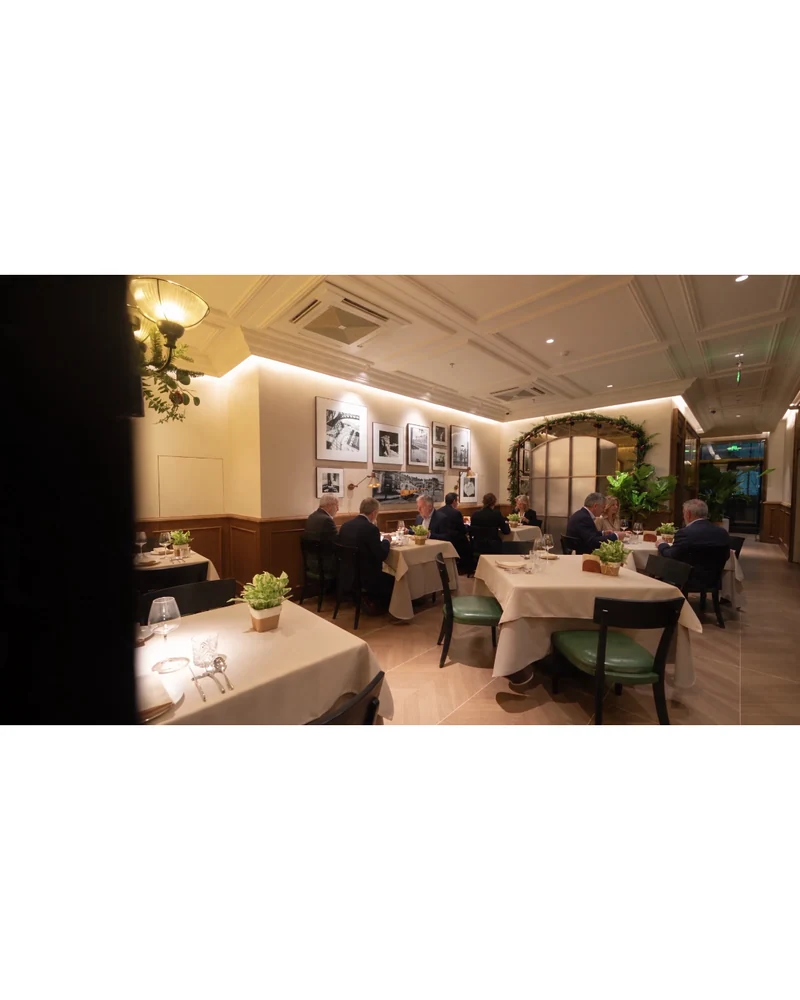
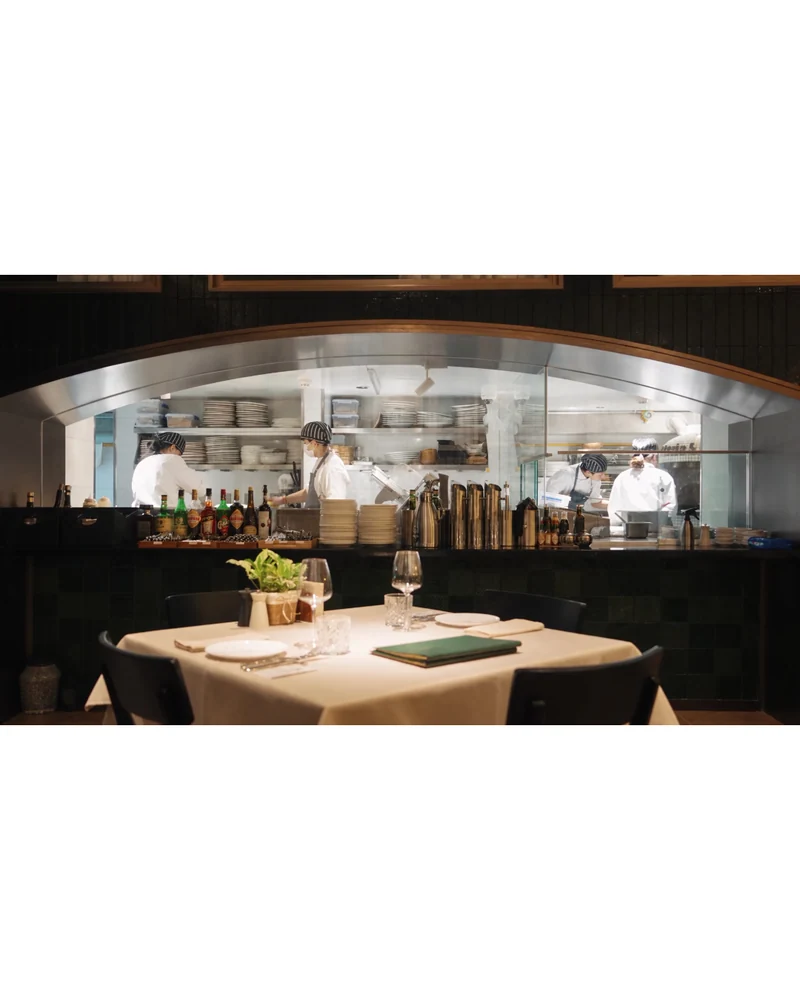
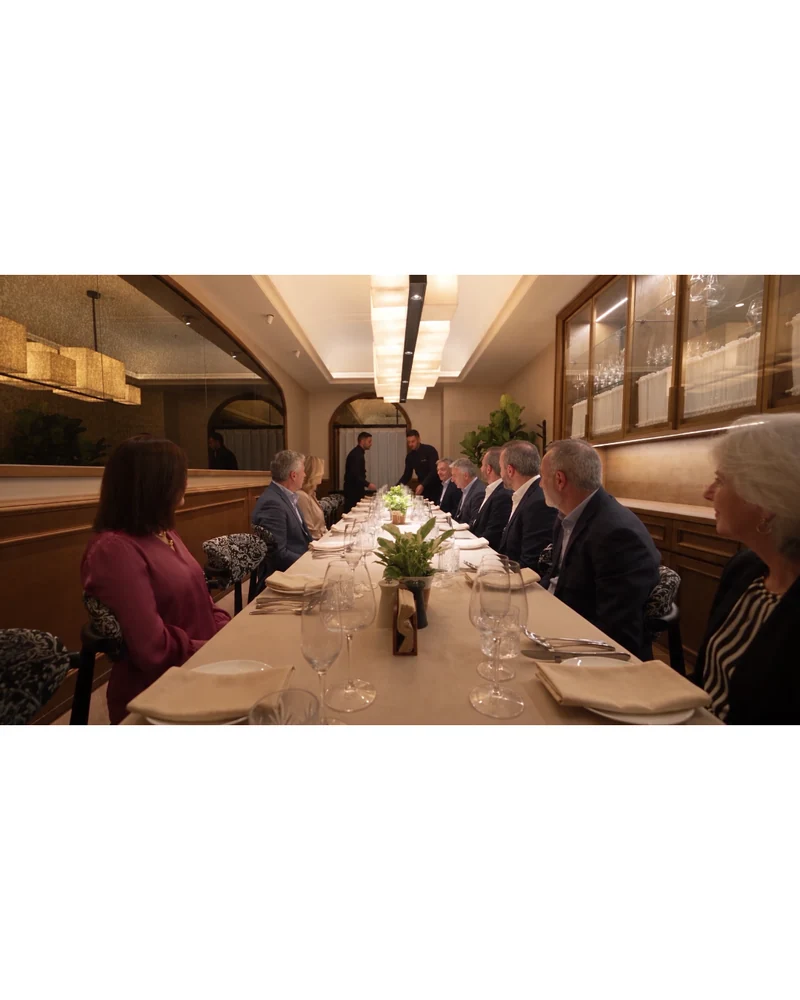
From the dining room to the table
This restaurant carousel opens with the room, moves in to the chef and ends at a shared table. Each photo fits inside a 4:5 slide. The exported filenames follow the order set in the tool.
Build a carousel from your photos
Choose the set
Add landscape and portrait images together. You can add more in a second selection.
Set the reading order
Use Earlier or Later to move a photo. The first card becomes the cover slide.
Export the slides
Choose the canvas and prepare the ZIP. Upload 01.png first, followed by the remaining numbered files.
Carousel layout FAQ
Will it crop my photos?
The entire photo fits inside the canvas. White space fills the remaining area.
What size are the slides?
Square slides are 1080 × 1080 pixels. Portrait slides are 1080 × 1350 pixels.
How do I change the cover?
Move the photo you want to the first position. It becomes 01.png in the ZIP.
Can I change the order after exporting?
Yes. Change the order and prepare a new ZIP before downloading.
What happens to the original files?
Processing happens on your device. Your originals stay as they are.
Can I combine two downloaded albums?
Unzip both albums, choose the images you want from each, and arrange up to 20 slides in one set.
Related tools
Bluesky Photo & Caption Downloader
Download the photos from a public Bluesky post in order, with its caption in the same ZIP. Only save posts you own or have permission to use.
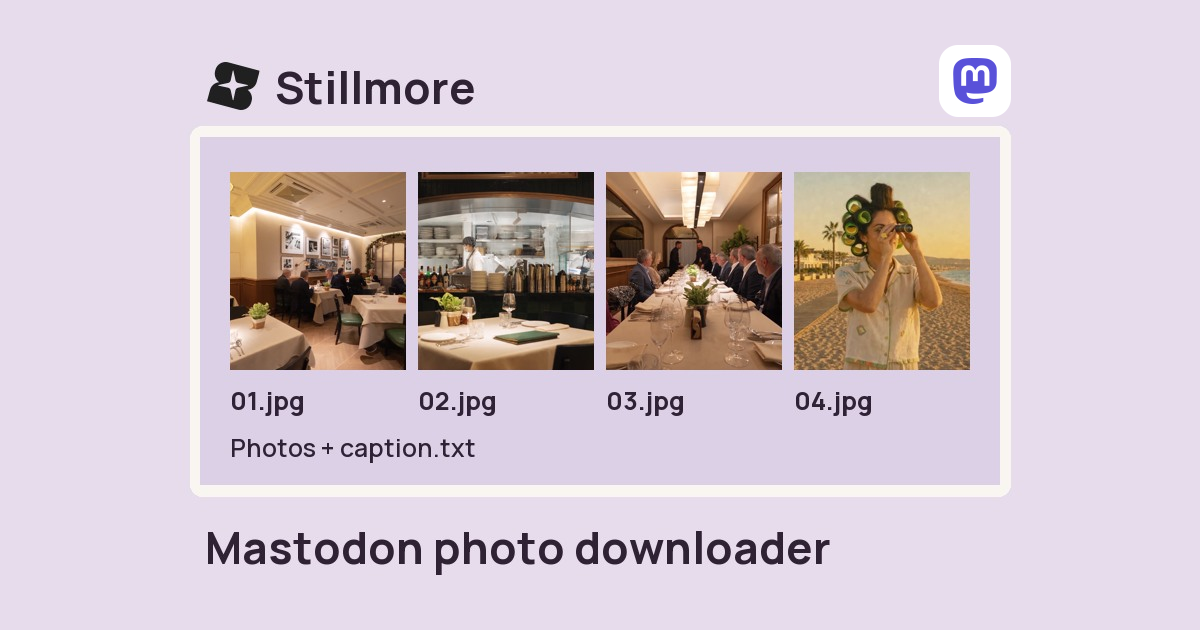
Mastodon.social Photo & Caption Downloader
Download the photos from a public Mastodon.social post in order, with its caption in the same ZIP. Only save posts you own or have permission to use.
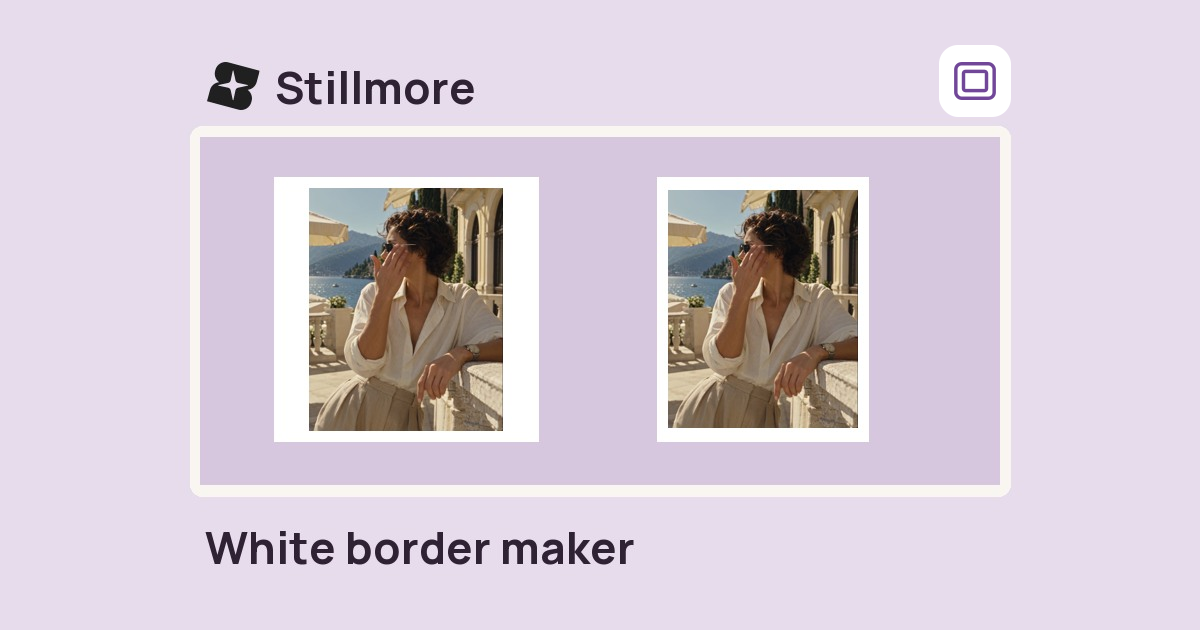
White Border Maker
Fit your whole photo on a square or 4:5 canvas. Add a white border or pick a brand colour, then save a PNG.